










Support
What happens when an SD card is full on a security camera?
When an SD card becomes full on a security camera, what happens next depends on the camera's settings and the type of storage configuration used.
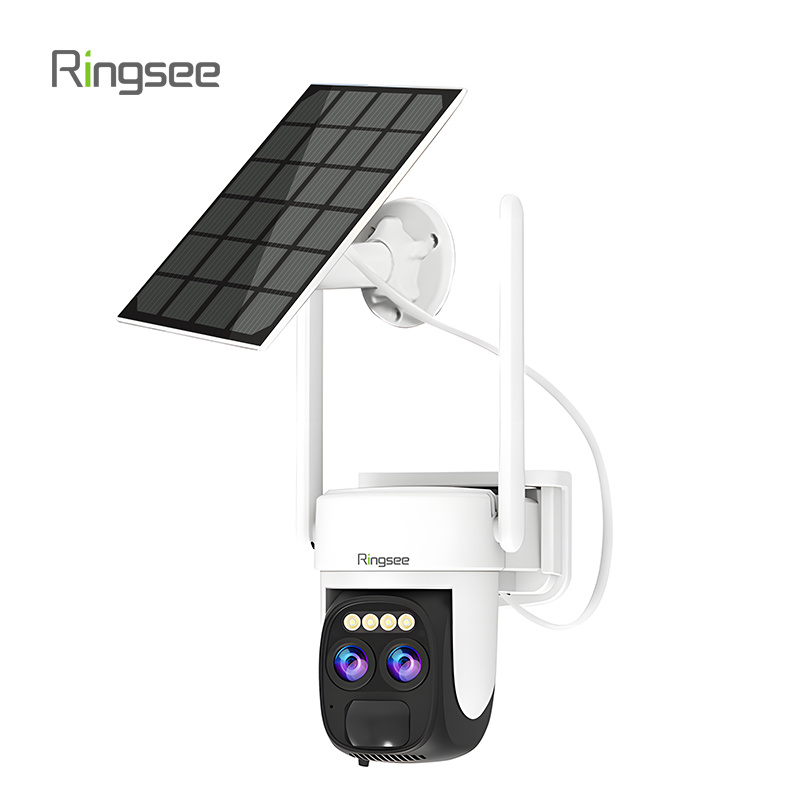
Here are a few common scenarios
Loop Recording (Overwriting Mode)
Many security cameras are set to "loop recording" when the SD card is full. This means that once the card reaches its storage capacity, the camera will automatically start overwriting the oldest footage with new recordings. This ensures that the camera keeps recording without stopping, but older footage will be lost.
Stop Recording
In some cases, the camera may stop recording entirely once the SD card is full. It may display an error or notification, and you may need to manually delete footage or replace the SD card to resume recording.
File Corruption or Errors
If the SD card becomes full and the camera continues to write data to it without being properly configured to loop or overwrite, it could lead to file corruption. The camera may start to experience errors, and you may have to format the card or replace it.
Alert or Notification
Some modern security cameras may send you an alert when the SD card is nearly full, allowing you to either delete old footage or take other action before it reaches capacity. This feature depends on the camera's software.
What you can do
Regularly check and delete old footage if your camera doesn’t automatically overwrite files.
Consider a higher-capacity SD card if you need more storage for longer periods of recording.
Use cloud storage (if supported) to offload footage in real-time and prevent loss of data.
If you're unsure about the specific behavior of your camera, you can check the user manual for details on how it handles full SD cards.
Links:One Belt Power Technology
Add: 14th Floor, Baoshan Building, Longhua District, Shenzhen China.
Privacy Policy | SEO | CitySite | Support: 300.cn Dongguan