






Support
How Battery-Operated Security Cameras Work: Features, Benefits, and Functionality
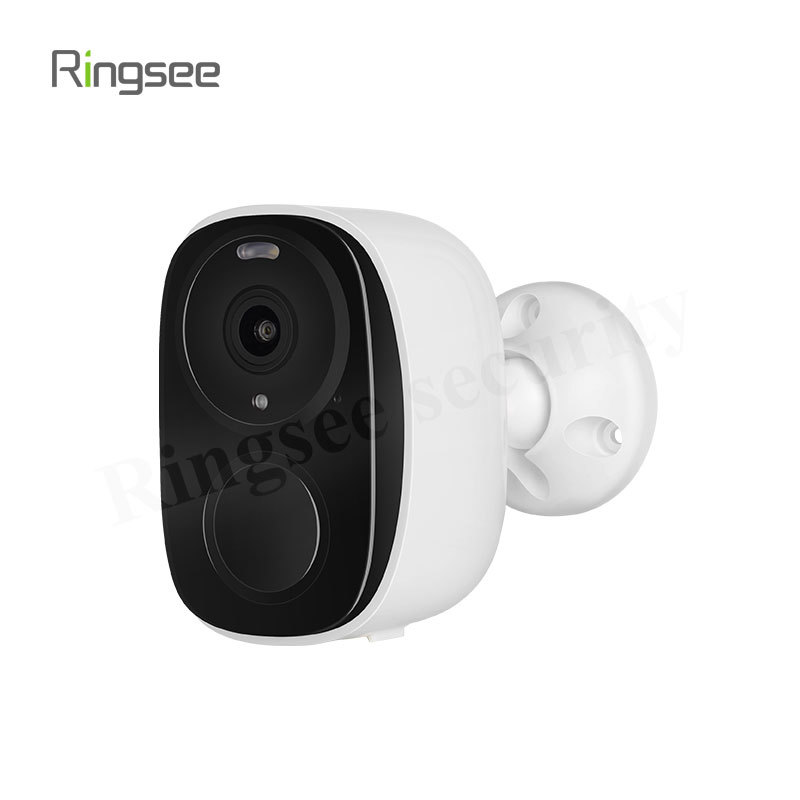
If you are looking for flexible, easy-to-install home security without the hassle of running complex wiring, battery-operated security cameras are the ideal solution. These devices have evolved far beyond basic motion detection, offering powerful performance while maintaining long-lasting battery life.
This comprehensive guide will explain the core mechanism that allows these cameras to stay powered for months, provide expert strategies for maximizing battery life, and detail the advanced features you should look for.

1. The Core Mechanism: How Battery Cameras Stay Powered for Months
Unlike traditional wired cameras that are "always-on" and constantly record, battery-powered cameras operate on an ultra-low-power standby mode. Their key to longevity lies in managing the power-intensive tasks (recording, processing, and Wi-Fi transmission) by only waking up when necessary.
Low-Power Standby Mode (The "Sleep" State)
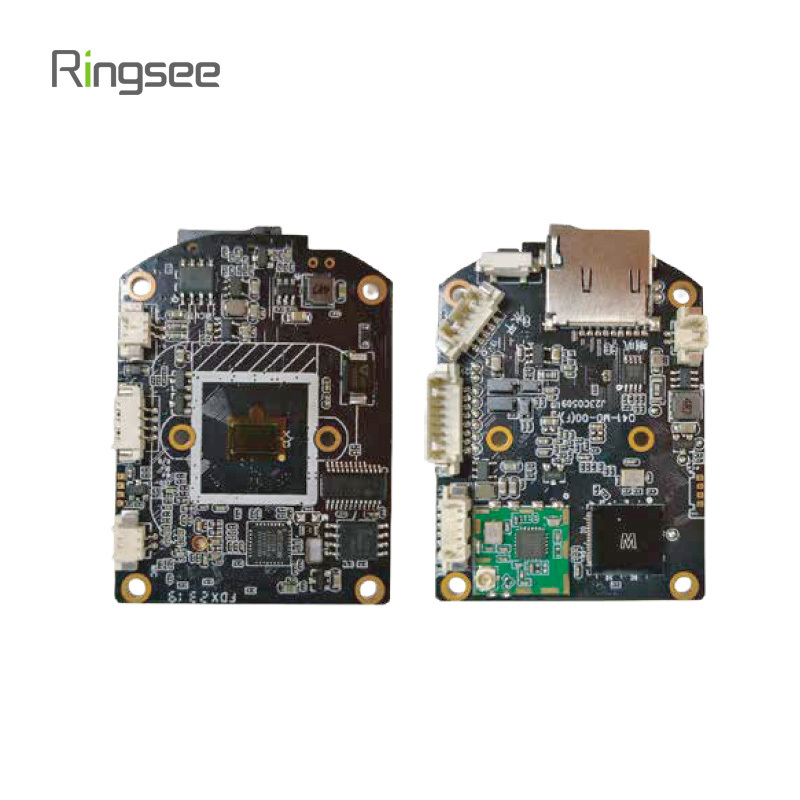
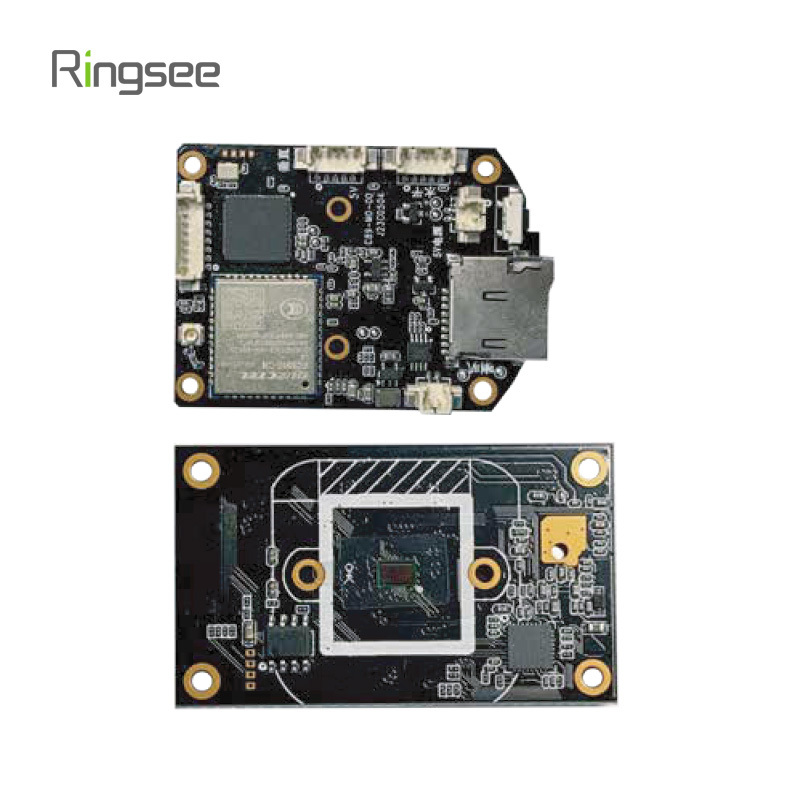
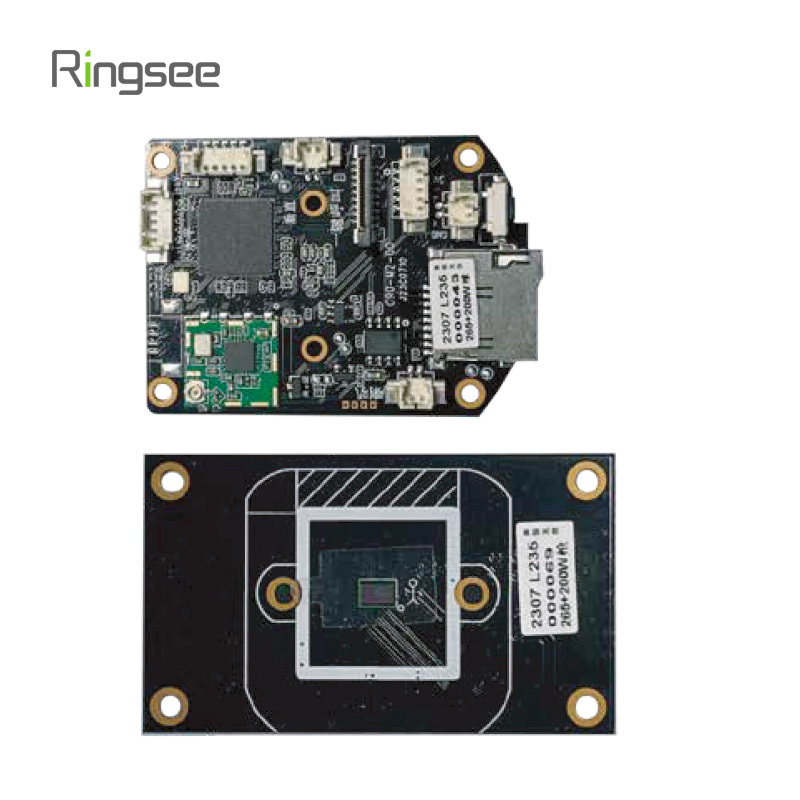
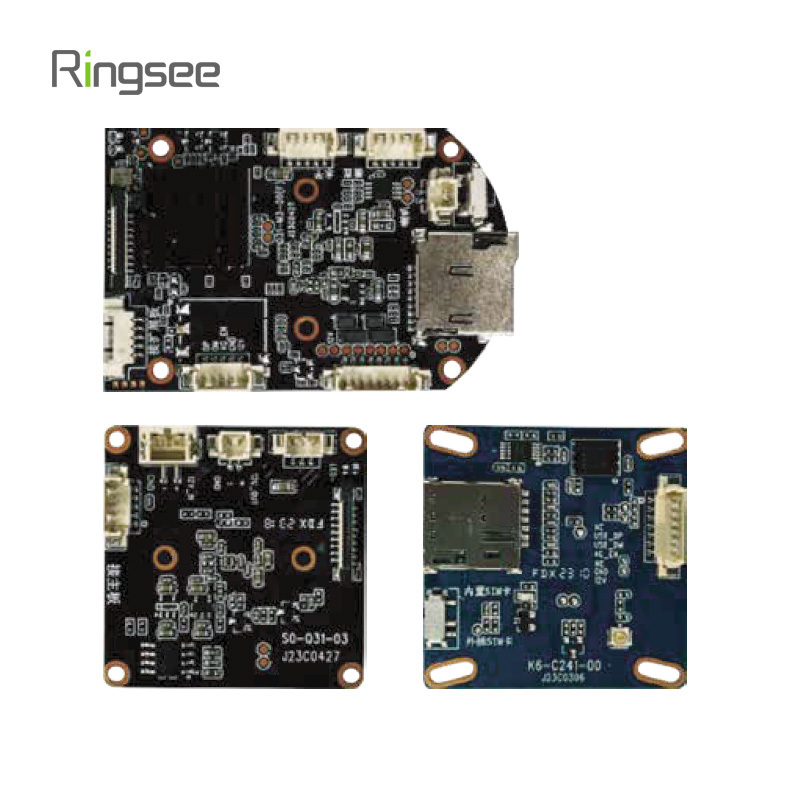
In standby mode, the camera's primary component—a low-power micro-controller—is active but drawing minimal current. This chip is responsible for constantly monitoring the environment through a highly efficient sensor, while the main processing unit, video chips, and Wi-Fi radios remain completely dormant.
The Wake-Up Sequence (The "Trigger")
A battery camera only draws significant power when it is "woken up" by a specific trigger event. The two primary methods for detecting these triggers are:
Passive Infrared (PIR) Detection
Most standard battery cameras use a PIR sensor, which detects changes in ambient heat (infrared energy). When a warm body—like a person, animal, or car—passes through the camera’s field of view, the sudden change in IR energy causes the sensor to trigger the micro-controller, initiating the following sequence:
- Wake-up: The main processor, image sensor, and Wi-Fi chip activate.
- Recording: Video capture begins (typically just before and after the event).
- Transmission: The recorded video clip is uploaded to the cloud or local storage.
- Notification: An alert is sent to your mobile device.
- Sleep: The camera returns to its low-power standby mode.
AI-Based Smart Detection
Advanced cameras use AI to distinguish between meaningful motion (people, vehicles, pets) and irrelevant motion (wind, shadows, rain). This is a crucial innovation for battery life, as it dramatically reduces "false wake-ups," minimizing unnecessary recording and battery consumption.
2. Mastering Battery Life: Expert Optimization Tips
Battery life ratings (e.g., "up to 6 months") are based on ideal usage scenarios. In reality, factors like temperature, Wi-Fi quality, and the frequency of events will heavily impact performance. As an expert, here are the four most effective ways to maximize your camera's longevity:
A. Strategic Placement and Wi-Fi Signal Strength
A weak Wi-Fi signal is one of the biggest silent battery drains. If the camera struggles to maintain or establish a connection to upload a video clip, it wastes significant power on retries.
Tip: Place the camera as close to your router or Wi-Fi extender as possible. Ensure the signal strength in the camera’s final location is strong, typically showing at least two or three bars on the connection indicator within the app.
B. Configuring Motion Detection Zones
The camera will wake up every time motion is detected within its view. If your camera faces a busy public sidewalk or a tree branch that sways constantly in the wind, it will constantly trigger.
Tip: Use the camera's settings to define custom detection zones. Exclude high-traffic or high-movement areas that don't need monitoring. This dramatically reduces false alerts and unnecessary recording cycles.
C. Adjusting Clip Length and Resolution
The two most power-intensive activities are recording the video and transmitting it.
Tip: Review your settings to use the shortest necessary recording duration (e.g., 10 or 15 seconds). While recording in 4K offers better quality, switching to 2K resolution can substantially improve power efficiency without sacrificing much detail for security purposes.
D. Utilizing Solar Power Integration
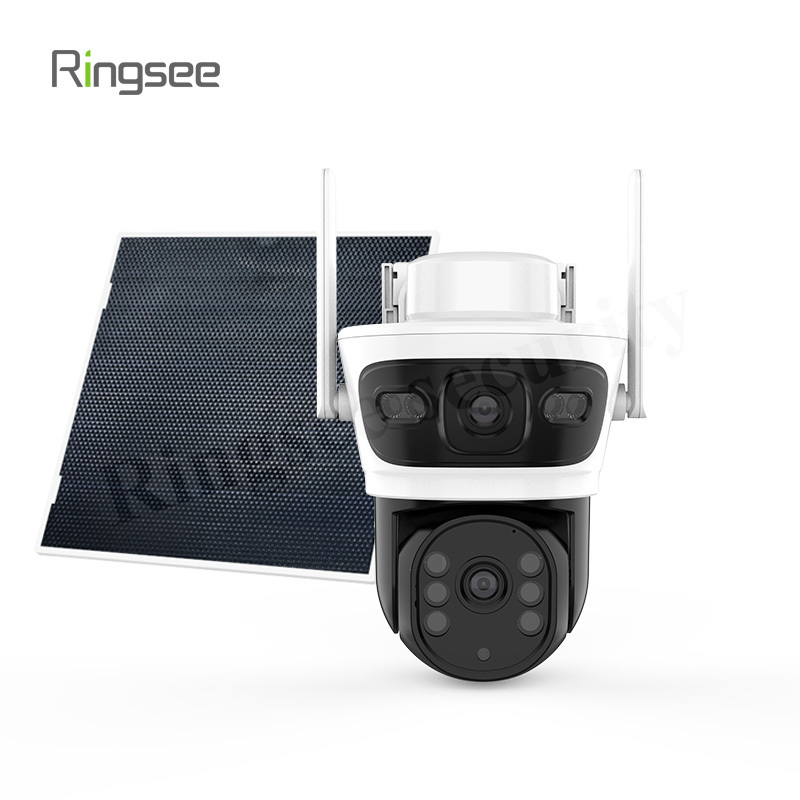
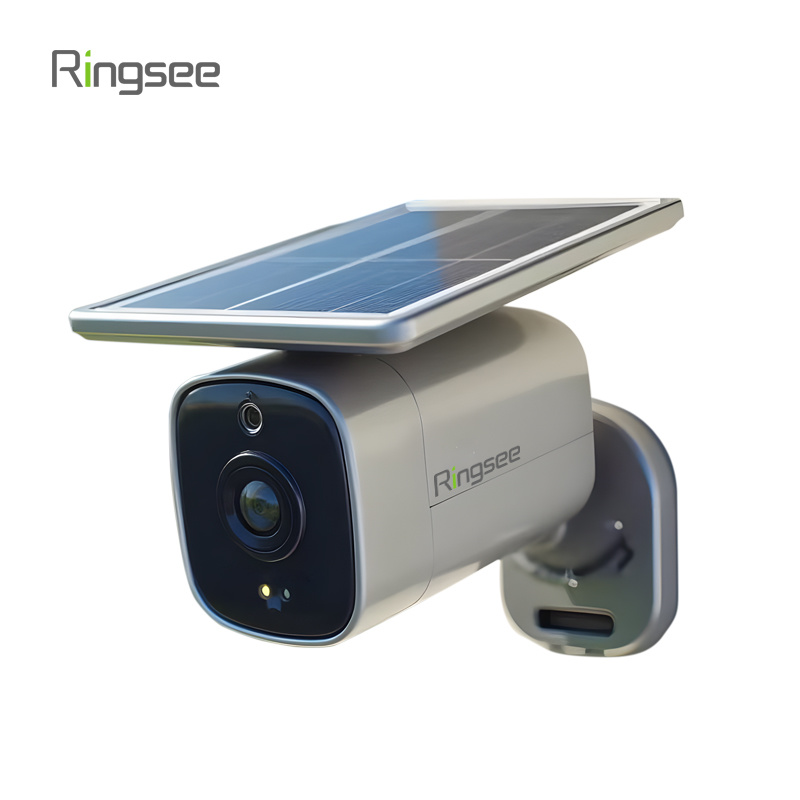
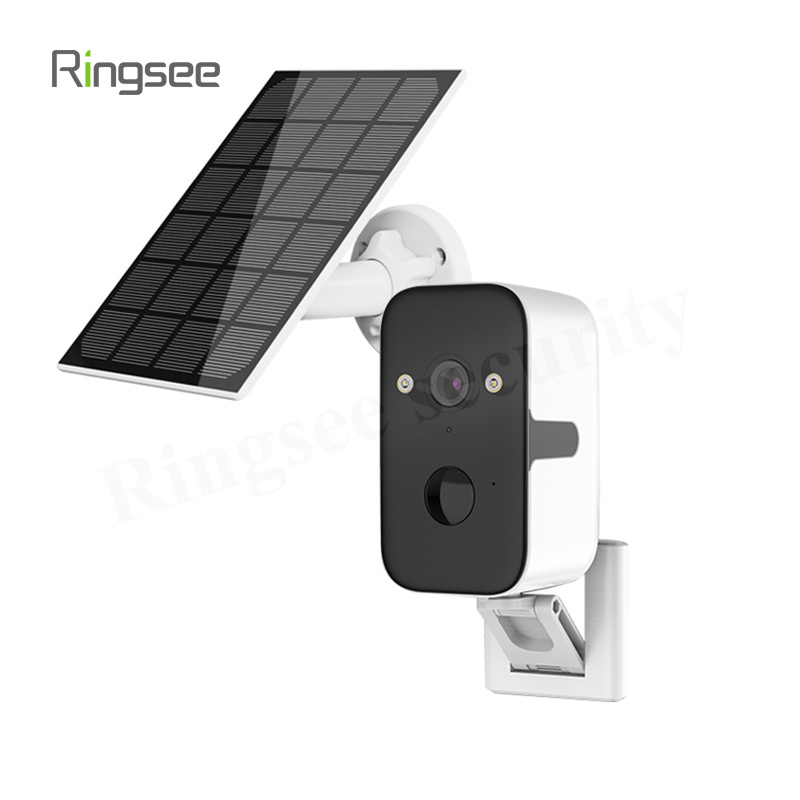
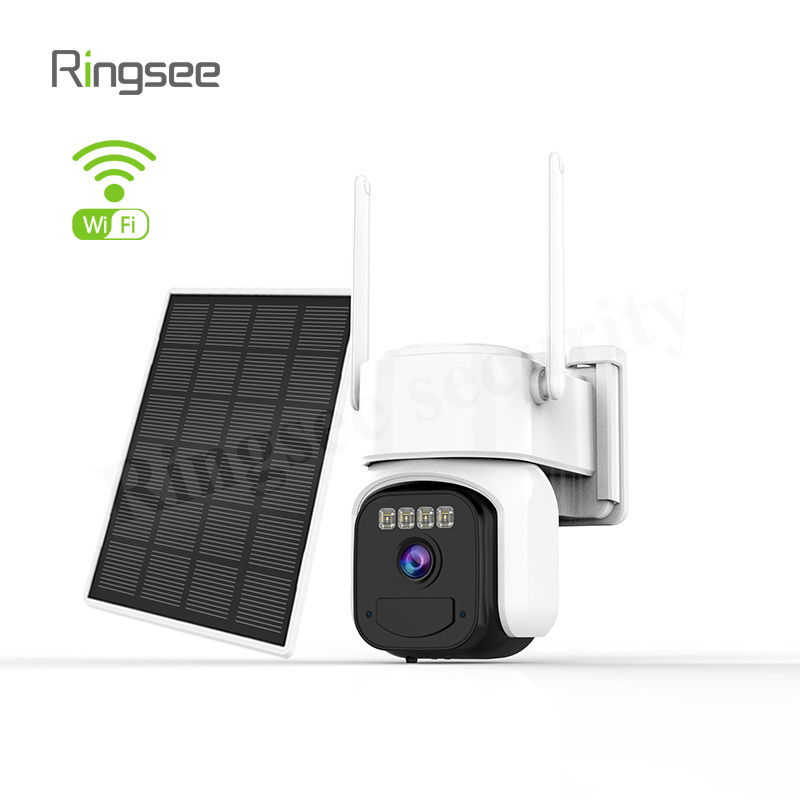
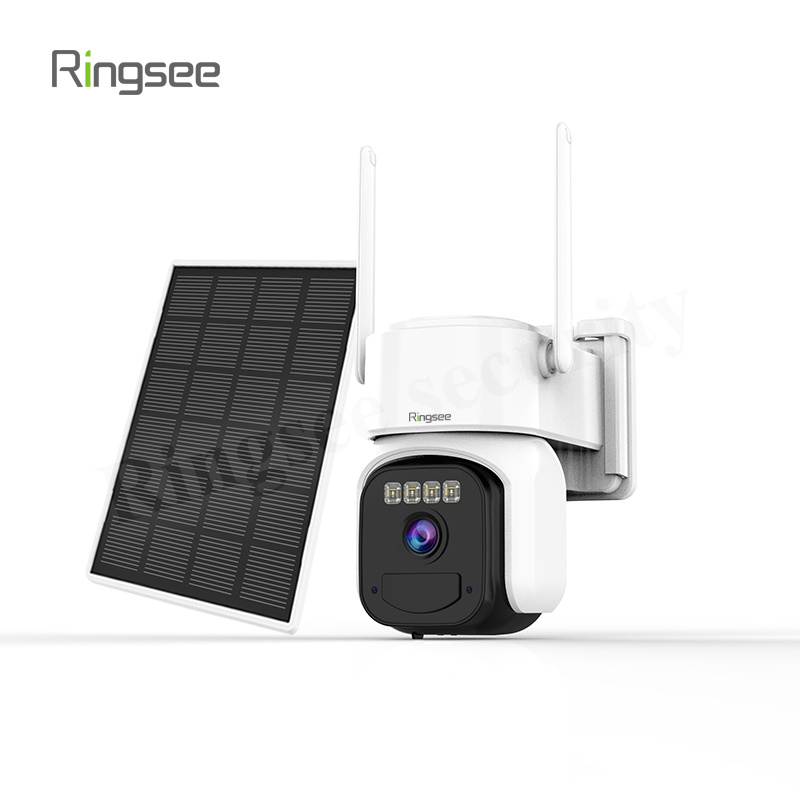
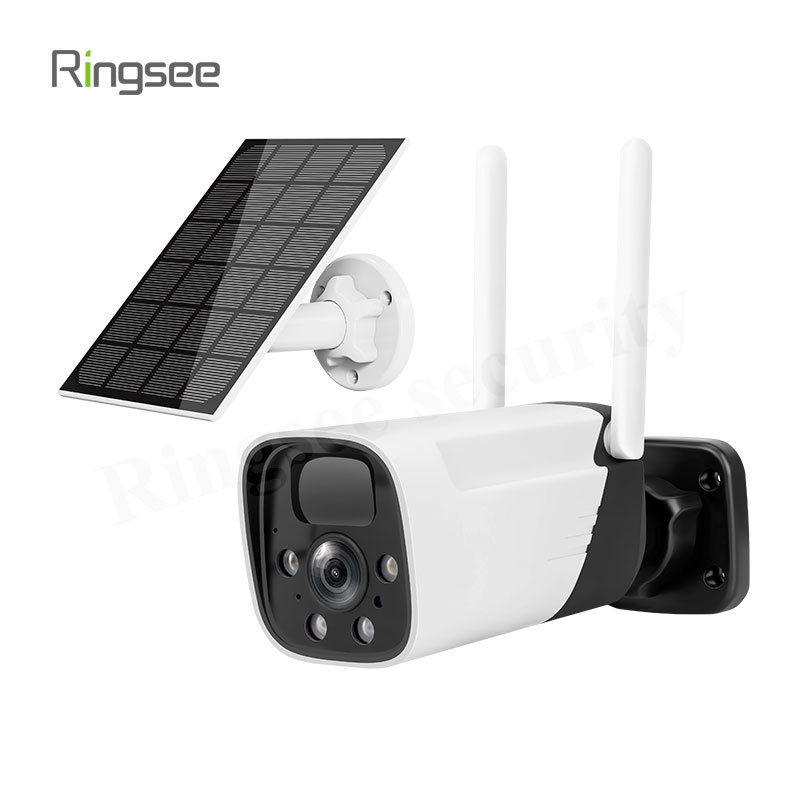
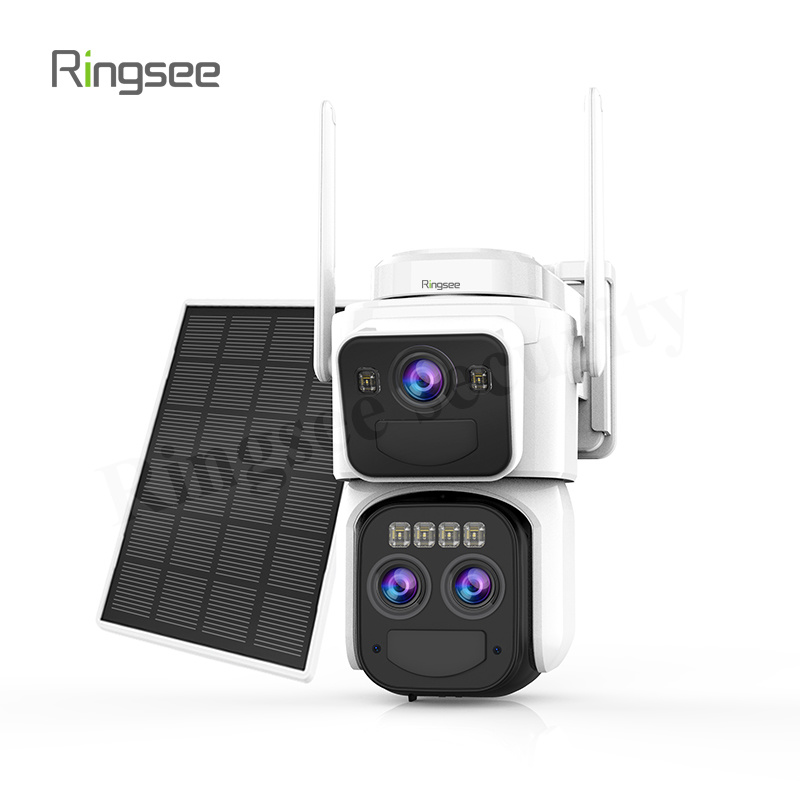
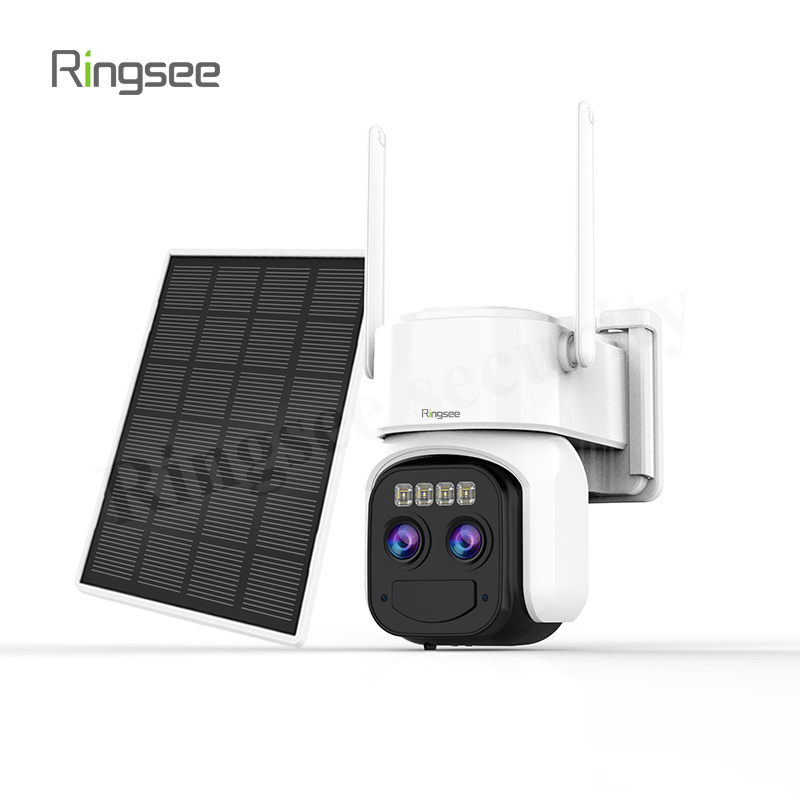
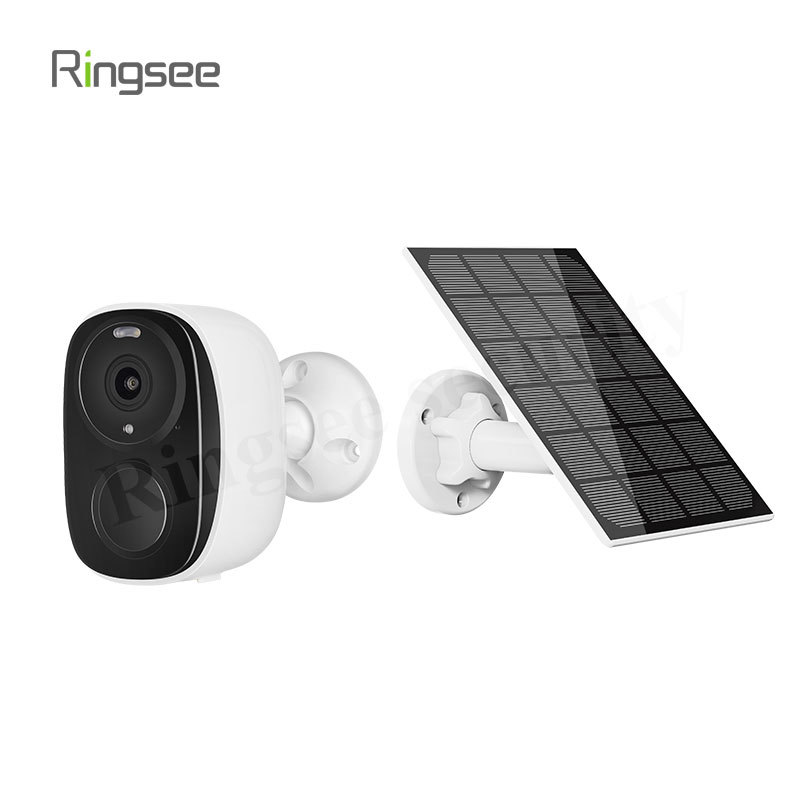
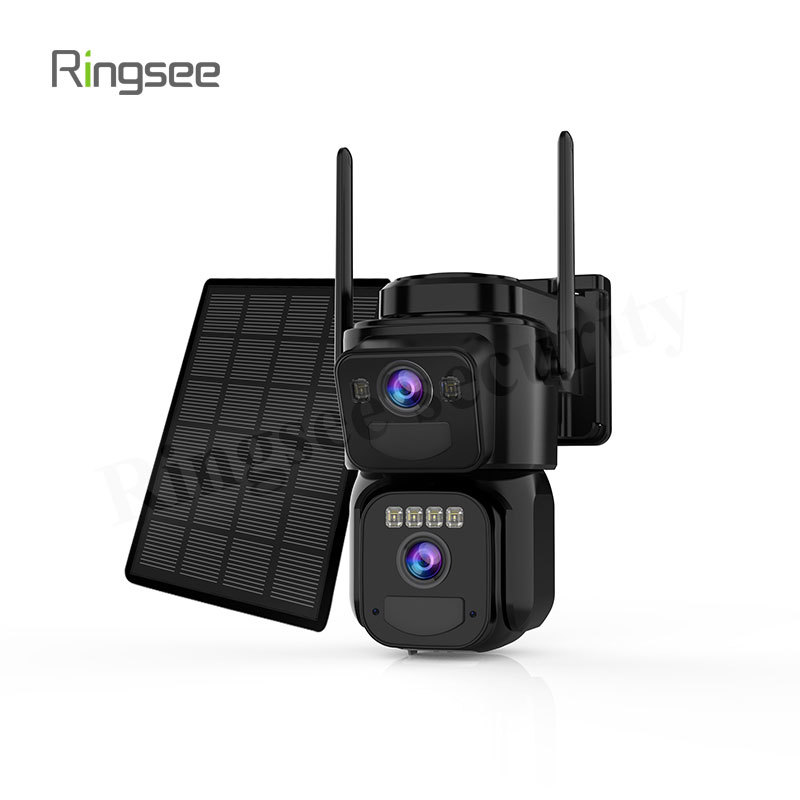
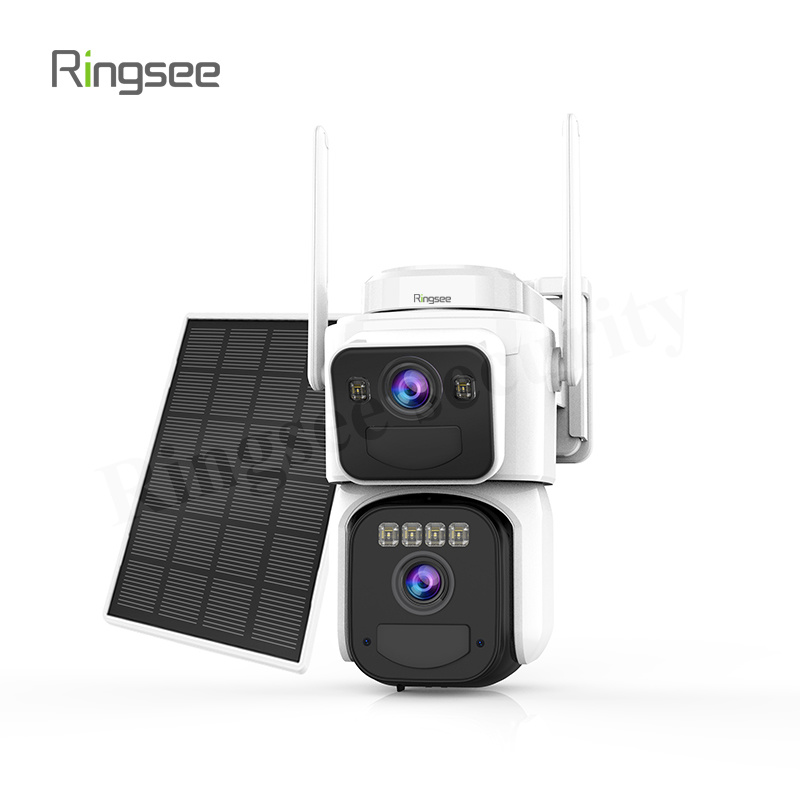
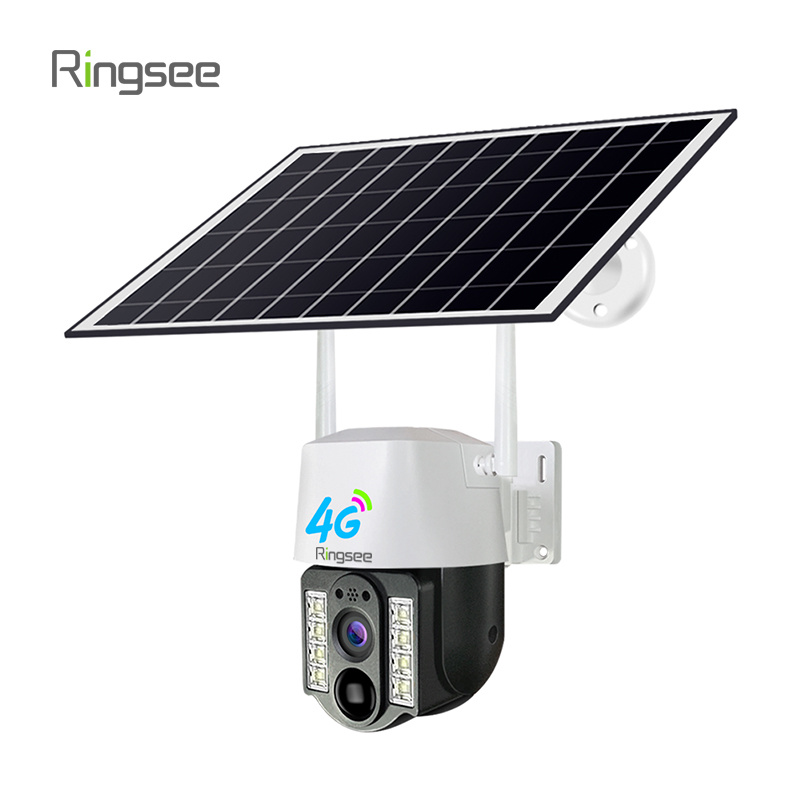
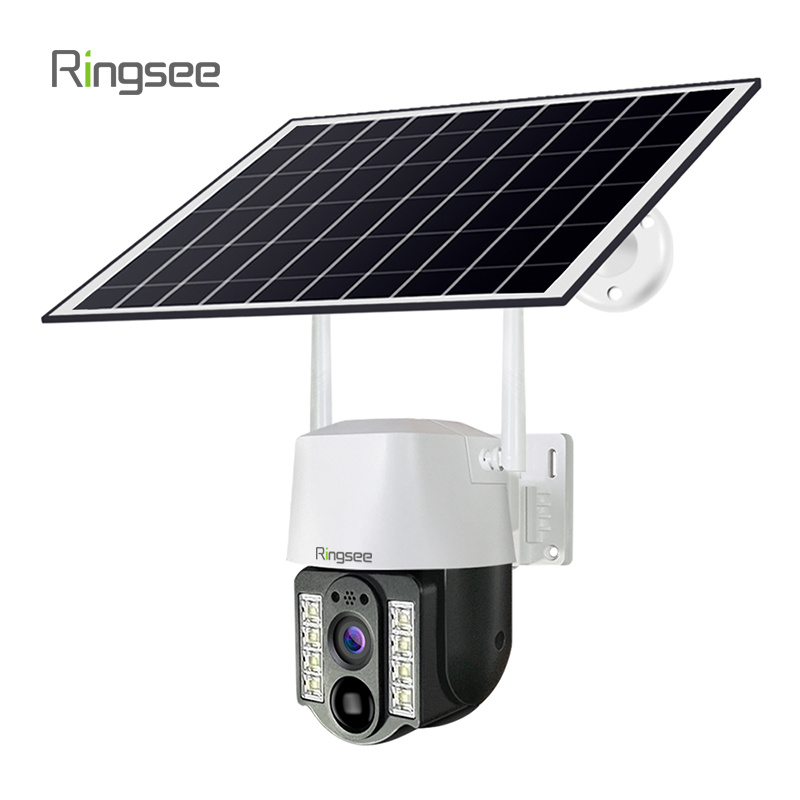
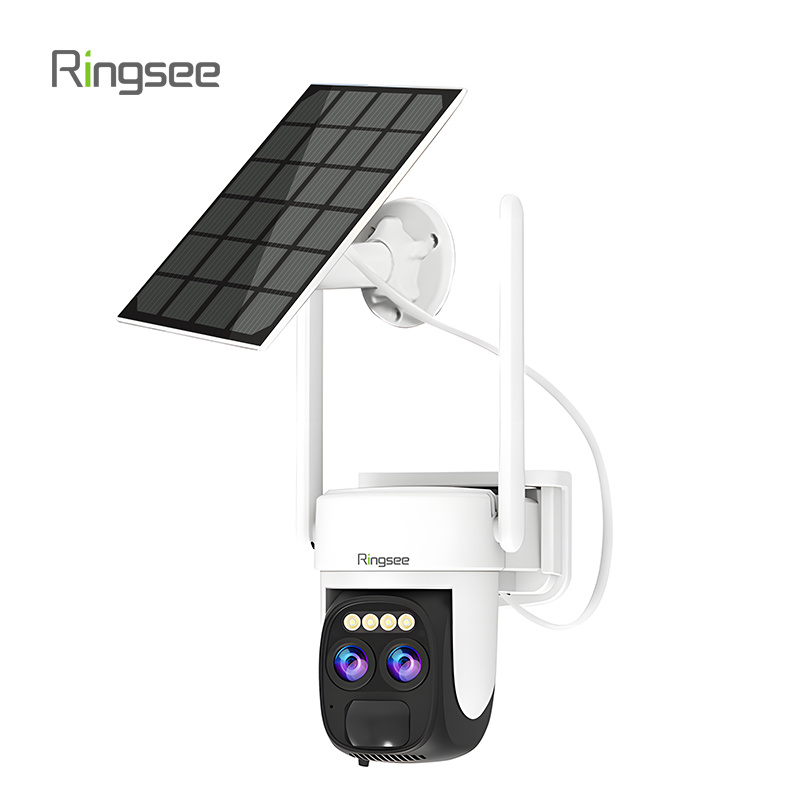
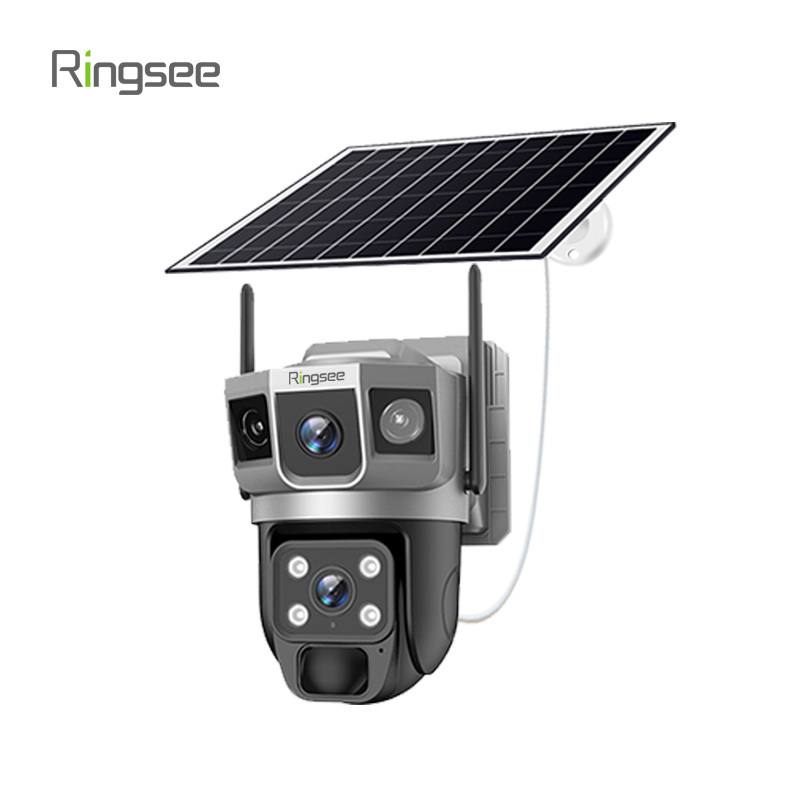
For outdoor cameras, the most robust solution is pairing the battery unit with a small solar panel. This turns the camera into a self-sustaining security system, maintaining the charge indefinitely under normal sunlight conditions. This is essential for hard-to-reach locations where manual recharging is impractical.
3. Essential Features for Modern Battery Security Cameras
A good battery camera should not only save power but also provide robust security functionality.
| Feature | Description | E-E-A-T Value |
| High-Resolution Imaging | Modern standards are 2K (3MP) or 4K (8MP). This detail is critical for identifying faces or license plates. | Ensures evidence is admissible and clear. |
| Color Night Vision | Uses high-sensitivity sensors and sometimes a built-in LED light to capture full-color video in low-light conditions, providing better detail than standard monochrome IR vision. | Offers better situational awareness at night. |
| IP Weather Resistance | Look for an IP65 or IP66 rating for outdoor cameras. This rating confirms the device is protected against dust and jetting water (rain, snow). | Guarantees reliability and durability in outdoor environments. |
| Two-Way Audio | Built-in speaker and microphone allow you to communicate with visitors or deter intruders remotely through your mobile app. | Enhances active security and convenience (e.g., accepting package delivery). |
| Flexible Storage Options | The camera should offer both Cloud Storage (for remote access and backup if the camera is stolen) and Local Storage (SD Card) (for quick access and zero subscription fees). | Provides redundancy and cost flexibility for users. |
4. Installation and Maintenance
Battery-powered cameras are designed for simple, DIY installation. You can mount them on walls, trees, or fences in minutes using a simple bracket, without needing a contractor.
Maintenance Checklist:
- Scheduled Recharging: If you do not have a solar panel, keep a regular schedule for manual recharging (usually once every 3-6 months, depending on activity).
- Firmware Updates: Always ensure the camera’s software (firmware) is up to date. Manufacturers frequently release updates to improve motion detection accuracy and, critically, optimize power consumption.
- Lens Cleaning: Clean the camera lens every few months. Dirt or spiderwebs can interfere with the PIR sensor, leading to missed alerts or false triggers.
By understanding the core technology and employing these optimization strategies, you can leverage battery-operated security cameras to provide reliable, high-quality, and completely wireless protection for your property.
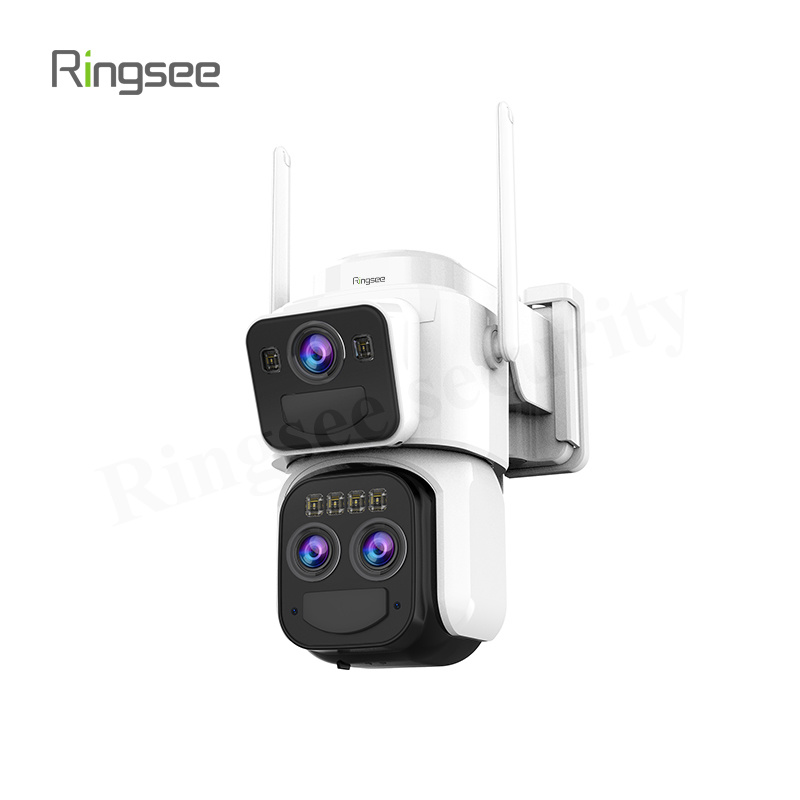
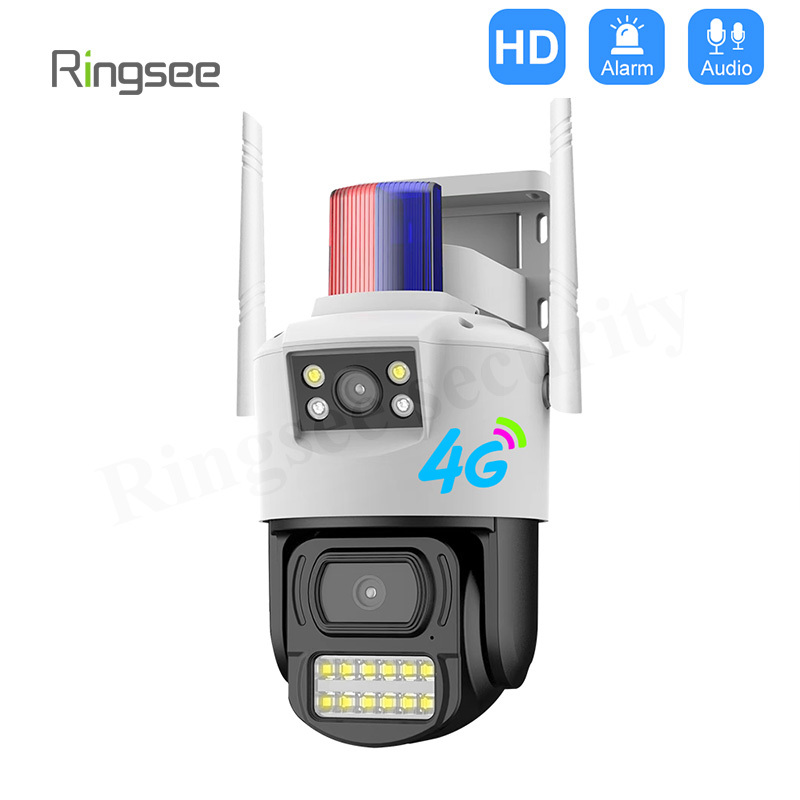
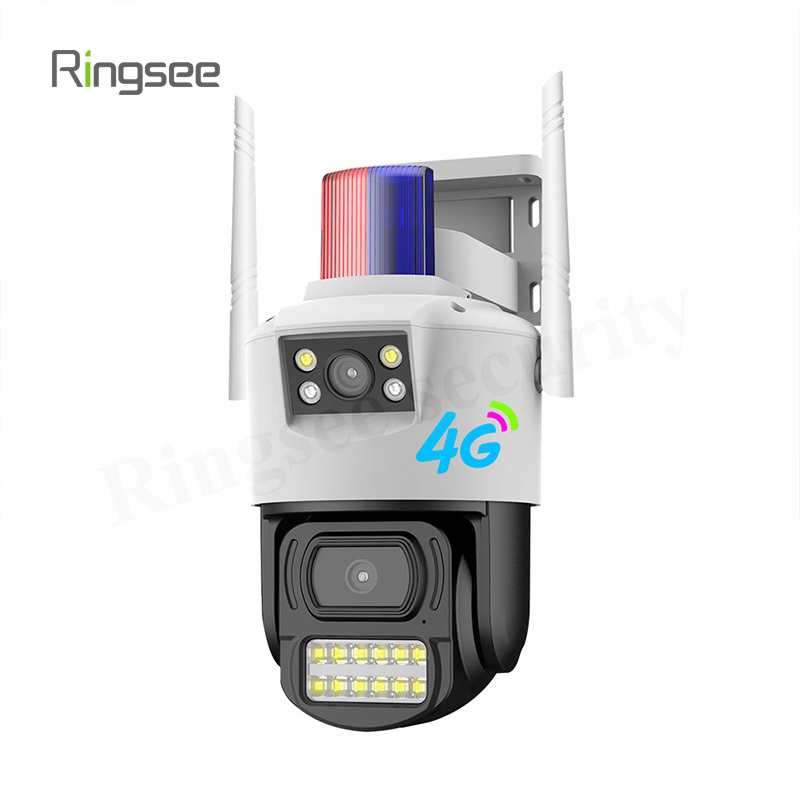
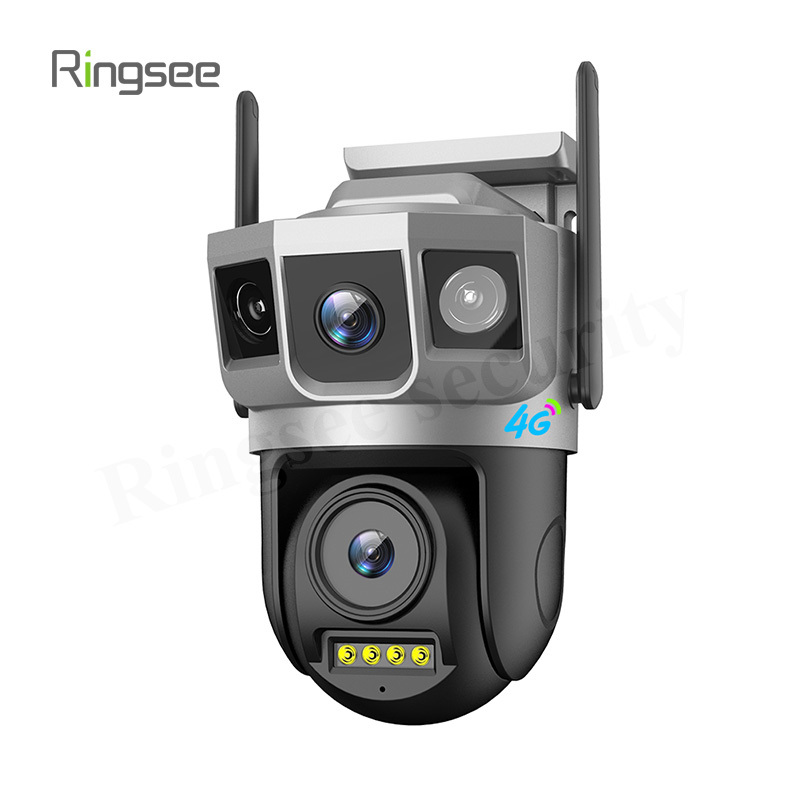
Ready to explore your options? Discover the full range of Ringsee battery and low-power solar security cameras here!
Links:One Belt Power Technology
Add: 14th Floor, Baoshan Building, Longhua District, Shenzhen China.
Privacy Policy | SEO | CitySite | Support: 300.cn Dongguan