






Support
How Often Do You Need to Charge Wireless Security Cameras?
The question of how often you need to charge your wireless security cameras is critical for any homeowner or business owner. While most modern battery-powered cameras are designed for long life, expecting anywhere from a few weeks to six months of operation, the actual frequency of recharging is highly dependent on a complex interplay of internal and external variables.
Moving beyond simple estimations, this guide provides the expert insight you need to accurately predict and maximize the battery life of your security system.
1. Deep Dive: The Variables Determining Battery Life
The most significant factor determining your charging schedule is how the camera is used daily. Battery drain is directly related to the active components in the camera, particularly video processing and radio transmission.
A. Quantification of Motion Events
Your camera’s primary job is motion detection, and every time it wakes up, it consumes significant power. A camera installed in a high-traffic area will always need more frequent charging than one monitoring a low-traffic location.
| Daily Motion Events | Estimated Battery Consumption Rate | Example Scenario |
| 5-10 Events (Standard) | Low/Optimal | Monitoring a quiet backyard or low-traffic indoor area. |
| 10-25 Events (Moderate) | Medium | Monitoring a main entryway or a busy hallway. |
| 25+ Events (High) | High/Rapid | Monitoring a highly trafficked street or a lobby. Recharge frequency will increase significantly. |

Expert Tip: Review your camera’s settings. Utilize PIR Sensitivity adjustments and Motion Zones to prevent your camera from waking up for irrelevant motion (e.g., cars driving by, tree branches swaying), which dramatically conserves battery life.
B. Impact of Feature Usage
Beyond simple motion sensing, advanced features draw substantial current from the battery.
Live View Streaming: Checking the live feed frequently is the fastest way to drain the battery. Each minute of live streaming can be equivalent to several motion-triggered recordings.
Video Quality: Recording at higher resolutions (e.g., 2K or 4K) or at higher frame rates requires more power for processing the video data before storage.
Two-Way Audio: Using the microphone and speaker for real-time conversation is a high-demand activity that shortens the time between charges.
C. Battery Capacity and Chemistry
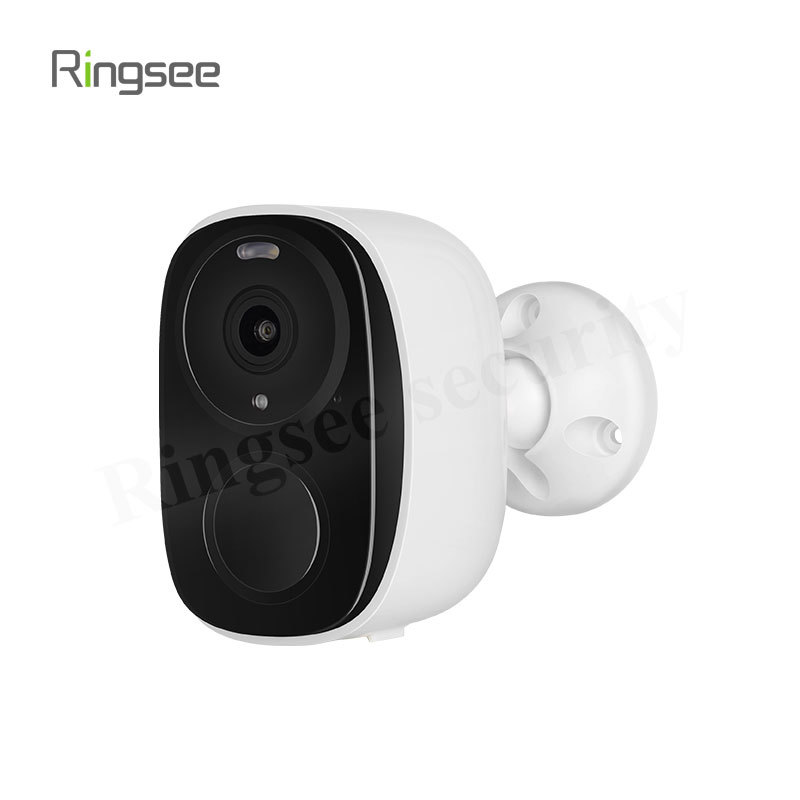
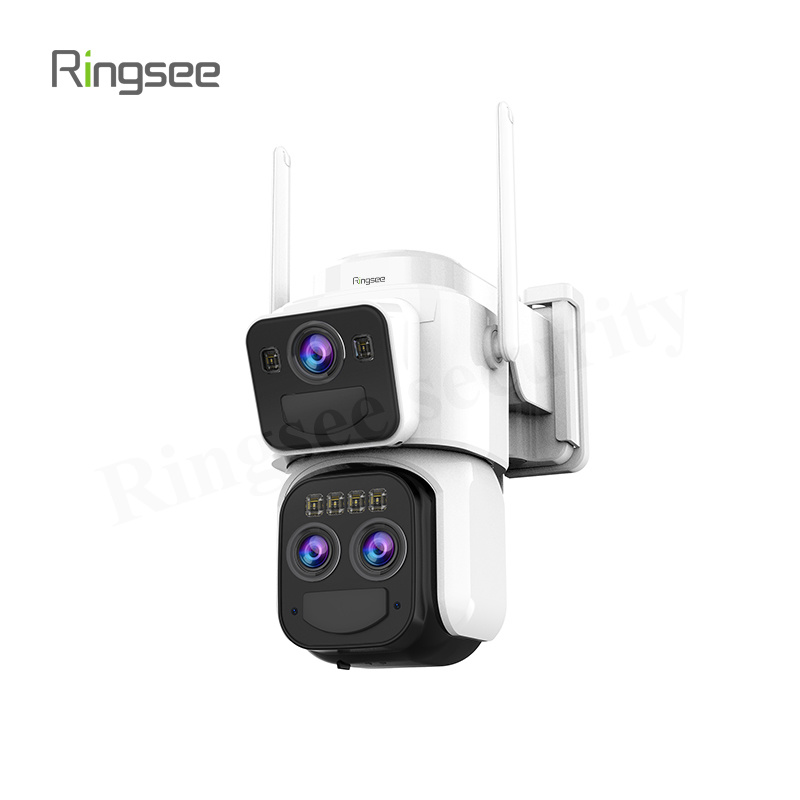
The internal hardware matters. High-capacity security cameras often feature larger mAh ratings (e.g., 10,000mAh+) for longer intervals. Furthermore, different battery chemistries (like Lithium-ion vs. Lithium Polymer) can affect performance, particularly in extreme temperatures (see Section 2). Understanding your camera’s specifications, such as those offered by Ringsee, helps set realistic expectations.
2. How Environment and Installation Impact Power Draw
Even with identical usage, the camera's placement and local environment can drastically alter its battery performance. This is especially true for outdoor security cameras.
A. The Effect of Temperature Extremes
Battery performance is fundamentally linked to temperature. Both extreme heat and extreme cold can reduce operating life:
Cold Weather: Below freezing, the chemical reaction rate within the battery slows down. This can temporarily reduce the camera's effective battery life by up to 30-50% until the temperature rises.
Hot Weather: While less of an immediate problem than cold, excessive heat can cause long-term degradation of the battery cells, permanently reducing their overall lifespan.
B. Signal Strength and Wi-Fi Strain (Crucial!)
A commonly overlooked factor is the strength of your Wi-Fi signal (or 4G signal).
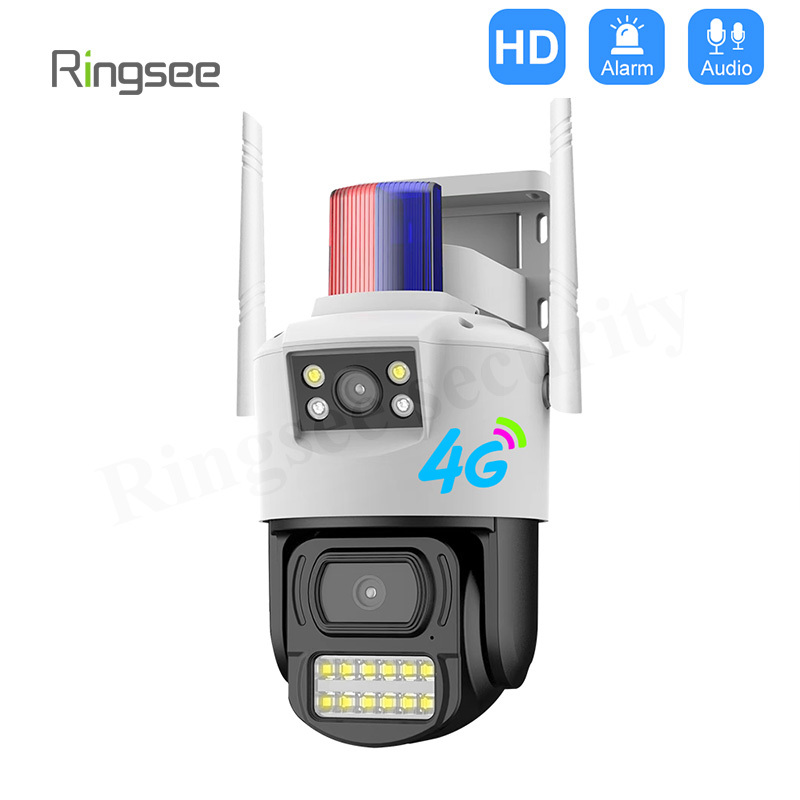
When the camera's wireless receiver is far from the router or obstructed, it must use more power (increase its transmission strength) to maintain a connection to the network. A camera operating with poor signal strength (a low RSSI reading, often below -65 dBm) can consume significantly more battery than an identical unit operating with an excellent signal (a high RSSI, ideally between -30 dBm and -50 dBm).
If your camera's battery life is consistently short, consider installing a Wi-Fi range extender near the device.
3. The Self-Sustaining Advantage of Solar-Powered Cameras
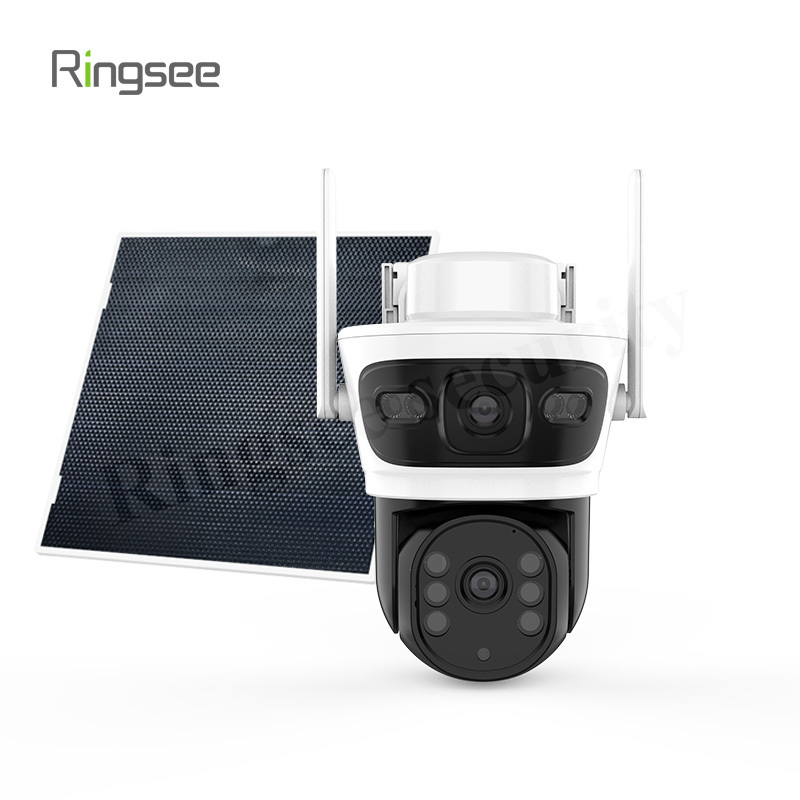
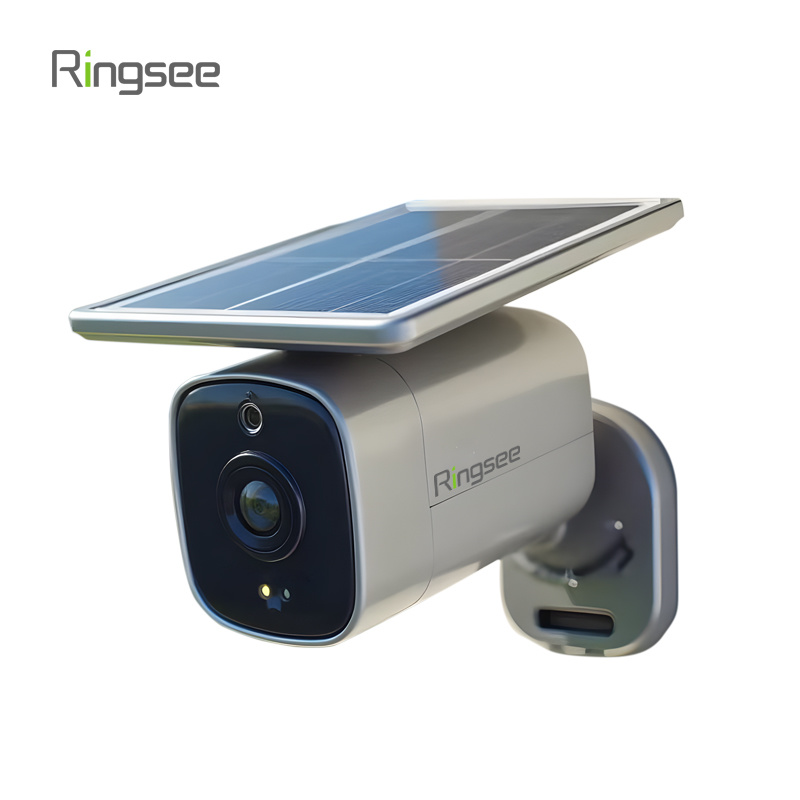
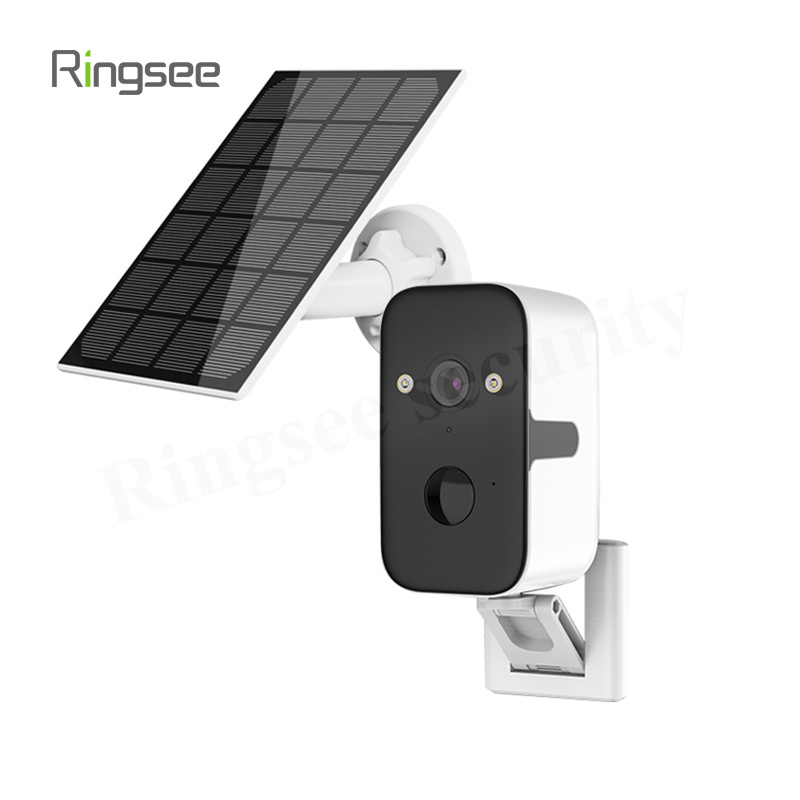
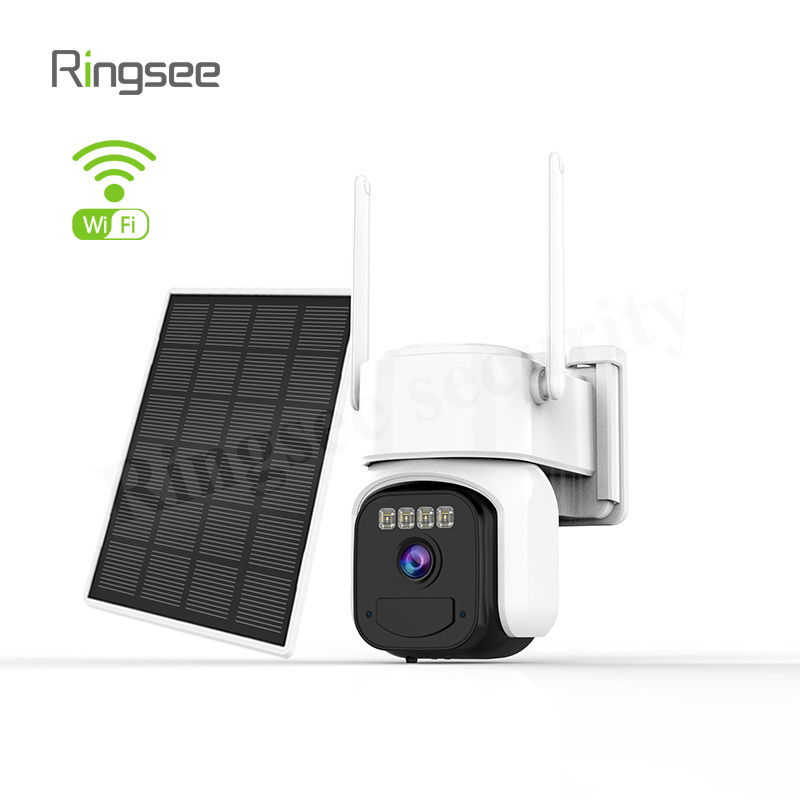
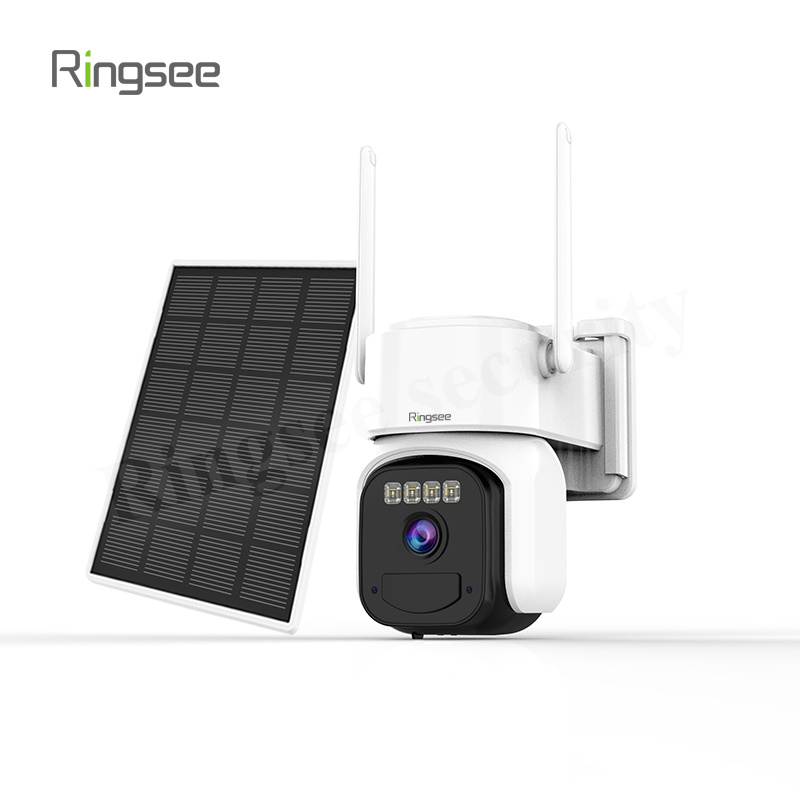
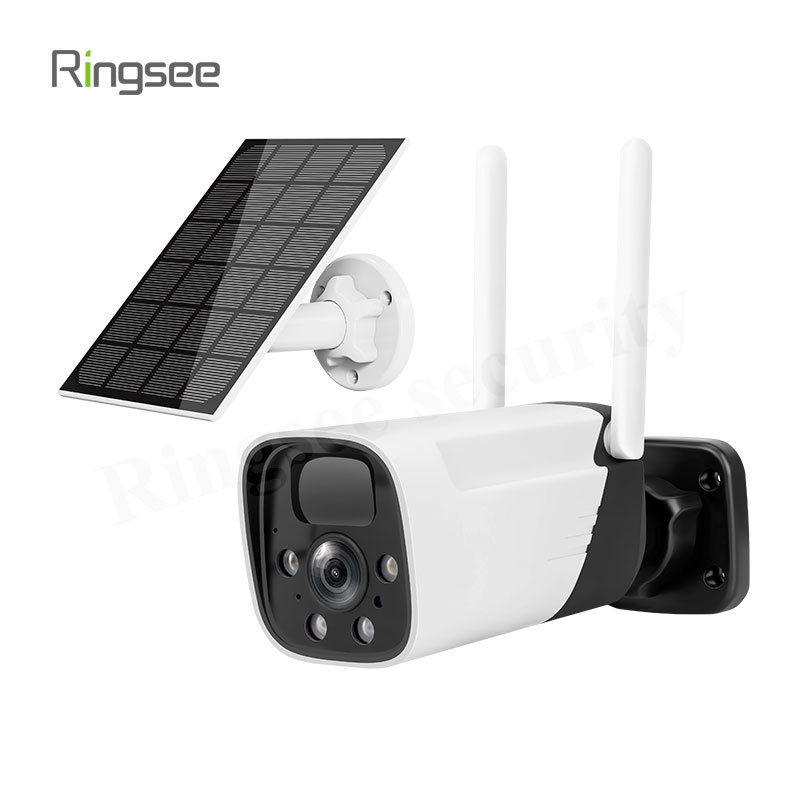
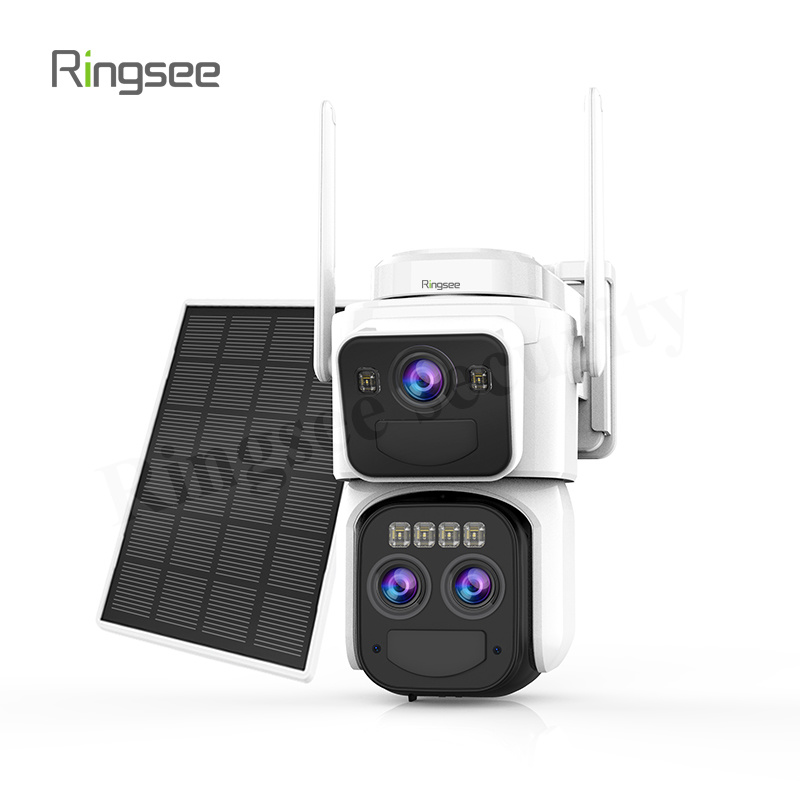
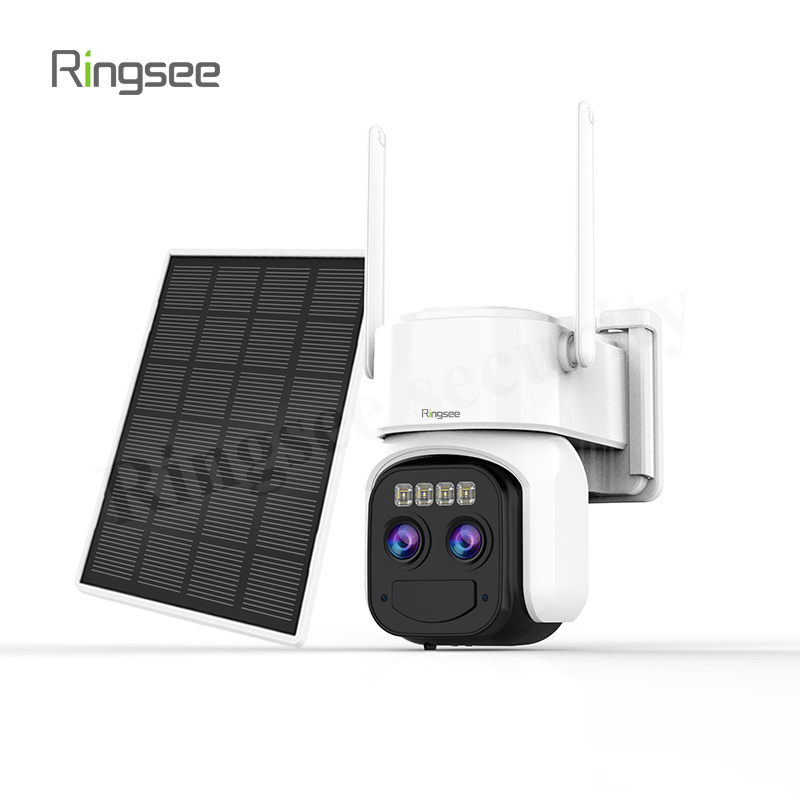
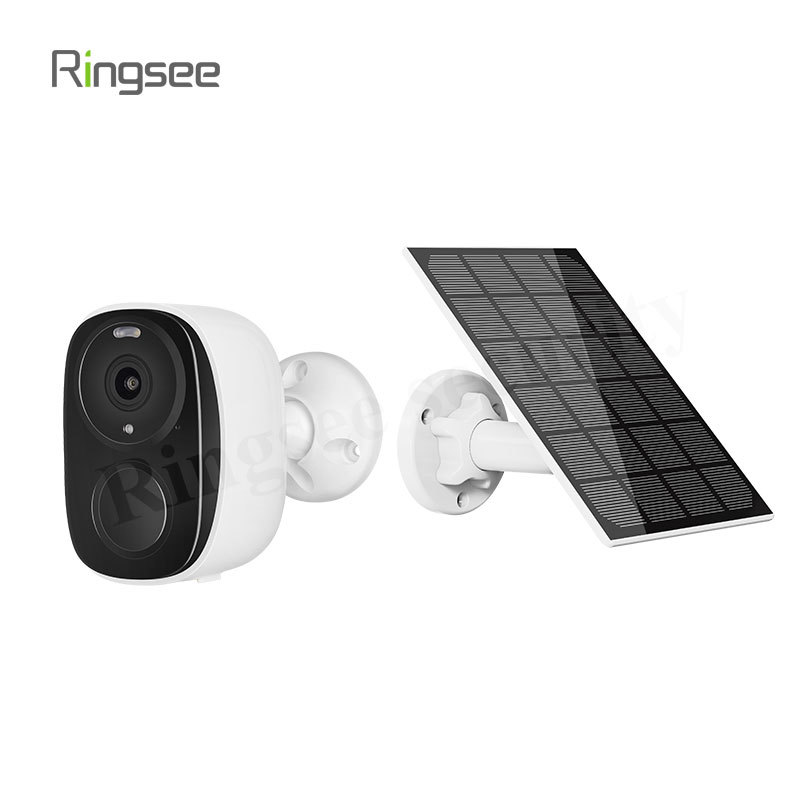
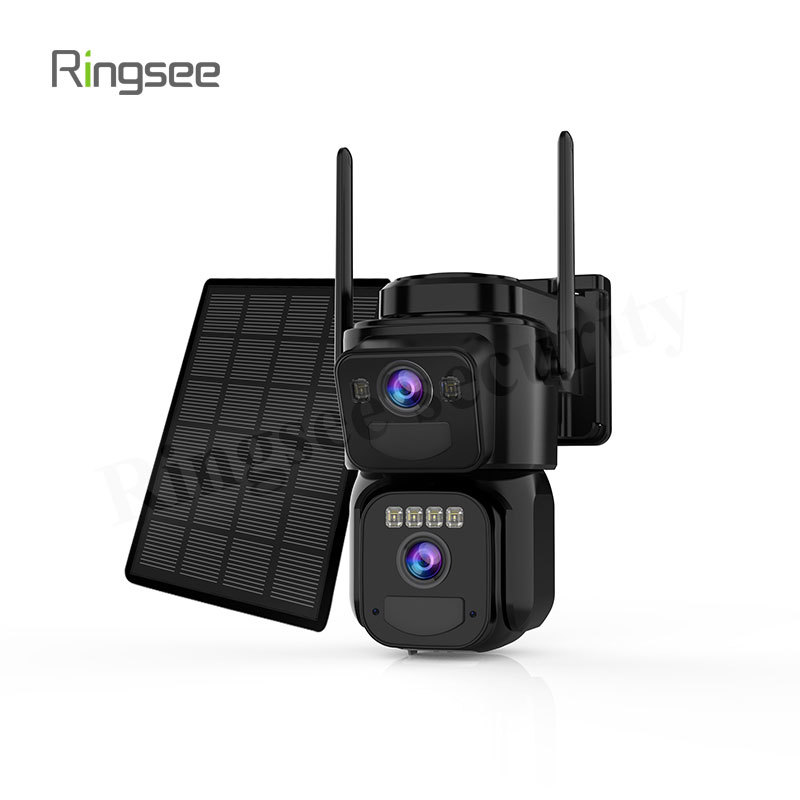
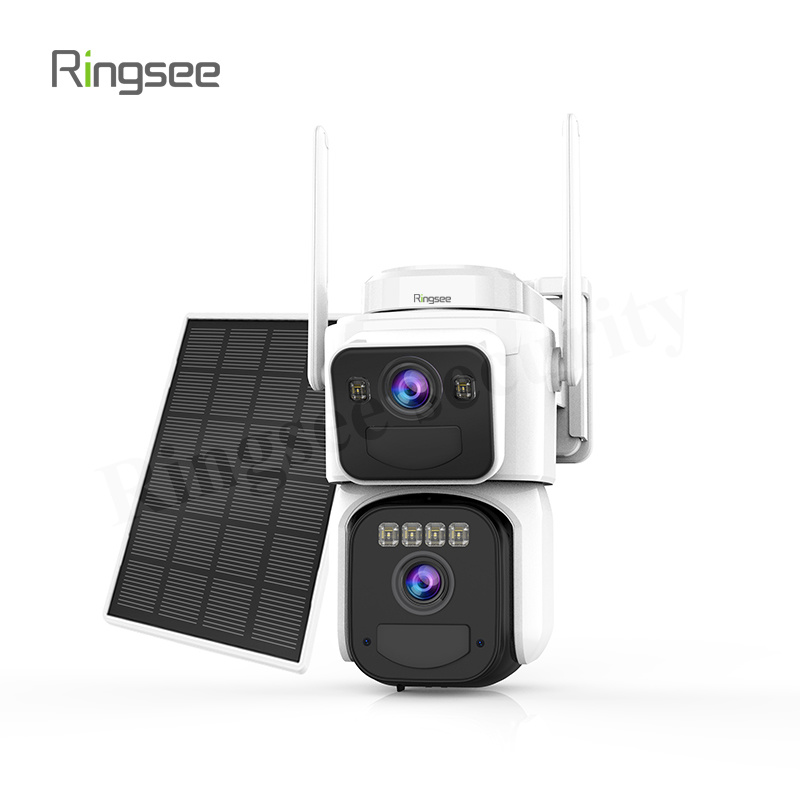
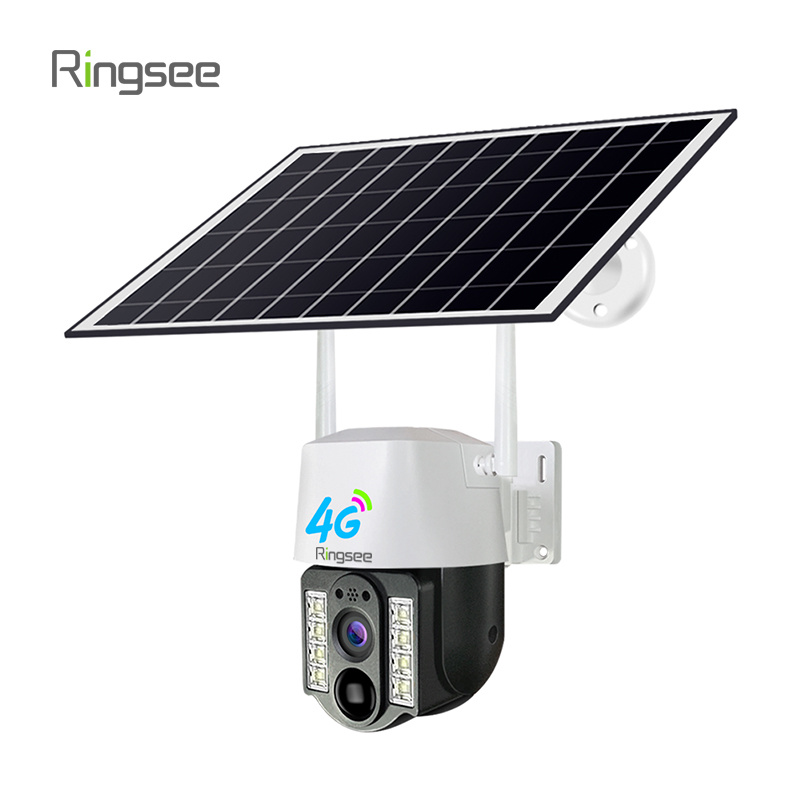
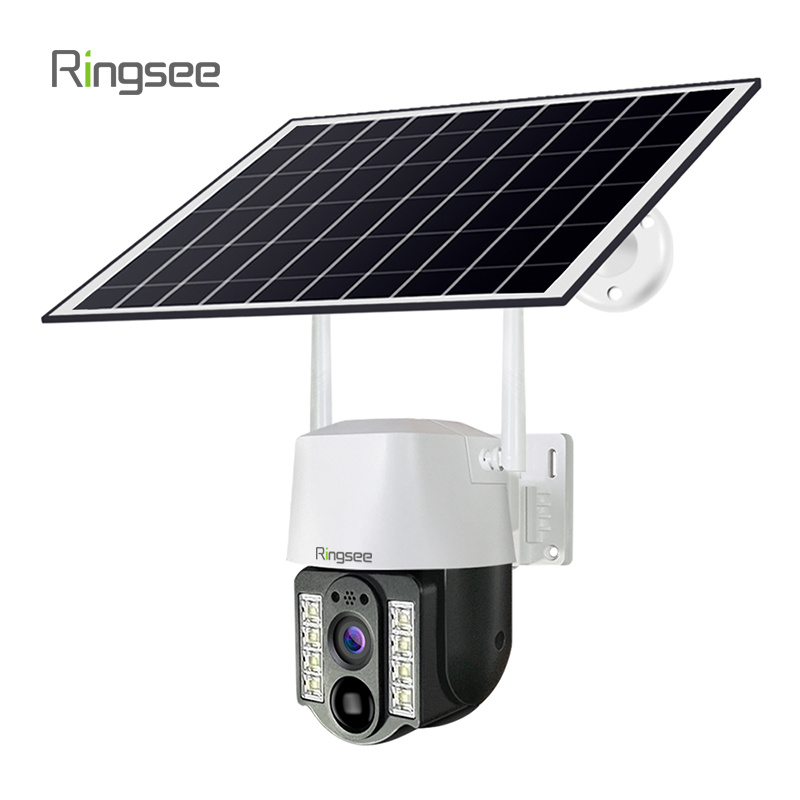
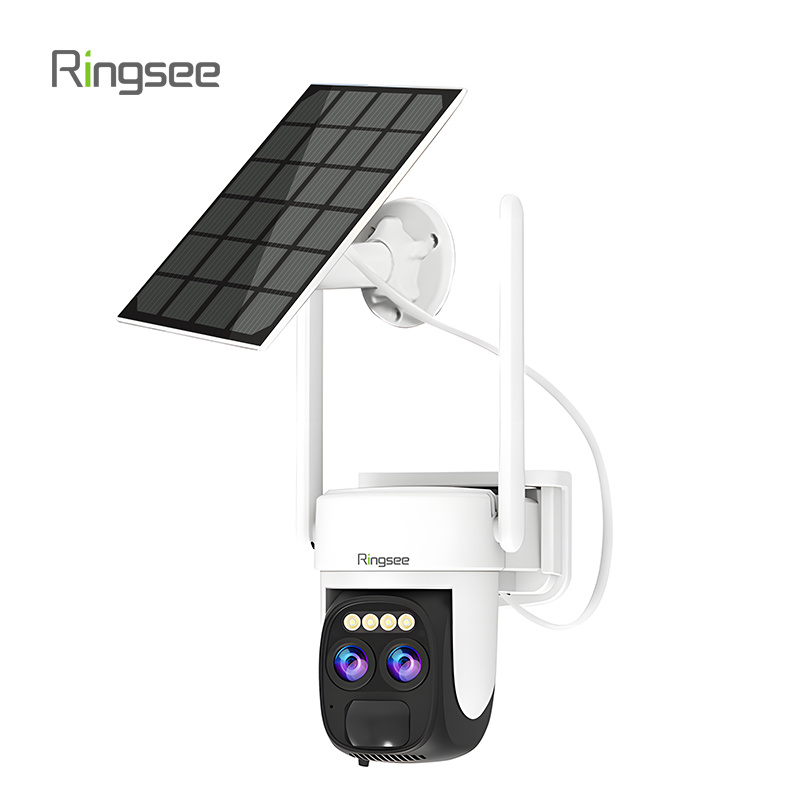
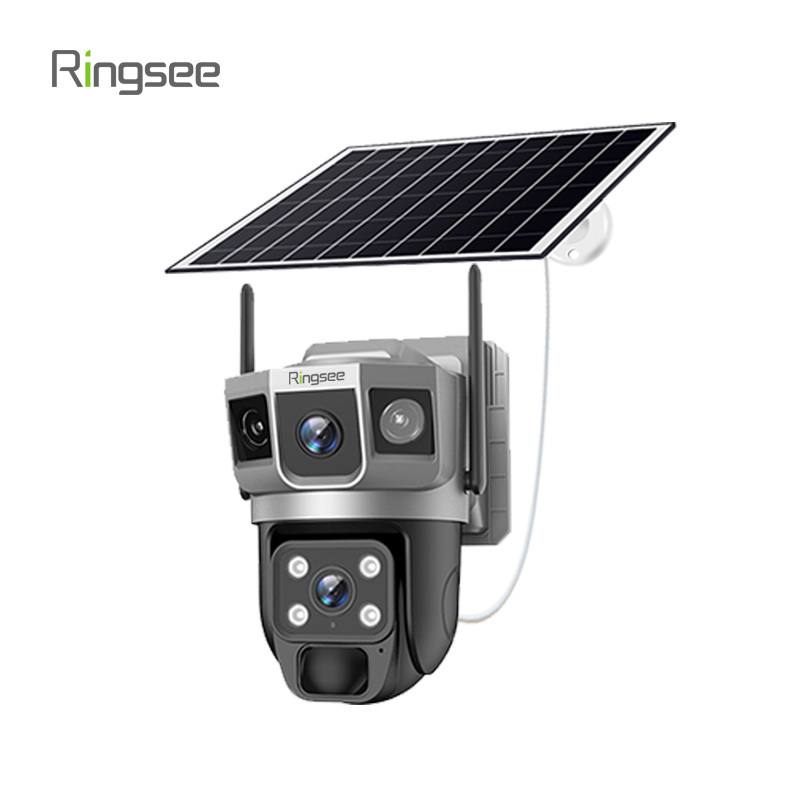
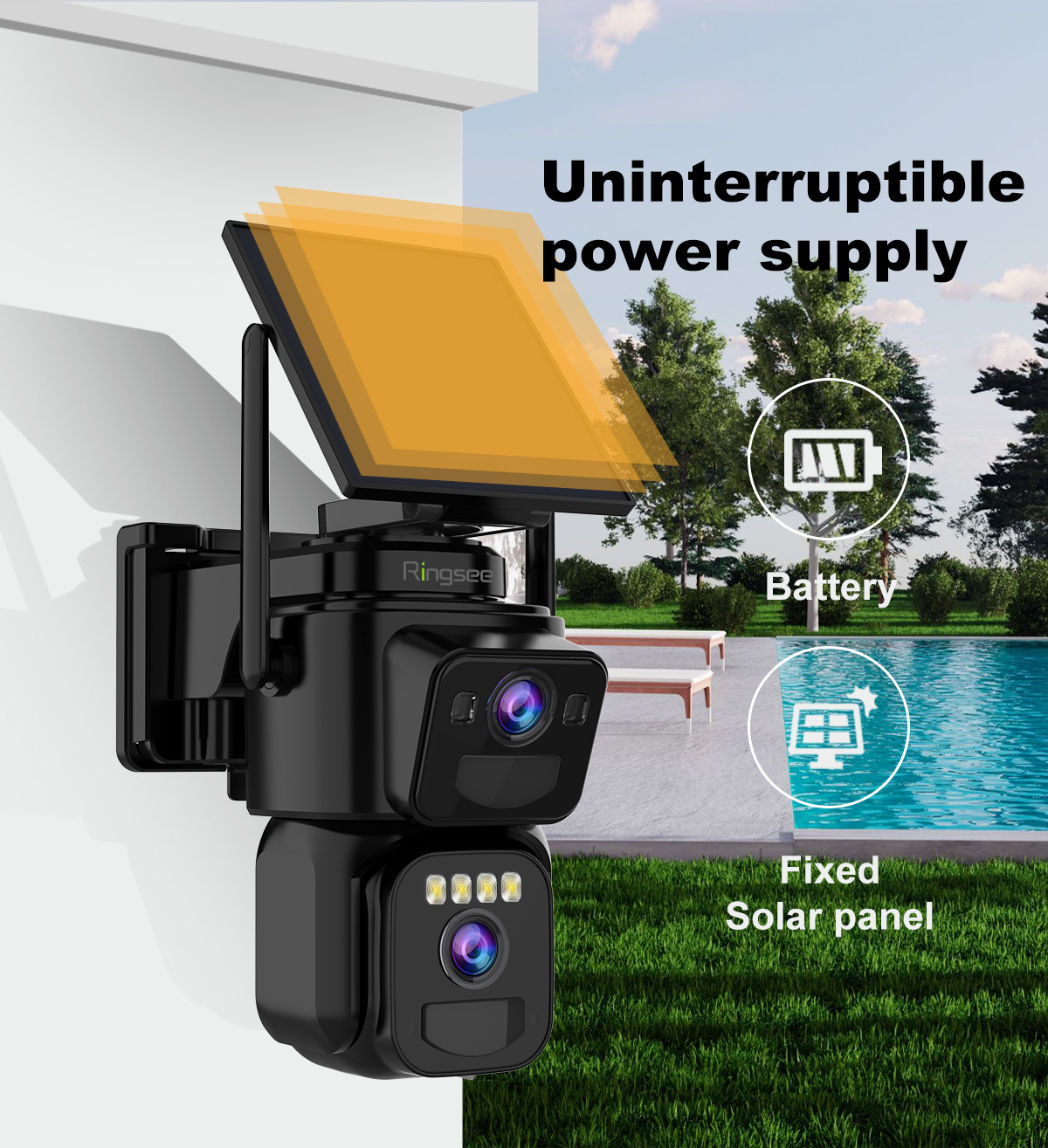
For those seeking to virtually eliminate recharging, solar-powered security cameras, such as Ringsee’s low-power models, are the definitive solution.
These cameras are equipped with a separate solar panel that continuously trickle-charges the camera's battery during the day.
Maximizing Solar Efficiency:
Placement Angle: The solar panel must be installed where it receives at least 4 to 6 hours of direct, unobstructed sunlight per day. For optimal performance, orient the panel based on your latitude to face the sun's direction at noon.
Panel Size and Wattage: Larger, higher-wattage panels will recharge the battery faster, providing more cushion during cloudy weather.
Shaded Conditions: Even solar surveillance cameras may require occasional AC charging if they are installed in heavy shade or if there is an extended period of overcast weather that prevents sufficient power generation.
In summary, the frequency of charging your wireless camera is a function of battery capacity, the activity you ask it to monitor, and the environment in which it operates. By optimizing motion settings and ensuring strong network connectivity, you can drastically reduce the need for manual recharging.
Links:One Belt Power Technology
Add: 14th Floor, Baoshan Building, Longhua District, Shenzhen China.
Privacy Policy | SEO | CitySite | Support: 300.cn Dongguan