






Support
What SIM Cards and Cellular Bands Are Supported by a 4G Solar Security Camera?
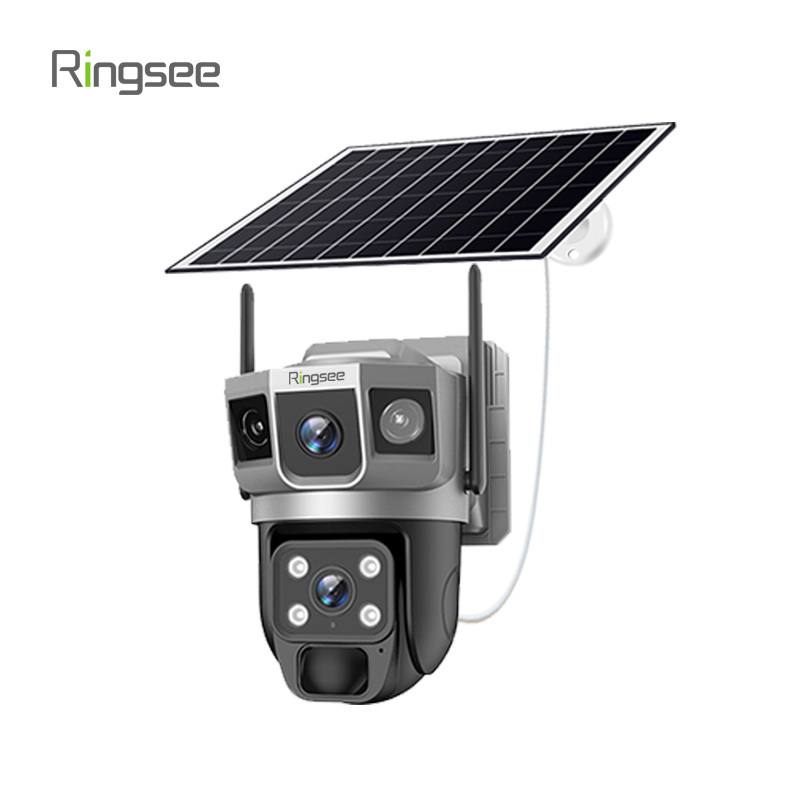
As 4G solar security cameras become the go-to solution for remote properties, farms, and construction sites, the most common hurdle for users is connectivity. Unlike Wi-Fi cameras, these devices rely on cellular networks, making the choice of SIM card and frequency band critical for performance.
In this guide, we break down everything you need to know to get your off-grid camera online and stay connected.
1. What Type of SIM Card Do I Need?

Most modern 4G solar security cameras are designed to be "plug-and-play" once an activated SIM card is inserted. However, not all SIMs are created equal.
SIM Card Size
The industry standard for 2025 is the Nano-SIM (4FF). While some older or larger industrial models might still use Micro-SIMs, you should check your camera’s manual. Most carriers today provide a "3-in-1" SIM kit that allows you to pop out the specific size you need.
Standard vs. IoT (M2M) SIM Cards
While you can often use a standard prepaid phone SIM, IoT (Internet of Things) or M2M (Machine-to-Machine) SIM cards are highly recommended for security cameras.
- Standard SIMs: Designed for phones; they may have higher data costs or "speed caps" after a certain limit.
- IoT/M2M SIMs: Built for constant, low-to-medium data transmission. They are often more rugged, more reliable in extreme temperatures, and offer better remote management features.
2. Understanding 4G LTE Cellular Bands
A 4G camera only works if its internal modem supports the frequency bands used by local carriers. Because these frequencies vary by continent, a camera bought in Europe may not work in the United States.
Regional 4G Band Table (Commonly Used)
| Region | Primary 4G LTE Bands | Key Carriers (Examples) |
| North America | B2, B4, B5, B12, B13, B17, B25, B26, B41, B66, B71 | Verizon, AT&T, T-Mobile |
| Europe & UK | B1, B3, B7, B8, B20, B28, B38, B40 | Vodafone, EE, Orange, O2 |
| Asia & Australia | B1, B3, B5, B8, B28, B40, B41 | Telstra, Optus, Reliance Jio |
Pro Tip: Before buying, ensure your camera is "Unlocked." An unlocked camera allows you to switch between carriers to find the strongest signal at your specific location.
3. How Much Data Does a 4G Camera Use?

Data consumption is the biggest concern for solar camera users. Since these cameras are solar-powered, they usually stay in "Sleep Mode" and only wake up when motion is detected.
- Occasional Use: (Motion alerts only) typically uses 500MB to 2GB per month.
- Moderate Use: (Checking live feeds daily) uses 2GB to 5GB per month.
- Heavy Use: (Continuous recording or high-resolution 4K streaming) can exceed 10GB+ per month.
To save data, most users set their cameras to 1080p (Standard Definition) for live viewing and reserve 4K (Ultra HD) for local SD card storage.
4. Configuration and Setup Tips
Even with the right SIM and bands, you might need to adjust a few settings to get online:
- Check Signal Strength: Use your smartphone at the installation site. If your phone only has 1 bar of 4G, the camera may struggle to stream video.
- APN Settings: Some cameras require manual "APN" (Access Point Name) configuration. This is a unique address provided by your carrier that tells the camera how to connect to the internet.
- Activate Before Inserting: Always activate your SIM card in a smartphone or via the carrier’s website before putting it into the camera. Most cameras cannot perform the initial "activation" handshake on their own.
Summary: A Checklist for Success
- Confirm the SIM size (usually Nano).
- Verify regional band support (e.g., B12/B13 for the US).
- Select a Data-Only or IoT plan to avoid phone-related service issues.
- Test the signal at the mounting location before drilling holes.
By choosing the right cellular components, your 4G solar camera will provide reliable, 24/7 security without ever needing a Wi-Fi password or a power outlet.
Links:One Belt Power Technology
Add: 14th Floor, Baoshan Building, Longhua District, Shenzhen China.
Privacy Policy | SEO | CitySite | Support: 300.cn Dongguan