






Support
What Tools Are Required to Install a Low-Power Solar Camera System?
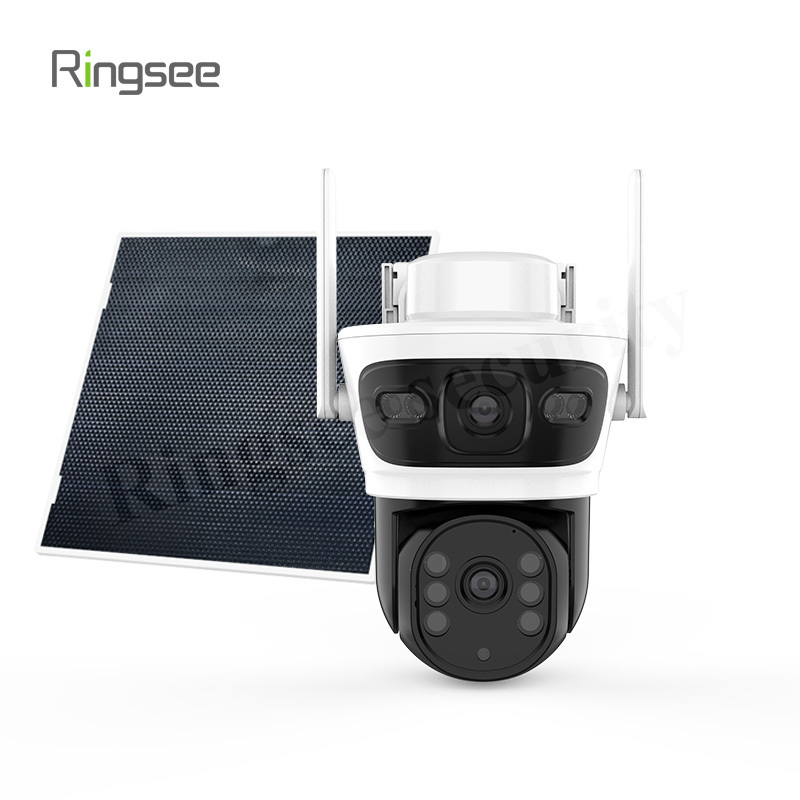
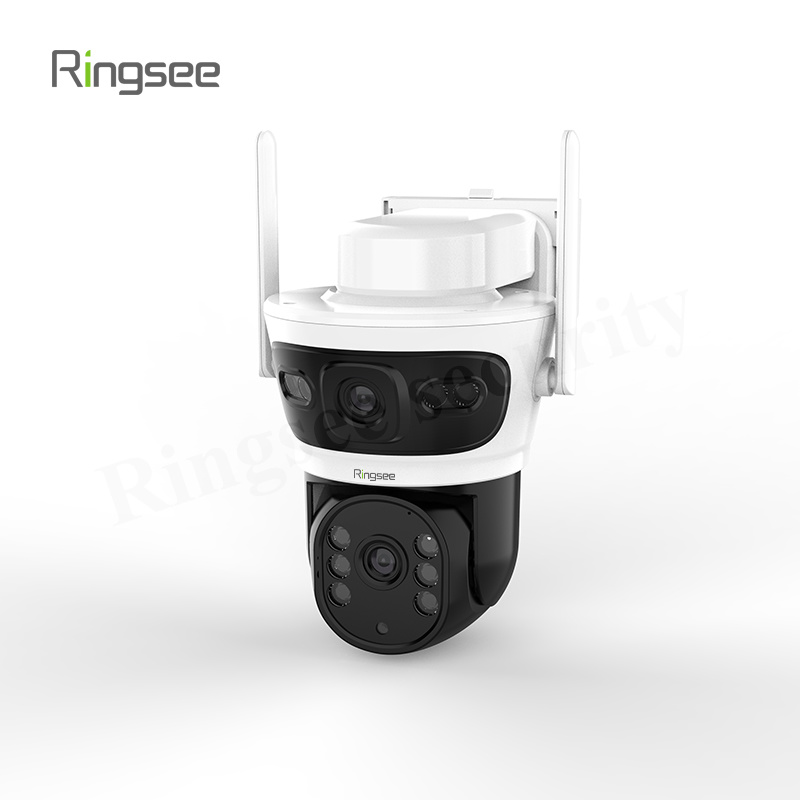
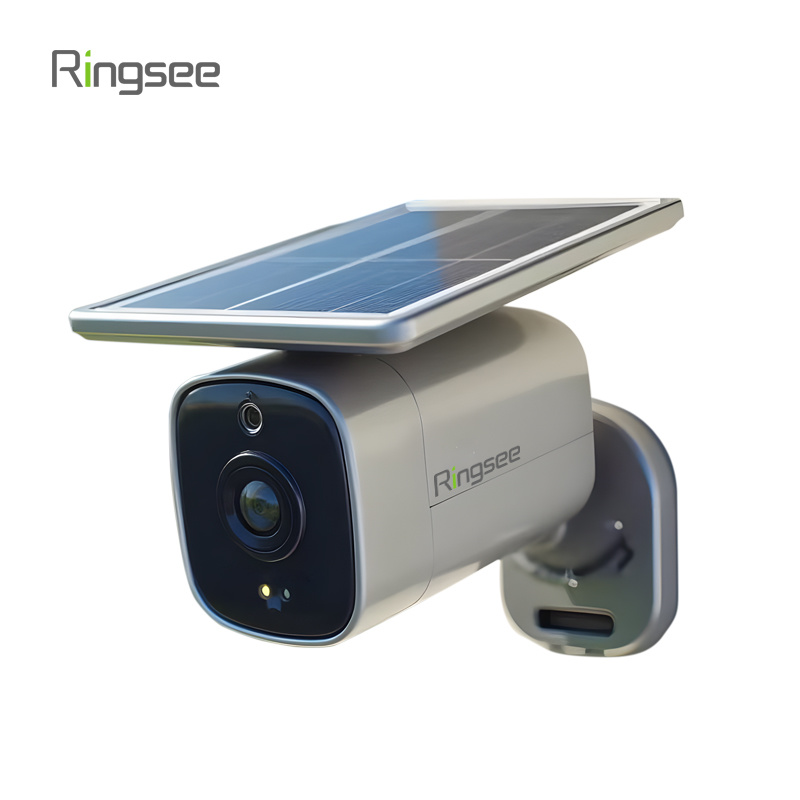
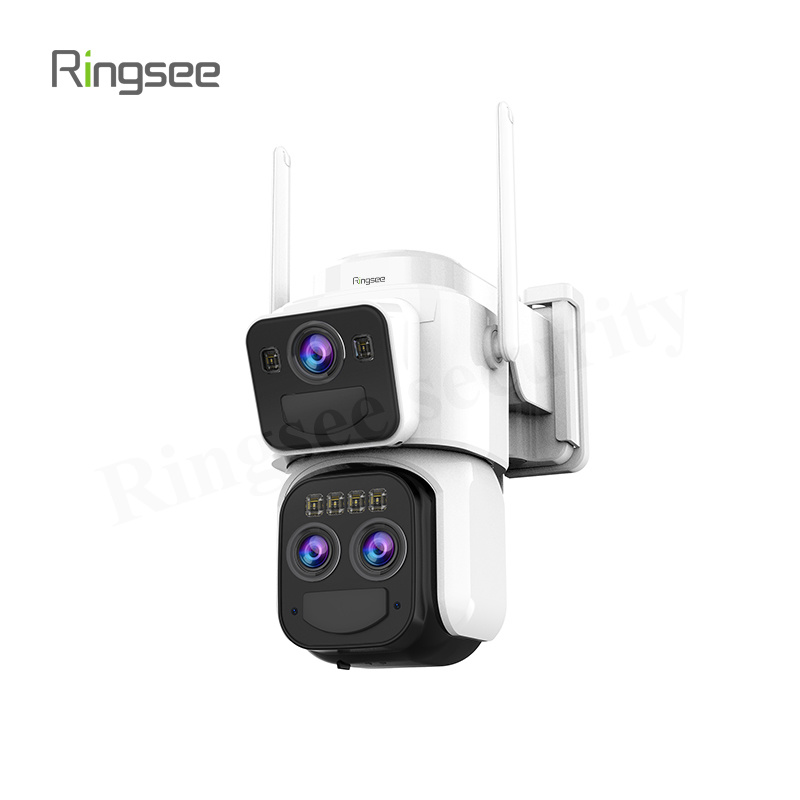
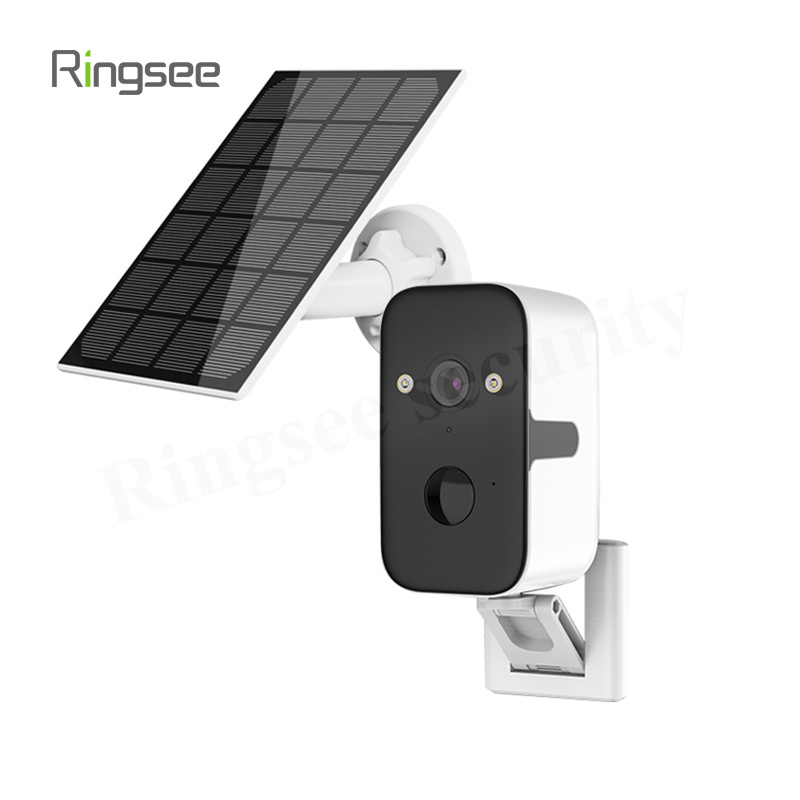
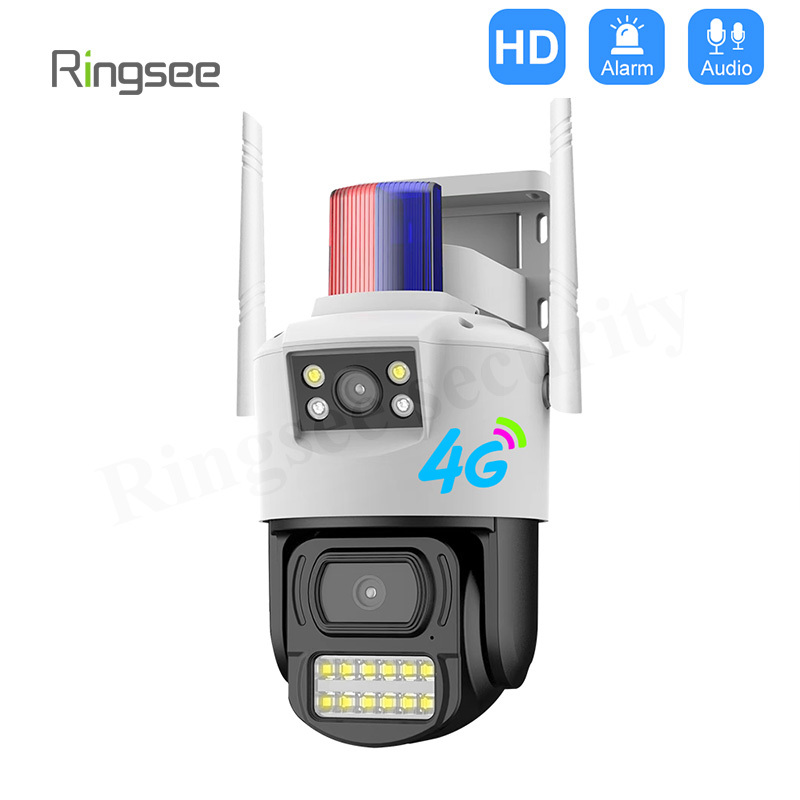
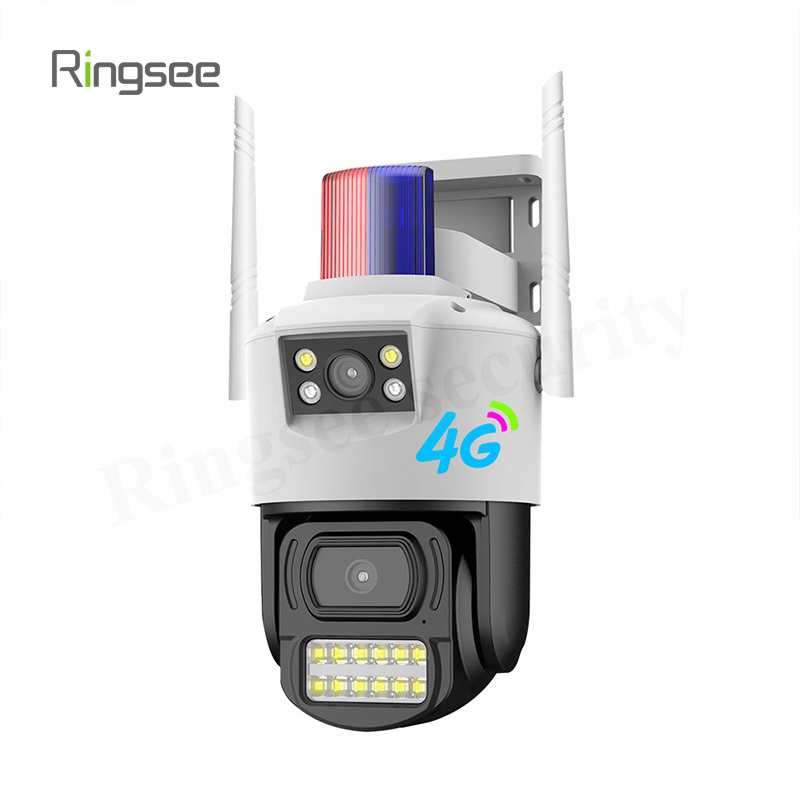
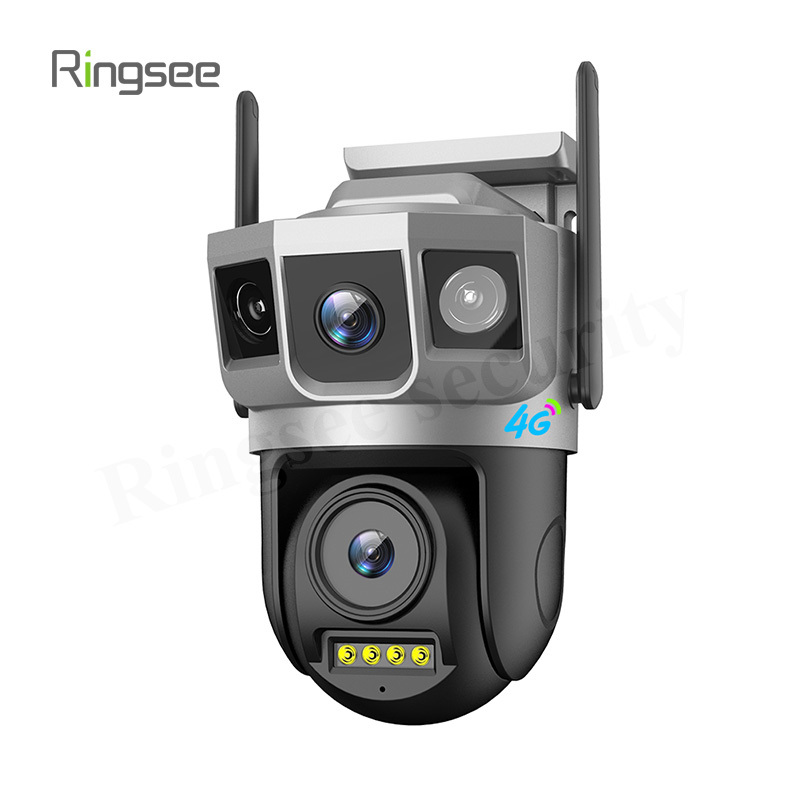
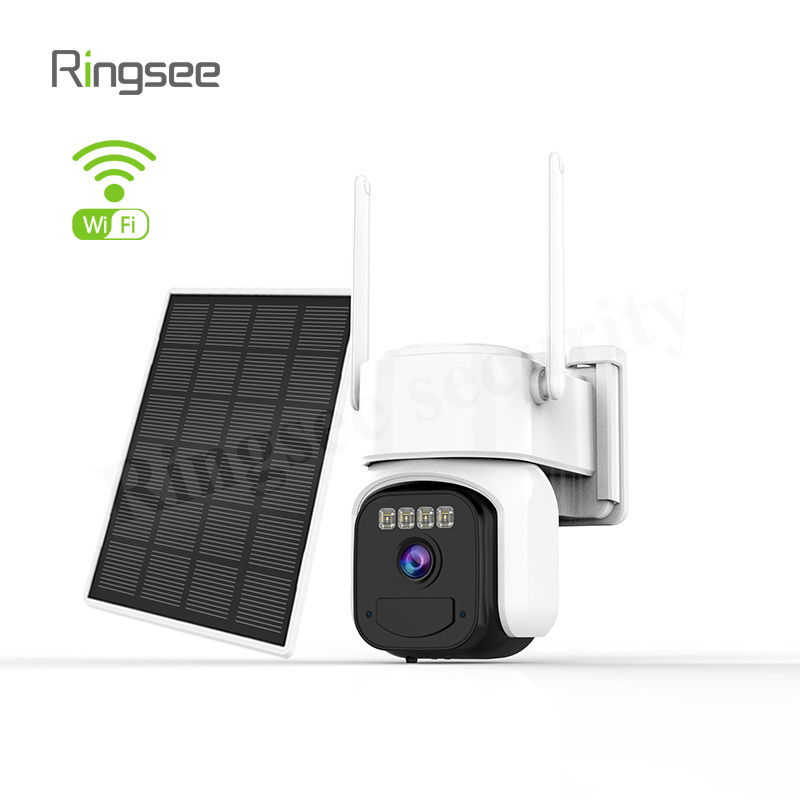
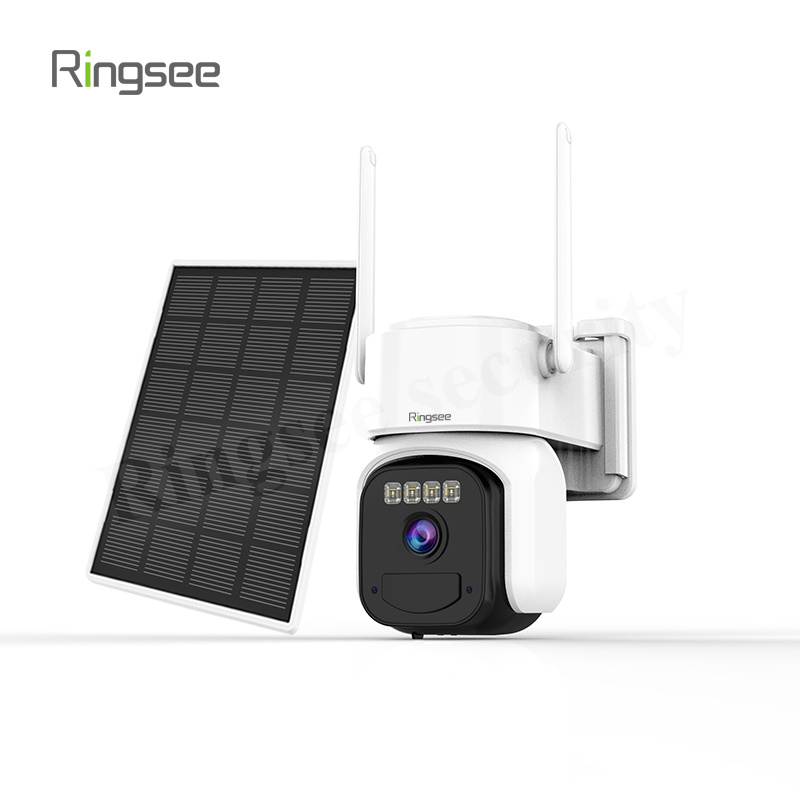
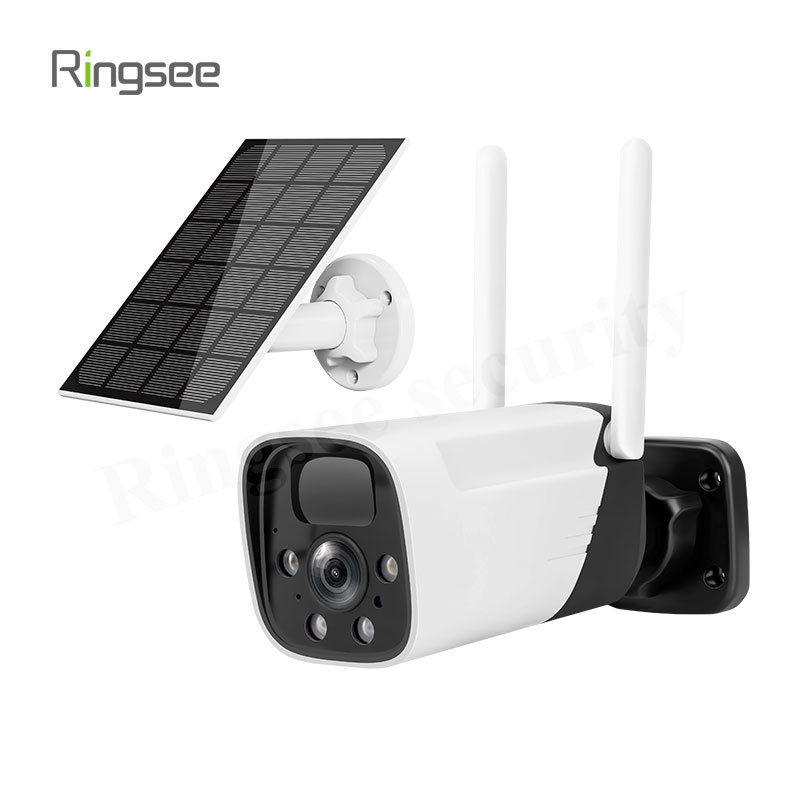
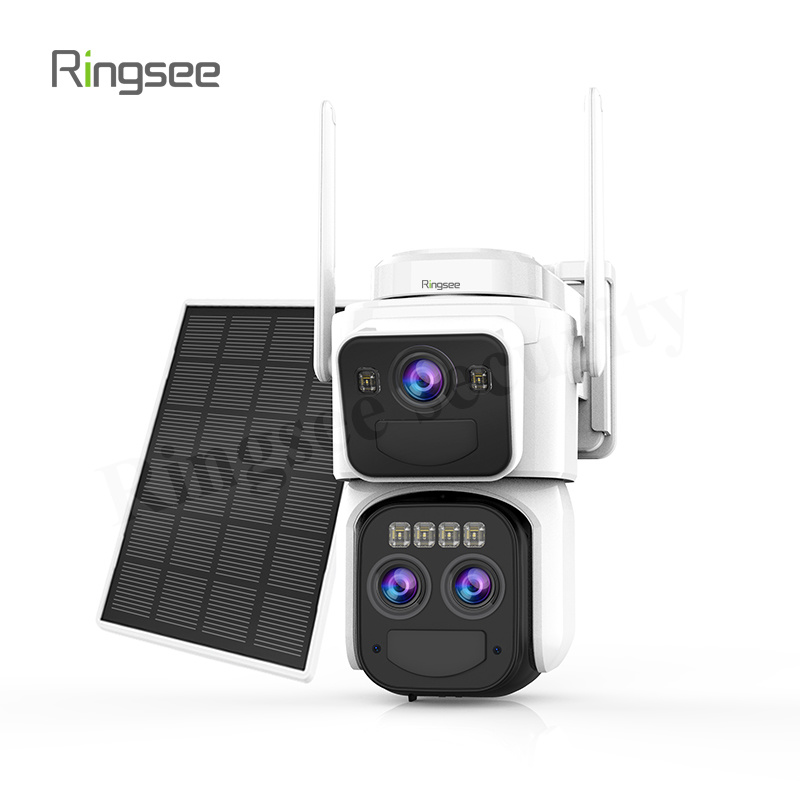
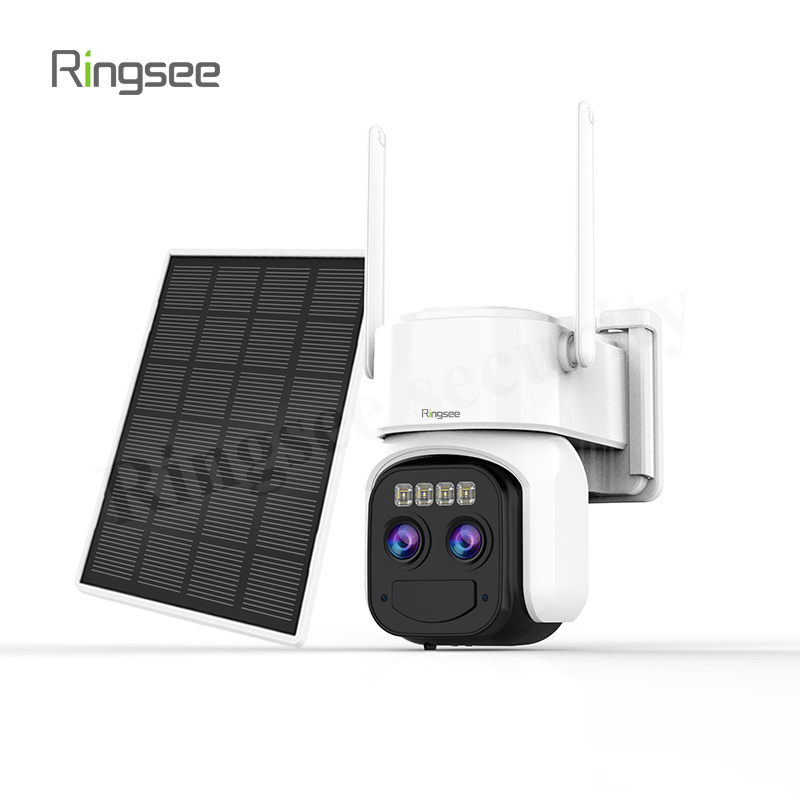
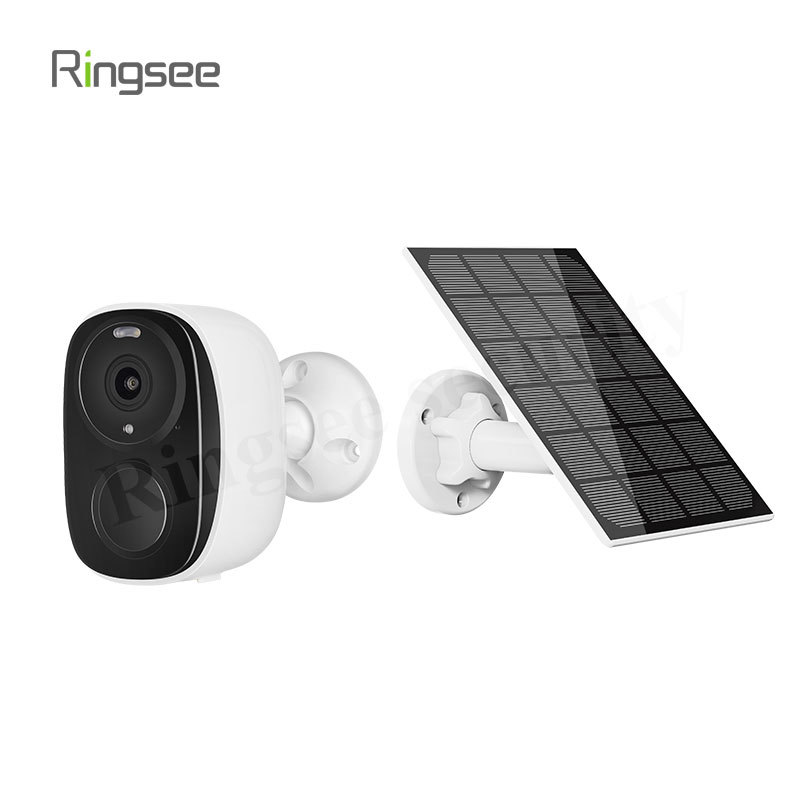
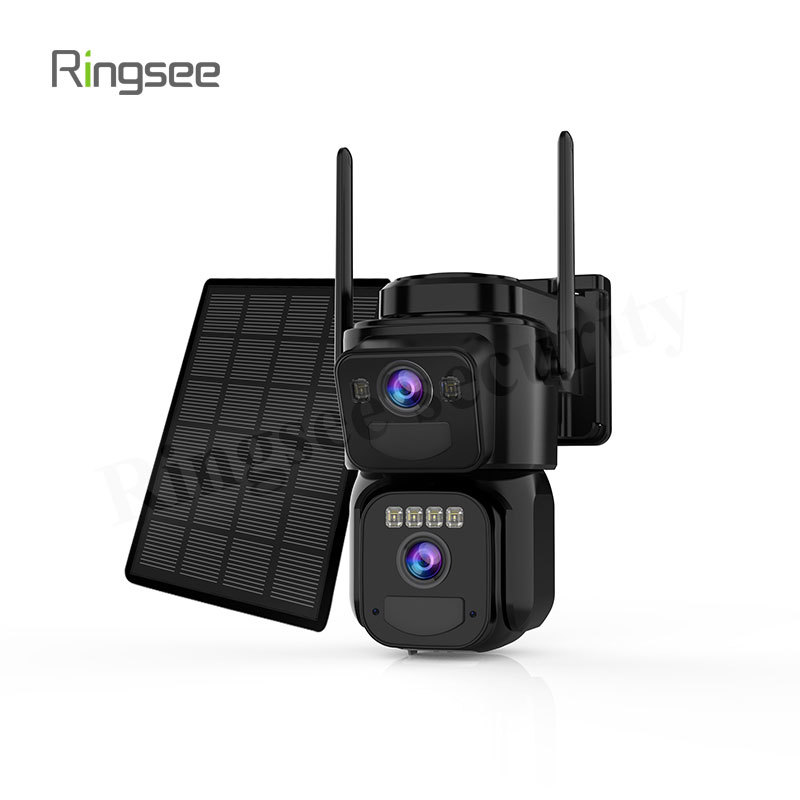
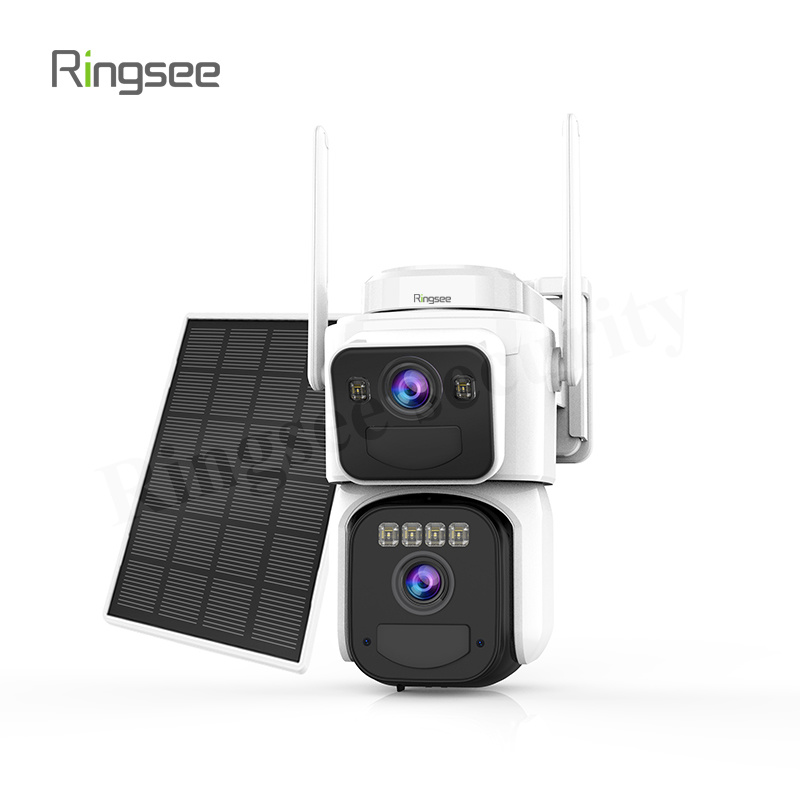
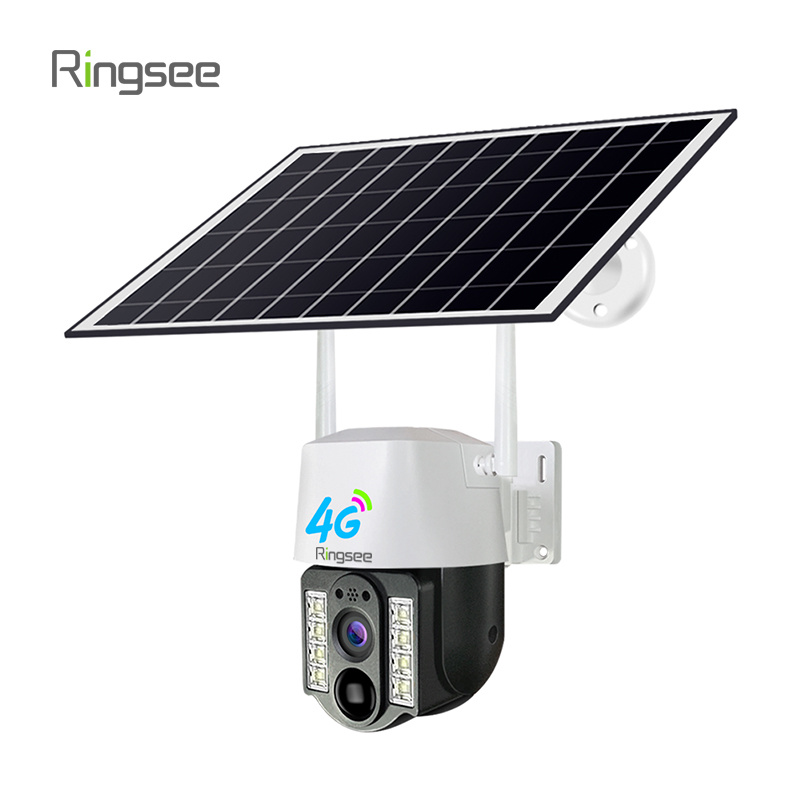
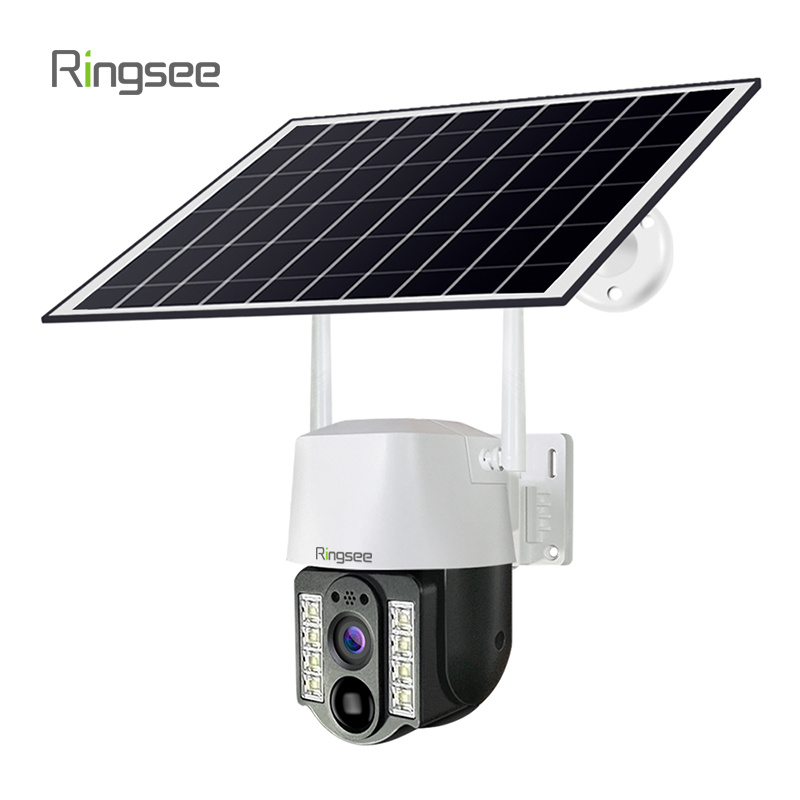
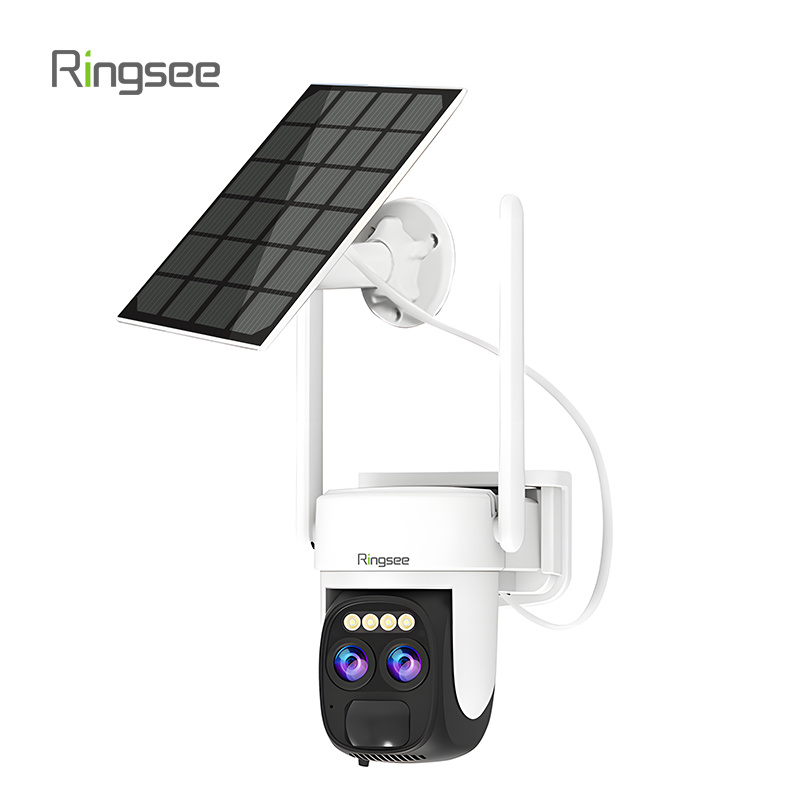
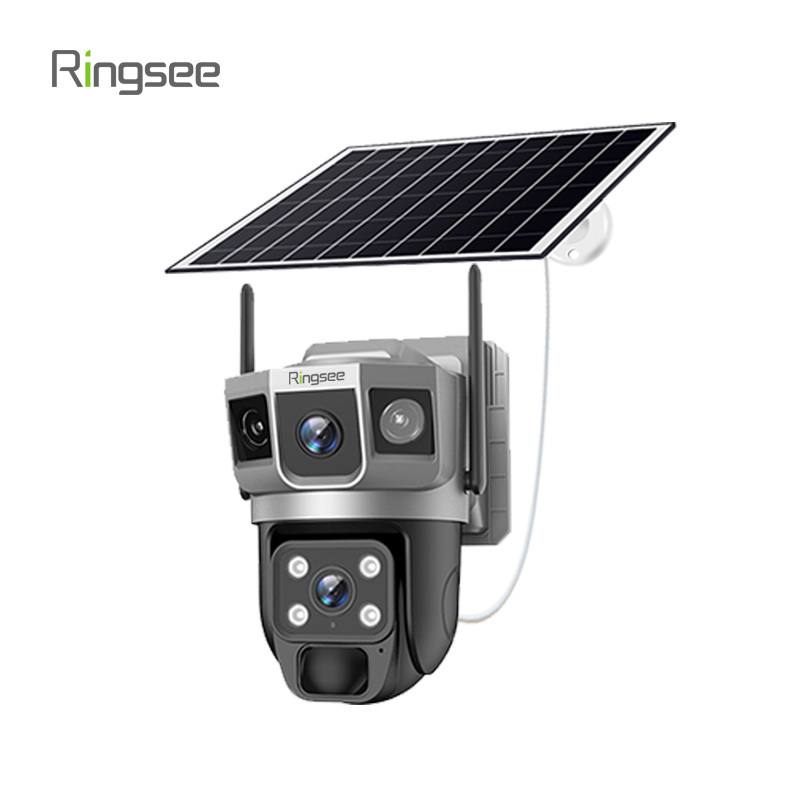
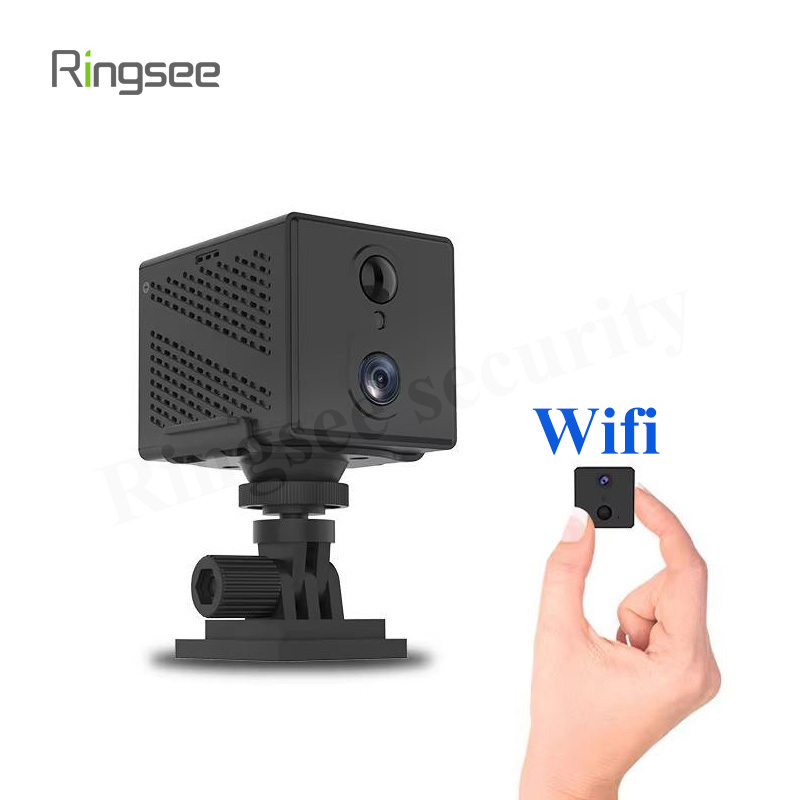
In recent years, the demand for sustainable and wireless security has skyrocketed. Ringsee’s low-power solar security cameras—including advanced 4K three-lens models and 4G LTE versions—have made it possible to monitor remote areas without a single power cable. But while these systems are designed for "DIY" simplicity, having the right tools on hand is the difference between a 15-minute setup and a frustrating afternoon.
If you are planning to secure your property with a system like the RS-SOC-9106, here is the ultimate toolkit guide for a professional-grade installation.

The Power Essentials: Drill and Bits
Most solar cameras are mounted on outdoor surfaces like brick, wood, or siding.
The Tool: A cordless power drill.
Why it matters: While many Ringsee cameras come with mounting screws, you will need a drill to create pilot holes. If you are mounting on masonry or concrete, ensure you have a 5.5mm (7/32”) masonry bit.
Pro Tip: Use the mounting template usually provided in the box to mark your holes with a pencil before drilling.

Precision Tools: The Level and Measuring Tape
A crooked camera doesn't just look bad—it can actually reduce the effective field of view, especially with dual-lens or three-lens cameras that rely on stitched panoramic images.
The Tool: A small bubble level and a 5-meter measuring tape.
Why it matters: Use the tape to ensure your camera is placed at the recommended height (usually 8–10 feet). Use the level to ensure the mounting bracket is perfectly horizontal, which is critical for the PTZ (Pan-Tilt-Zoom) functions found in models like the RS-SOC-9110.
Connectivity Tools: SIM and SD Card Access
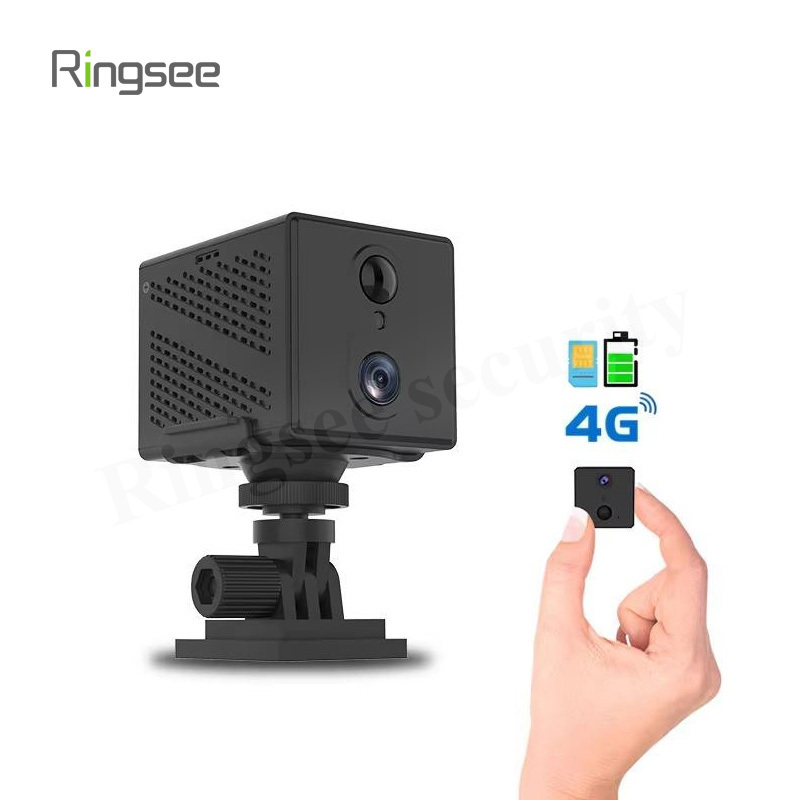
Since Ringsee’s low-power cameras are often used in areas without Wi-Fi, the 4G LTE models require specific setup steps.
The Tool: A SIM card ejector tool (usually included) and a pair of tweezers.
Why it matters: Inserting a Nano-SIM or a Micro-SD card into the weather-sealed slots can be tricky. Tweezers help you seat the card properly before sealing the rubber waterproof cover.
Note: Ensure your SD card is Class 10 or higher to handle the high-bitrate 2K and 4K video feeds.

The "Digital Tool": Your Smartphone
You cannot install a modern low-power solar camera without a smartphone.
The Tool: A mobile device with the Ringsee-compatible security app installed.
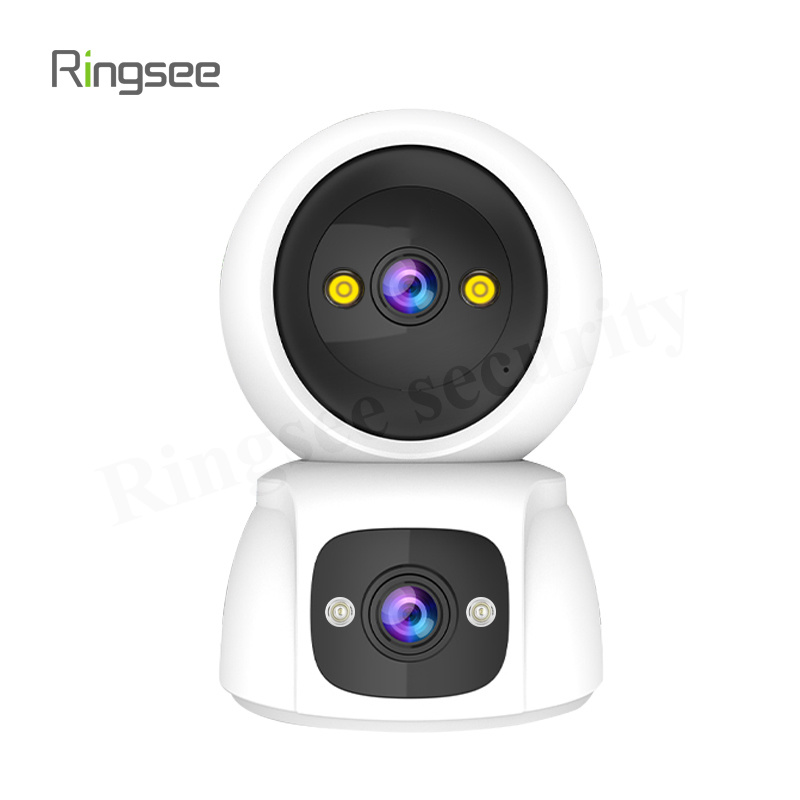
Why it matters: Your phone acts as your "installation monitor." Before you tighten the final screws, use the Live View feature to check for blind spots. This is especially important for the AOV (Always-On-Video) dual-lens cameras, where you need to align two different perspectives to cover the widest possible area.
Solar Optimization: A Compass App
The "low-power" magic of these cameras depends entirely on the solar panel’s efficiency.
The Tool: A compass app (built into most smartphones).
Why it matters: To get the maximum charge for your battery-powered camera, the solar panel should face True South (in the Northern Hemisphere) or True North (in the Southern Hemisphere). Use the compass to find the optimal angle (usually 30–45 degrees) to ensure your camera stays powered even during cloudy weeks.

Safety and Reach: The Ladder
Security cameras are most effective when they are out of reach of potential vandals.
The Tool: A sturdy, slip-resistant A-frame ladder.
Safety Tip: Always have a second person hold the base of the ladder, especially when you are using both hands to drill into a wall or adjust a solar panel.
Conclusion: Preparation is Key
Installing a Ringsee Low-Power Solar Camera System is one of the most cost-effective ways to protect your home or business. By gathering these six essential tools—a drill, level, tweezers, smartphone, compass, and ladder—you ensure that your system is mounted securely, positioned for maximum sun exposure, and configured for crystal-clear 4K surveillance.
Links:One Belt Power Technology
Add: 14th Floor, Baoshan Building, Longhua District, Shenzhen China.
Privacy Policy | SEO | CitySite | Support: 300.cn Dongguan