
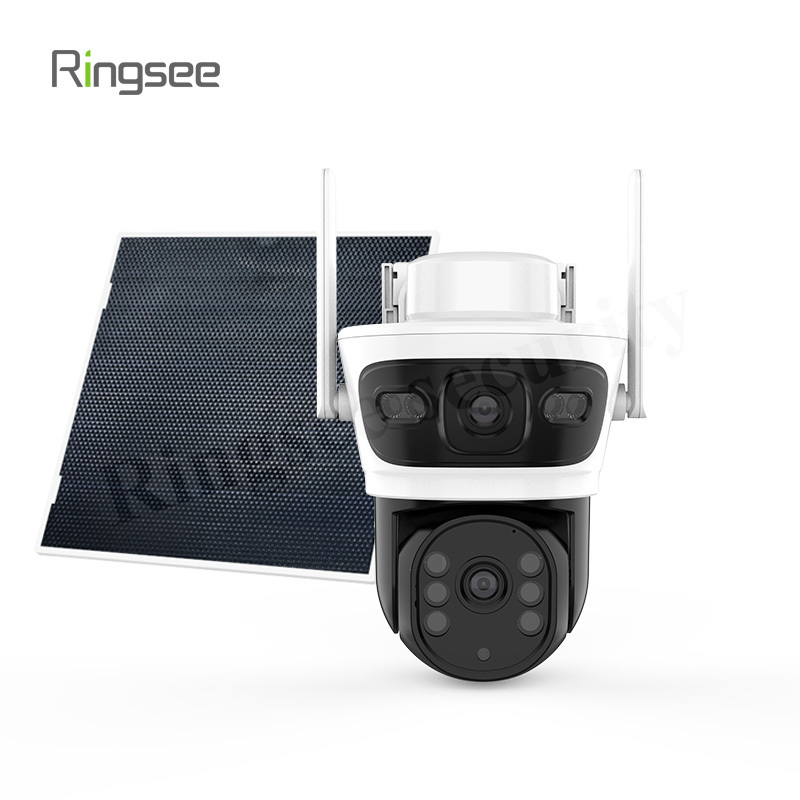
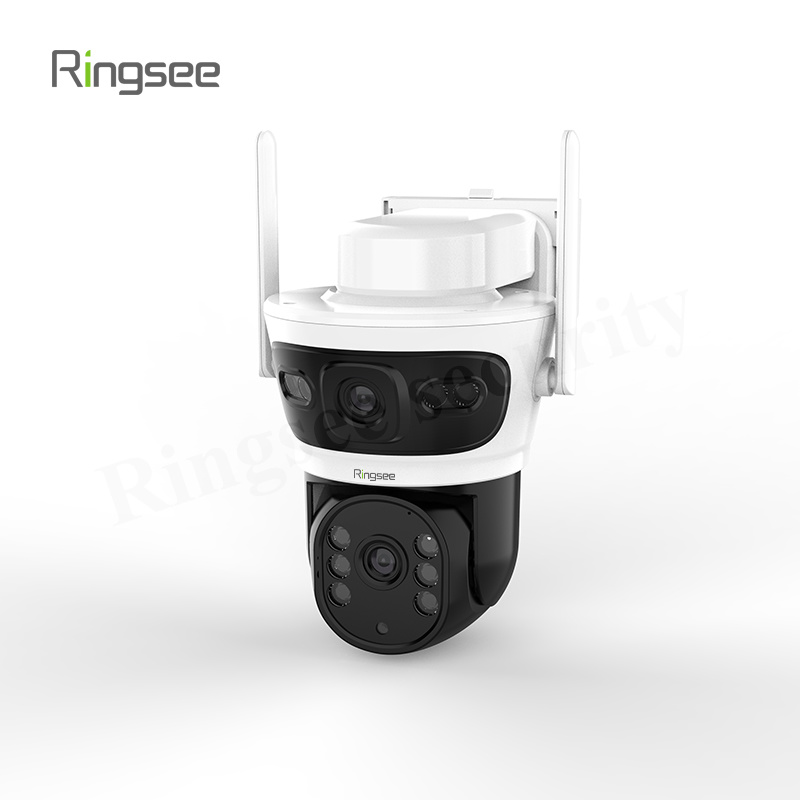
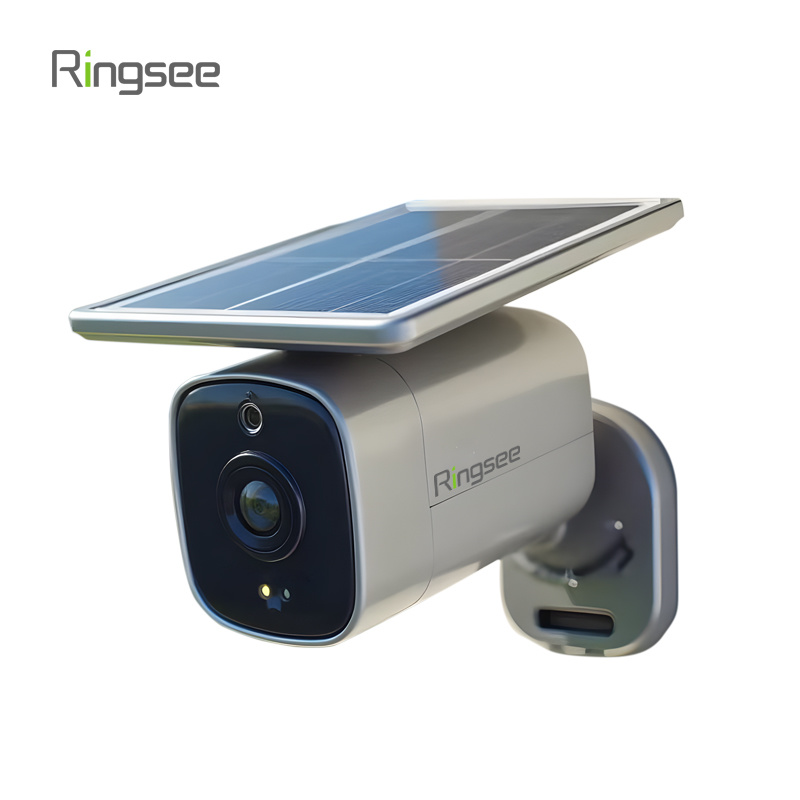
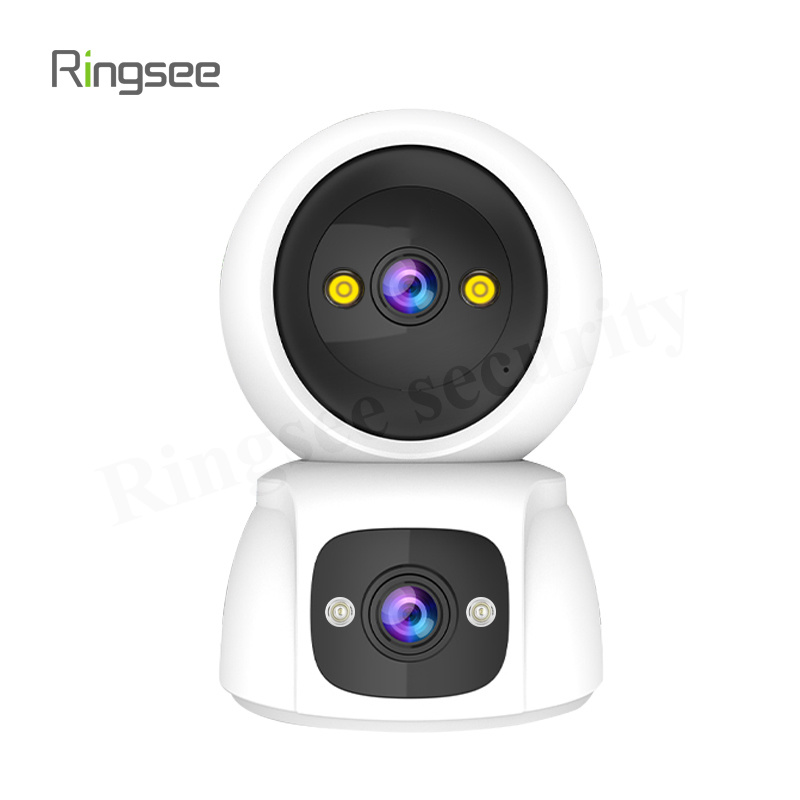









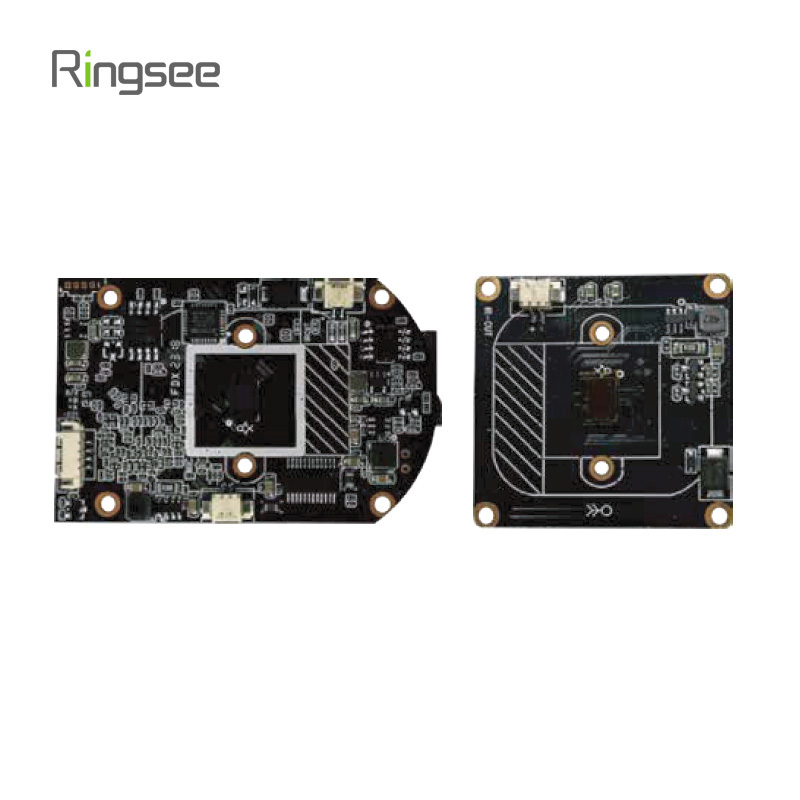
Security Camera Power & Connectivity: 12 Deployment Combinations Compared, With a Site Selection Decision Tree
Publish:
2026-08-01 16:14
Source:
https://www.ring-see.com
Most surveillance projects do not fail because of the camera. They fail because of power and connectivity — the two things everyone treats as an afterthought. A spec sheet means nothing when the site has no mains outlet and no usable signal.
This guide breaks camera deployment into two independent axes: four power methods (mains DC, PoE, battery, solar) × three connectivity methods (wired Ethernet, Wi-Fi, 4G/LTE), producing 12 real-world combinations. Each one gets its technical limits, cost structure, typical use cases and failure modes.
1. Why selection keeps failing on power and connectivity
Here is a scenario that plays out constantly in this industry.
A Middle East distributor bought 200 outdoor 4K bullet cameras. The specs were perfect: 8MP sensor, 50-metre IR, IP67. After installation at a logistics park, 60 units came back. Nothing was wrong with the cameras. Sixty perimeter positions sat more than 100 metres from the nearest cabinet, Ethernet could not reach, the client improvised with Wi-Fi repeaters, and 4K bitrates saturated the 2.4GHz band until the video turned into a slideshow.
This is not an outlier. Camera selection is really a decision about what a given site can provide — not about how impressive the camera is.
Power and connectivity determine:
- Whether installation is even possible (is there power, is there network)
- What it actually costs (cabling labour routinely exceeds the hardware bill)
- How long it survives (battery runtime, solar performance in winter)
- The image quality ceiling (bandwidth caps bitrate, bitrate caps quality)
- Support cost (wireless drop rates run several times higher than wired)
The correct order is therefore: fix power and connectivity first, then choose the model. Do it the other way round and rework is close to guaranteed.
2. Four power methods, technically
2.1 Mains DC (12V DC / 24V AC)
Principle: Draw from a nearby outlet through an adapter. The oldest and cheapest approach.
Key figures:
- Most indoor/outdoor cameras run on DC 12V, drawing a typical 3–8 W (fixed bullet/dome), rising to 5–12 W once IR illumination kicks in
- PTZ domes are far hungrier: typically 15–60 W, plus another 10–20 W for heater modules in cold climates
- Voltage drop is the most common hidden fault. A 12V supply on 0.5mm² cable over 30 metres can lose more than 1.5V. When IR switches on at night the current spikes, voltage falls below 10.5V, and the camera reboots. The symptom — "fine during the day, keeps dropping at night" — is notoriously hard to diagnose
Cable gauge vs distance (12V DC, 5W load, drop kept under 10%):
Gauge | Recommended max distance |
0.5 mm² | approx. 20 m |
0.75 mm² | approx. 30 m |
1.0 mm² | approx. 40 m |
1.5 mm² | approx. 60 m |
Beyond these distances, switch to 24V AC (lower current for the same power, so less drop) or move to PoE.
Best for: Indoor, existing outlets, fixed positions.
Failure modes: Adapter ageing, lightning surge, voltage drop, someone unplugging the socket.
2.2 PoE (IEEE 802.3af / at / bt)
Principle: One Ethernet cable carries both data and power. The professional standard.
Power class reference:
Standard | Common name | PSE output | PD available | Typical devices |
802.3af | PoE | 15.4 W | 12.95 W | Fixed bullet, dome, access control |
802.3at | PoE+ | 30 W | 25.5 W | Small PTZ, heated outdoor units |
802.3bt Type 3 | PoE++ | 60 W | 51 W | Mid-size PTZ, multi-sensor |
802.3bt Type 4 | PoE++ | 90 W | 71.3 W | Large PTZ with wiper and heater |
Why the gap between PSE and PD: that difference is cable loss, calculated for the worst case of 100 metres of Cat5e. Always size against PD available power, never the switch's headline PSE figure.
Hard constraints:
- 100 metres, full stop (Cat5e/Cat6). Beyond that you need extenders (more loss, more failure points) or fibre
- Switch power budget is routinely overlooked. An "8-port PoE, 120W total" switch feeding eight 15W cameras looks fine on paper — until every camera turns on IR simultaneously at dusk, the peak exceeds budget, and the switch trips. Every camera drops at once. Size the total budget at 1.3–1.5× actual load
- Cable quality decides everything. CCA (copper-clad aluminium) has higher resistance and runs hot, and is the number one cause of PoE failures in humid regions. Use oxygen-free copper only
Best for: Buildings, campuses, factories, schools — anywhere with structured cabling.
Failure modes: Wrong pinout, CCA cable, switch overload, oxidised connectors.
2.3 Battery only
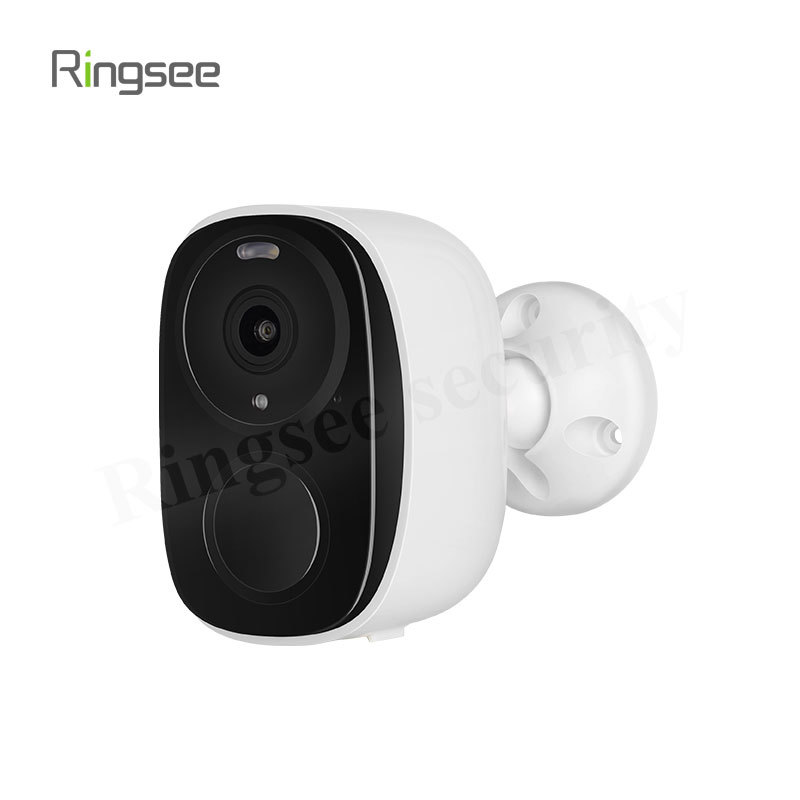
Principle: Internal lithium cell, PIR wake-up, event-triggered recording, deep sleep in between.
Key figures:
- Typical capacity 5000–10400 mAh (3.7V lithium). Converted to energy: 10000 mAh × 3.7 V ÷ 1000 = 37 Wh
- Deep sleep current typically 80–300 μA. This single number tells you more about a product's power engineering than any marketing claim
- A single wake cycle (SoC boot + network link + encode + upload 10 seconds) consumes a typical 8–25 mWh — thousands of times the idle draw
Real runtime formula:
Daily consumption (Wh) = idle draw (Wh/day) + daily wake count × energy per wake (Wh)
idle draw (Wh/day) = sleep current (A) × 3.7 V × 24 h
e.g. 150 μA -> 0.00015 × 3.7 × 24 = 0.0133 Wh/day
Runtime (days) = battery energy (Wh) × DoD (0.8) ÷ daily consumption (Wh)
Worked example (10000 mAh battery, 150 μA idle, 15 mWh per wake):
Daily wakes | Daily consumption | Theoretical runtime |
10 (quiet back garden) | 0.163 Wh | approx. 181 days |
30 (typical front door) | 0.463 Wh | approx. 64 days |
100 (street-facing, trees nearby) | 1.513 Wh | approx. 19 days |
300 (windy day, heavy traffic) | 4.513 Wh | approx. 6 days |
This table explains the biggest expectation gap in the category. A "6-month runtime" claim is usually calculated at ten wakes per day. Real deployments regularly exceed a hundred. Runtime is not set by the battery. It is set by the false trigger rate.
Which is why PIR algorithm quality — filtering out swaying leaves, rain, heat shimmer, passing vehicles — matters far more than cell capacity. A bigger battery improves runtime linearly. Cutting false triggers improves it by multiples.
Best for: Rentals, temporary positions, sites where cabling is impossible, low event frequency.
Failure modes: Runtime collapse from false triggers, cold-weather capacity loss (roughly 70–80% of rated capacity at 0°C), water ingress at the charging port.
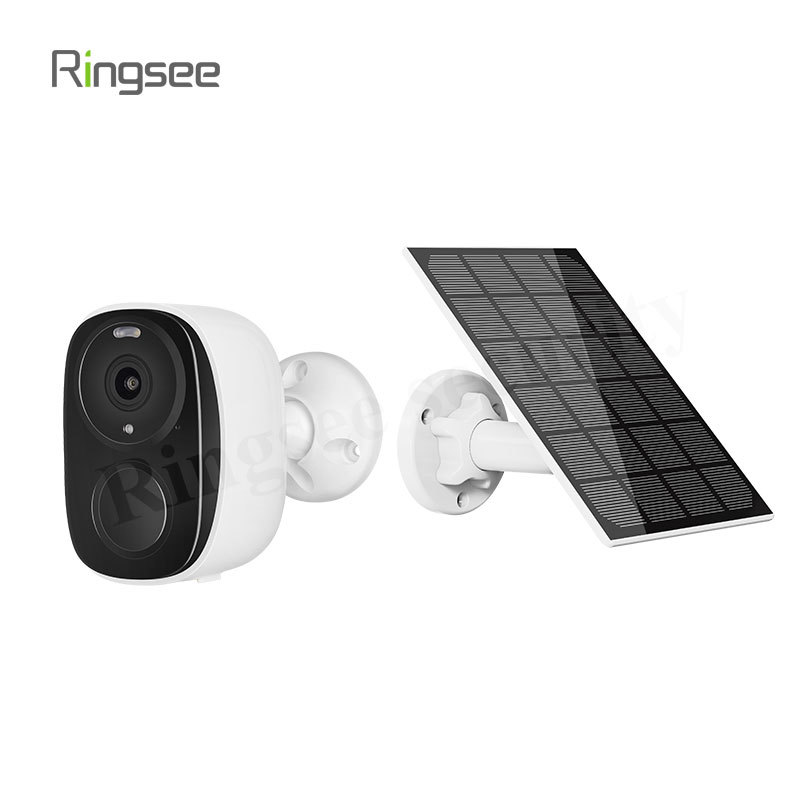
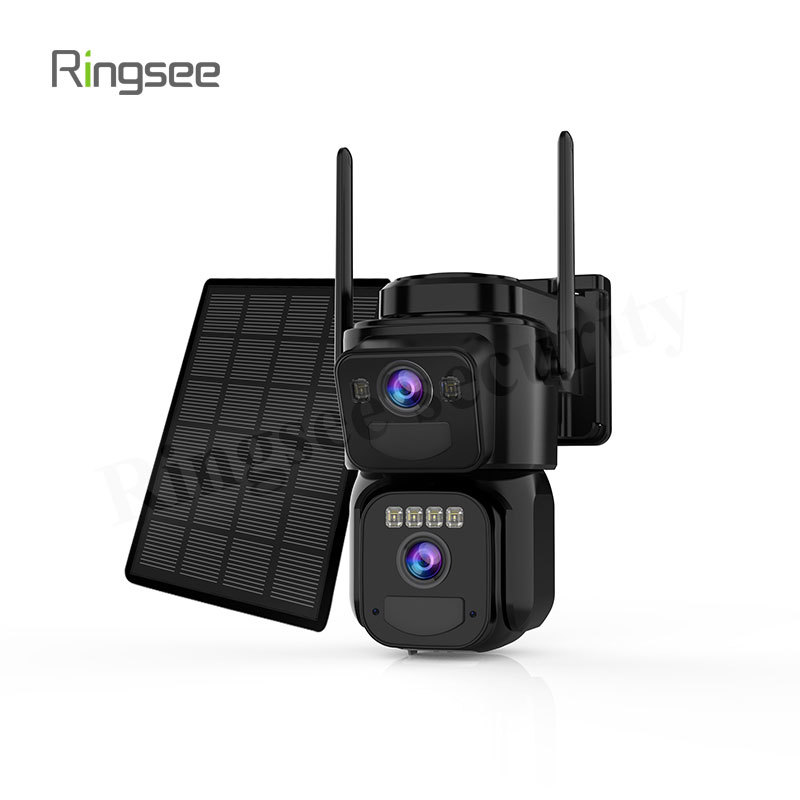
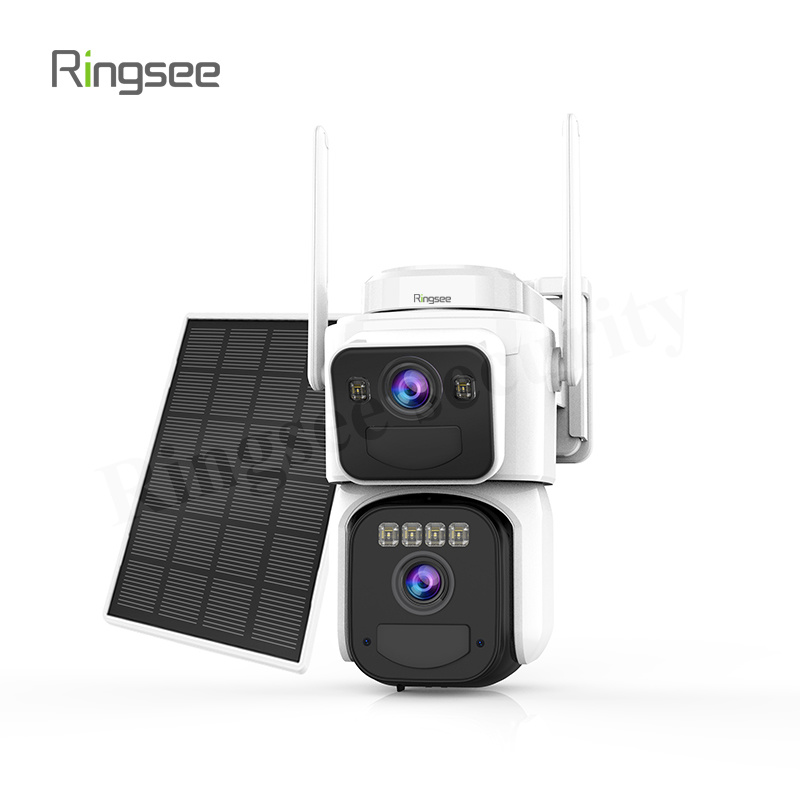
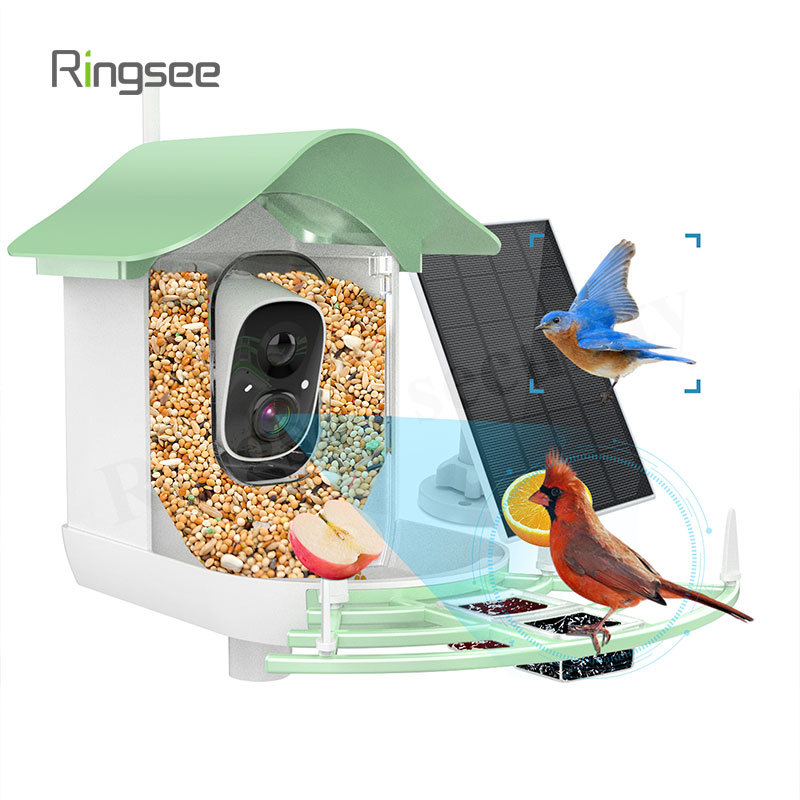
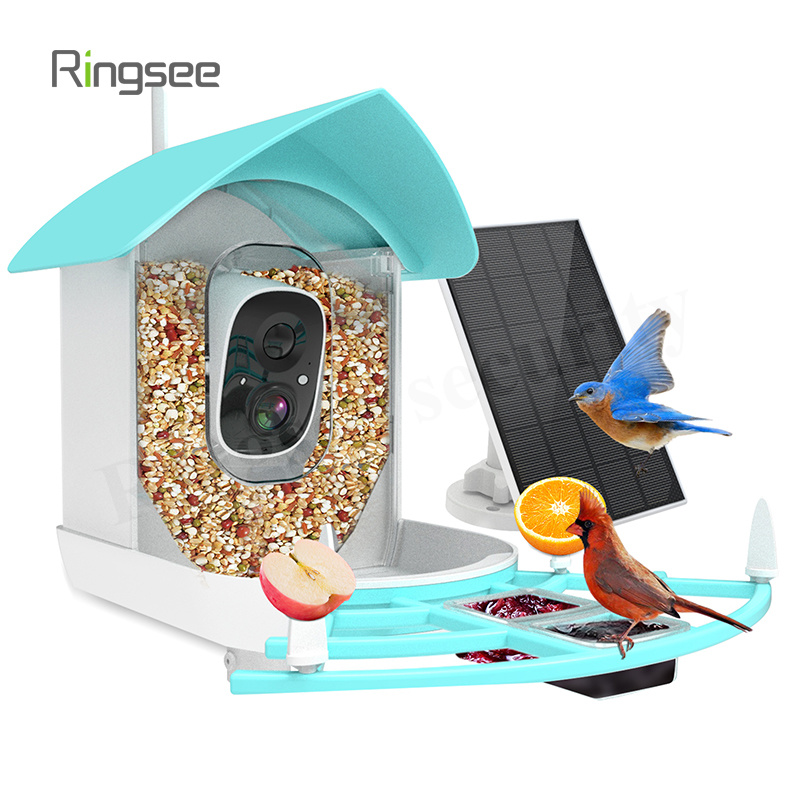
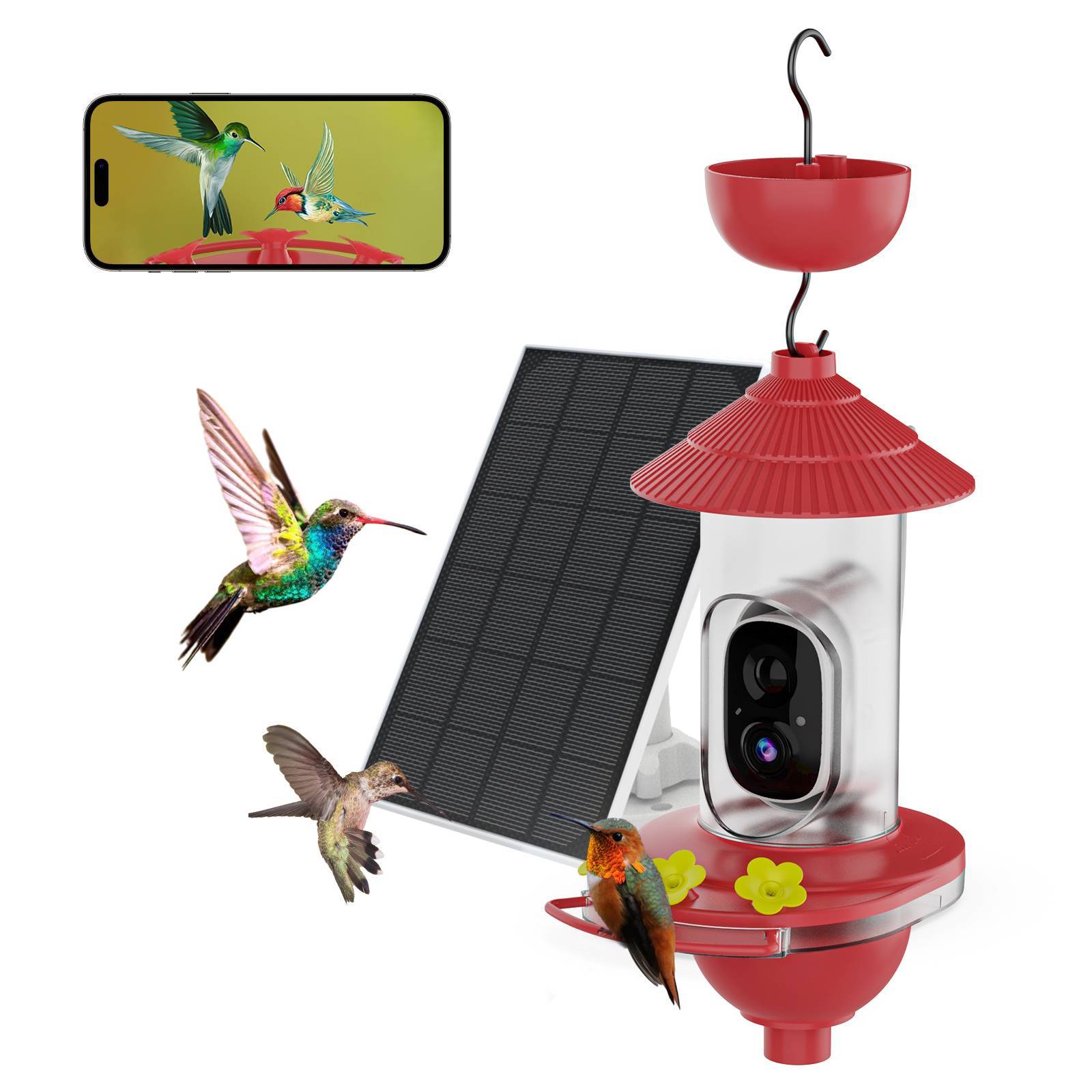
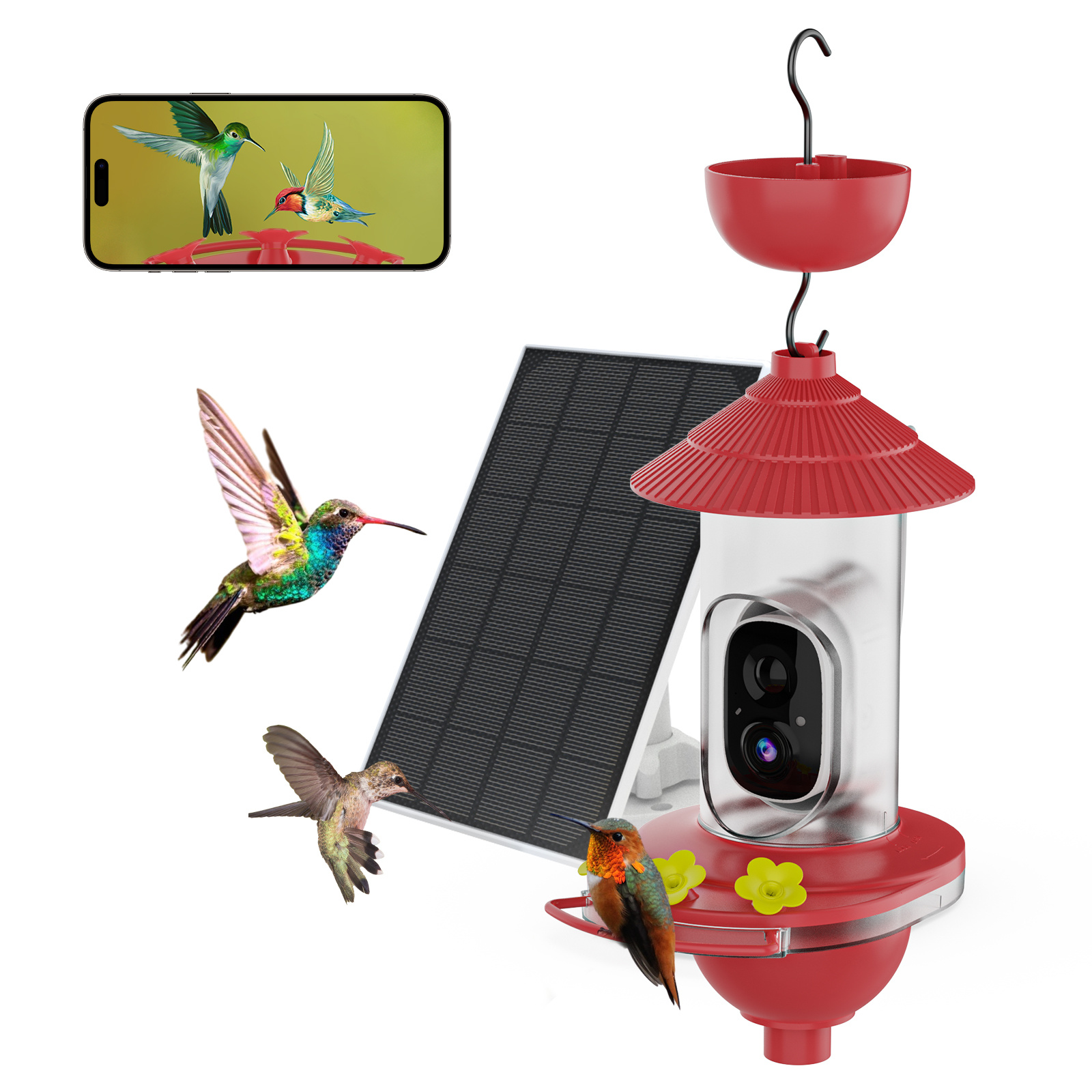
2.4 Solar + battery
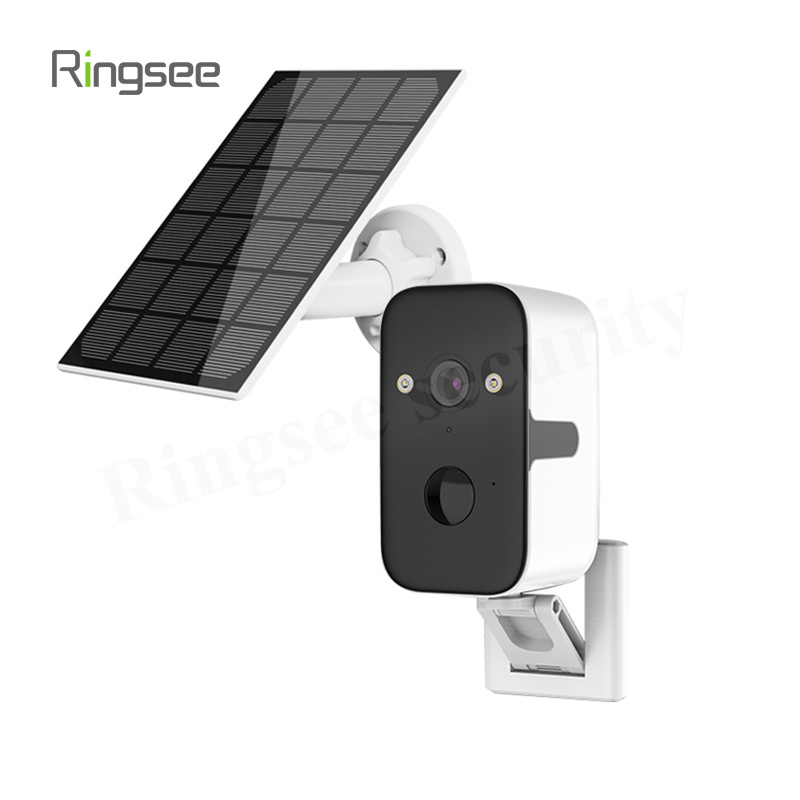
Principle: Panel charges the battery by day, battery runs the camera. In theory, permanently maintenance-free.
Sizing formula — this is where the design succeeds or fails:
Daily generation (Wh) = panel rating (W) × peak sun hours PSH (h) × system efficiency η
η = 0.6–0.75 (dust, mounting angle error, thermal loss, charge conversion loss)
Requirement: daily generation >= daily consumption × 1.3
Autonomy in overcast weather (days) = battery energy (Wh) × 0.8 ÷ daily consumption (Wh)
Peak sun hours by region:
Region | Summer PSH | Winter PSH (size against this) |
Middle East, North Africa | 6.5–7.5 h | 4.5–5.5 h |
Southeast Asia | 4.5–5.5 h | 4.0–5.0 h |
Southern Europe, Mediterranean | 6.0–7.0 h | 2.5–3.5 h |
Central and Northern Europe | 5.0–6.0 h | 0.8–1.8 h |
Central/Southern North America | 6.0–7.0 h | 3.0–4.0 h |
Latin America (equatorial) | 5.0–6.0 h | 4.5–5.5 h |
This table is where most solar projects go wrong. The same 5W panel with a 10000 mAh battery runs forever in Dubai and dies in a German December. Quoting a solar solution to a European client without asking about latitude is the classic support landmine.
Worked example (5W panel, η = 0.7, 0.5 Wh daily draw):
- Middle East winter: 5 × 5.0 × 0.7 = 17.5 Wh/day → 35× the demand, comfortably safe
- Central Europe winter: 5 × 1.2 × 0.7 = 4.2 Wh/day → 8.4× the demand, still viable
- Central Europe winter with high false triggers (4 Wh/day): 4.2 vs 4.0 → break-even; a run of overcast days kills it
Best for: Farms, ranches, construction sites, fish ponds, solar plants, remote assets, traffic checkpoints.
Failure modes: Winter generation shortfall, snow/leaf/bird droppings shading, wrong orientation (must face south in the northern hemisphere), cold battery degradation, mount theft.
3. Three connectivity methods and their limits
3.1 Wired Ethernet
- Bandwidth: 100M/1G, never the bottleneck
- Latency: <5 ms, the most stable option
- Distance: 100 m; beyond that, fibre or extenders
- Cost profile: cheap hardware, expensive labour. On many projects cabling exceeds the total camera spend
- Compliance: no spectrum or carrier restrictions, no export friction
Verdict: if you can cable it, cable it.
3.2 Wi-Fi
The band trade-off:
| 2.4 GHz | 5 GHz |
Open-air range | 100–150 m | 30–50 m |
Wall penetration | Strong (2–3 brick walls) | Weak (noticeable loss through one) |
Usable bandwidth | Low (few channels, heavy interference) | High |
Power draw | Lower | Higher |
Non-overlapping channels | 3 (1/6/11) | Over a dozen |
Why nearly every battery and solar camera is 2.4GHz-only: lower power and longer reach. It is a deliberate engineering trade-off, not a cost cut. The price is that 2.4GHz is already congested in dense residential areas — microwaves, Bluetooth and every neighbour's router competing for three channels.
Bitrate vs resolution (H.265):
Resolution | Typical bitrate |
1080p | 1–2 Mbps |
2K (4MP) | 2–4 Mbps |
4K (8MP) | 4–8 Mbps |
A 2.4GHz AP realistically delivers 20–40 Mbps of shared throughput. Four 4K cameras already push the limit — which is precisely what wrecked the Middle East project above.
Signal strength (RSSI) thresholds:
RSSI | Assessment |
> -60 dBm | Excellent, stable |
-60 to -70 dBm | Usable |
-70 to -80 dBm | Marginal, intermittent drops |
< -80 dBm | Unusable |
Procurement tip: require that the supplier's app displays a numeric RSSI value, not a three-bar icon. It is a quick proxy for engineering seriousness.
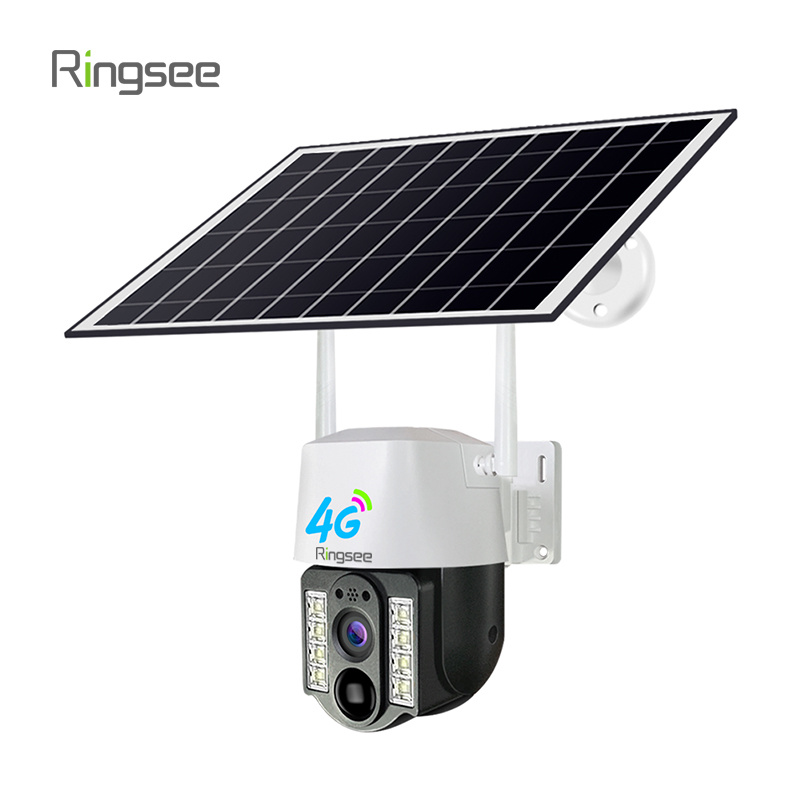
3.3 4G / LTE
Module class selection:
Class | Down / Up | Power | Suitable for |
Cat-1 | 10 / 5 Mbps | Low | First choice for battery and solar |
Cat-4 | 150 / 50 Mbps | High | Mains-powered, multiple high-bitrate streams |
Cat-M1 / NB-IoT | < 1 Mbps | Very low | Not viable for video |
Uplink is the real constraint. Cameras push data outward. Cat-1's 5 Mbps uplink handles one 2K stream under good signal; under average signal, 1–2 Mbps is a realistic expectation.
Do the data maths:
Monthly data (GB) ~= bitrate (Mbps) × 3600 × 24 × 30 ÷ 8 ÷ 1024
1 Mbps sustained upload ~= 324 GB / month
A 4G camera must never be configured for 24/7 full-bitrate upload. It has to run event-triggered recording with local storage and on-demand playback. No data plan survives the alternative.
Global LTE bands (check before export):
Region | Primary bands |
Europe | B1(2100), B3(1800), B7(2600), B8(900), B20(800) |
North America | B2, B4, B5, B12, B13, B66, B71 |
Southeast Asia | B1, B3, B8, B40, B41 |
Latin America | B2, B3, B4, B7, B28 |
Middle East / Africa | B1, B3, B8, B20, B28 |
The most frequent export disaster: a B1/B3/B8-only module shipped to North America, where the customer inserts a SIM and finds no network at all. B20 (Europe, 800MHz) and B28 (LatAm/APAC, 700MHz) are the two most commonly omitted — and low bands are exactly what covers rural and suburban areas.
4. All 12 combinations compared
Four power methods × three connectivity methods, ranked by real-world viability:
# | Power | Connectivity | Viability | Typical use | Watch out for |
1 | Mains | Wired | * | Indoor, small retail | Cheapest, but two cable runs |
2 | Mains | Wi-Fi | * | Home indoor, shops | No Ethernet, mind 2.4G congestion |
3 | Mains | 4G |
| Warehouses with power but no network | Data cost, must be event-triggered |
4 | PoE | Wired | * | Campus, factory, school | Professional default, one cable |
5 | PoE | Wi-Fi | * | Effectively pointless | Cable is already there |
6 | PoE | 4G | * | Very rare | Same contradiction |
7 | Battery | Wired | * | Not viable | If you can run Ethernet you can run power |
8 | Battery | Wi-Fi |
| Rentals, doorways, temporary | Runtime hinges on false triggers |
9 | Battery | 4G |
| Vehicles, short-term sites | Double drain, shortest runtime |
10 | Solar | Wired |
| Network but no power | Uncommon but valid |
11 | Solar | Wi-Fi |
| Own yard, farmhouse perimeter | Must sit inside own Wi-Fi coverage |
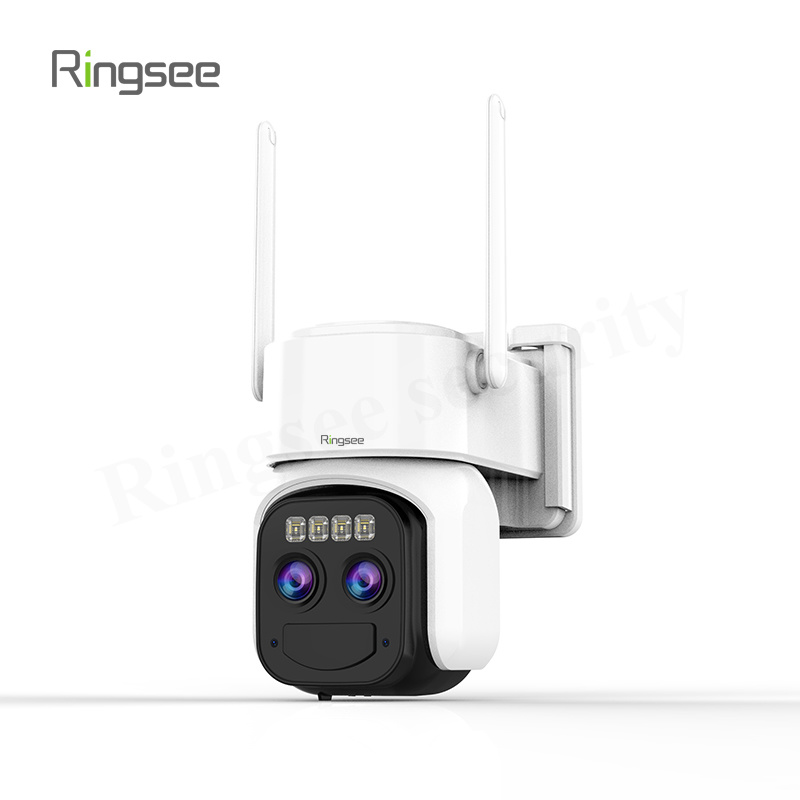
12 | Solar | 4G | * | Farms, ranches, sites, remote assets | Fully independent; winter yield is critical |
Only five deserve serious evaluation: #1, #2, #4, #8, #12. The rest are edge cases or logically self-defeating.
The two most commercially significant:
- #4 (PoE + wired): the gold standard for professional projects. One cable handles power and data, with central management, remote reboot and maximum stability
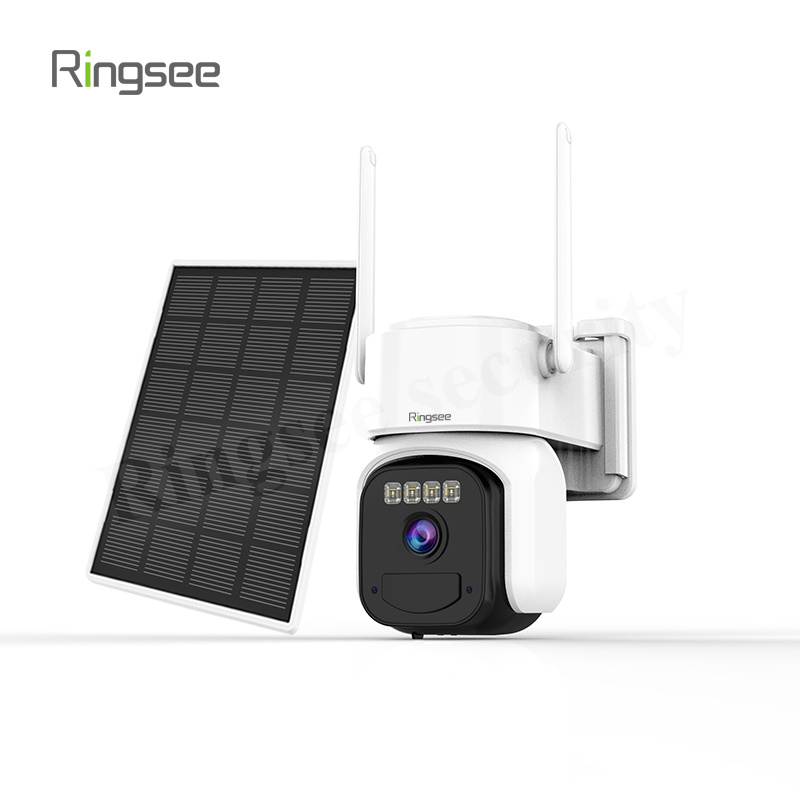
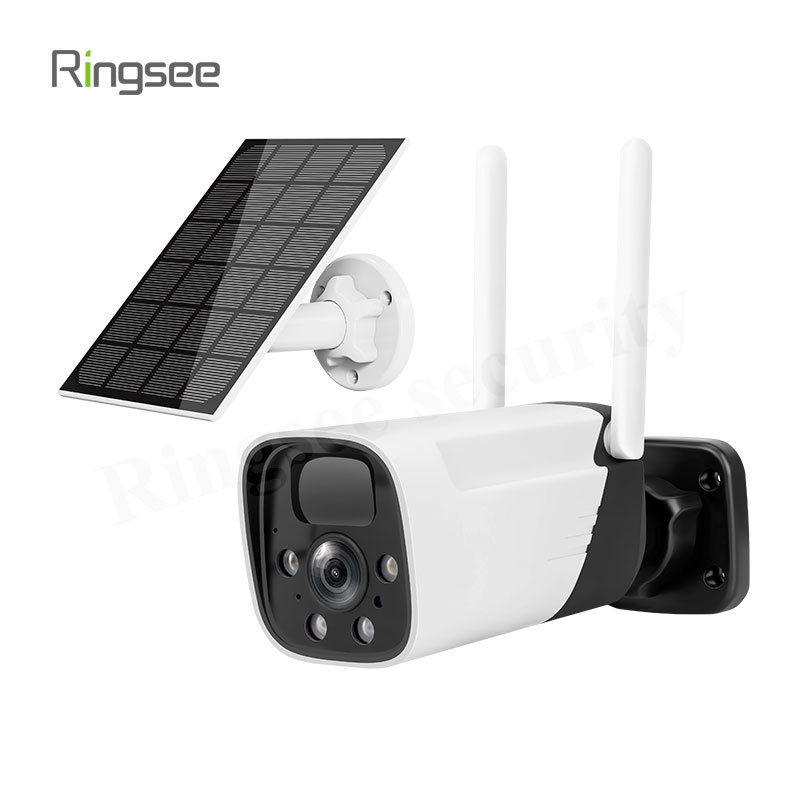
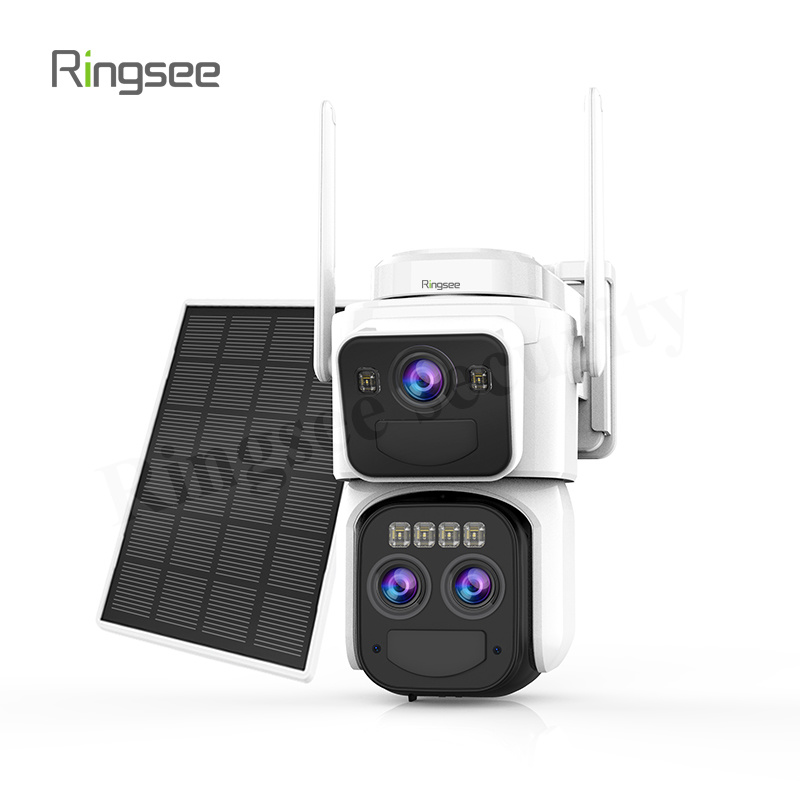
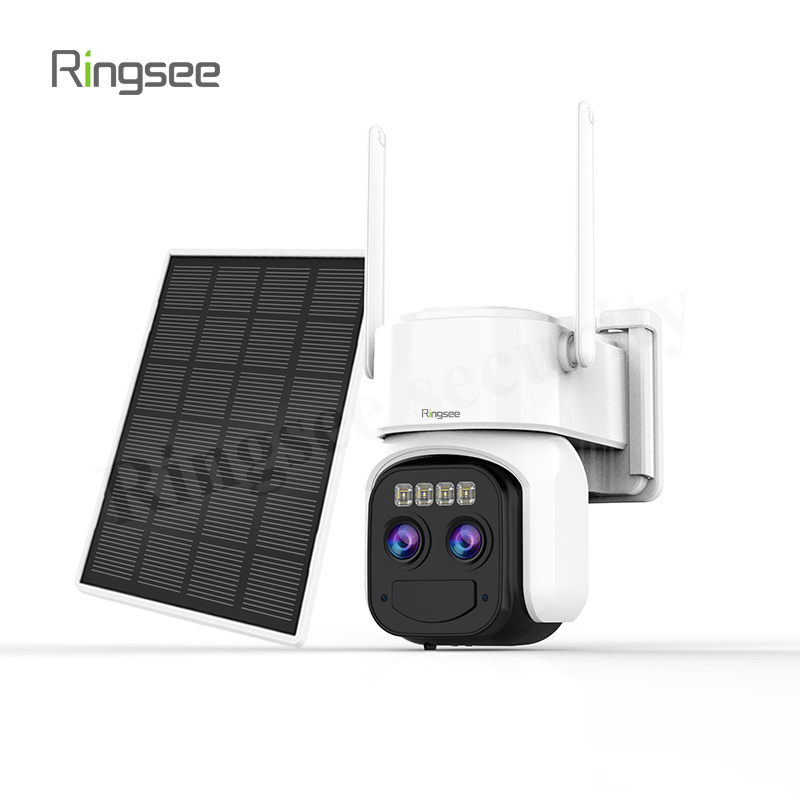
- #12 (solar + 4G): completely independent of infrastructure, and the fastest-growing category of the past five years. Farms, ranches, sites, solar plants and transmission towers simply could not be covered before
5. Three-year total cost of five mainstream combinations
The most common procurement mistake is comparing camera unit prices. In real projects, the camera itself is often only 30–50% of total spend. The rest hides in installation, consumables, maintenance and replacement.
Below is a per-outdoor-position, three-year cost breakdown. Figures are relative ratios (cheapest option = 1.0), not absolute money — the point is to show where the cost actually goes.
Cost item | #1 Mains+Wired | #2 Mains+Wi-Fi | #4 PoE+Wired | #8 Battery+Wi-Fi | #12 Solar+4G |
Hardware | 1.0 | 1.0 | 1.2 | 1.3 | 2.2 |
Consumables (cable, mount, PSU) | 0.6 | 0.3 | 0.5 | 0.1 | 0.4 |
Installation labour | 1.2 | 0.5 | 0.9 | 0.1 | 0.3 |
3-year connectivity fees | 0 | 0 | 0 | 0 | 1.1 |
3-year maintenance | 0.1 | 0.2 | 0.9 | 0.9 | 0.3 |
Failures and downtime | 0.2 | 0.5 | 0.1 | 0.6 | 0.4 |
3-year total | 3.1 | 2.5 | 3.6 | 3.0 | 4.7 |
Four counter-intuitive conclusions:
First, labour frequently costs more than the hardware. Mains plus wired means two cable runs; labour can exceed the equipment price outright. This is why wireless sells far better in Europe and North America than in China — not because the product is better, but because the labour it saves is worth so much more there.
Second, PoE is not cheap to install but it almost never breaks. It scores 0.1 on failures and downtime, the best of any option. Where a camera failure causes real loss — vaults, server rooms, production lines — that reliability premium pays for itself.
Third, battery's hidden cost is maintenance. Cheap hardware, near-zero installation, then someone climbs a ladder every two or three months. If the position is high, on a roof, or on a remote plot, a single battery swap can cost more than the camera. The harder the position is to reach, the worse battery economics get.
Fourth, solar plus 4G carries the highest total cost — and is frequently the only option. Three years of connectivity fees is a genuine recurring expense and the hardware is the priciest. But on a farm or a construction site with no mains and no network, the other four options do not cost "more" — they cost infinity, because they cannot be installed at all. In those scenarios it is not the value choice, it is the feasibility choice.
So establish the site constraints before comparing numbers. Price comparisons detached from context produce wrong answers every time.
6. Hybrid deployment: real projects rarely use one method
The comparison above exists to clarify boundaries. In practice, mid-to-large projects almost never run a single approach. They layer.
A typical campus looks like this:
- Core zone (offices, server room, main gate): PoE + wired. Maximum stability and manageability, centralised power, reboot and recording
- Transition zone (car park, warehouse perimeter): mains + Wi-Fi. Power available, Ethernet inconvenient, bridge back over Wi-Fi
- Boundary zone (fence line, back slope, temporary yards): solar + 4G. Fully autonomous, no dependency on campus infrastructure
- Temporary positions (works area, event space): battery + Wi-Fi. Install, use, remove
The benefit is obvious: budget goes where it matters. Spend on stability in the core, cover blind spots at the boundary with autonomous units, stay flexible for temporary needs. All-PoE stalls at the perimeter; all-solar wastes money in the core.
Three things to control in hybrid deployments:
- One management platform. Cameras on different power and connectivity methods must land in the same platform. If PoE units use one app and 4G units another, operations become a nightmare. Confirm all models support a common protocol (ONVIF or a unified vendor cloud)
- Separate the recording strategy. Wired positions can record centrally to an NVR. 4G positions must record to local storage and upload events only, or data usage explodes
- Do not apply power redundancy uniformly. Core PoE switches need a UPS. Solar units already carry a battery — that is the redundancy; do not stack more on top
7. Six-step selection decision tree
Answer in order. Each step eliminates options.
Step 1: Is there usable mains power within 100 metres?
- Yes → Step 2
- No → jump to Step 5
Step 2: Can Ethernet be run (conduit, tray, riser available)?
- Yes → choose #4 (PoE + wired). Done
- No → Step 3
Step 3: Does measured Wi-Fi RSSI at the position beat -70 dBm?
- Yes → Step 4
- No → choose #3 (mains + 4G). Done
Step 4: How many cameras share that AP — does total bitrate exceed 15 Mbps?
- No → choose #2 (mains + Wi-Fi). Done
- Yes → split the AP, switch to #4, or reduce resolution
Step 5: Is the position within your own Wi-Fi coverage?
- Yes → Step 6
- No → choose #12 (solar + 4G), then run the winter generation check
Step 6: What are the daylight conditions (check local winter PSH)?
- Winter PSH ≥ 2.5h → choose #11 (solar + Wi-Fi)
- Winter PSH < 2.5h → choose #8 (battery + Wi-Fi) and plan a swap/charge routine
Any solar choice must pass this check:
panel rating × local winter PSH × 0.7 >= daily consumption × 1.3
If it fails: increase panel size, reduce recording frequency, or move to a lower-power model.
8. Supplier verification checklist
Send these ten questions. The quality of the answers separates factories from traders instantly.
Power
- What is the measured deep-sleep current in μA? Is there a third-party test report?
- What is the energy per wake cycle (link + 10s record + upload) in mWh?
- What is battery capacity retention at 0°C and -10°C?
- What is the panel's measured output (not rated)? At what irradiance was it measured?
- What is the peak PD-side draw of the PoE model with IR active?
Connectivity
- Which 4G module, and exactly which bands? Can you supply the band list?
- Is Wi-Fi 2.4G-only or dual-band? Does the app show a numeric RSSI?
- What is the default bitrate? Is it adjustable? Is smart bitrate (H.265+) supported?
Verification
- Can you supply three samples for a 30-day field test (not lab data)?
- Can you provide comparable deployment references with site photos?
How to read the answers: a supplier who gives specific, internally consistent numbers is a real factory. One that only says "our runtime is excellent" and "the signal is strong" can be eliminated.
9. FAQ
Q1: How many days does a solar security camera last in overcast weather?
It depends on the ratio of battery energy to daily consumption. With a 37 Wh battery (10000 mAh / 3.7V) and 0.5 Wh daily draw, autonomy is roughly 59 days from full charge. If false triggers push daily draw to 4 Wh, that falls to about 7 days. Overcast autonomy is governed by consumption, not battery size.
Q2: What is the maximum PoE camera distance?
100 metres on Cat5e/Cat6 — a hard limit in the IEEE 802.3 standard. Beyond that you need a PoE extender (adding loss and failure points) or fibre with media converters. In practice keep runs under 90 metres for margin.
Q3: How much data does a 4G security camera use per month?
In event-triggered mode, 30 triggers a day uploading 15 seconds of 2 Mbps video consumes roughly 3.9 GB/month. Misconfigured for continuous 2 Mbps upload, it reaches about 648 GB/month — 166 times more. Confirm the device is event-triggered, not streaming continuously.
Q4: A battery camera claims six months. What is realistic?
The claim is normally calculated at ten wakes per day. In a street-facing or vegetated location, over a hundred wakes a day is common and runtime drops to around three weeks. Ask for the full test condition — "at N wakes per day" — not just a headline number.
Q5: 2.4GHz or 5GHz?
Choose 2.4GHz for outdoor, long-range, through-wall and battery-powered scenarios. Choose 5GHz for short-range indoor use with multiple high-bitrate streams in congested environments. Most battery and solar cameras are 2.4GHz-only by deliberate design.
Q6: Which bands does a 4G camera need for Europe?
At minimum B1(2100), B3(1800), B7(2600), B8(900) and B20(800). B20 is the workhorse low band for European rural and suburban coverage and the one most often missed — omit it and the device works in town but goes dark in the countryside.
10. Closing
Camera selection is never about who has the prettier spec sheet. The same camera is an asset in a PoE-equipped campus and scrap on a farm with no power and no signal.
The professional method inverts the usual order: survey what the site can provide, use the decision tree to eliminate what will not work, then pick a model from the one or two combinations that remain. Get that sequence right and return rates fall sharply.
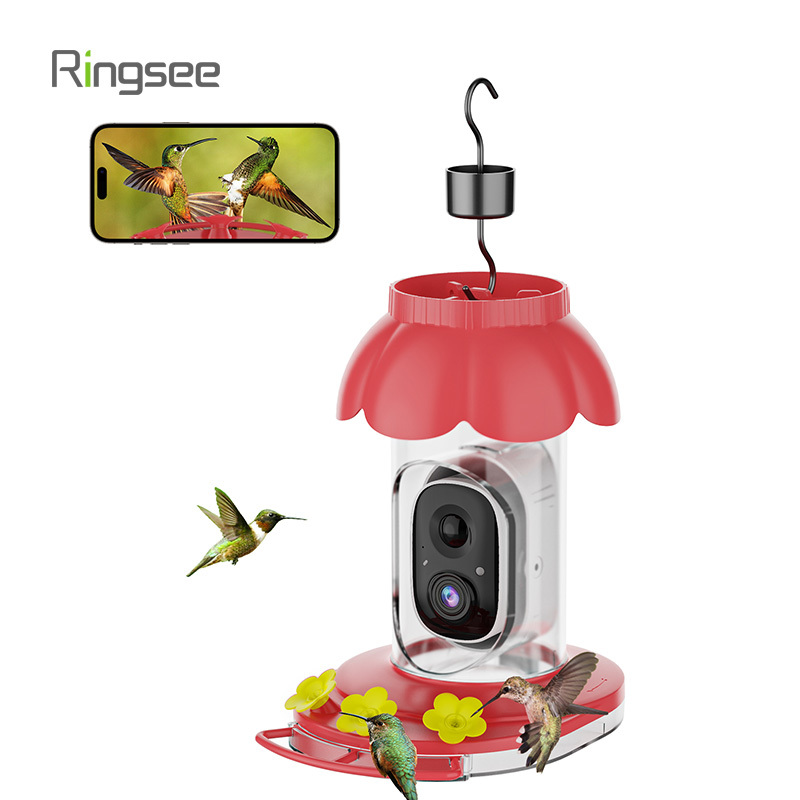
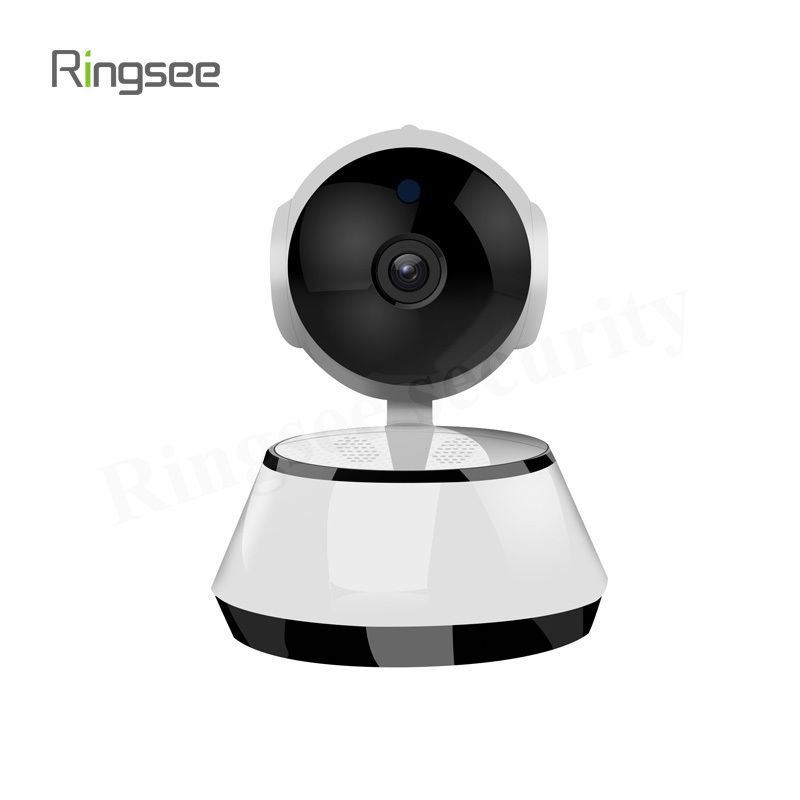
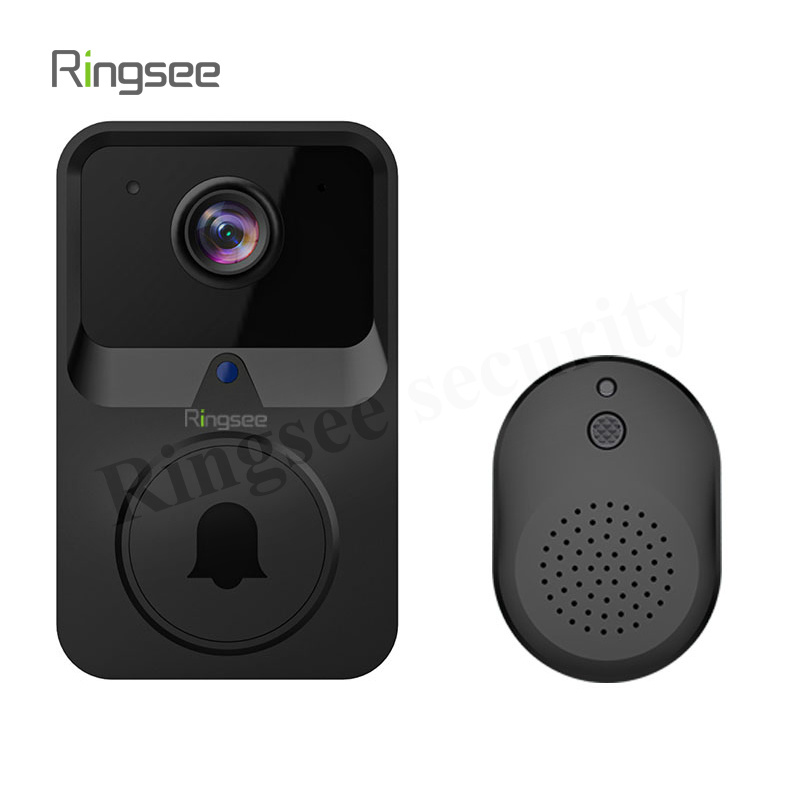
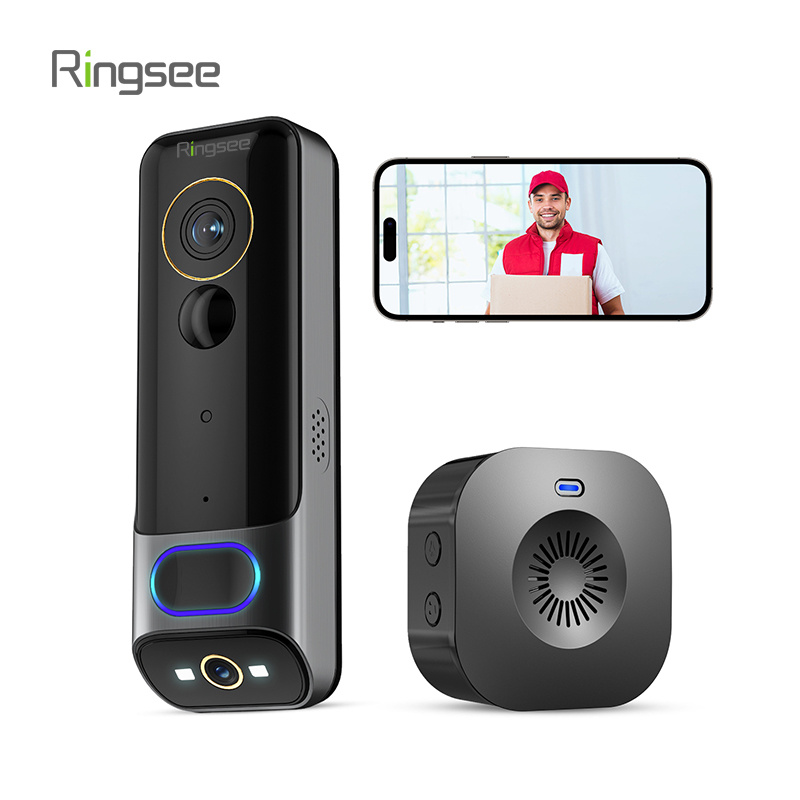
Ringsee has focused on security surveillance since 2002, holding over 100 technical and invention patents across ISP image processing, 3A auto algorithms and low-power architecture. Our range covers every mainstream power and connectivity combination — PoE, Wi-Fi, 4G and solar AOV — with a sales network spanning four continents and 100 countries. If you are sizing a specific site, we can provide measured parameters and band lists for you to verify.
Related News
Target readers: security owners, system integrators, and EHS engineers for petrochemical, oil and gas, pharmaceutical, powder processing, and coal mining sites where explosive gas or combustible dust exists. Core takeaway: a normal camera is itself an ignition source in flammable environments. You must use explosion proof cameras certified to ATEX, IECEx, or China Ex, selected by hazard zone, installed with proper grounding, and documented for compliance. This guide gives a reusable selection, install, and acceptance workflow.
Nov 08,2026
4G 5G Cellular Surveillance Camera Guide: Remote Video without Broadband
Target readers: security owners and integrators for farms, orchards, fisheries, construction, oil and mining sites, vehicle fleets, and remote African villages where broadband is scarce. Core takeaway: when there is no fiber, no broadband, and frequent power loss, a SIM card cellular camera is the easiest and most scalable remote video option. This guide gives a reusable architecture covering power, data, backhaul, AI, and compliant deployment.
Nov 08,2026
Analog CCTV Upgrade Guide: Coax HD Reuse vs Full IP Rebuild, Cost and Timeline Compared
Factory, campus and retail chains running analog surveillance for five or six years face the same wall: blurry images, unretrievable footage, and no path to AI analytics on legacy hardware. This guide breaks down pre-upgrade system inventory, compares the coax-HD reuse route against a full IP rebuild, gives bandwidth and storage recalculation formulas, and lays out a zoned, non-disruptive cutover plan with a selection checklist.
Oct 31,2026
CCTV Maintenance Outsourcing: SLA Tiers, Market Rates, KPI and Contract Playbook
Conclusion first: the real cost of a surveillance system is in its operation. Three years of maintenance typically equals 30% to 50% of the build cost, yet most buyers spend the budget at install and leave operation to whoever happens to notice. Lock the maintenance boundary while signing the build contract. This guide breaks down the in-house versus outsourced decision model, a three-tier SLA (P1 / P2 / P3), per-point market rates and how to read a quote, the two KPIs that decide payment (camera online rate and footage integrity), the five clauses every contract must hold, the 90-day handover that most often loses control, plus a selection checklist and acceptance tests.
Oct 25,2026
Links:One Belt Power Technology
Add: 14th Floor, Baoshan Building, Longhua District, Shenzhen China.
Privacy Policy | SEO | CitySite | Support: 300.cn Dongguan