
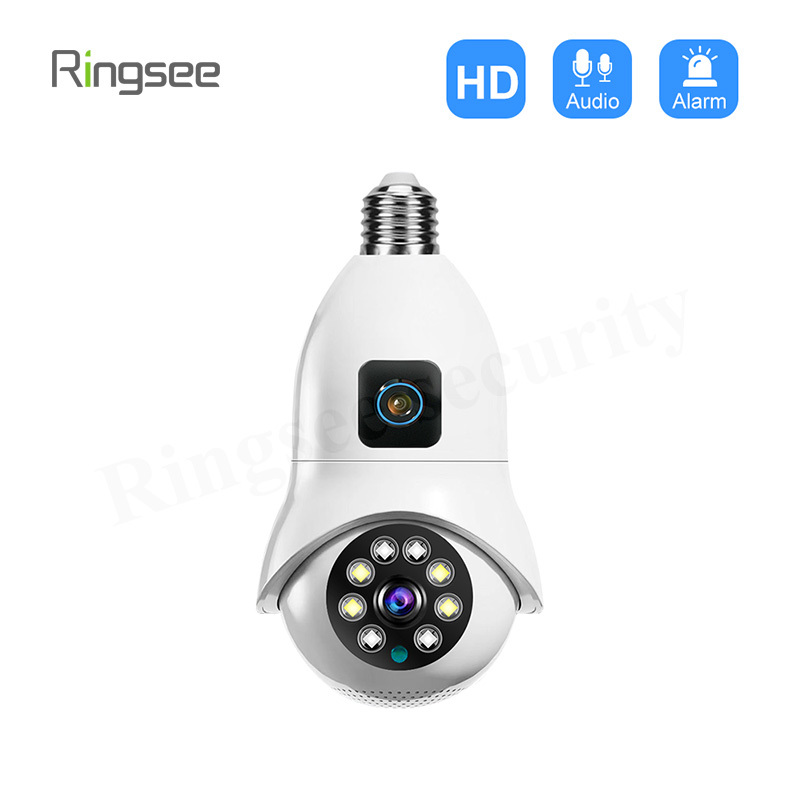
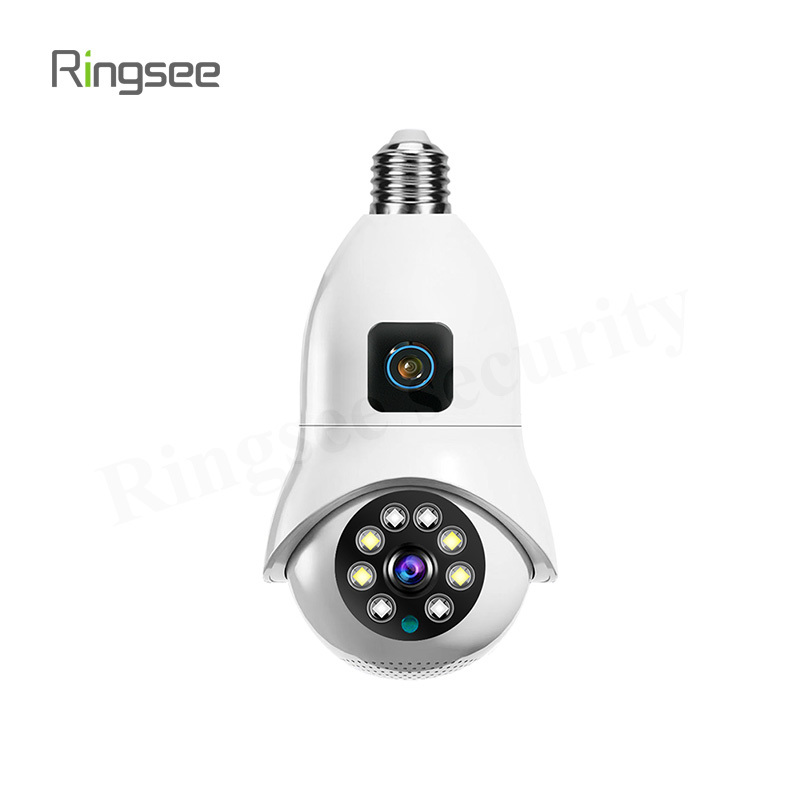
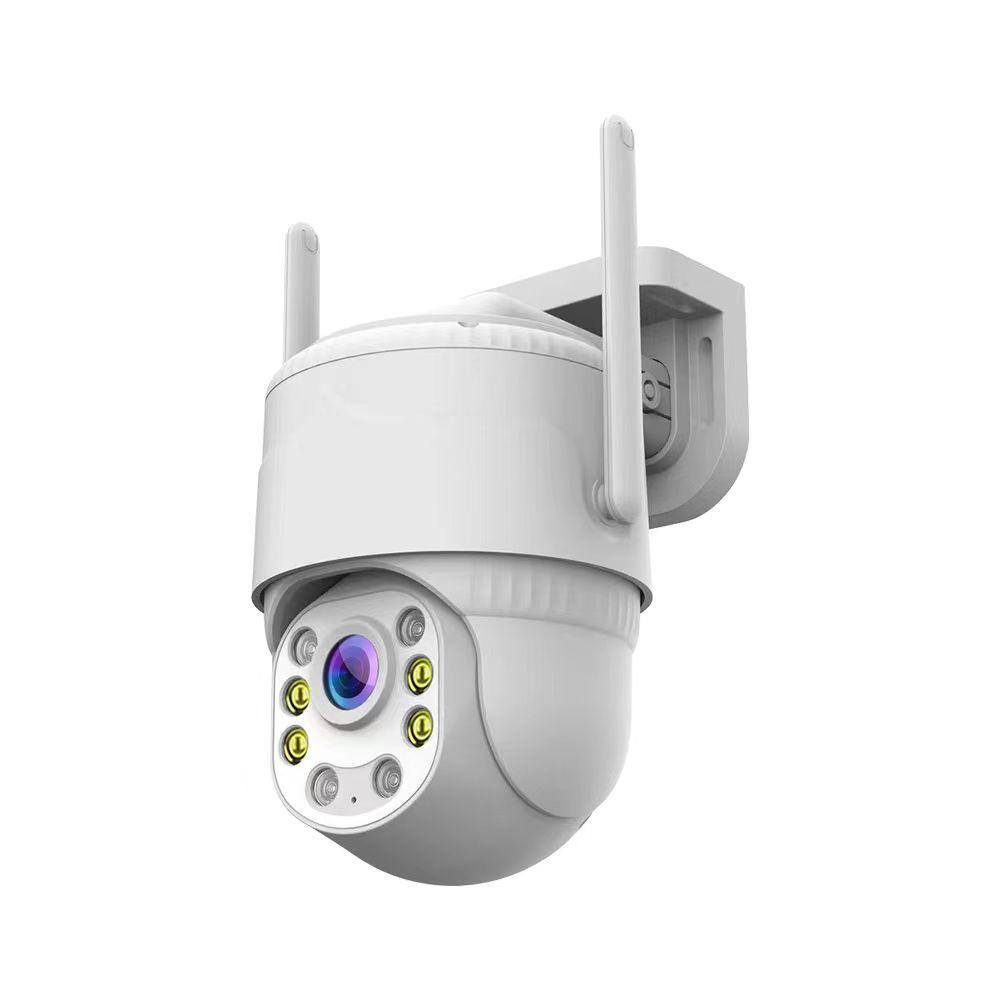





How to Choose the Best AI Human Detection Outdoor Camera for Your Home Security
Publish:
2025-04-21 14:51
Source:
https://www.ring-see.com
Looking for the perfect AI human detection outdoor camera for your home? Learn how to choose the best security camera with features like AI motion detection, solar power options, high-definition resolution, and more for ultimate protection.
In today's world, home security is more important than ever. AI-powered human detection outdoor cameras offer enhanced security by accurately identifying and alerting you to potential threats. However, with so many options available, choosing the right camera for your home can be overwhelming. To help guide your decision, we’ve compiled a comprehensive guide on what to look for when selecting the perfect AI human detection outdoor camera.
1. AI Human Detection Features
AI technology significantly enhances the functionality of security cameras, allowing them to distinguish between humans and other moving objects. This minimizes false alerts caused by animals, cars, or other non-threatening movement.
Accuracy and Sensitivity: Look for a camera with highly accurate AI detection to ensure precise monitoring. Some cameras also allow you to adjust sensitivity settings, enabling you to customize the detection range based on your property.
Real-time Alerts: Choose a camera that sends instant notifications when human movement is detected, allowing you to respond quickly to potential security threats.
2. Resolution and Image Quality
Clear video footage is essential for effective monitoring. The higher the resolution, the better the detail captured by the camera.
HD or 4K Resolution: Opt for a camera with at least 1080p HD resolution to ensure sharp, clear images. For even better detail and clarity, consider a 4K camera, which is especially helpful for zooming in on distant objects or identifying intruders.
Night Vision: Ensure the camera is equipped with reliable night vision. Full-color night vision is ideal, as it provides clearer and more detailed footage during low-light conditions, improving your security at all hours.
3. Connectivity and Integration
Seamless connectivity is crucial for accessing footage and receiving alerts on the go. Consider the following options when choosing your camera.
Wi-Fi vs. Wired: Wireless cameras are easier to install and offer more flexibility in terms of placement, while wired cameras tend to offer more stable and reliable connections.
App Integration: A good security camera should have a mobile app that allows you to view live footage, receive alerts, and manage settings remotely. Make sure the app is user-friendly and provides a smooth experience.
4. Power Supply Options
The type of power supply your camera uses will impact its convenience and long-term maintenance.
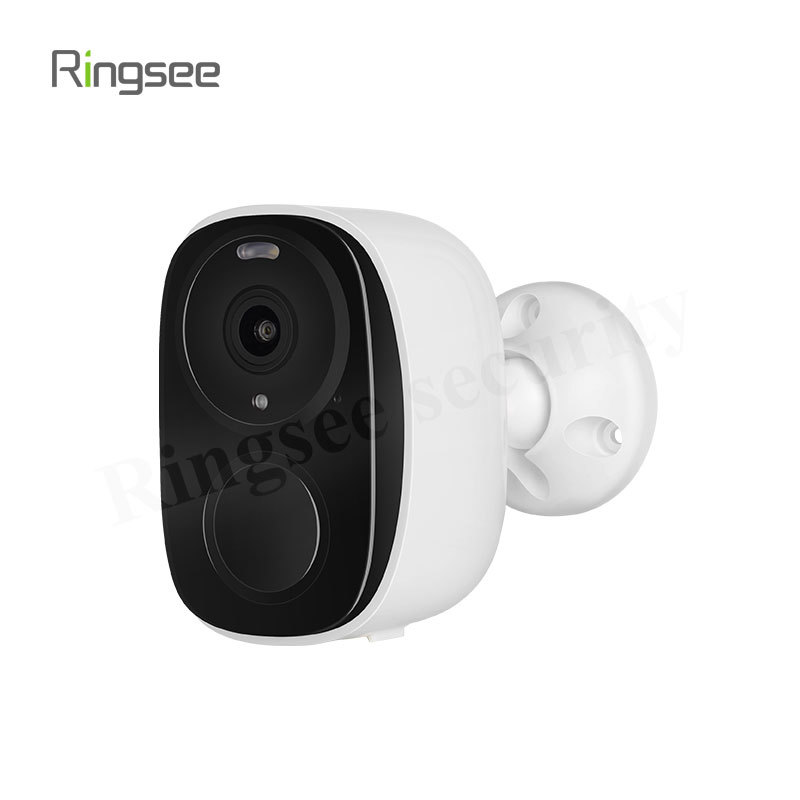
Battery-Powered Cameras: These cameras offer easy installation and portability, but you will need to replace or recharge the batteries regularly.
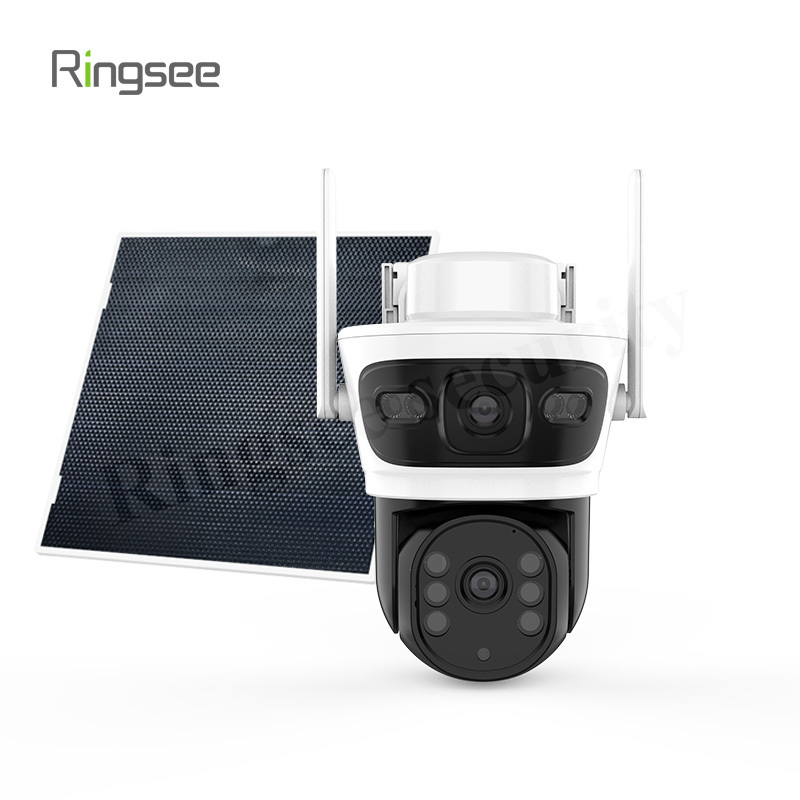
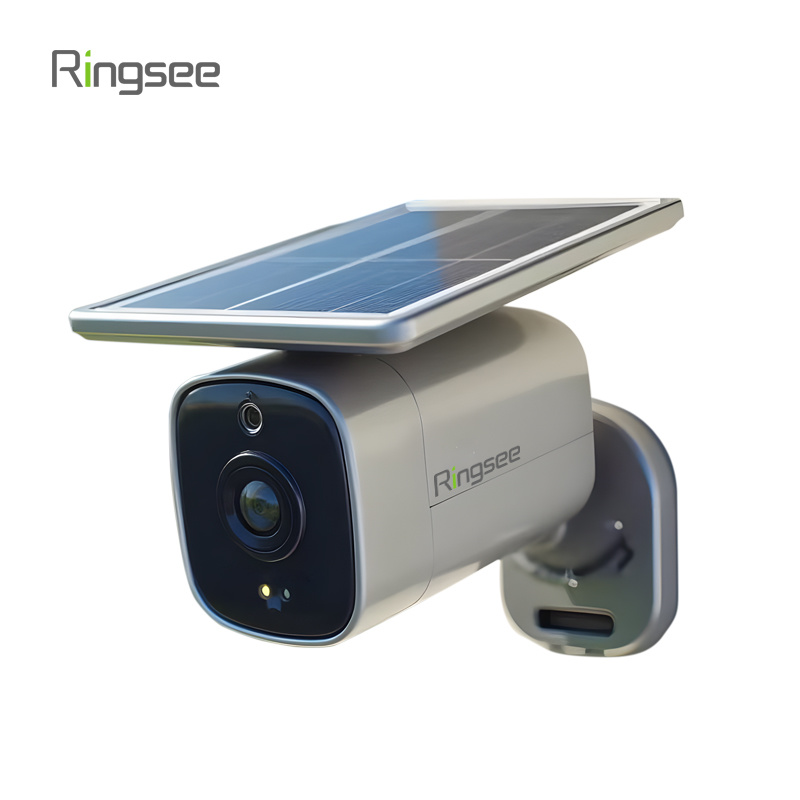
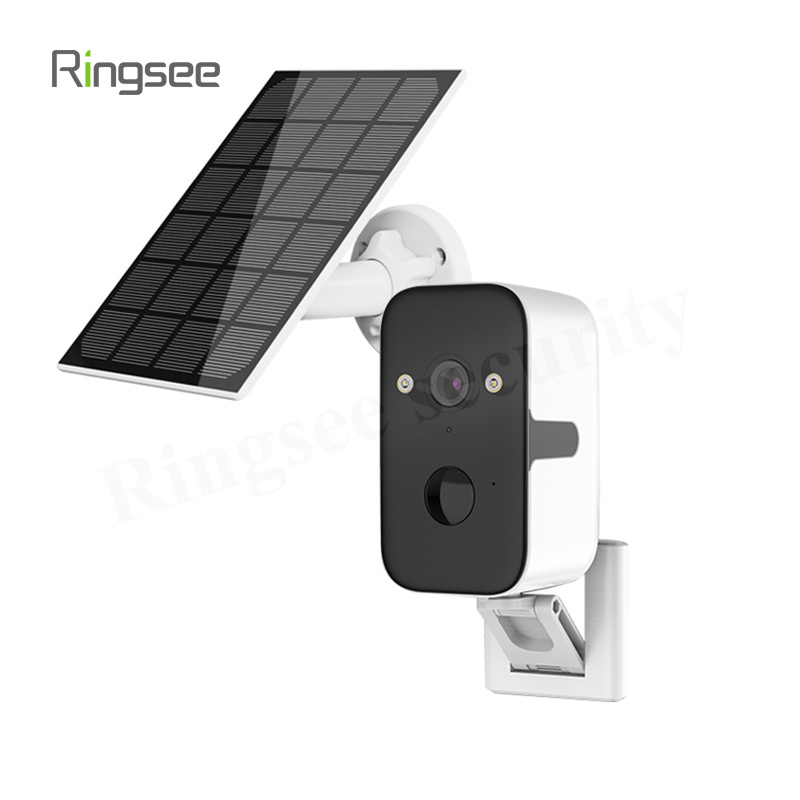
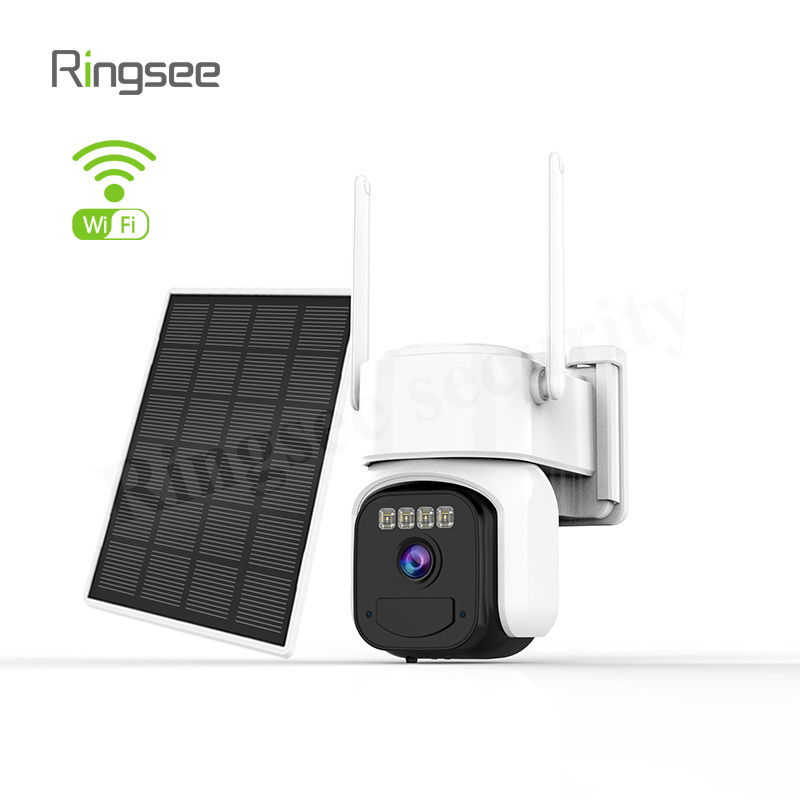
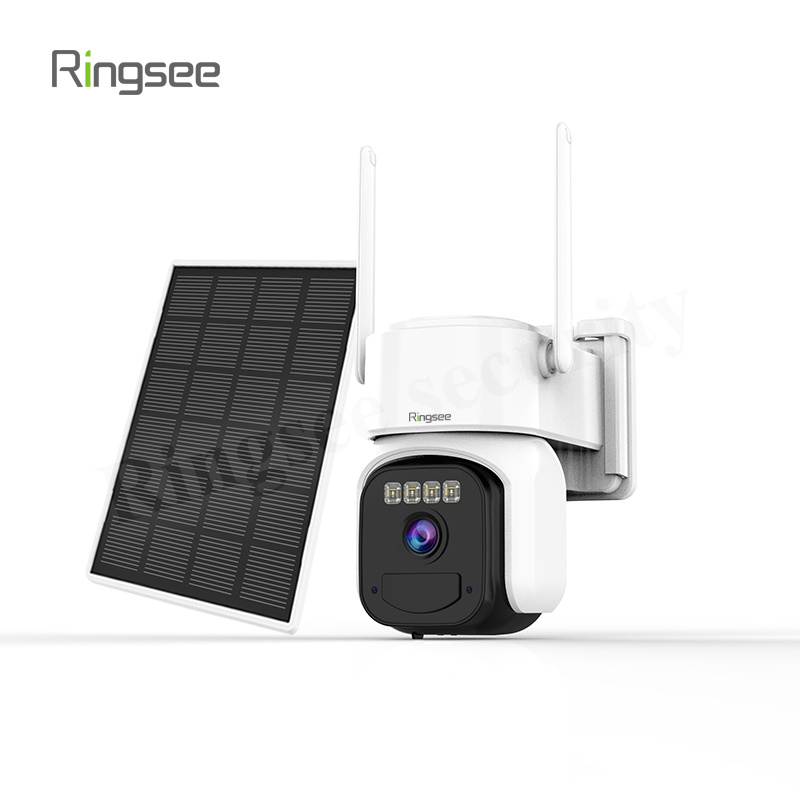
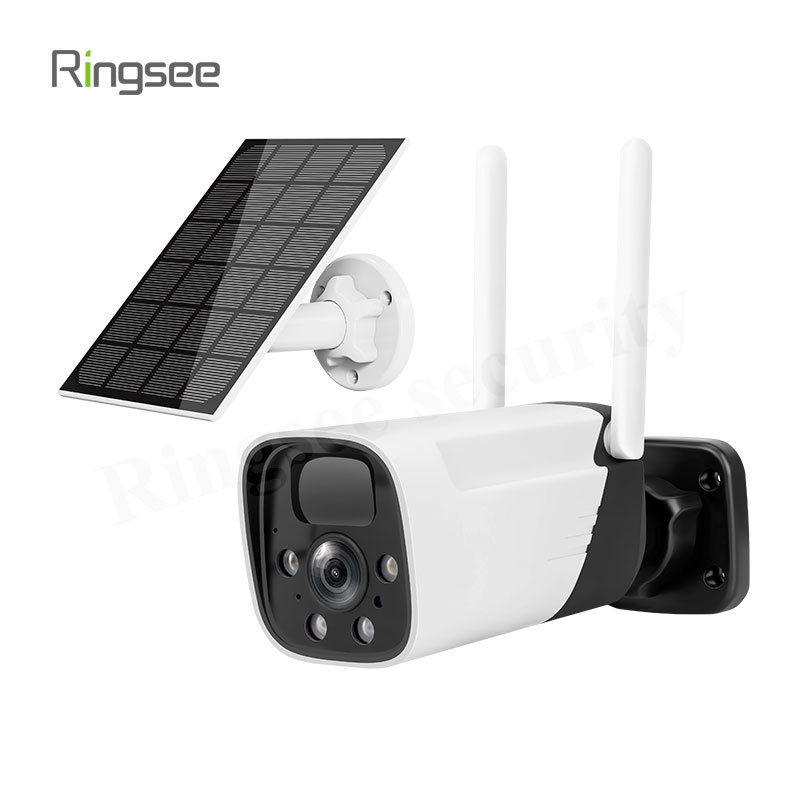
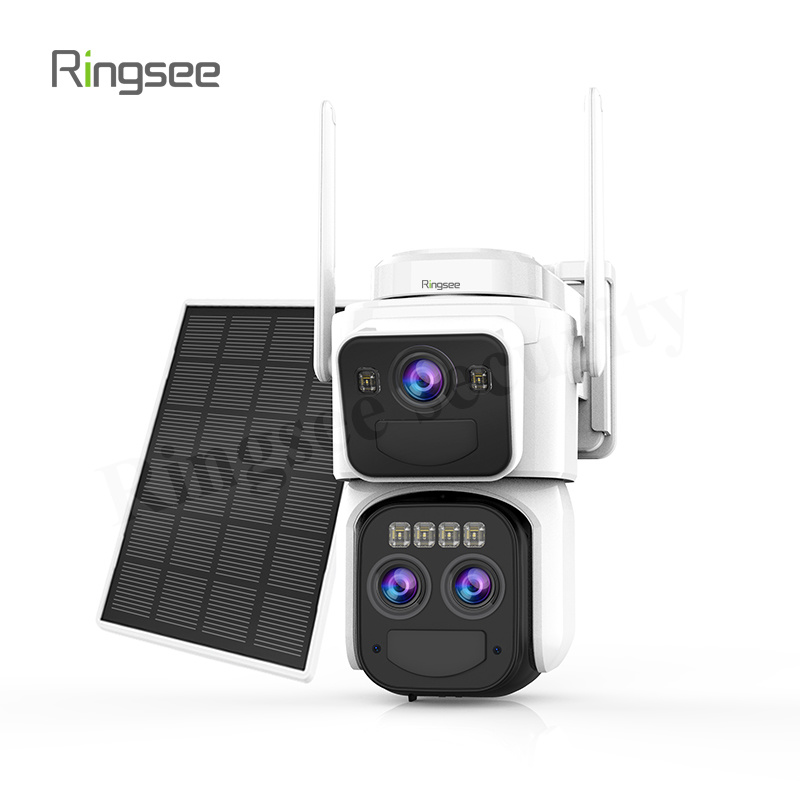
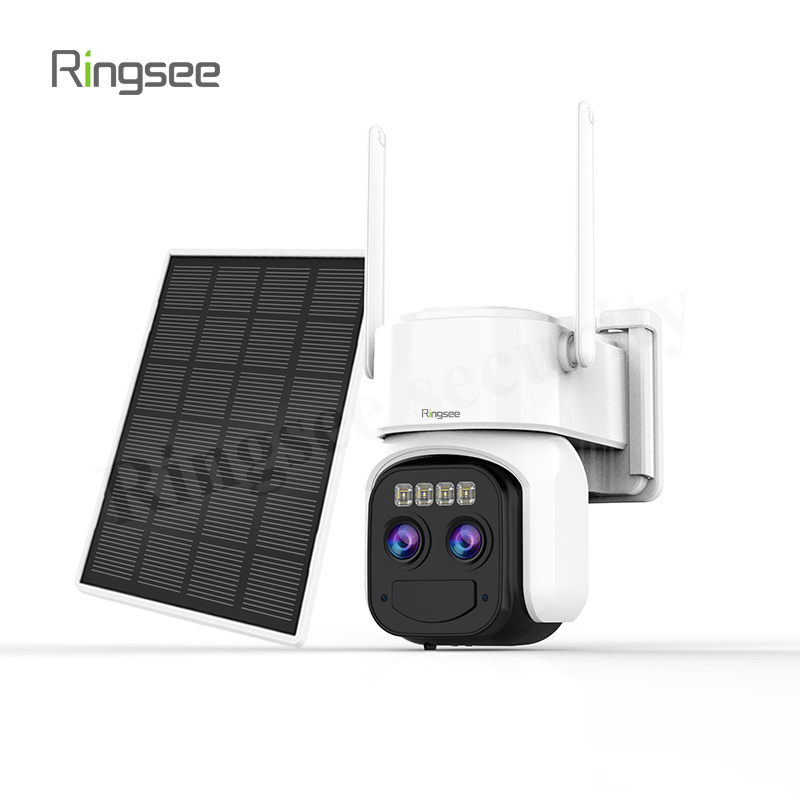
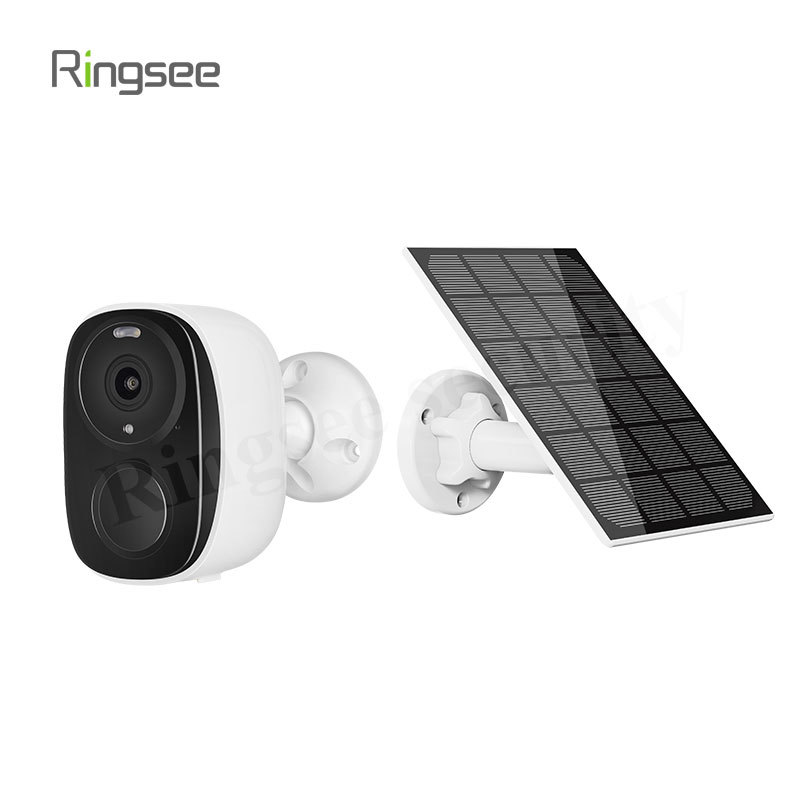
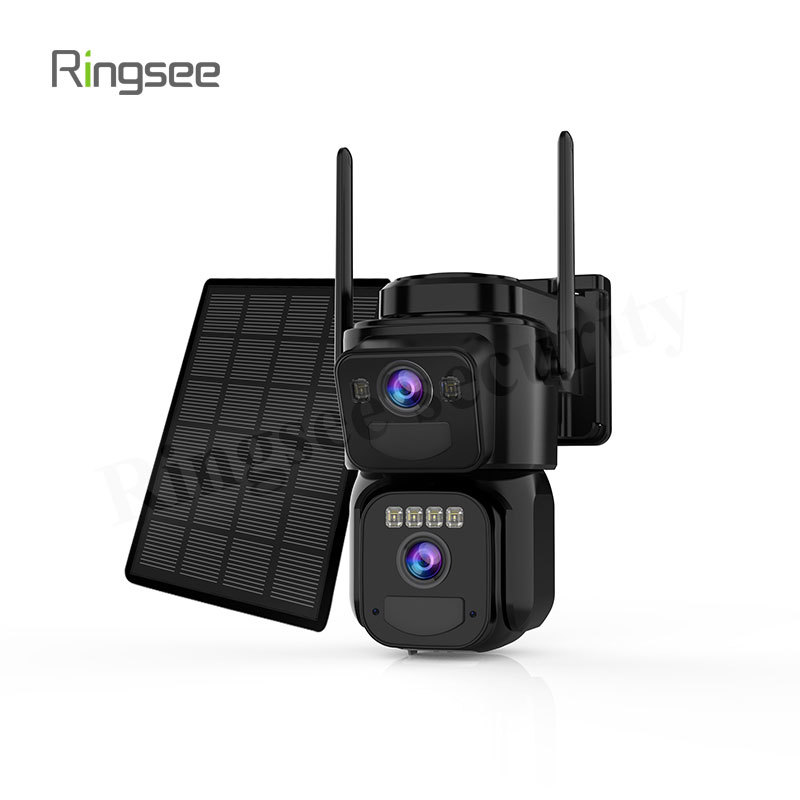
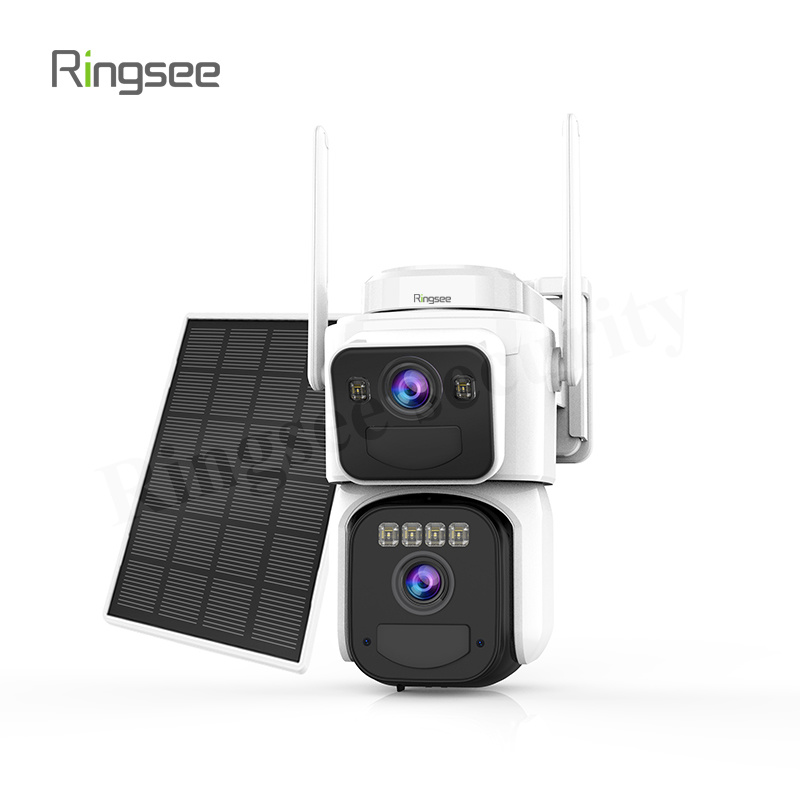
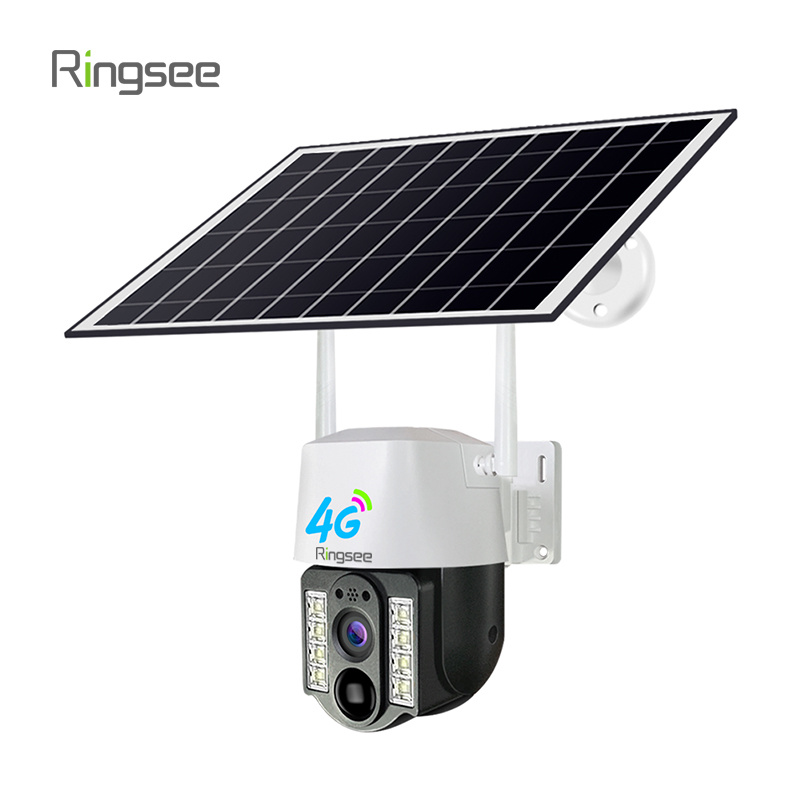
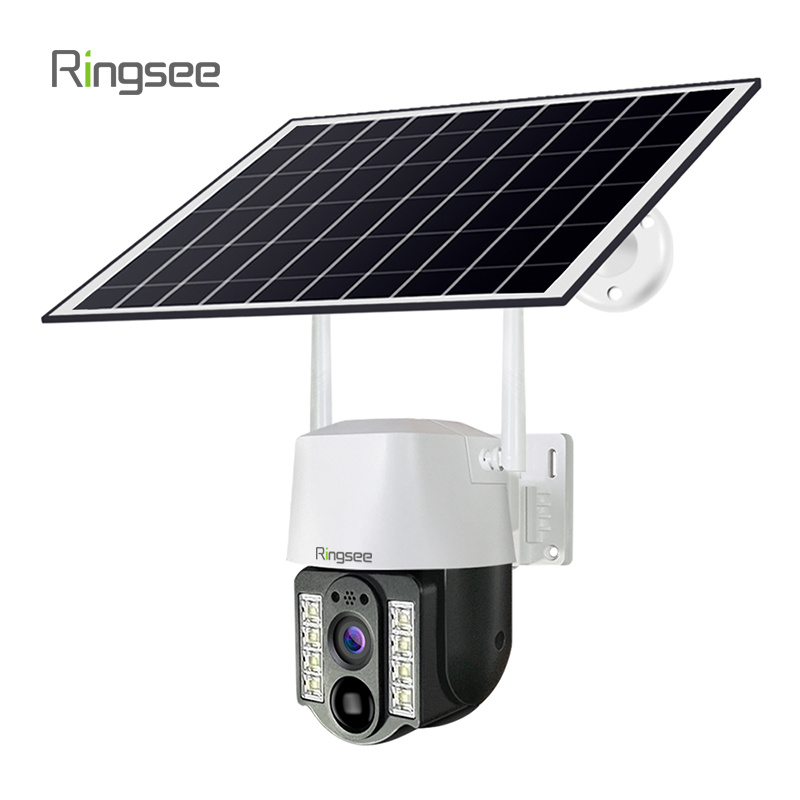
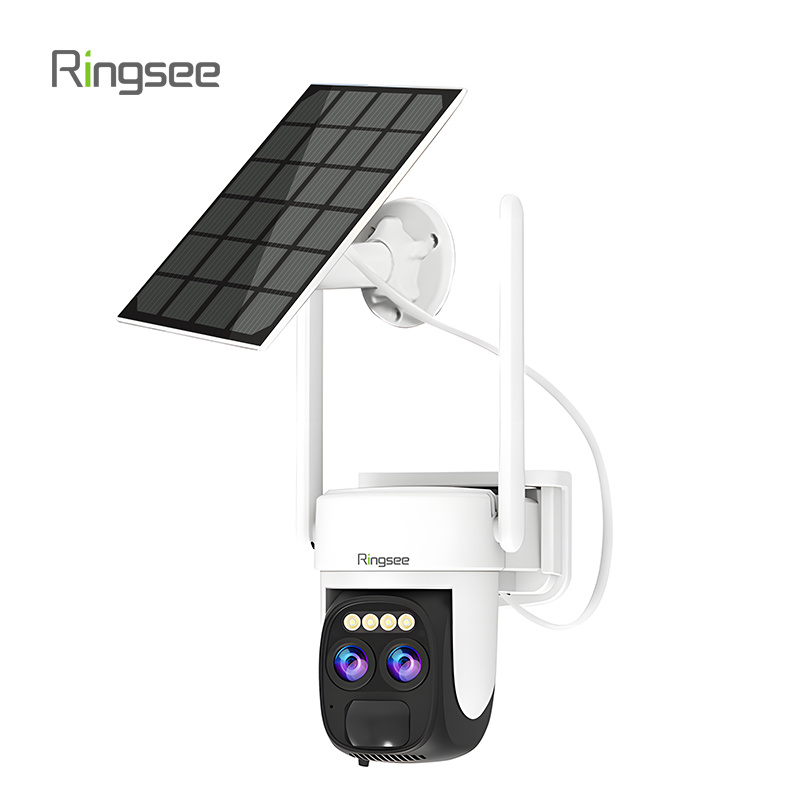
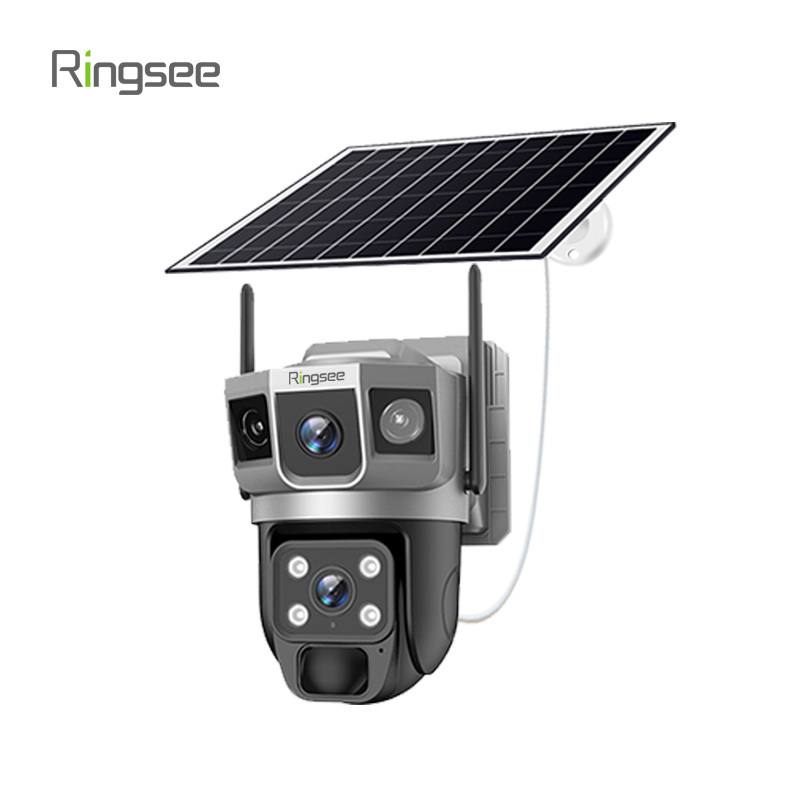
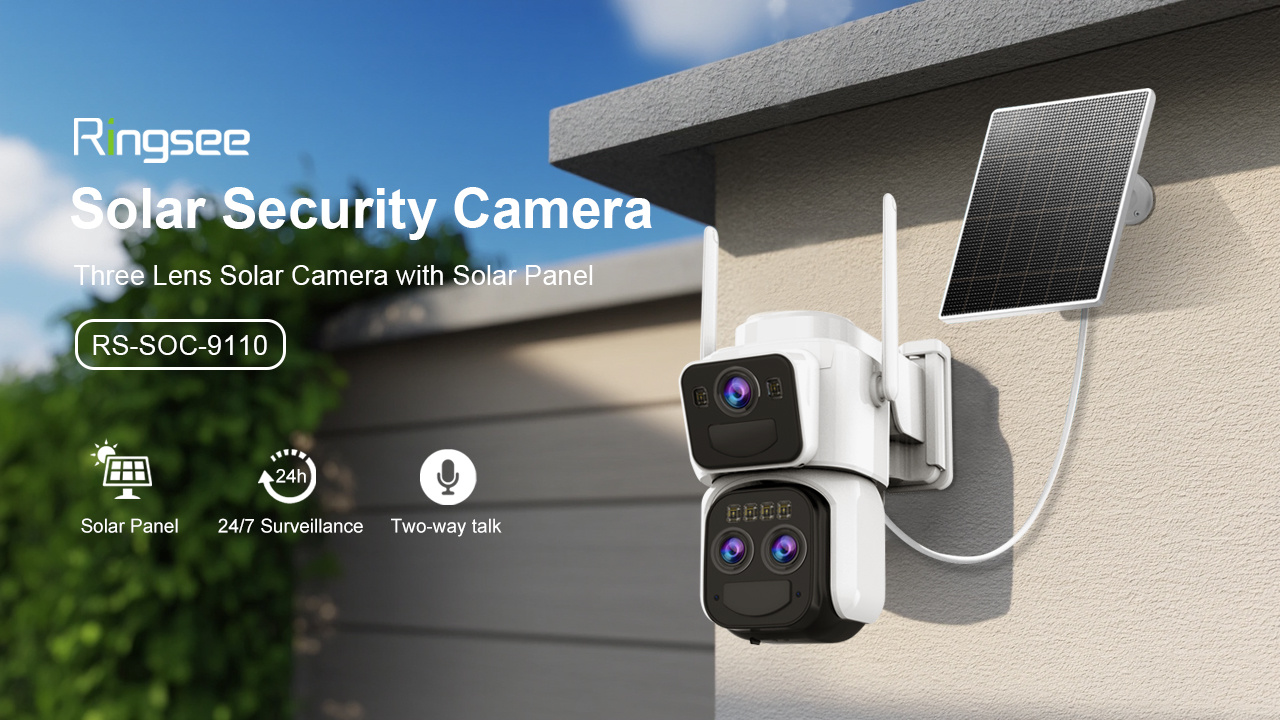
Solar-Powered Cameras: For a more sustainable and low-maintenance option, consider a solar-powered camera. These cameras use solar energy to recharge their batteries, reducing the need for frequent recharging and ensuring continuous operation as long as there is sunlight.
5. Field of View and Lens Options
The lens and field of view (FOV) of a camera are critical for covering large areas effectively.
Wide-Angle Lens: A wide-angle lens (typically 120° or more) allows the camera to capture more area, reducing the number of cameras needed to monitor your property.
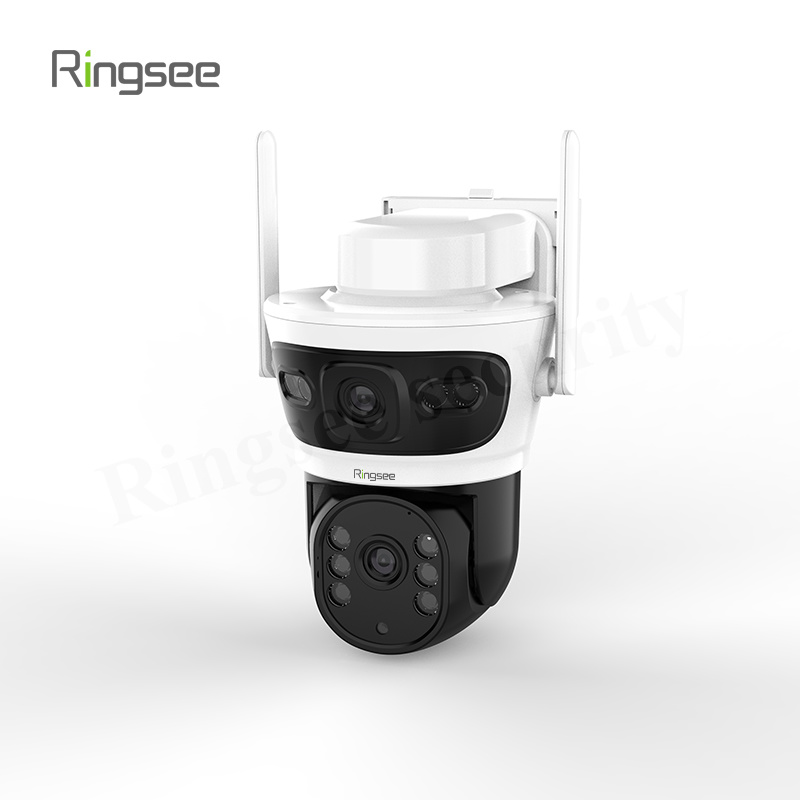
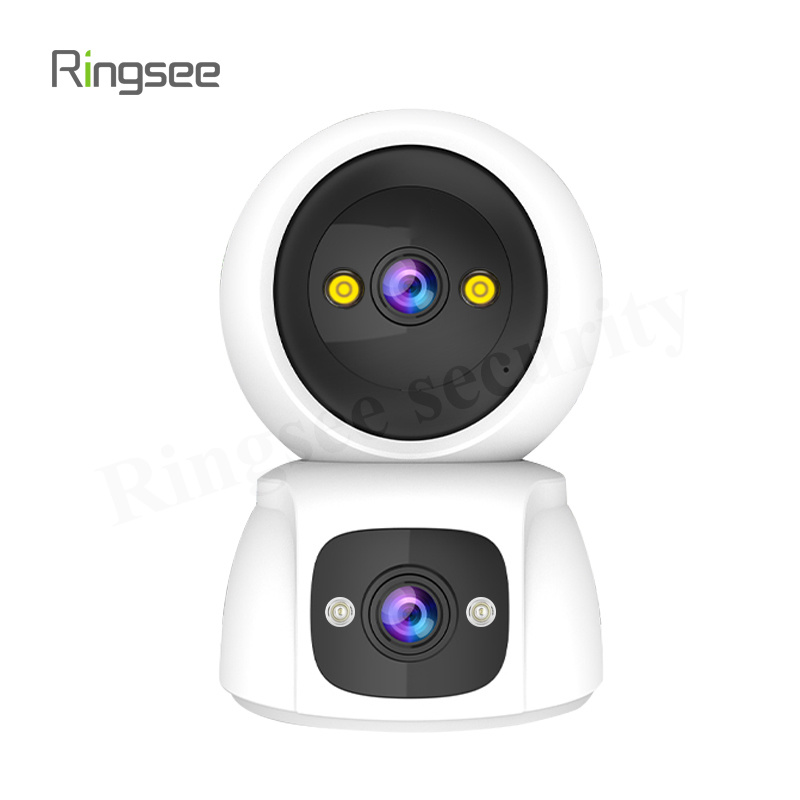
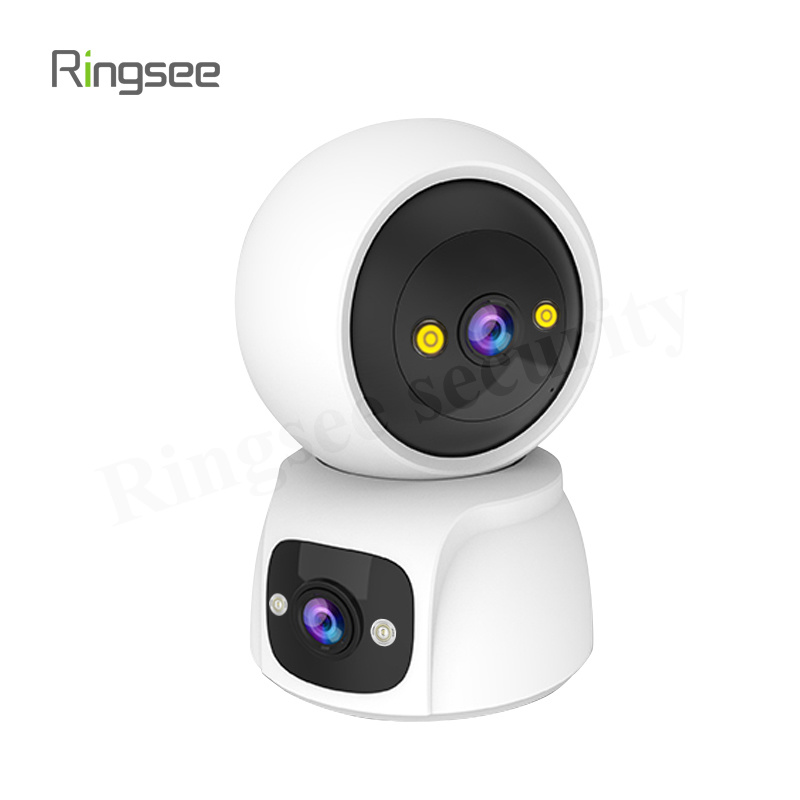
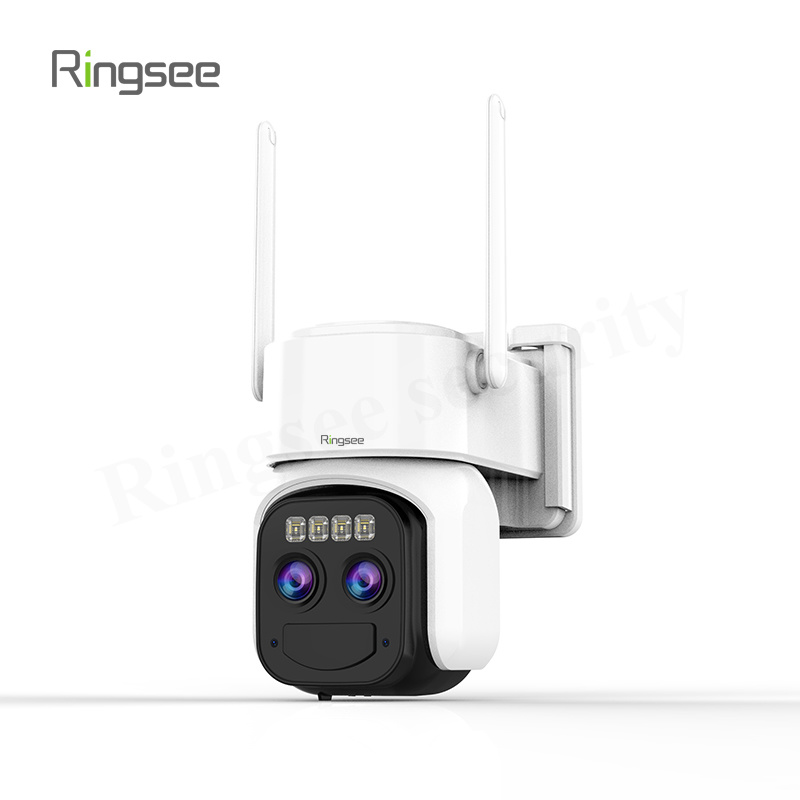
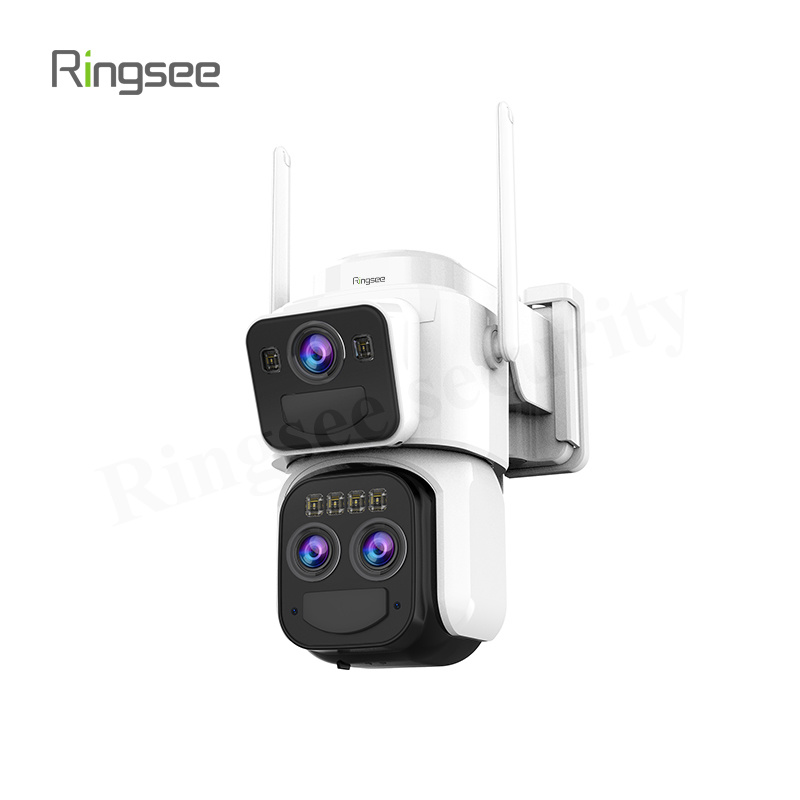
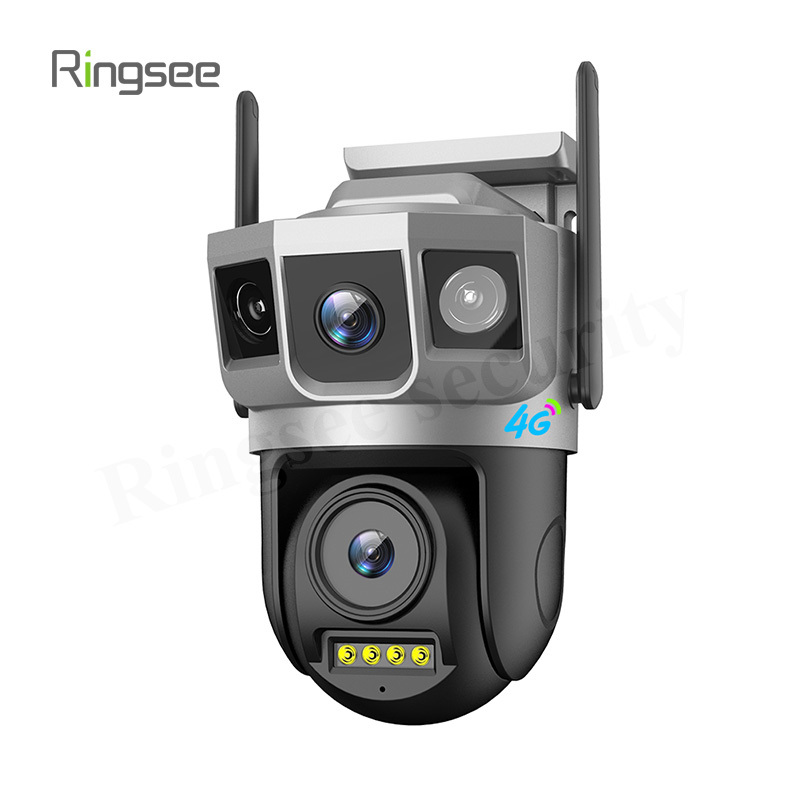
Zoom and Multi-Lens Options: Some models offer optical zoom or multiple lenses, which allow you to focus on specific areas of interest and capture more detailed footage, especially in large outdoor spaces.
6. Two-Way Audio
Two-way audio is a valuable feature that enhances communication through the camera.
Talk and Listen: Cameras with built-in speakers and microphones enable you to communicate with visitors, delivery personnel, or even deter potential intruders. This feature is especially useful for homes with front porches or gates.
7. Storage Options
When it comes to storing video footage, there are a couple of options available.
Cloud Storage: Many AI human detection cameras offer cloud storage, where video footage is securely stored online. This option is convenient as it provides access to footage from anywhere, while also serving as a backup in case your camera is damaged or stolen.
Local Storage: Some cameras have local storage options, such as SD card slots, allowing you to store footage directly on the device. While this gives you control over your data, it may require additional management and is not as accessible from remote locations.
8. Durability and Weather Resistance
Since your camera will be installed outdoors, it must be able to withstand various weather conditions.
Weatherproof Rating: Look for a camera with an IP65 rating or higher. This ensures the camera is dustproof and can handle rain, snow, or extreme temperatures. Durability is crucial to ensure the camera lasts and continues to perform reliably in all seasons.
9. Smart Home Integration
For a more seamless home security experience, ensure your camera integrates with your existing smart home system.
Voice Assistant Compatibility: Check if the camera is compatible with voice assistants like Amazon Alexa or Google Assistant. Integration with your smart home system allows for easier control, such as voice commands to view live footage or arm the camera.
10. Cost and Warranty
Finally, consider the price of the camera in relation to its features and your budget.
Affordable Options: While there are high-end cameras with advanced features, there are also affordable models that still offer great functionality, especially if you don't need 4K resolution or multiple lenses.
Warranty and Support: Choose a camera that comes with a solid warranty and customer support, ensuring you’re covered in case of any issues. A longer warranty often indicates that the manufacturer stands behind the product’s quality.
Choosing the right AI human detection outdoor camera for your home involves balancing features, budget, and convenience. By prioritizing accuracy, resolution, connectivity, power supply options, and durability, you can find a camera that meets your security needs and enhances your home’s protection. Whether you’re looking for basic monitoring or advanced, high-definition surveillance, the right camera can offer peace of mind and added security for your home.
Related News
Target readers: security owners, system integrators, and EHS engineers for petrochemical, oil and gas, pharmaceutical, powder processing, and coal mining sites where explosive gas or combustible dust exists. Core takeaway: a normal camera is itself an ignition source in flammable environments. You must use explosion proof cameras certified to ATEX, IECEx, or China Ex, selected by hazard zone, installed with proper grounding, and documented for compliance. This guide gives a reusable selection, install, and acceptance workflow.
Nov 08,2026
4G 5G Cellular Surveillance Camera Guide: Remote Video without Broadband
Target readers: security owners and integrators for farms, orchards, fisheries, construction, oil and mining sites, vehicle fleets, and remote African villages where broadband is scarce. Core takeaway: when there is no fiber, no broadband, and frequent power loss, a SIM card cellular camera is the easiest and most scalable remote video option. This guide gives a reusable architecture covering power, data, backhaul, AI, and compliant deployment.
Nov 08,2026
Analog CCTV Upgrade Guide: Coax HD Reuse vs Full IP Rebuild, Cost and Timeline Compared
Factory, campus and retail chains running analog surveillance for five or six years face the same wall: blurry images, unretrievable footage, and no path to AI analytics on legacy hardware. This guide breaks down pre-upgrade system inventory, compares the coax-HD reuse route against a full IP rebuild, gives bandwidth and storage recalculation formulas, and lays out a zoned, non-disruptive cutover plan with a selection checklist.
Oct 31,2026
CCTV Maintenance Outsourcing: SLA Tiers, Market Rates, KPI and Contract Playbook
Conclusion first: the real cost of a surveillance system is in its operation. Three years of maintenance typically equals 30% to 50% of the build cost, yet most buyers spend the budget at install and leave operation to whoever happens to notice. Lock the maintenance boundary while signing the build contract. This guide breaks down the in-house versus outsourced decision model, a three-tier SLA (P1 / P2 / P3), per-point market rates and how to read a quote, the two KPIs that decide payment (camera online rate and footage integrity), the five clauses every contract must hold, the 90-day handover that most often loses control, plus a selection checklist and acceptance tests.
Oct 25,2026
Links:One Belt Power Technology
Add: 14th Floor, Baoshan Building, Longhua District, Shenzhen China.
Privacy Policy | SEO | CitySite | Support: 300.cn Dongguan