







Support
How Long Does It Take to Fully Charge a Solar Camera Battery?
When you install a new security system, the last thing you want to worry about is getting a “low battery” notification right after installation. At Ringsee, we frequently hear from homeowners who are surprised to find that their solar panels aren’t immediately charging their cameras.
The reality is that solar power for security cameras is a balancing act. To help you manage expectations and get the best performance from your device, let’s break down how long it takes to reach a 100% charge, and why the “how” and “how long” are equally important.

How Long Does It Take to Fully Charge a Solar Camera Battery?
The “Golden Rule”: Always start by charging from the wall outlet.
Before you consider installing a camera and connecting it to a solar panel, you need to give it some initial charge time. Think of the solar panel as a “maintainer,” not a “charger.”
If you’re charging a standard camera battery (typically with a capacity between 5,000mAh and 10,000mAh) in your living room using a USB cable:
- Using a 2A high-speed charger: You can expect it to take 5 to 6 hours.
- Using a standard 1A power adapter: It may take 10 hours or even longer.
We always recommend charging the battery to 100% via a wall outlet before installation. This ensures the stability of the battery’s chemistry and provides the solar panel with a “full tank” to maintain, rather than forcing a small panel to fill a huge empty reservoir.
Charging via solar power: A “trickle” of reality
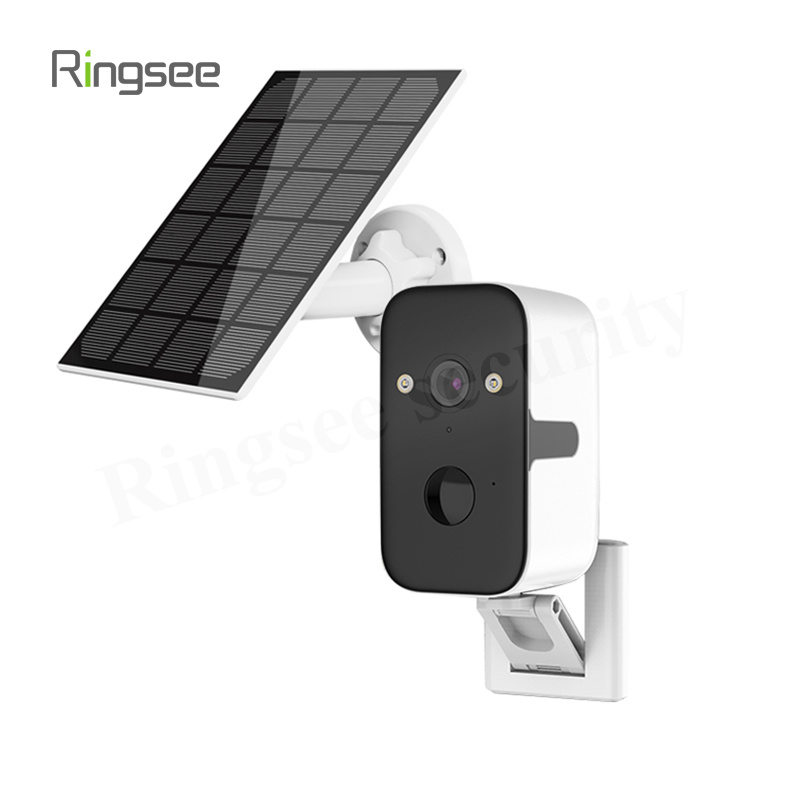
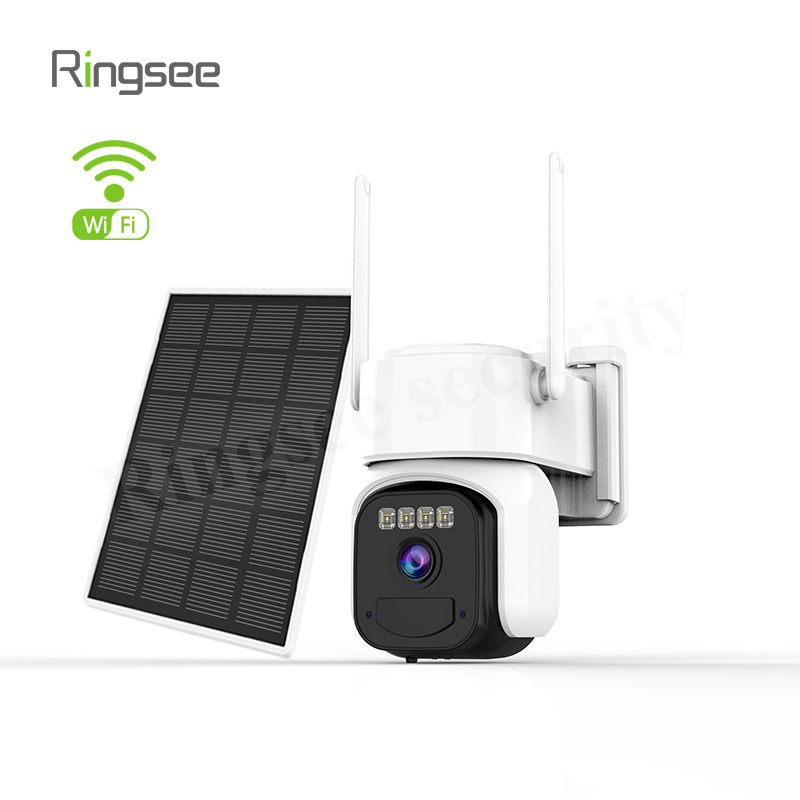
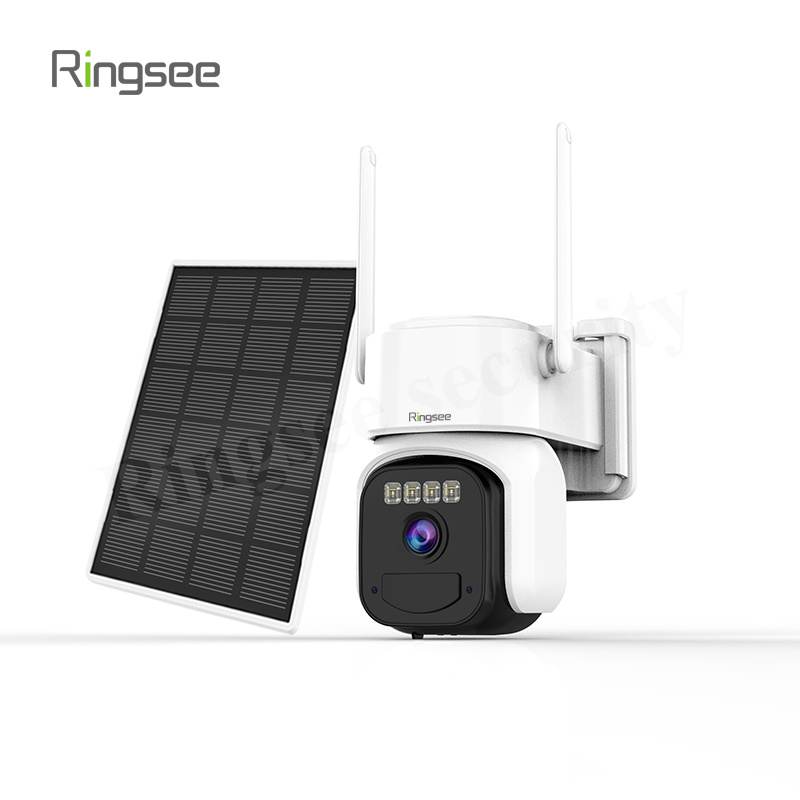
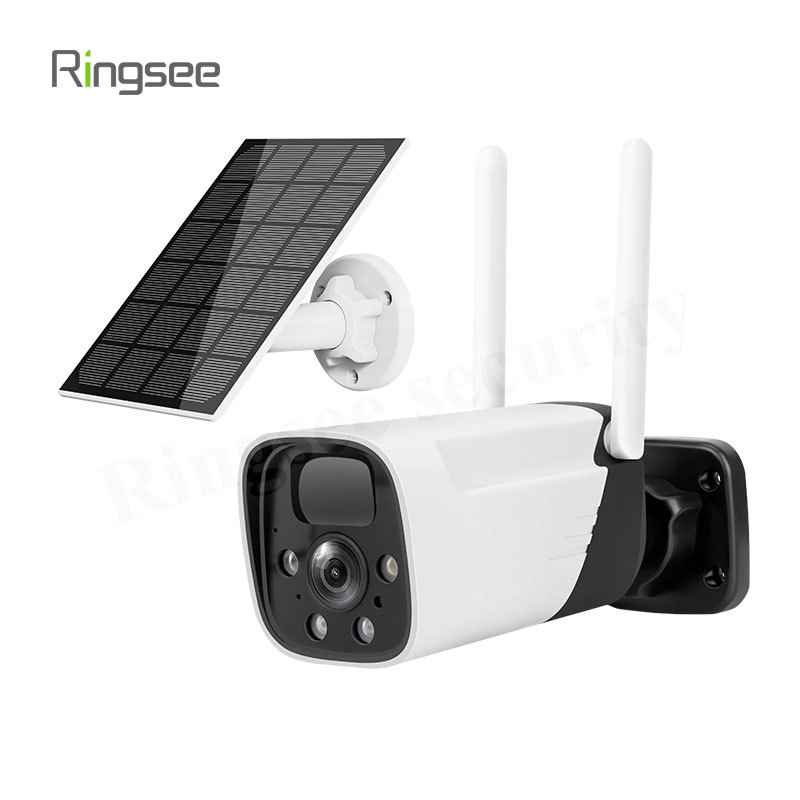
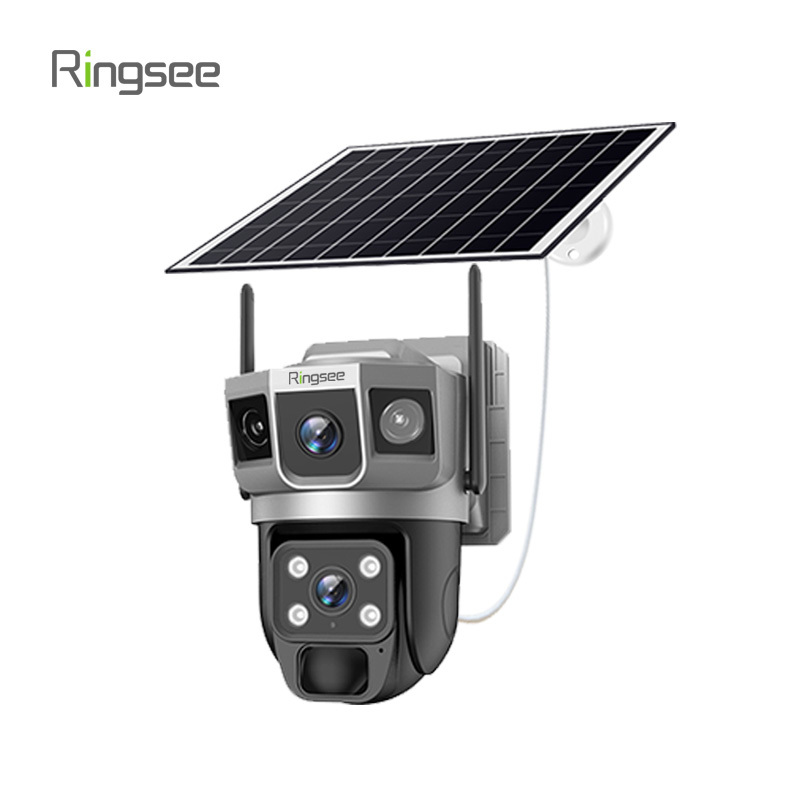
Once the camera is outdoors, the timeline changes dramatically. The solar panels on security cameras are typically small (3W to 6W). They are not designed to quickly recharge a depleted battery; they are designed to replace the energy the camera consumes during the day.
If your battery is at 0% and you are relying entirely on solar power:
- Under perfect summer conditions: It may take 3 to 4 days of direct, unobstructed sunlight to fully charge the battery.
- Under cloudy or winter conditions: This could take more than a week, and sometimes the battery may never reach 100% because the camera’s power consumption exceeds the power generated by the sunlight.
Why isn’t my camera charging quickly?
If you find that battery charging is slow or stalled, it’s usually due to one of three practical factors that the box specifications don’t tell you.
1. The “Energy Budget” Problem
Every time your camera wakes up, records a clip, or connects to Wi-Fi to send notifications, it consumes “energy points.” If your camera is in a high-traffic area (such as a busy sidewalk), it might consume 10% of its battery power per day. If your solar panel only generates 8% of the energy on the same day, the battery will slowly drain to zero. This is a net loss, and no amount of sunlight will “fully charge” it unless you reduce the camera’s workload.
2. Seasonal Solar Geometry
In winter, the sun not only stays out for a shorter period; it also sits lower on the horizon. This means the sunlight hits your panels at an awkward angle, significantly reducing efficiency.
Furthermore, most lithium batteries have a built-in safety switch: they won’t accept a charge when the temperature is below 32°F (0°C). If you live in a cold climate, your battery level might remain unchanged for weeks, regardless of how much sunlight there is.
3. Minor Obstructions
We’ve seen situations where a thin layer of pollen, or even a bird dropping on the panel, can cut power generation in half. Because these panels are small, every square inch of surface area is crucial. A quick wipe with a damp cloth every few months is often the simplest solution for “slow” chargers.
Tips for Maximizing Charging Speed
To keep your Ringsee device performing at its best, we recommend making a few adjustments to your setup:
- South is key: If you are in the Northern Hemisphere, the panel must face south. Even a slight deviation to the east or west can cost you two hours of peak charging time.
- Adjust your motion detection area: If your camera “sees” passing vehicles, you’re wasting power. Narrow the motion detection area to cover only your actual property.
- 30-degree tilt: Don’t mount the panel flat against the wall. Use an adjustable arm to tilt it at a 30- to 45-degree angle to capture sunlight more effectively.
You can refer to: How to Optimize Solar Panel Placement for an Outdoor Solar Camera System?

The bottom line:
While a wall outlet can fully charge the battery in an afternoon, solar panels are a long-term partner, taking 3 to 7 days to accomplish the same task from zero charge. By fully charging the battery and optimizing the settings, you can ensure your solar-powered camera stays powered indefinitely without ever needing to get out a ladder again.
Links:One Belt Power Technology
Add: 14th Floor, Baoshan Building, Longhua District, Shenzhen China.
Privacy Policy | SEO | CitySite | Support: 300.cn Dongguan