






Support
How Much Mobile Data Does a 4G Outdoor Solar Camera Typically Use per Month?
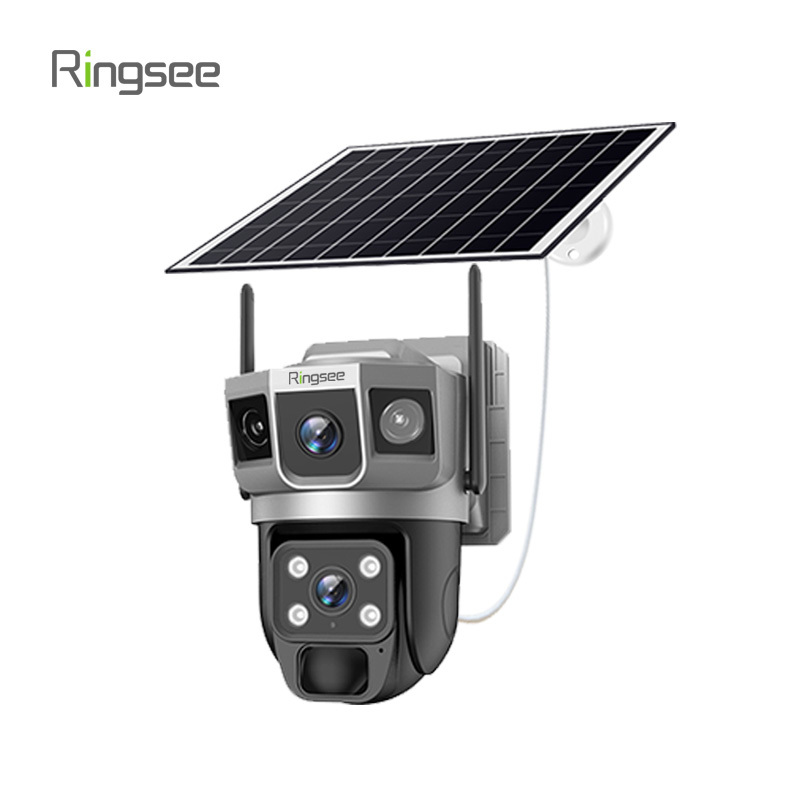
If you're installing a 4G solar-powered security camera, you likely want freedom—no cables, no Wi-Fi range limitations, and no power outlets. But this freedom usually comes with a monthly data bill, and nobody wants a “bill shock” because their security camera is racking up excessive data charges.
The short answer is that most users consume between 2GB and 5GB of data per month. However, this range is quite broad. Depending on your settings, you could easily stay below 1GB or, if you're not careful, even exceed 20GB.
Here, you'll learn what actually happens behind the scenes when your camera “communicates” with the network and how you can control these costs.

Why isn't there a single, standardized number?
Think of your 4G camera like a smartphone. If you only check your email, your data will last forever. If you're on TikTok all day, you'll run out in 48 hours.
Unlike Wi-Fi cameras, 4G solar-powered cameras don't stay “connected” to the data network 24/7. To conserve power, they remain in a low-power standby mode. They only start consuming data when one of two things happens: motion is detected and an alert is sent, or you manually open the app to view the live feed.
The real data consumption issue: resolution and bitrate
When you log in to view your footage, you can usually choose between High Definition (HD) and Standard Definition (SD/Smooth).
If you're streaming in 1080p or 4K (high definition), the camera is transmitting a large amount of information wirelessly. You're using approximately 3MB to 5MB of data per minute of viewing. If you're just checking to see whether a package has arrived, that's fine. But if you let a high-definition stream run for an hour while you're bored at work, you've already used up nearly 300MB.
On the other hand, standard definition mode is much more efficient, typically using less than 1MB per minute. For most routine checks, SD is sufficient.

Dynamic alerts: silent data consumers
This is where most people are caught off guard. Whenever the camera's passive infrared (PIR) sensor detects a person, a car, or—annoyingly—a swaying branch, it wakes up.
If you have “cloud storage” enabled, the camera immediately begins uploading that video clip to a remote server. If your camera is in a high-traffic area and triggers 50 times a day, those 15-second clips will start to pile up. By the end of the month, these “silent” uploads alone can easily consume 2GB of data, even if you never personally opened the app.
“Cloud and local storage” strategy
One of the most effective ways to maintain a “human-scale” approach to data usage is to use a high-quality microSD card for local storage.
When you record to an SD card, the camera saves the video locally. It doesn't use a single byte of 4G data to save these recordings. Data is only used when you choose to play back the recording through the app. If you rely entirely on the cloud, you'll have to pay for the data used to upload the video and then watch it. Local storage effectively halves your data “tax.”
Wallet-saving technology: H.265
If you haven't bought a camera yet, we recommend looking for models that support H.265 (HEVC) compression. This technology allows video files to be smaller without sacrificing quality. Cameras using H.265 can transmit the same video as older H.264 cameras but with approximately 40% less data consumption. By 2026, there will be virtually no reason to buy a camera that doesn't use this standard.

How to choose the right plan
If you're still unsure which SIM card plan to buy, here's a rule of thumb for most people:
- 1GB to 2GB plan: Ideal for remote cabins or storage units where there's little activity and you only occasionally check the footage.
- 5GB plan: The “sweet spot” for most residential uses. It's sufficient for daily checks and reasonable motion alerts.
- 10GB+ plan: Necessary if the camera faces a busy street or if you plan to use the camera as a “window” that's left on all day on your desk.
Bottom line
Your 4G solar-powered camera's data consumption depends on how much you allow it to use. By optimizing your motion detection zones (avoiding recording every passing vehicle) and sticking to SD mode for quick check-ins, you can maintain security while keeping data costs down.
Links:One Belt Power Technology
Add: 14th Floor, Baoshan Building, Longhua District, Shenzhen China.
Privacy Policy | SEO | CitySite | Support: 300.cn Dongguan