









Support
The Definitive Guide to Outdoor Security Cameras with No Subscription Fees
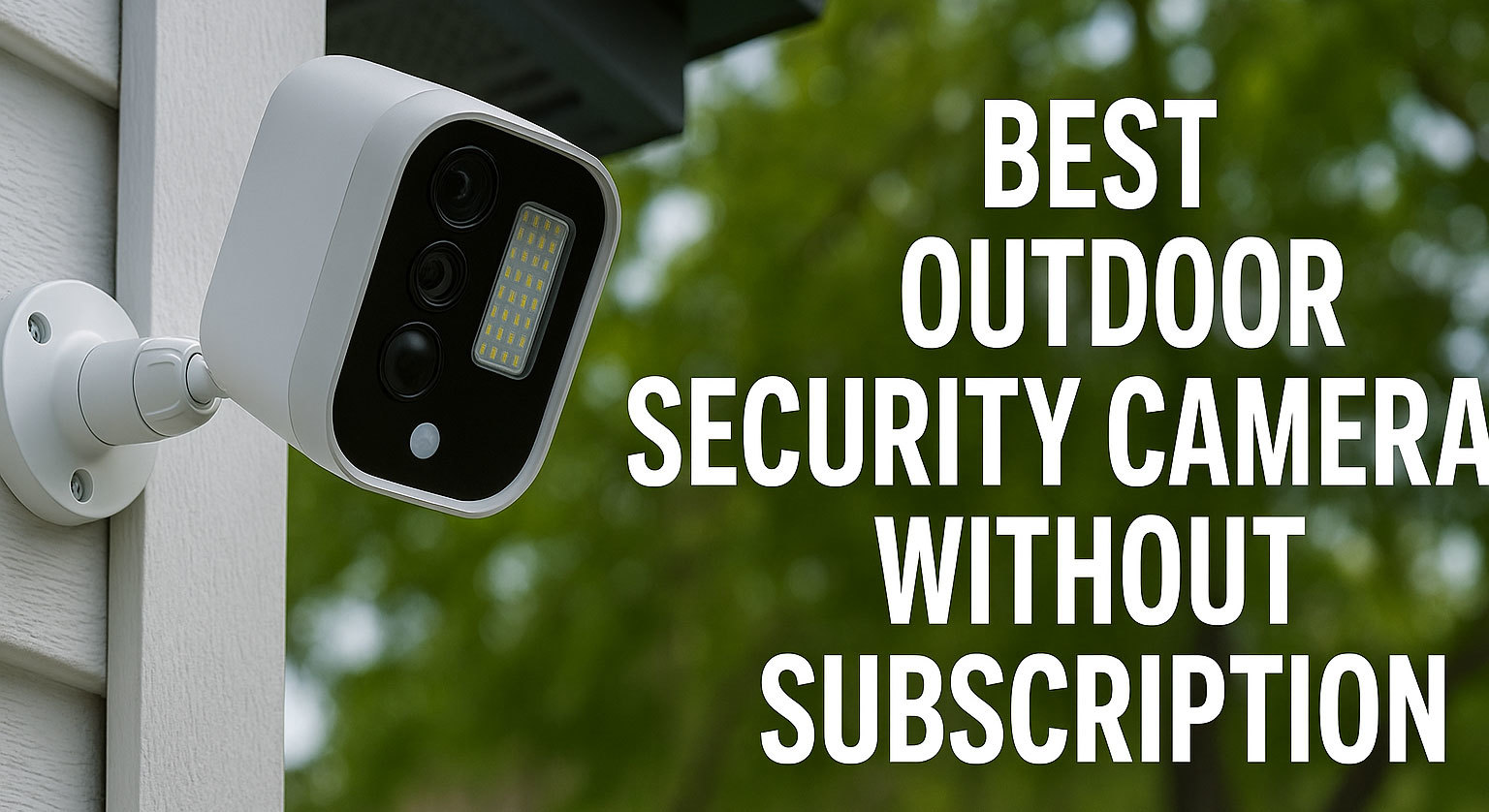
Modern home security often comes with an unexpected cost: recurring monthly cloud storage subscriptions. While cloud services offer convenience, many homeowners and businesses prefer to retain full control over their footage and avoid perpetual fees. The good news is that a vast and reliable category of outdoor security cameras does not require a subscription, relying instead on efficient on-site storage methods.
This guide provides the technical expertise needed to choose and manage a truly subscription-free security system, detailing how these cameras store, protect, and manage your video evidence locally.
1. The Core Solution: Understanding Local Storage Options
Subscription-free cameras achieve video retention using various forms of local storage. Choosing the right method is critical to ensuring your video is safe, compliant, and accessible when you need it.
1.1. MicroSD Cards: Convenience vs. Durability
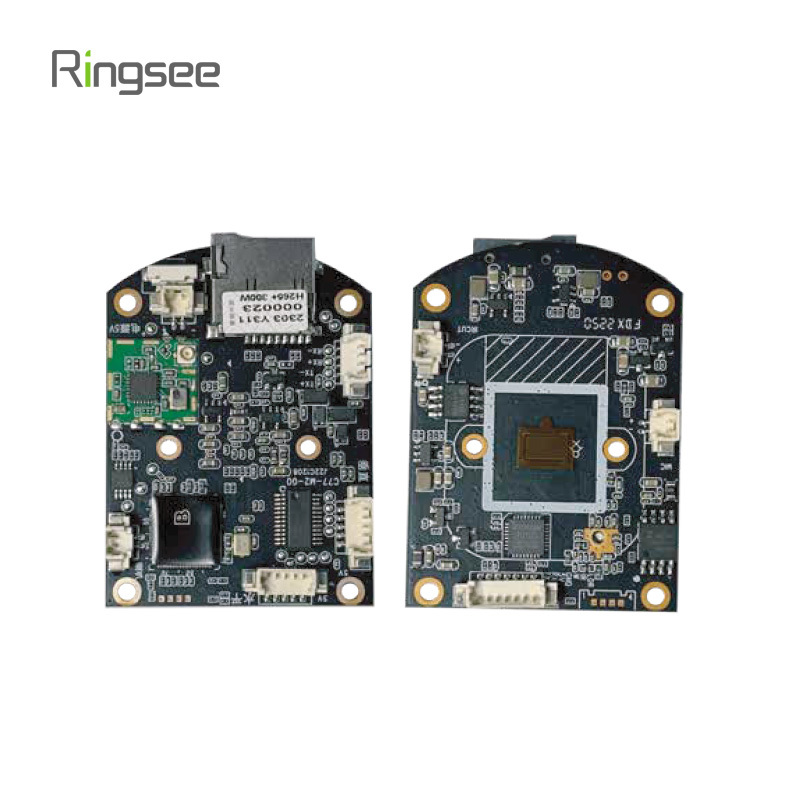
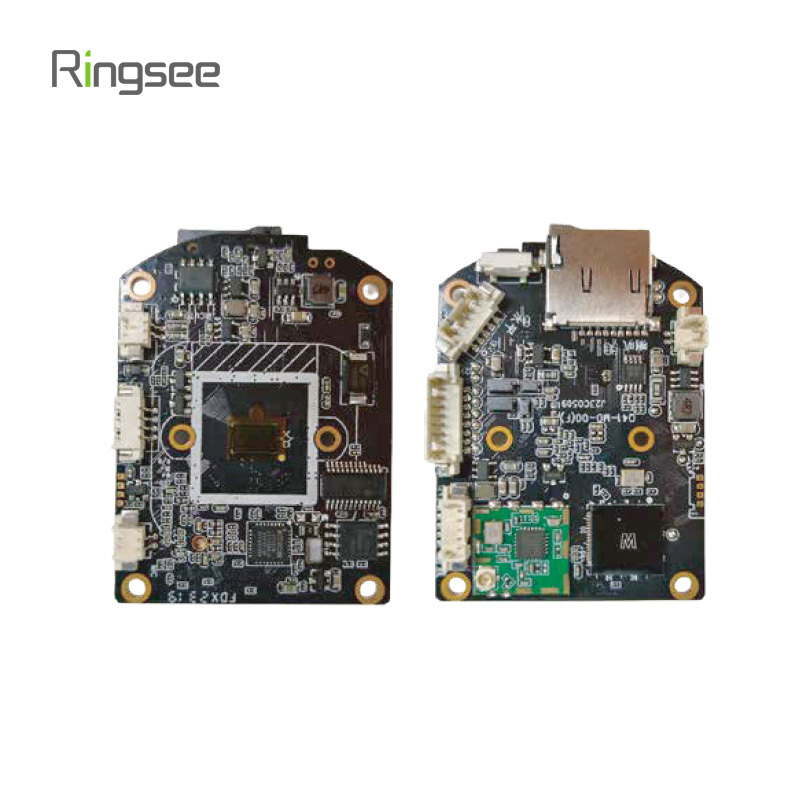
MicroSD cards are the most common and user-friendly solution for individual cameras. They are installed directly into the camera body and provide immediate, decentralized storage.
- Capacity: Cards typically range from 32GB to 512GB (some systems accept up to 1TB SDXC).
- Write Endurance: Cameras that operate with continuous recording (24/7) place immense stress on an SD card's memory cells. We strongly advise against using standard consumer-grade cards. Always use High-Endurance cards designed specifically for continuous loop recording to prevent premature failure.
- Vulnerability: A key drawback is that if the camera unit is stolen, the video evidence is lost.
1.2. Network Video Recorders (NVR) and NAS: The Professional Choice
For systems with multiple cameras (4+), centralized network recording offers superior security, scale, and management.
| System | Description | Best For | Storage Medium |
| NVR | Dedicated appliance running surveillance software. Stores footage centrally via Ethernet cable. | High-security applications, systems with 4+ cameras, 24/7 recording. | Internal SATA HDD/SSD |
| NAS (Network Attached Storage) | Multi-purpose home server that can run surveillance apps (like Synology/QNAP). | Advanced users who want to host other data/media on the same hardware. | Internal HDD/SSD |
2. Essential Technical Deep Dive for Local Recording
The way your camera manages its storage is more important than its capacity. Here are the protocols and specs you must understand for reliable, subscription-free operation.
2.1. Filesystem Protocols: FAT32 vs. exFAT for High-Bitrate Video
Camera firmware typically uses a specific filesystem to manage the memory card. The choice impacts reliability and video retention:
- FAT32: The most compatible but severely outdated. It imposes a 4GB file size limit. High-resolution, high-bitrate video will be constantly split into new files, increasing the risk of data corruption during power loss.
- exFAT: The preferred modern standard. It supports much larger files and volumes, preventing the 4GB file split issue. Always ensure your camera supports exFAT for the most reliable recording, especially when using larger capacity cards.
2.2. Overwrite Behavior, Retention, and Circular Recording
All local storage solutions use circular recording. When the storage volume is full, the oldest video files are automatically deleted to make room for new footage.
Crucial Feature: Event File-Locking. Your camera firmware must allow event-based clips (e.g., motion detection clips) to be protected from this overwrite process. Without file-locking, an important piece of evidence could be deleted within hours if the camera is recording continuously during a busy period.
3. The Total Cost of Ownership: Free vs. Fee
Before committing to a system, compare the long-term costs of local vs. cloud storage.
| Expense Type | Local Storage (No Fee) | Cloud Subscription (Monthly Fee) |
| Initial Cost | Higher (Cost of camera + NVR/High-Endurance SD card) | Lower (Cheaper camera, assuming you pay monthly) |
| Recurring Cost | Low (Minimal electricity, occasional SD card replacement) | High (Typically $3 - $10 per camera, per month) |
| 5-Year Cost | Camera + $20-$50 in storage media. | Camera + $180 - 600+ in subscription fees. |
| Data Security | High. Data remains on-site, fully controlled by the user. | Lower. Data is dependent on third-party provider security. |
4. Key Features to Demand in a No-Subscription Camera
To ensure maximum compatibility and reliability, look for these specific features:
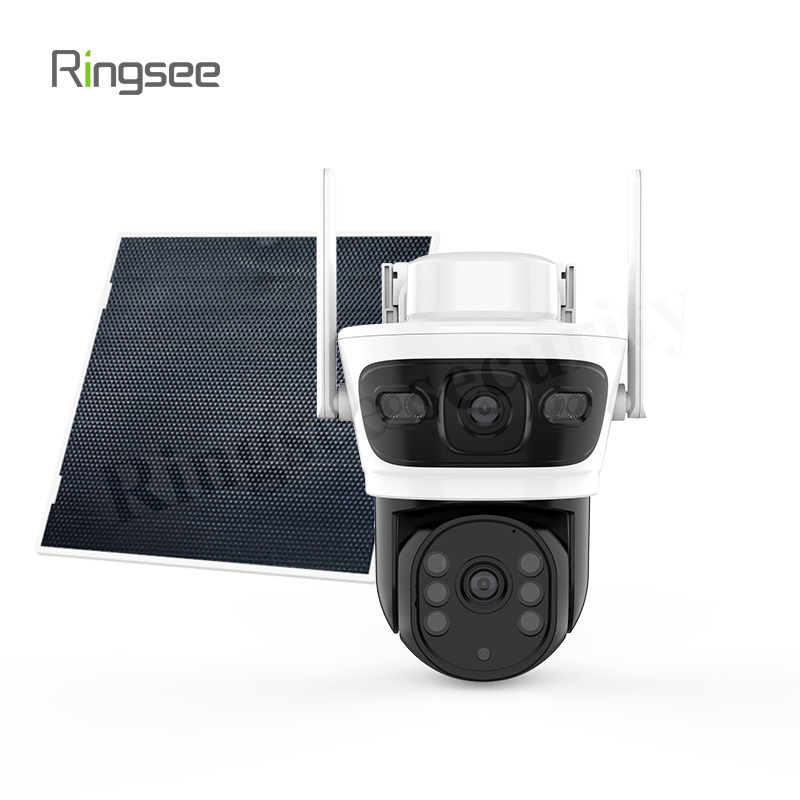
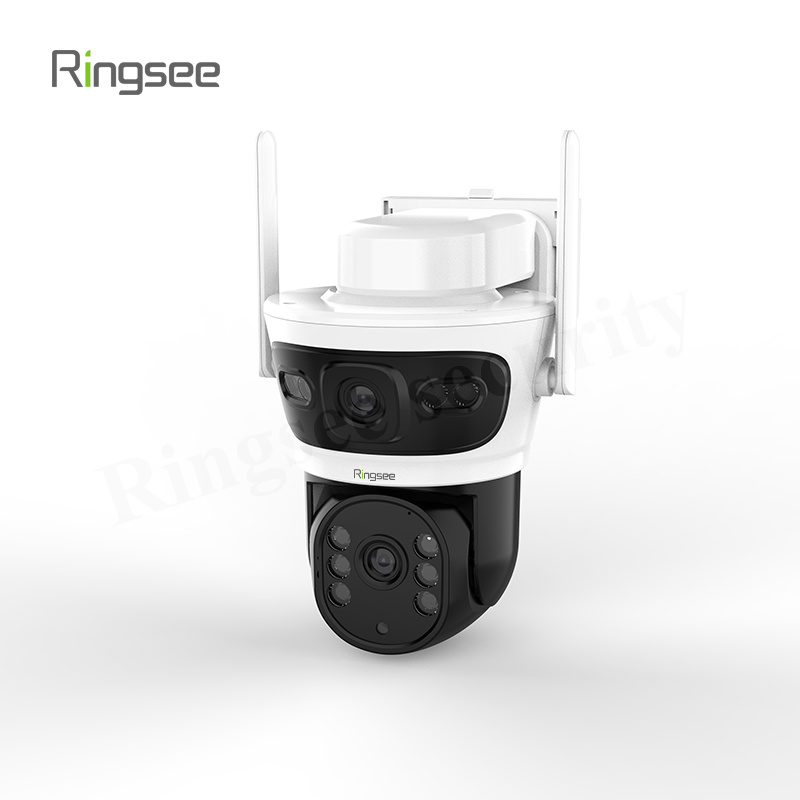
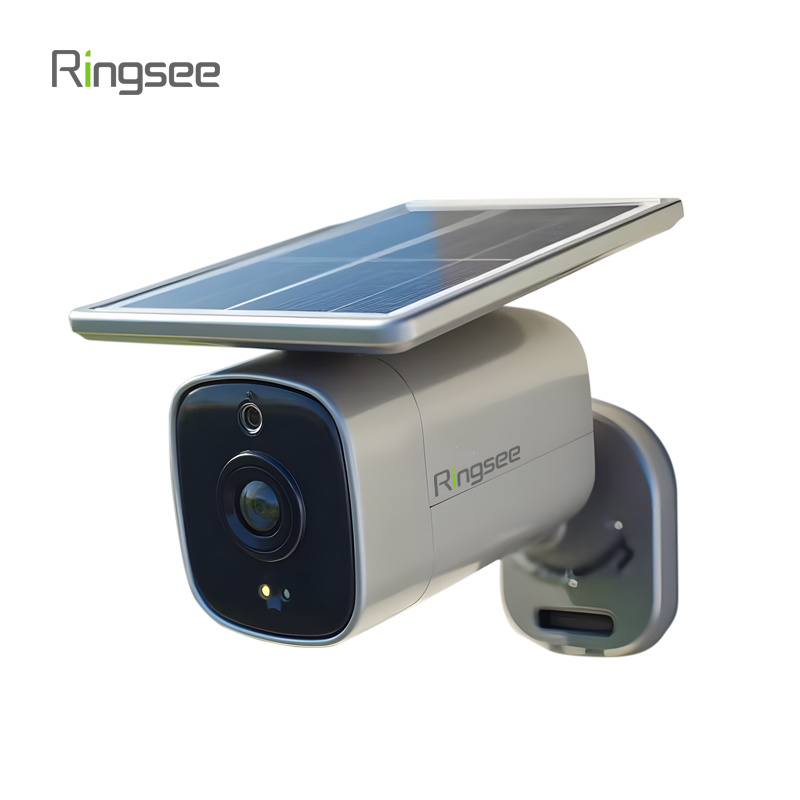
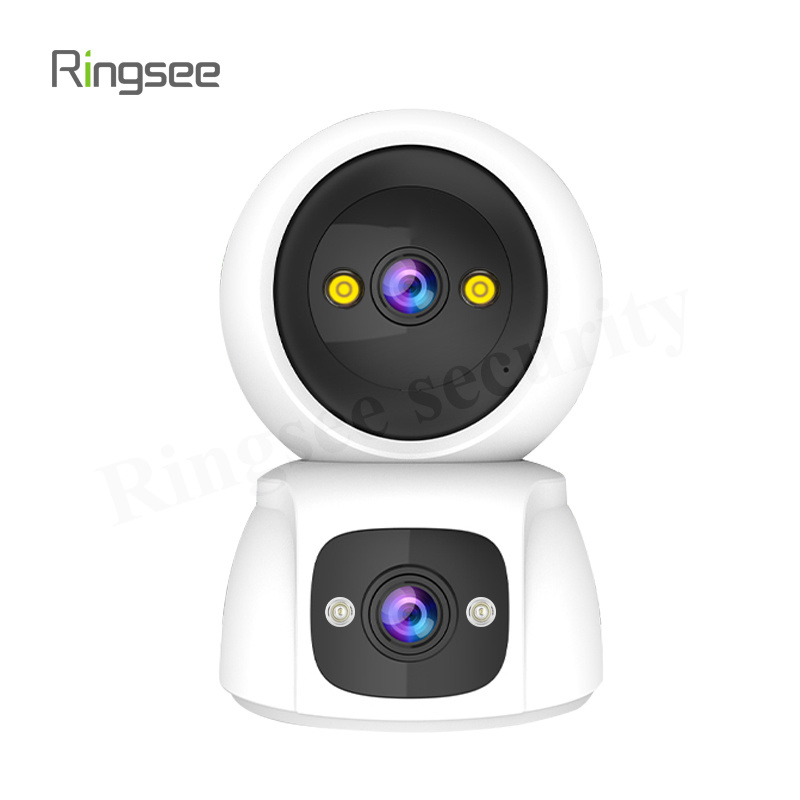
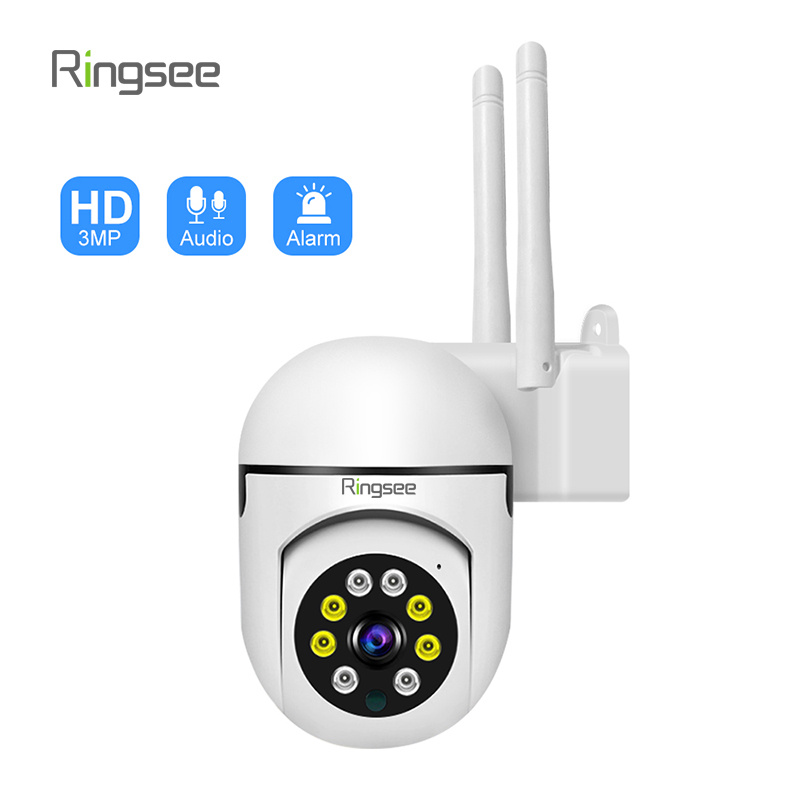
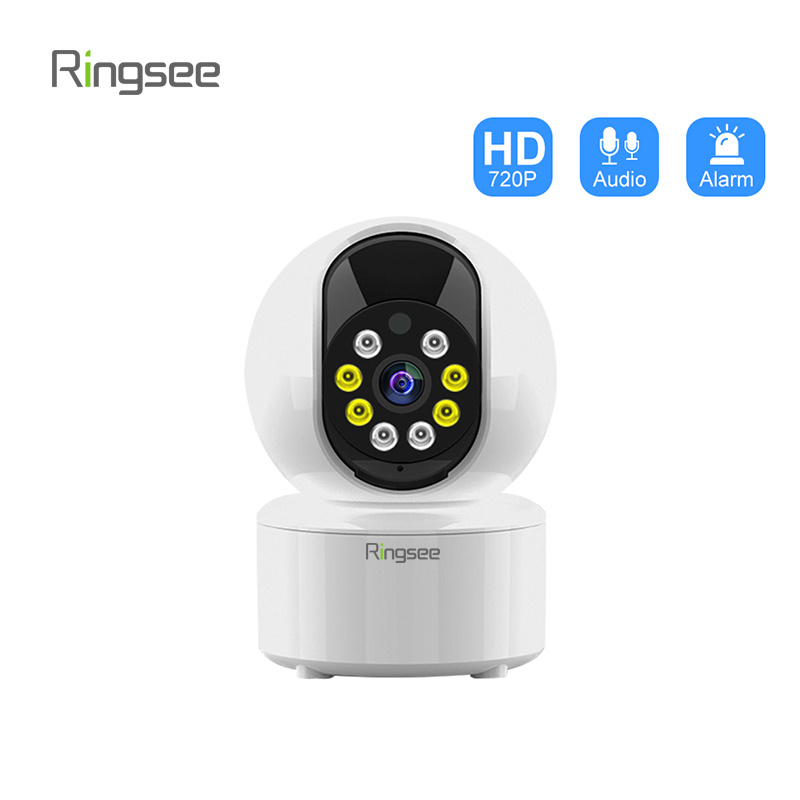
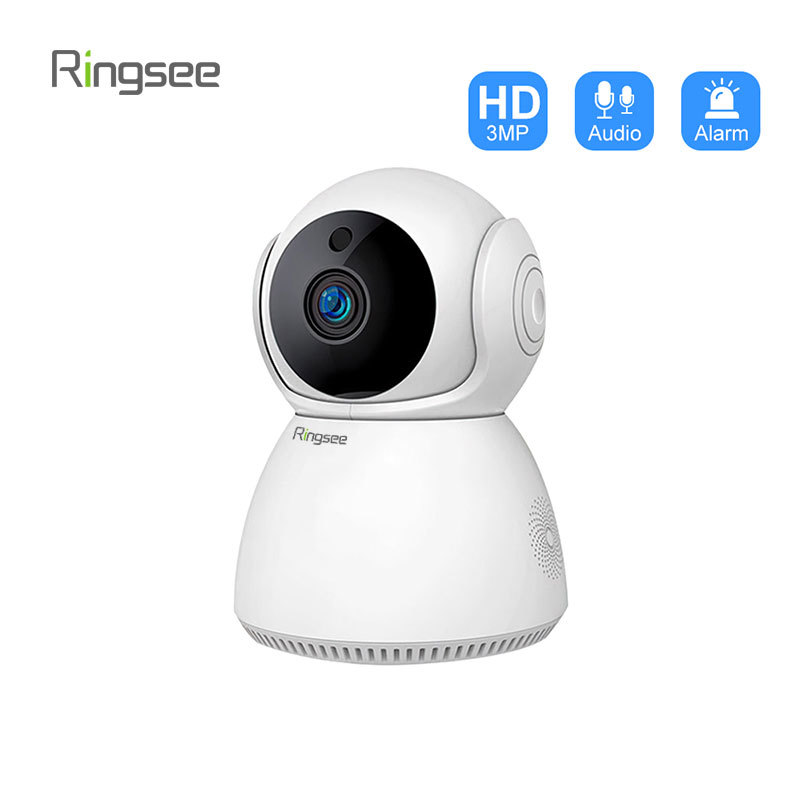
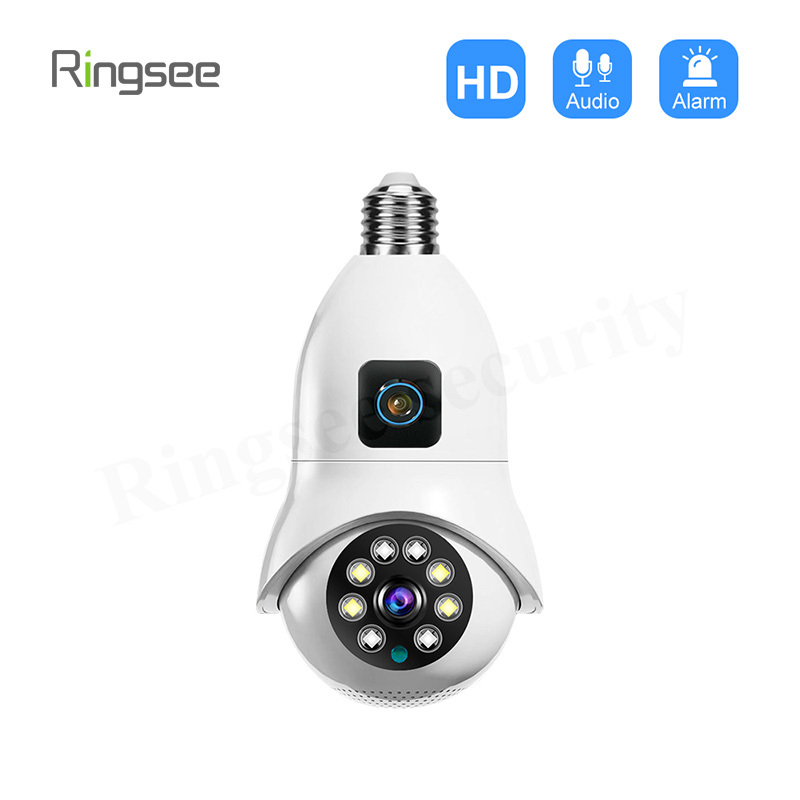
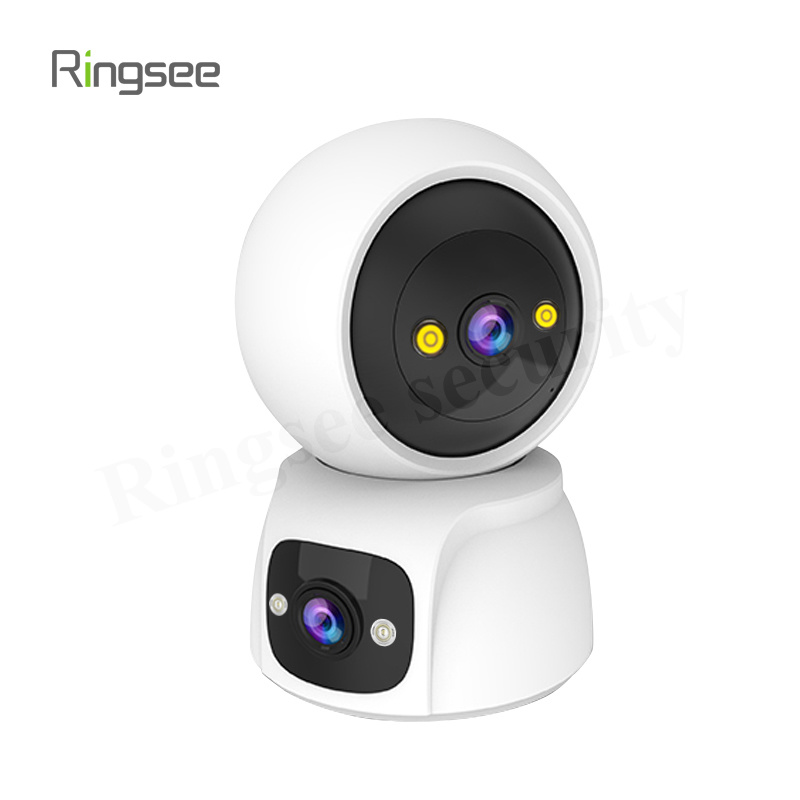
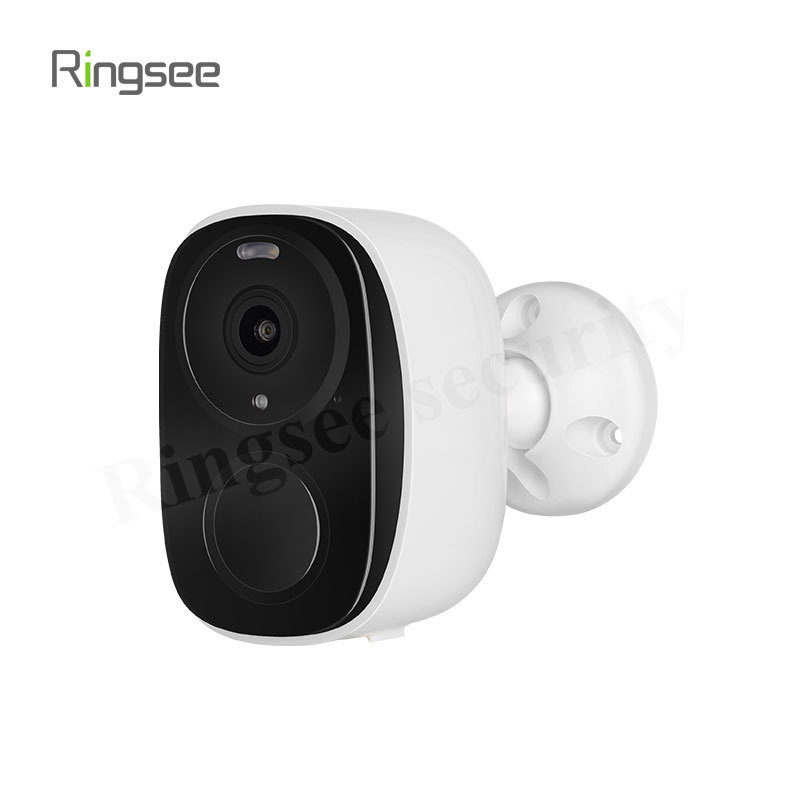
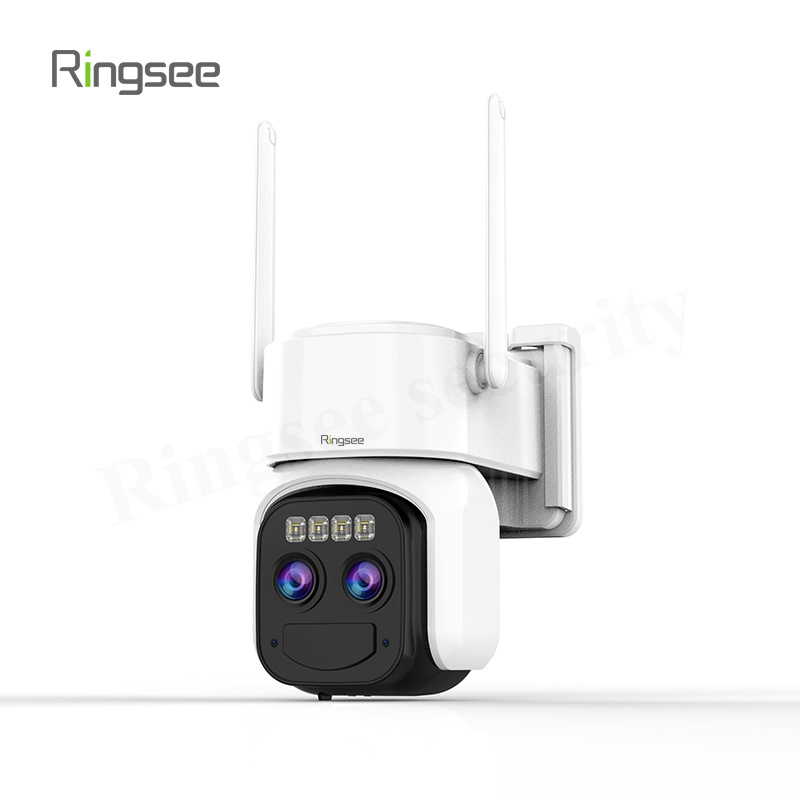
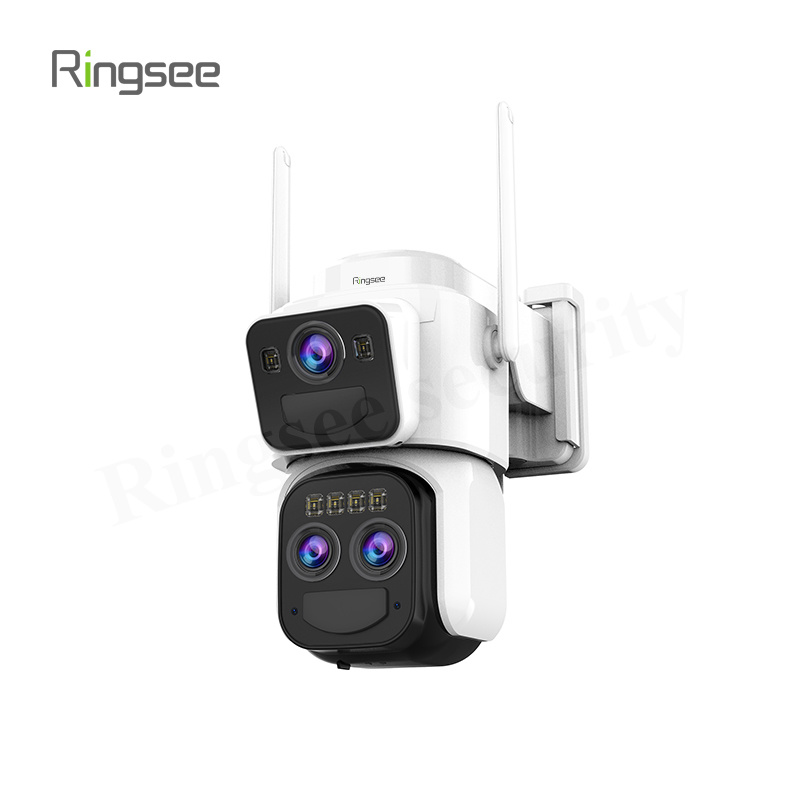
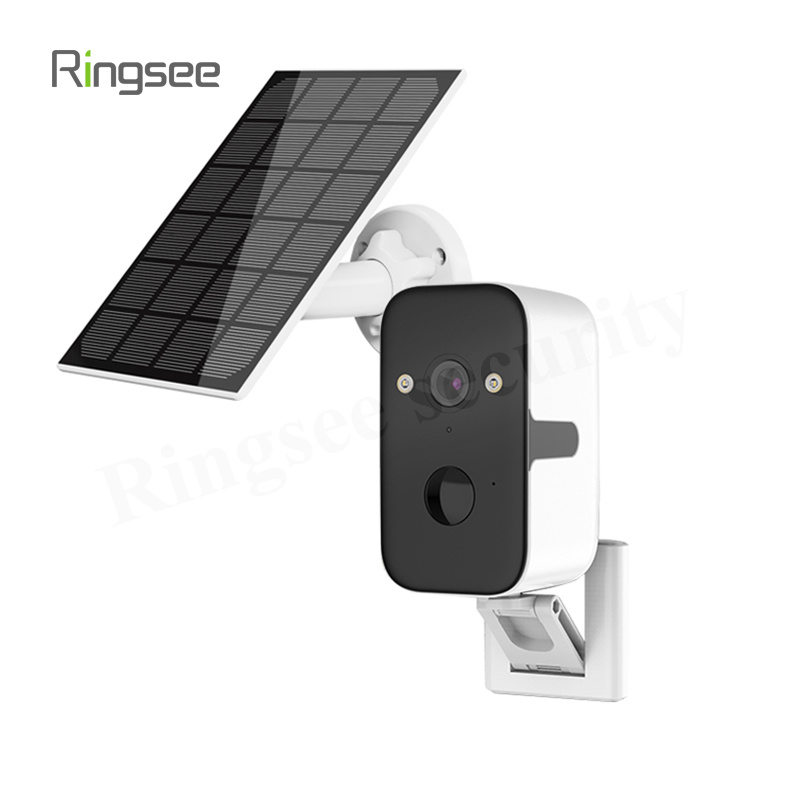
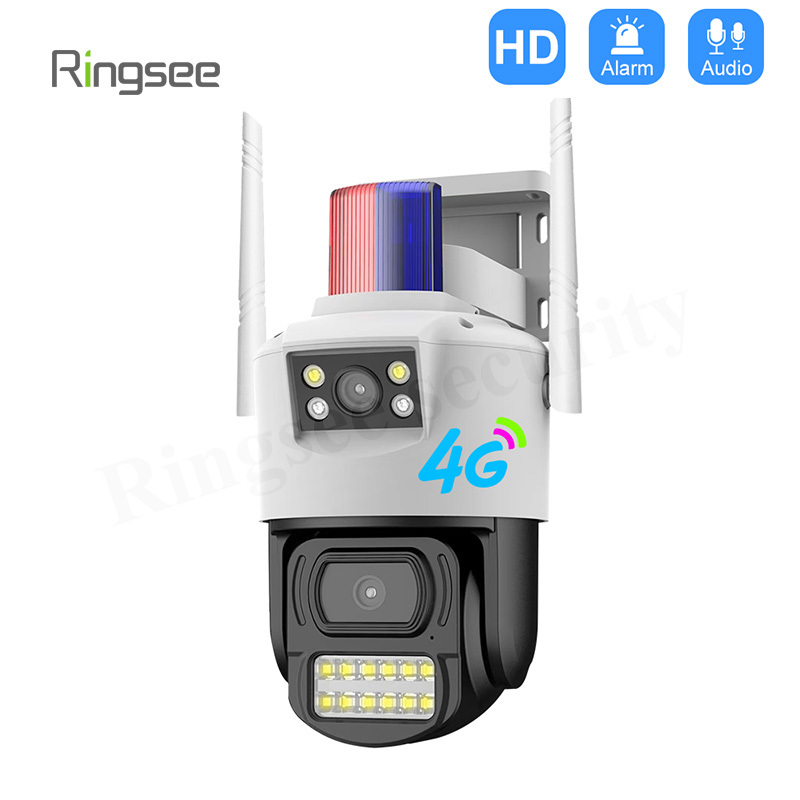
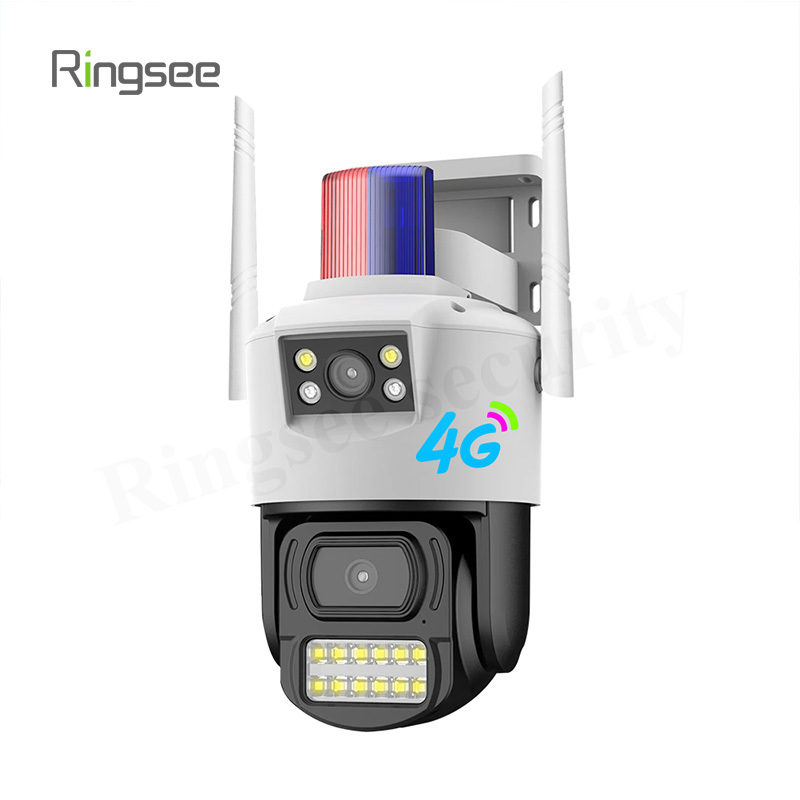
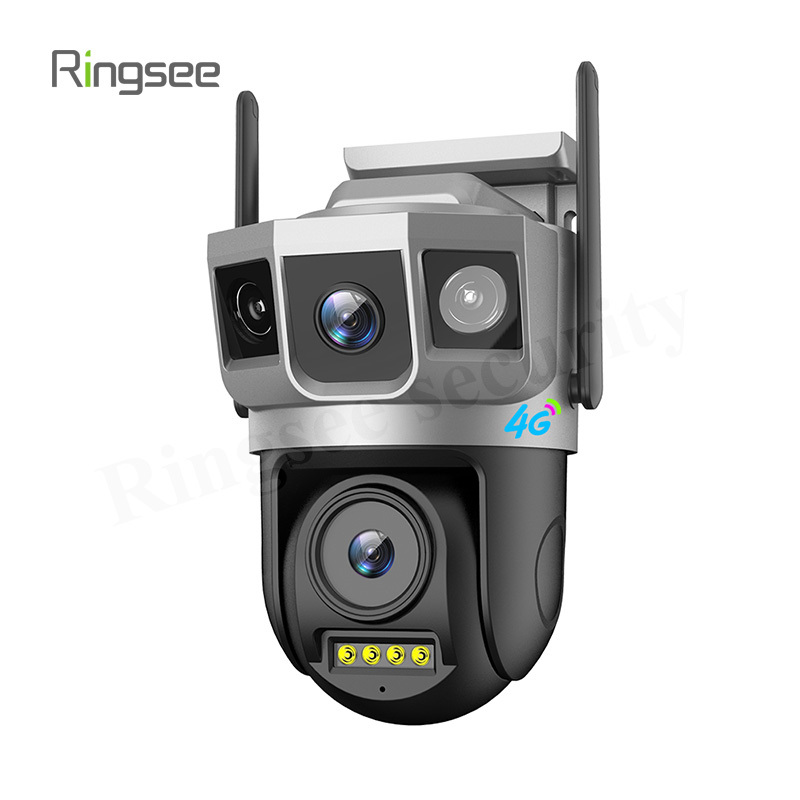
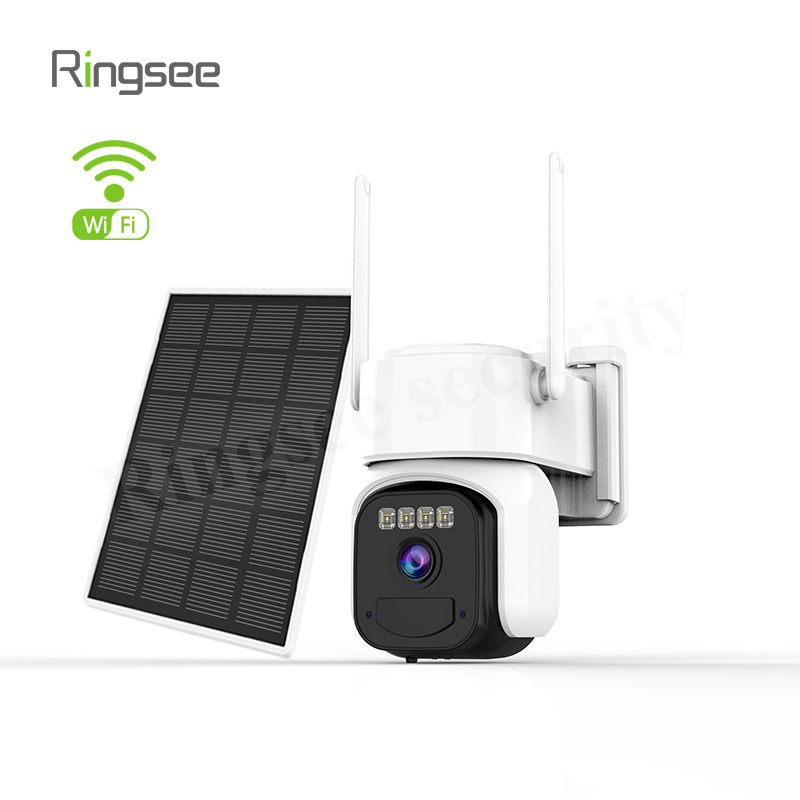
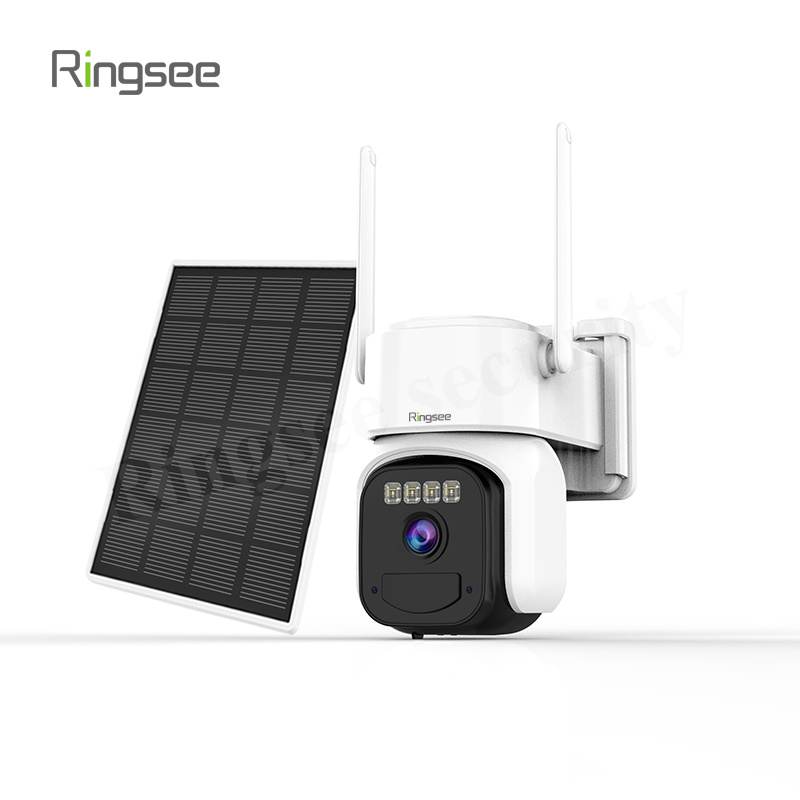
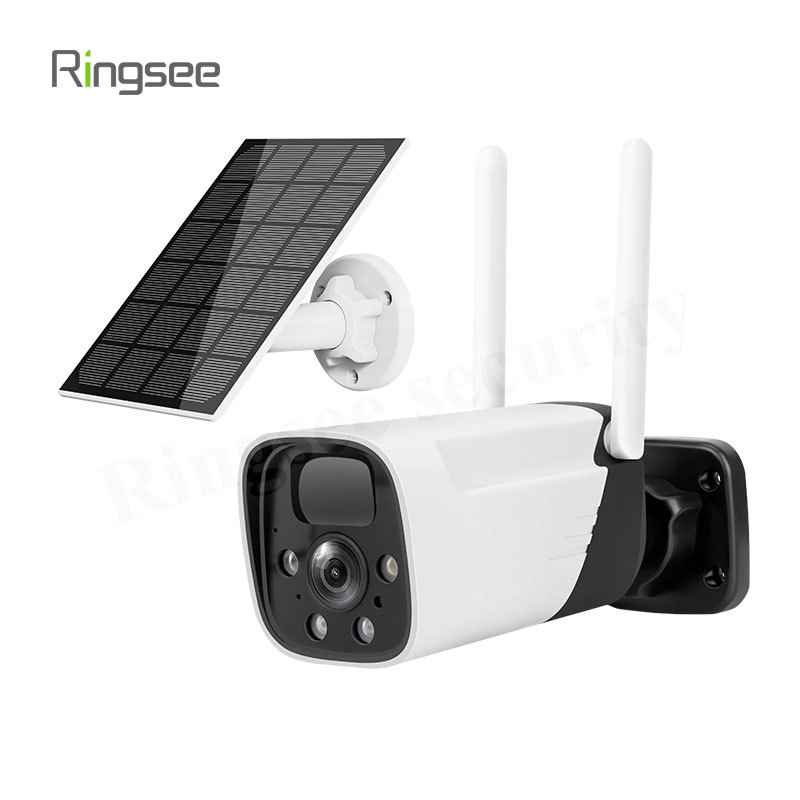
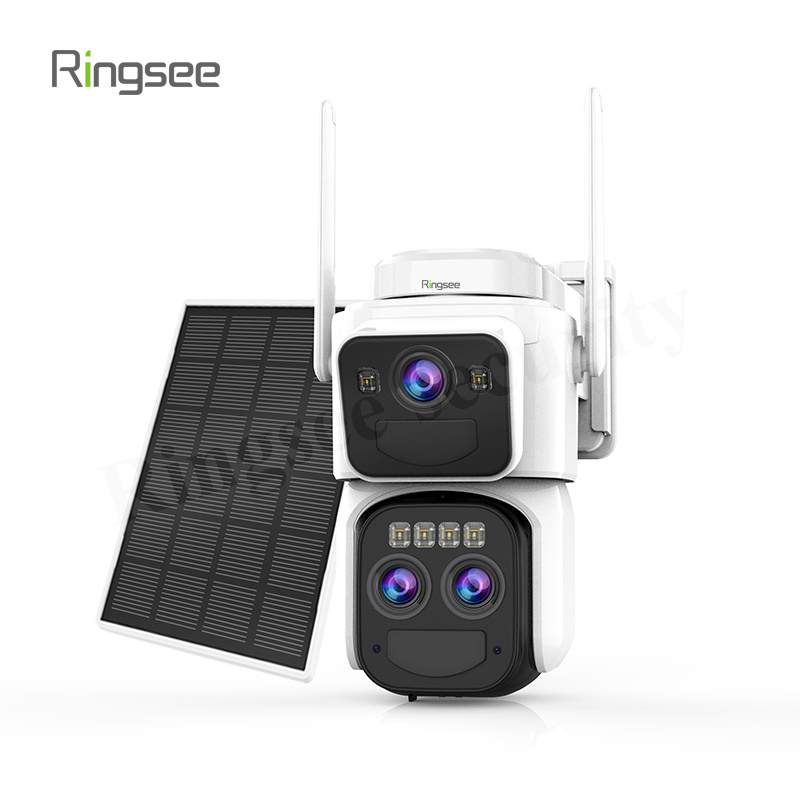
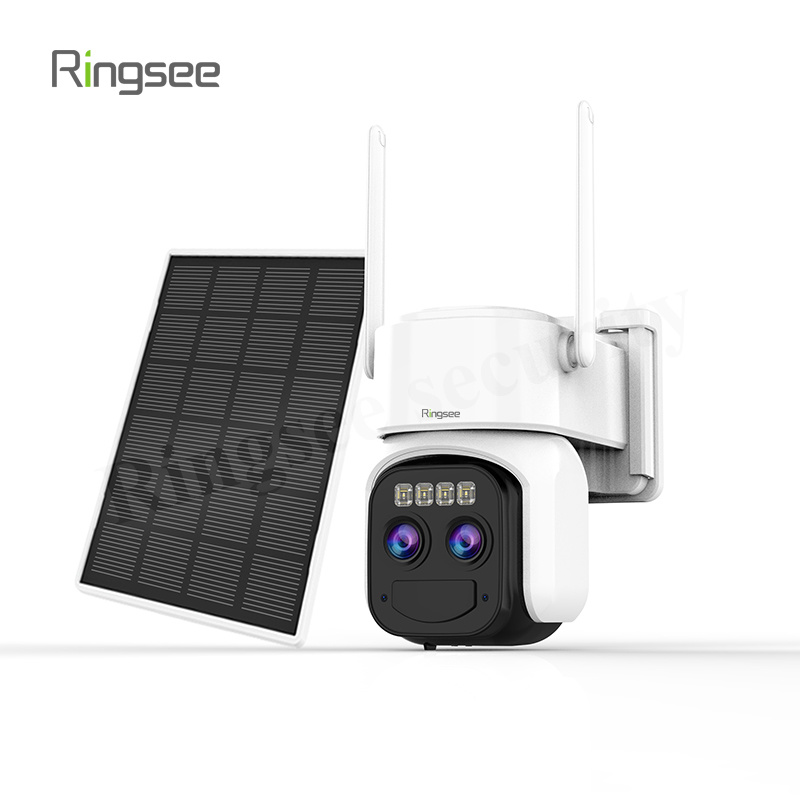
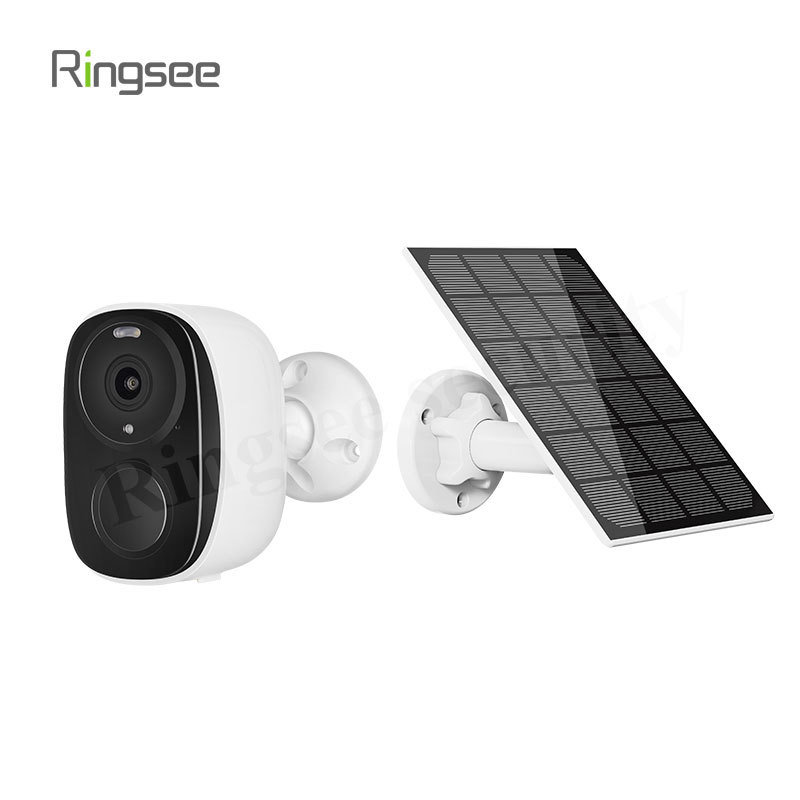
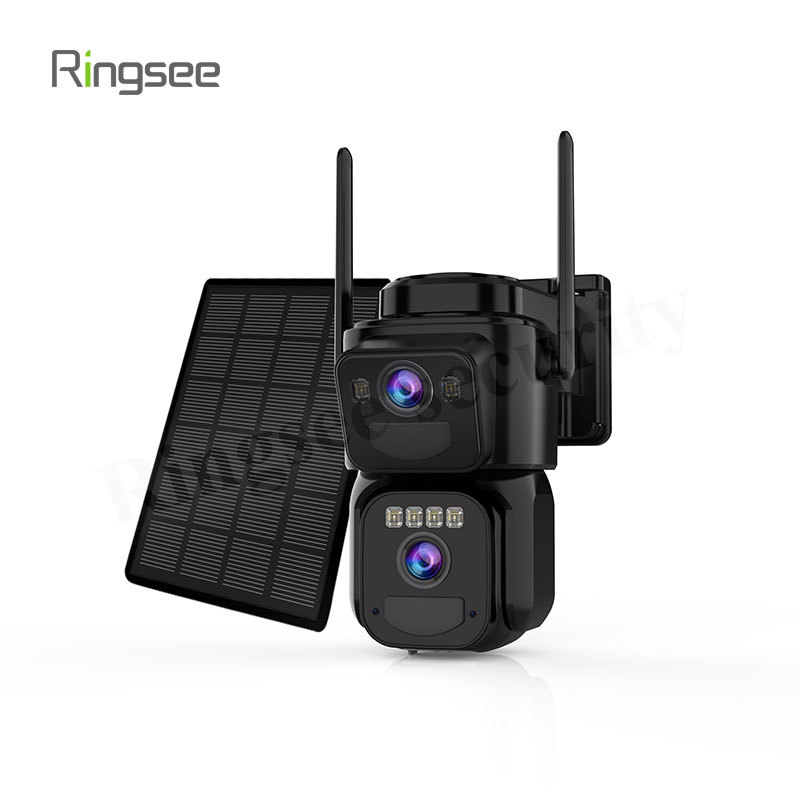
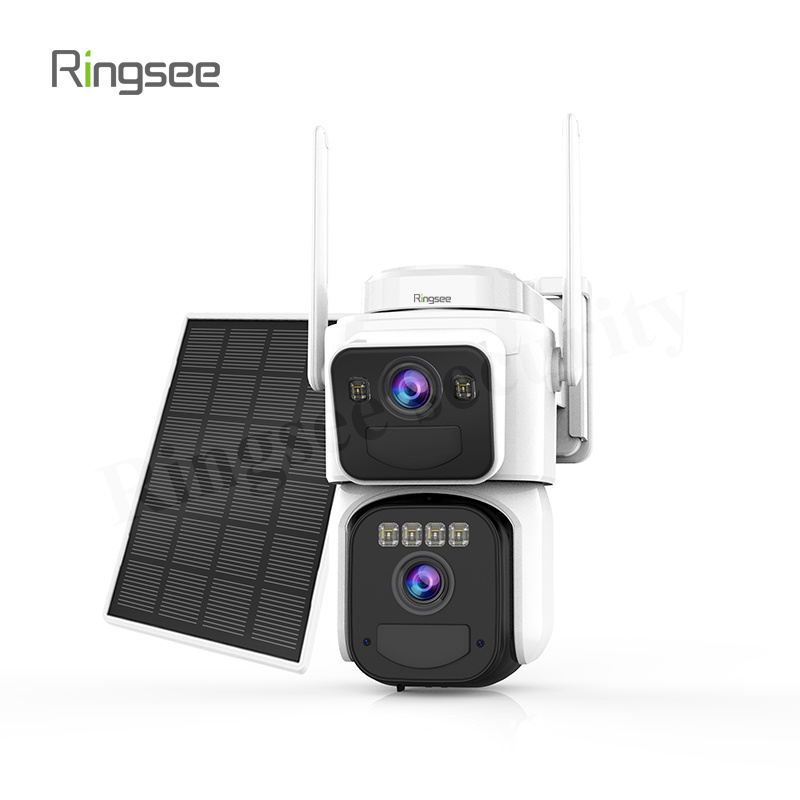
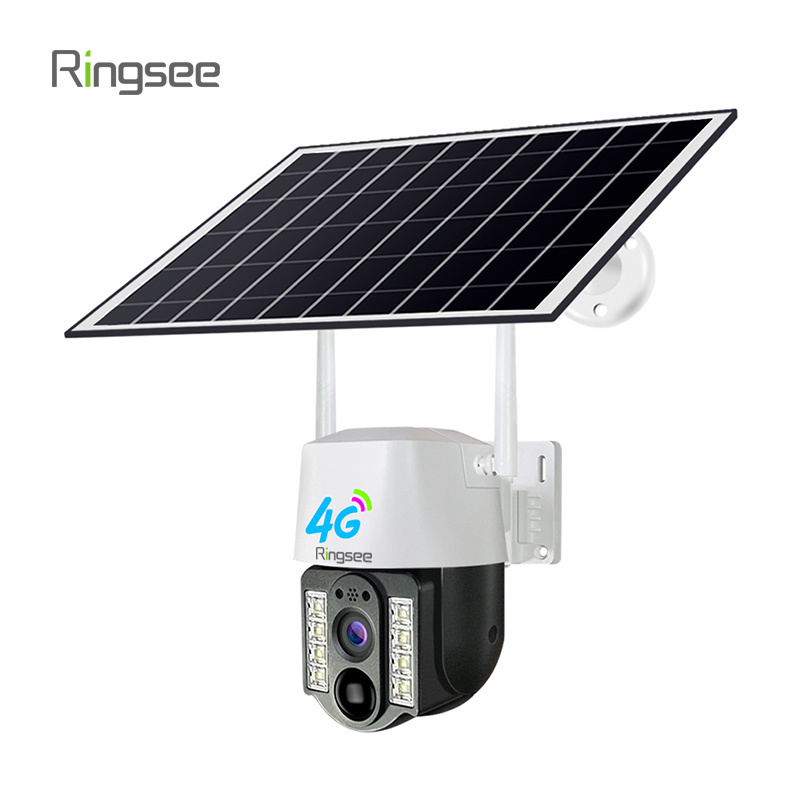
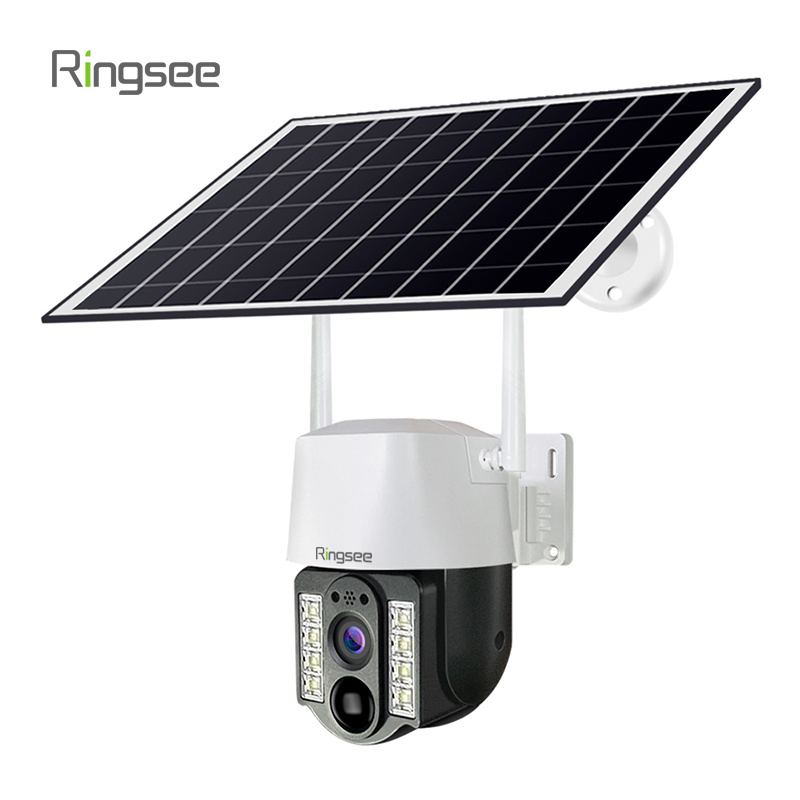
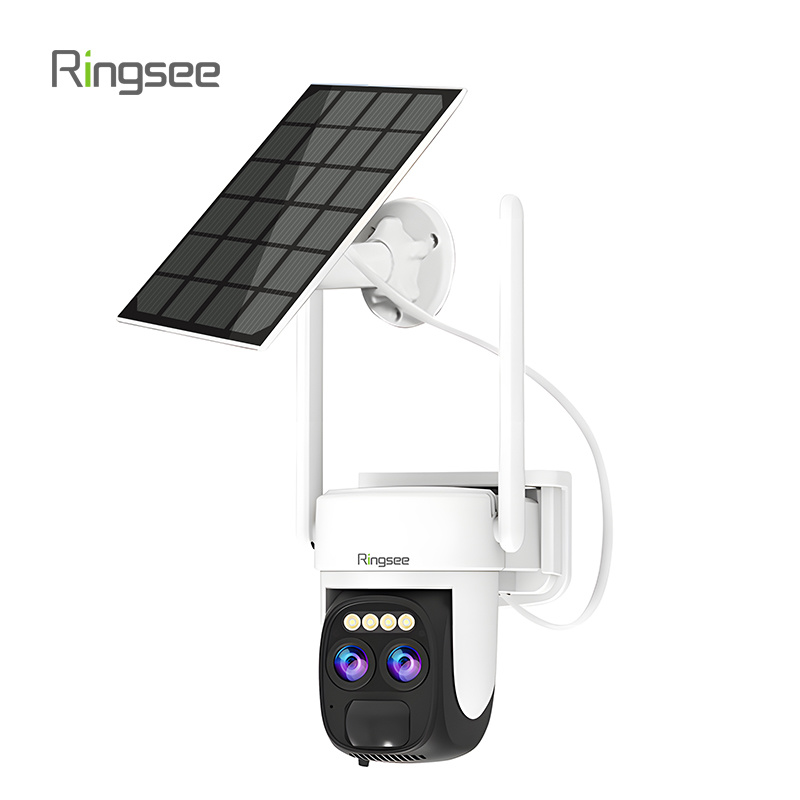
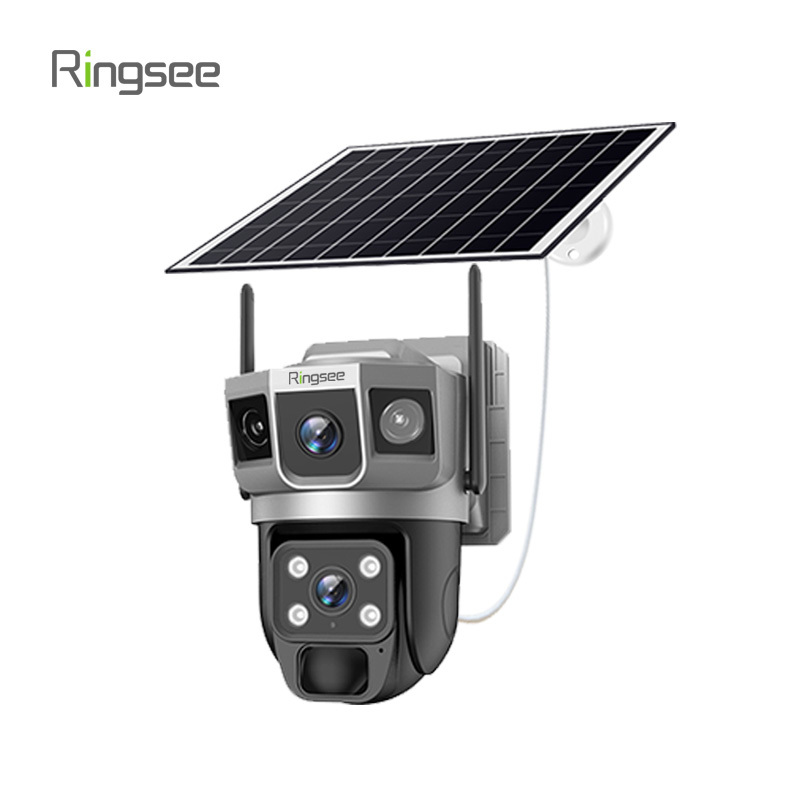
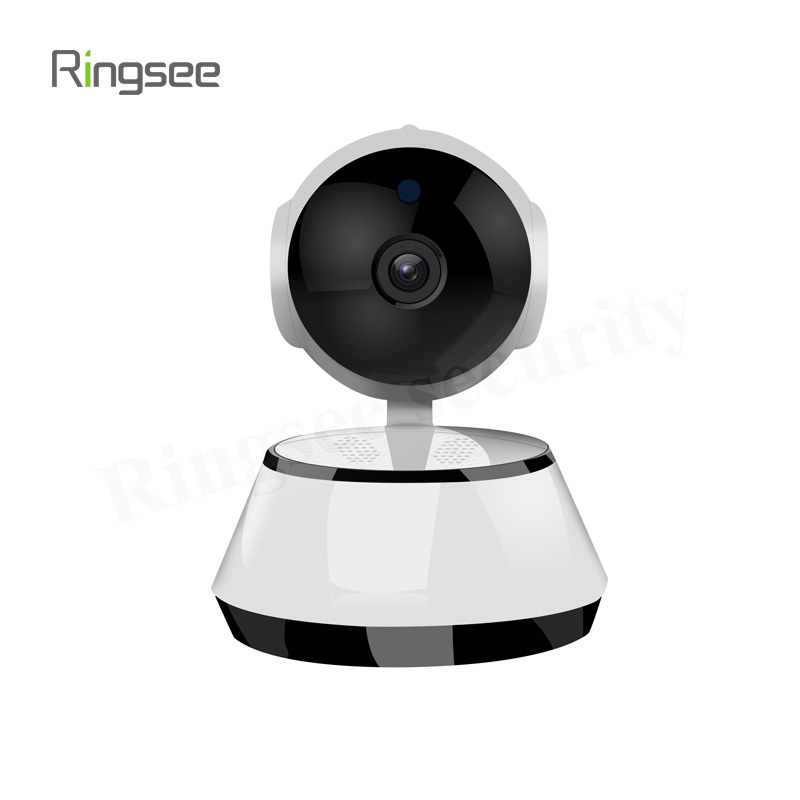
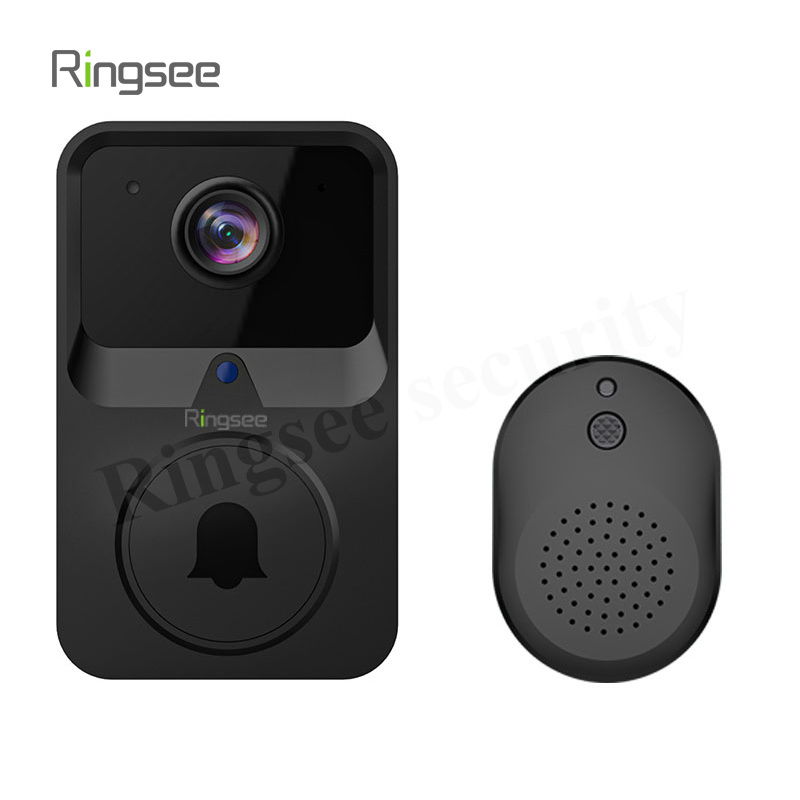
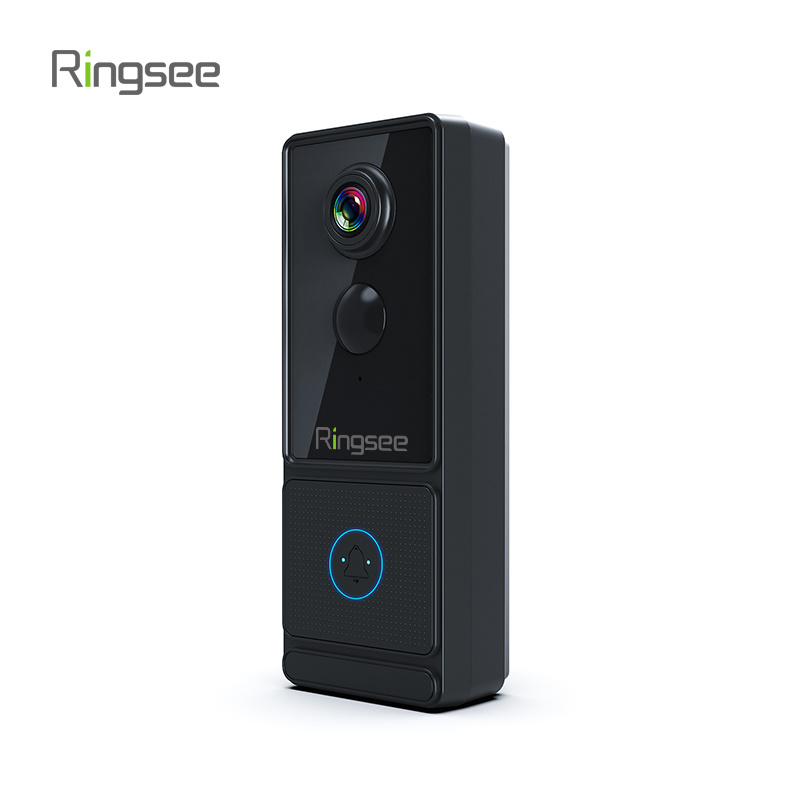
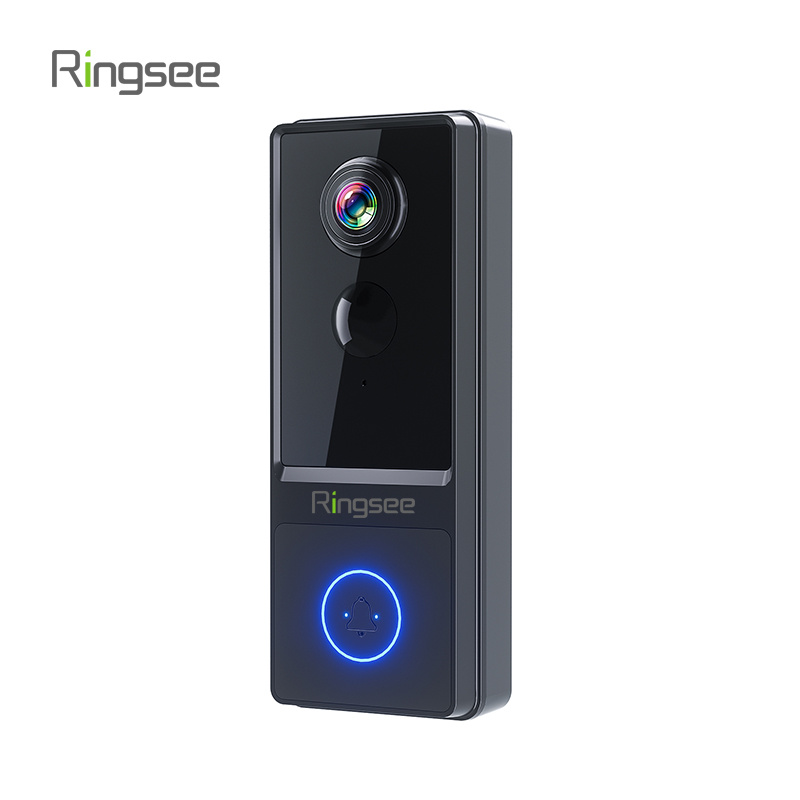
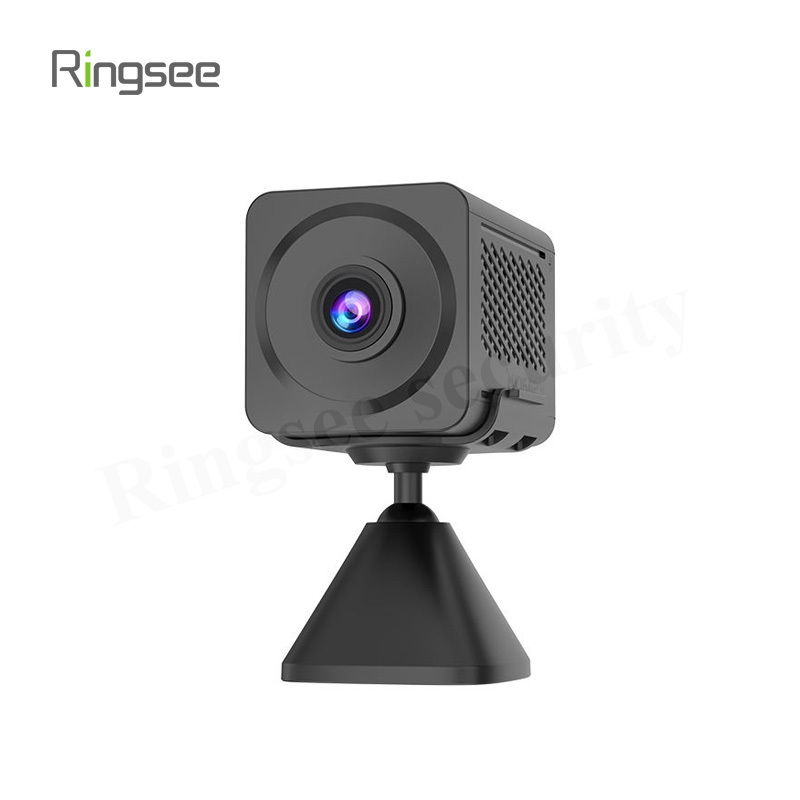
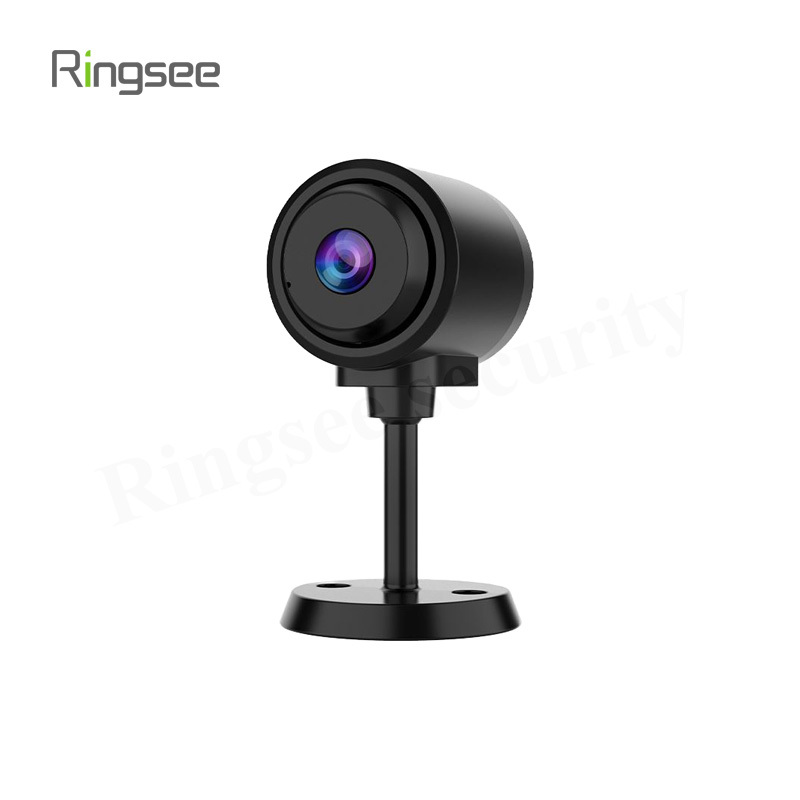
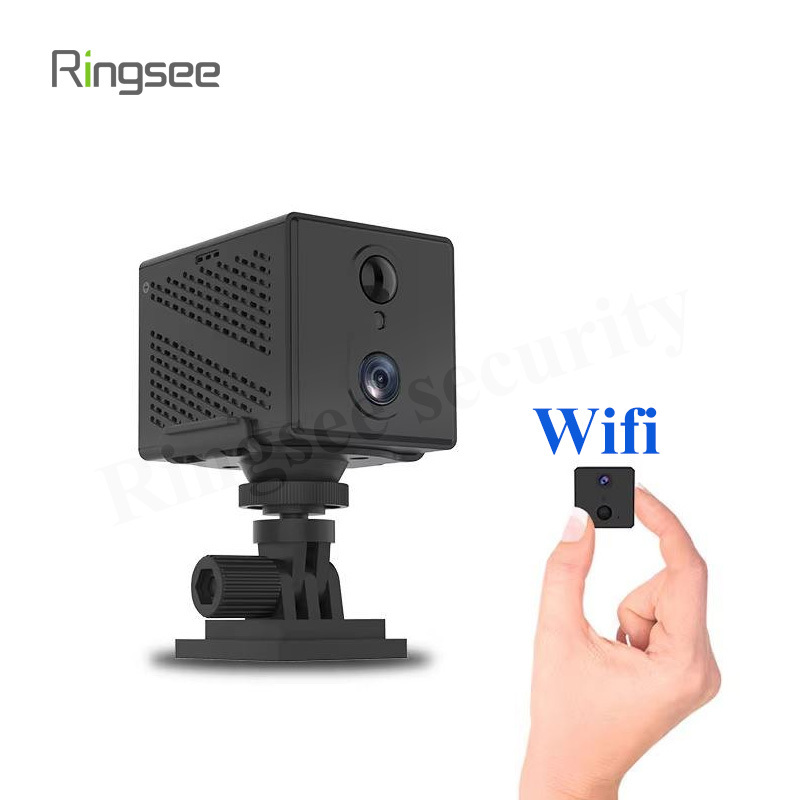
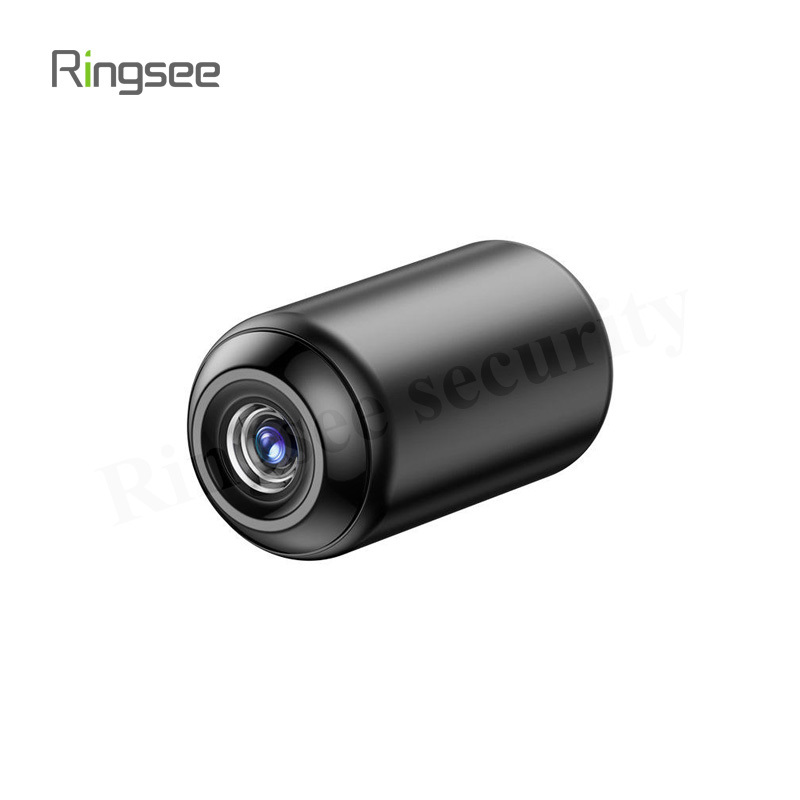
RTSP/ONVIF Compliance: These industry protocols allow your camera (like those offered by Ringsee) to stream video to any standard third-party NVR or software without being locked into a proprietary system.
App Notifications (Free): The camera should provide free push notifications and live remote viewing via a mobile app without paying for the privilege. Only the storage should be local.
Pre-Event Buffering: Ensures the camera records video before motion is detected, preventing you from missing the start of an event.
Next Steps
By implementing a local storage system, you gain control, security, and significant long-term savings. If you need assistance selecting the right high-endurance MicroSD card or NVR solution for your new subscription-free Ringsee camera, we can provide further guidance.
Links:One Belt Power Technology
Add: 14th Floor, Baoshan Building, Longhua District, Shenzhen China.
Privacy Policy | SEO | CitySite | Support: 300.cn Dongguan