










Support
What is the difference between an IP camera and a WiFi/wireless IP camera?
Choosing a security camera often comes down to one fundamental decision: wired or wireless connectivity. While both IP (Internet Protocol) cameras share the core function of streaming digital video over a network, the method of connection—Ethernet cable or Wi-Fi—creates significant differences in performance, installation, reliability, and cost. Understanding these distinctions is crucial for building a security system that meets your specific needs. This guide provides a comprehensive comparison to help you make the most informed choice.
1. The Robustness of Wired IP Cameras (PoE)
A traditional IP camera relies on a physical Ethernet cable (Category 5e or 6) for data transmission. Most modern wired cameras also use Power over Ethernet (PoE), which allows both electrical power and video data to travel over a single cable.
Key Features & Advantages:
Unrivaled Stability and Speed (Bandwidth): A physical connection guarantees the lowest possible latency and maximum bandwidth. This is critical for transmitting high-resolution 4K video streams and ensuring there are no dropped frames, even under heavy network load.
Superior Reliability: Wired connections are highly immune to network interference (walls, appliances, other Wi-Fi networks) and signal dropout, ensuring continuous 24/7 recording and monitoring.
Simplified Power (PoE): Using a PoE switch or Network Video Recorder (NVR) eliminates the need for an electrical outlet near the camera. This simplifies wiring, especially for complex outdoor installations, and reduces power infrastructure costs.
Security: Wired systems eliminate the common vulnerability of Wi-Fi interception and make it physically harder for intruders to disrupt the feed without cutting visible cables.
Drawbacks & Best Use Cases:
Drawbacks: Installation requires running and concealing physical cables, which can be difficult, invasive, or costly in existing structures.
Best Used For: Commercial properties, large homes, critical monitoring areas (warehouses, entry points), and any scenario requiring continuous, high-quality, and maximally reliable video evidence.
2. The Flexibility of Wireless IP Cameras
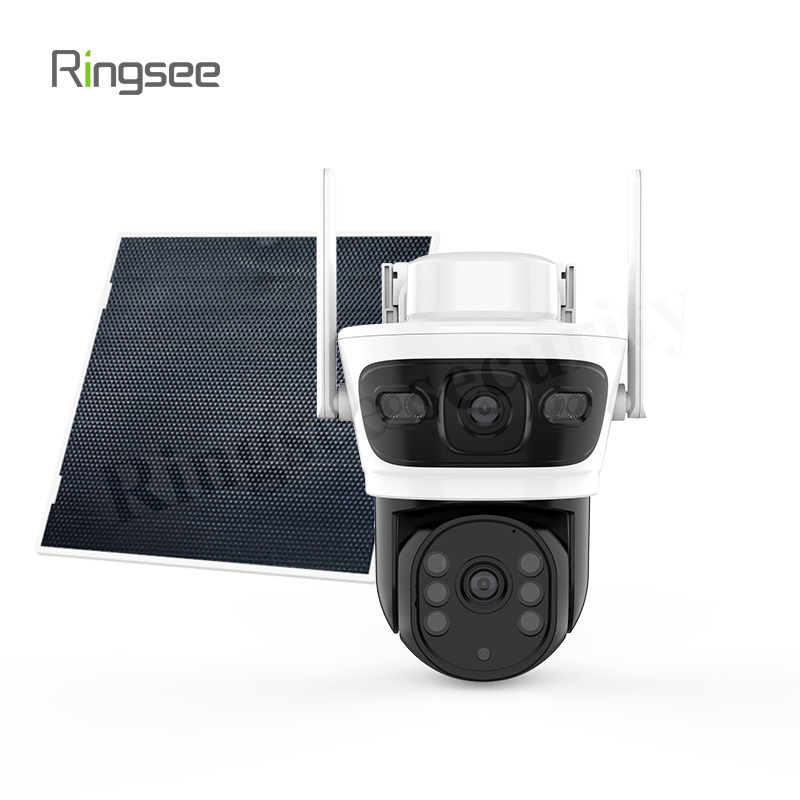
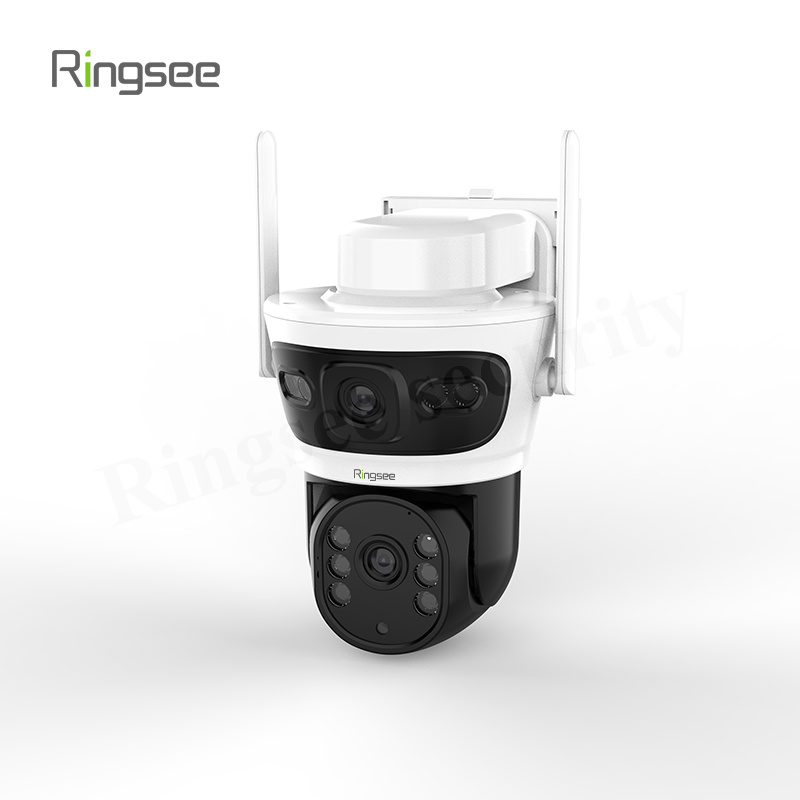
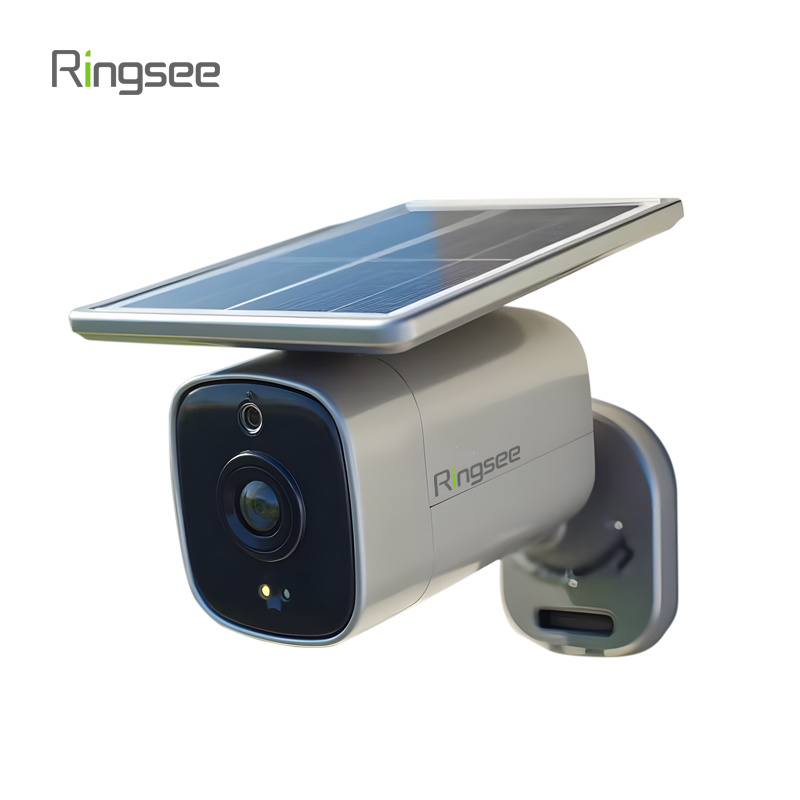
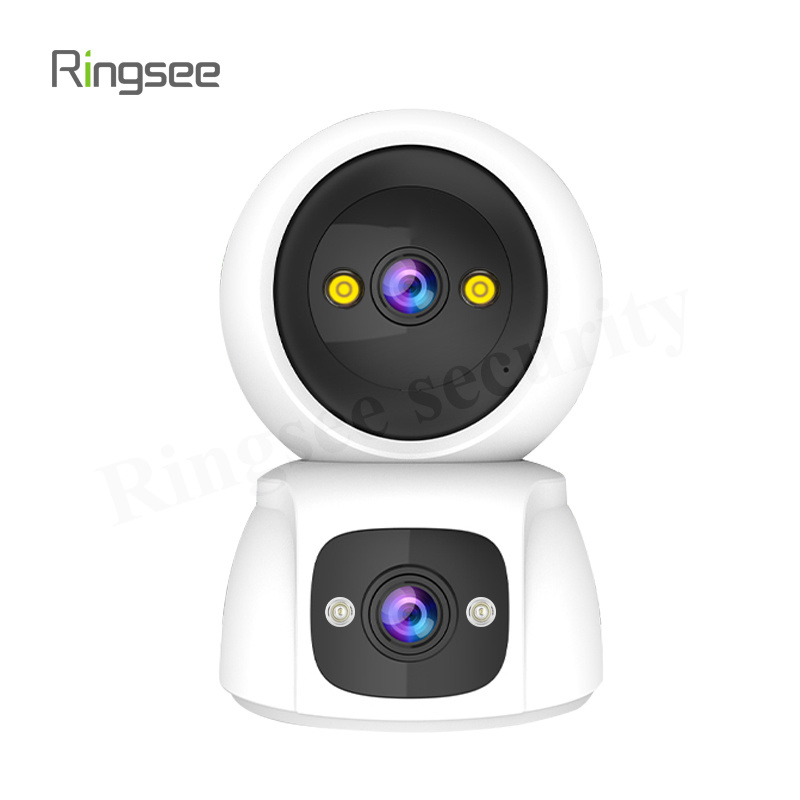
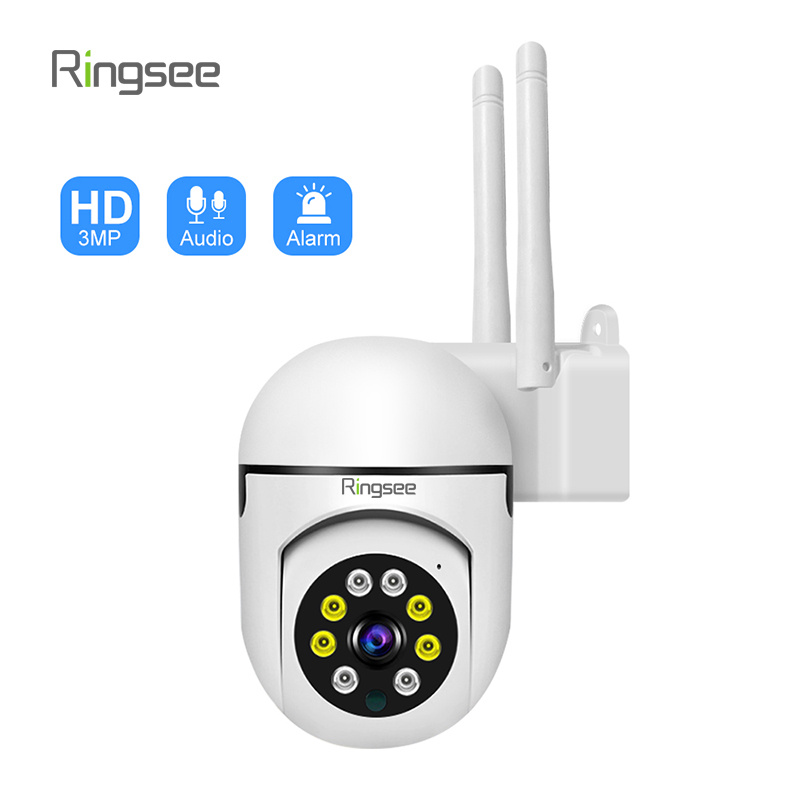
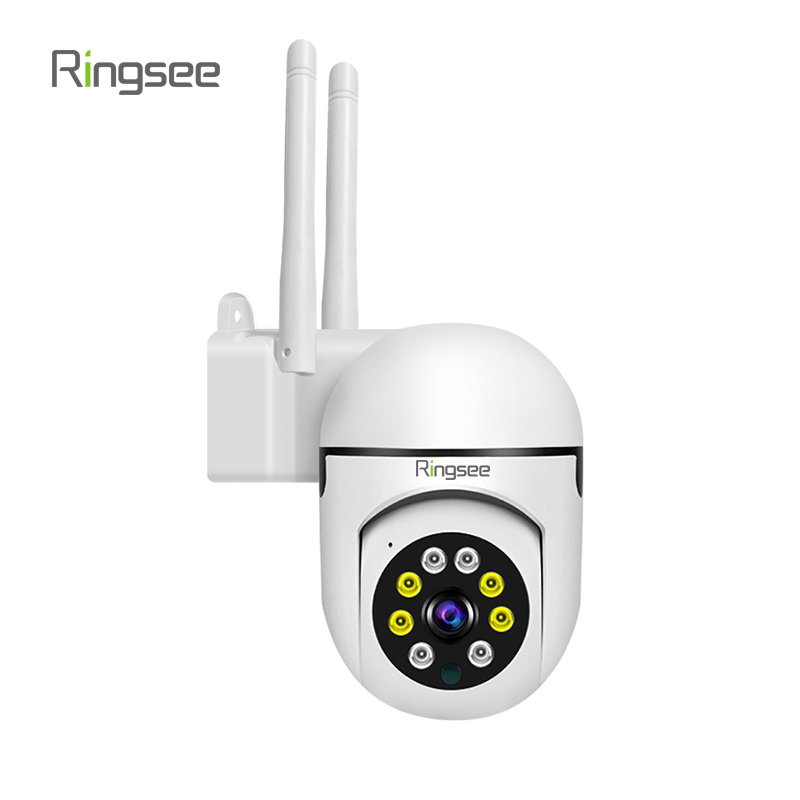
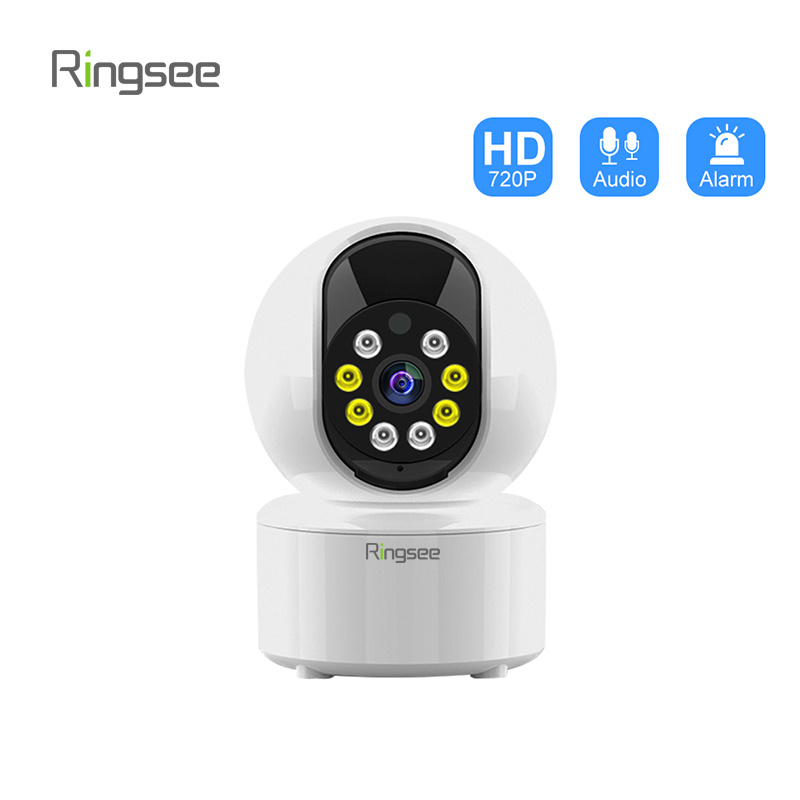
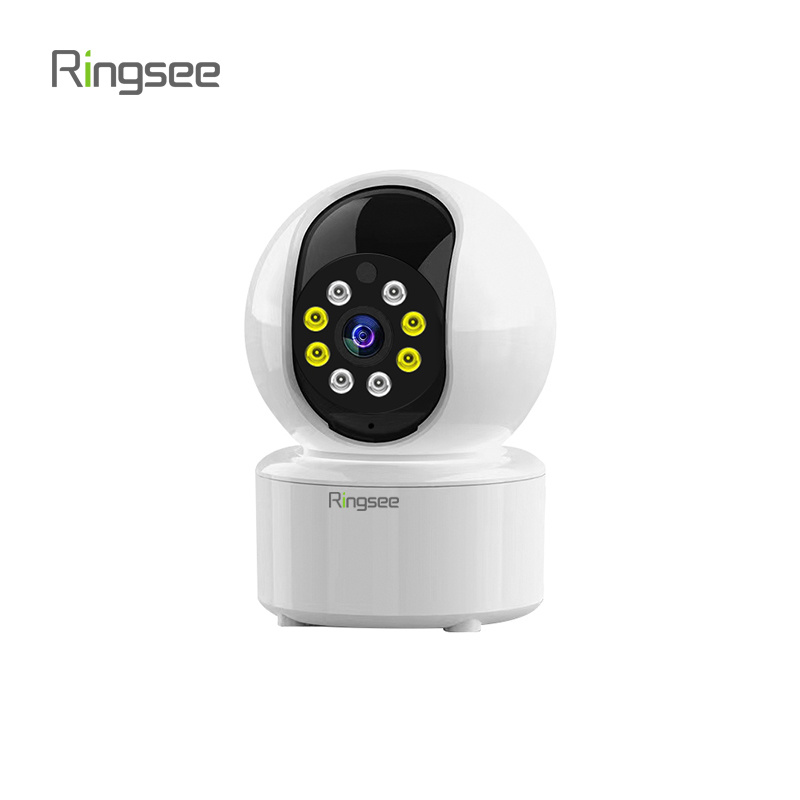
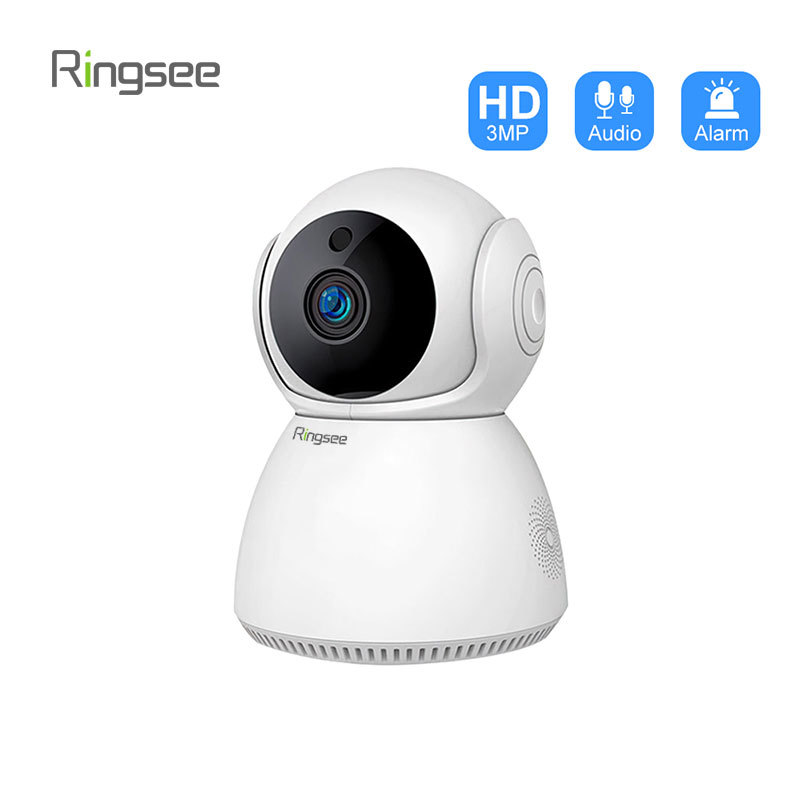
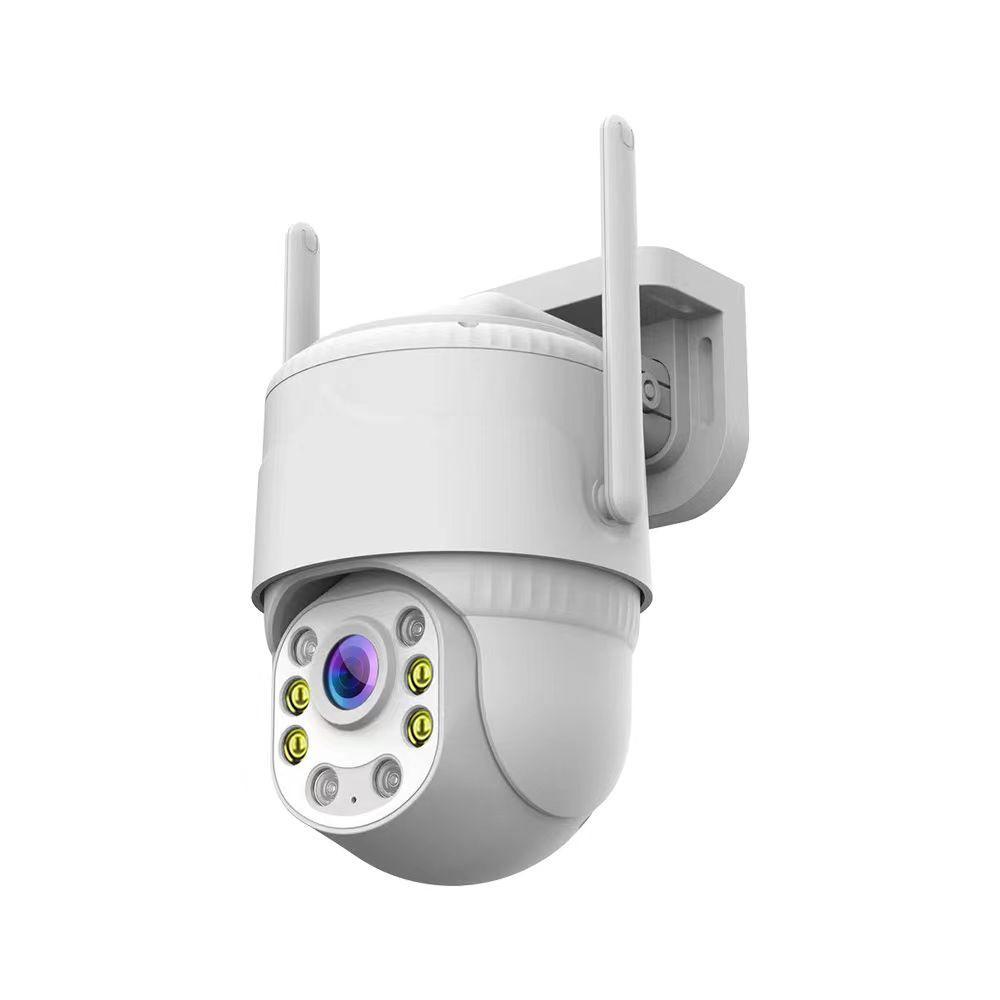
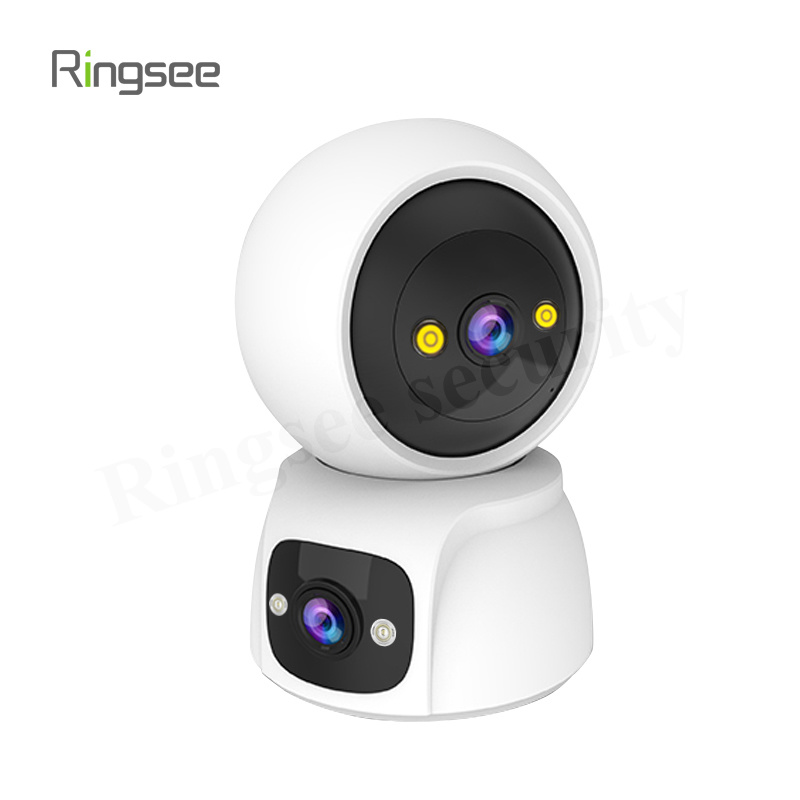
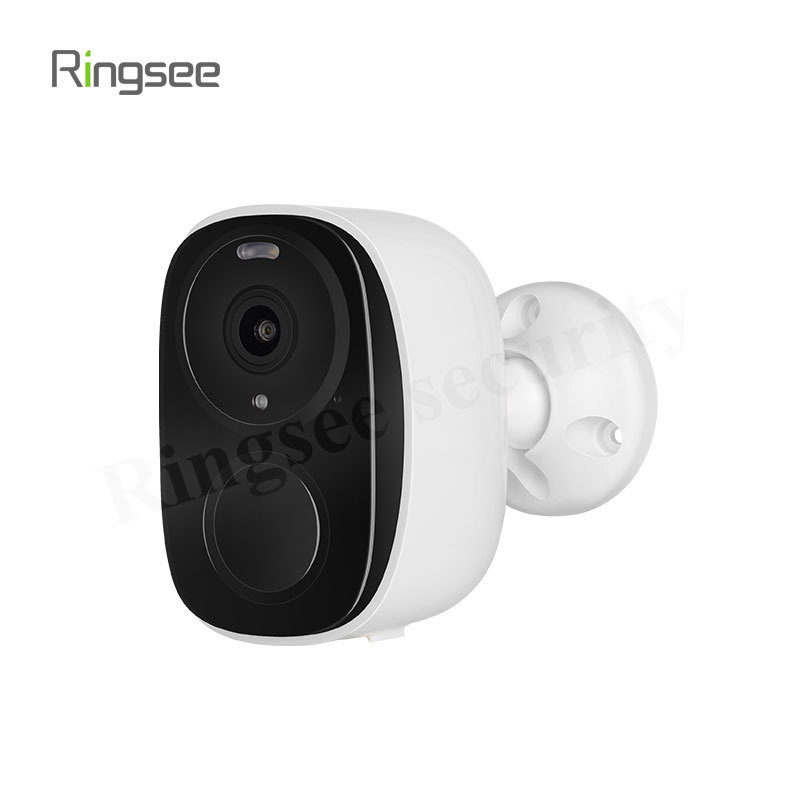
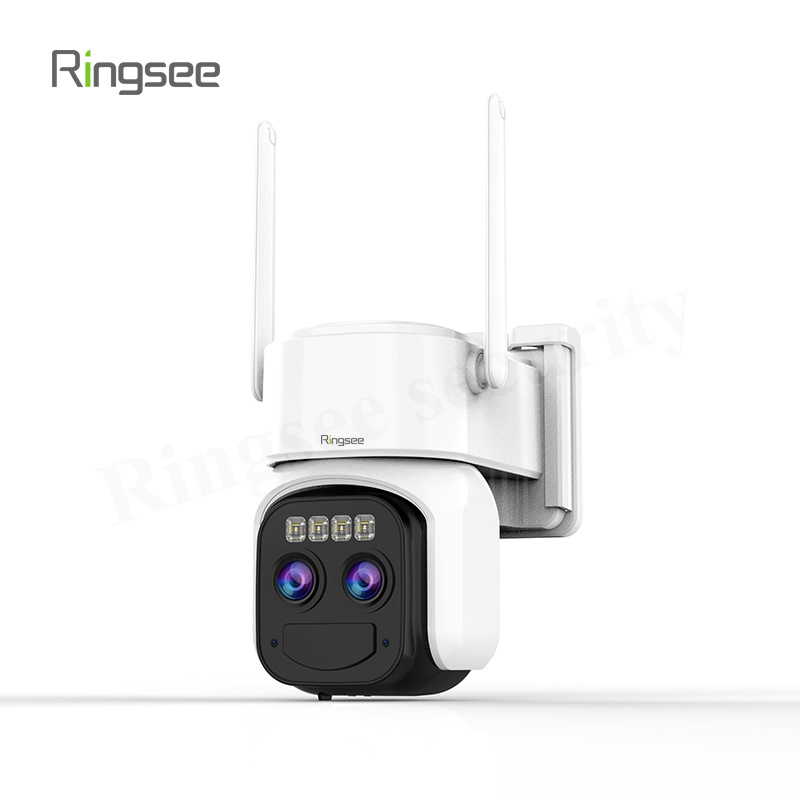
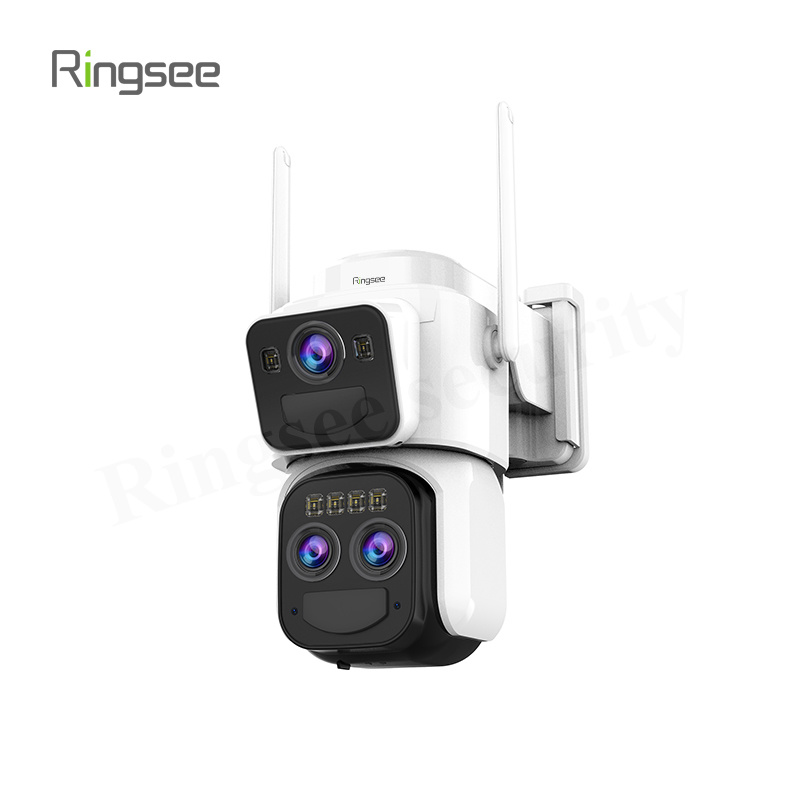
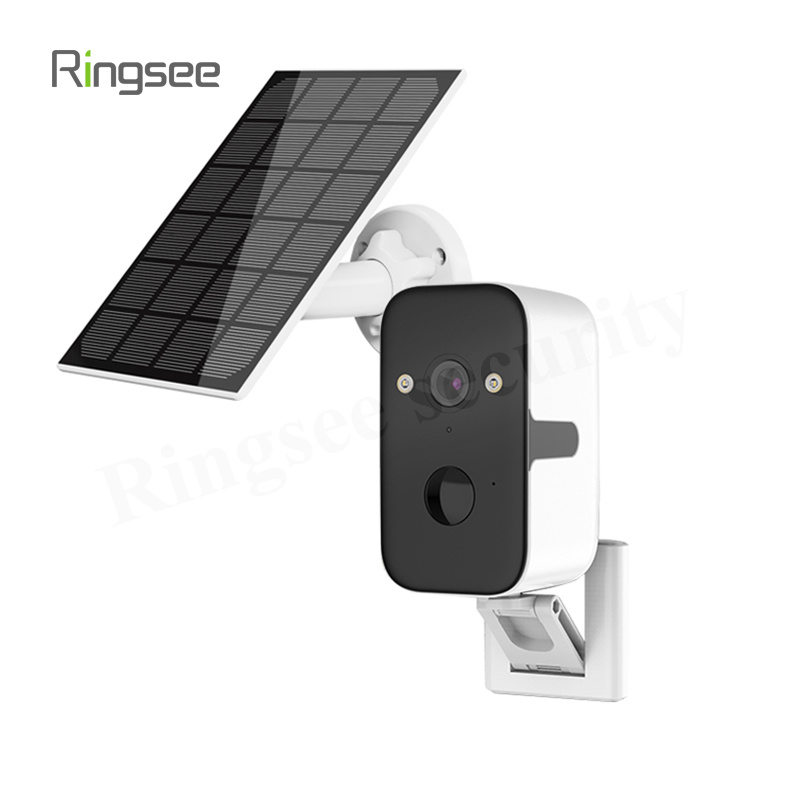
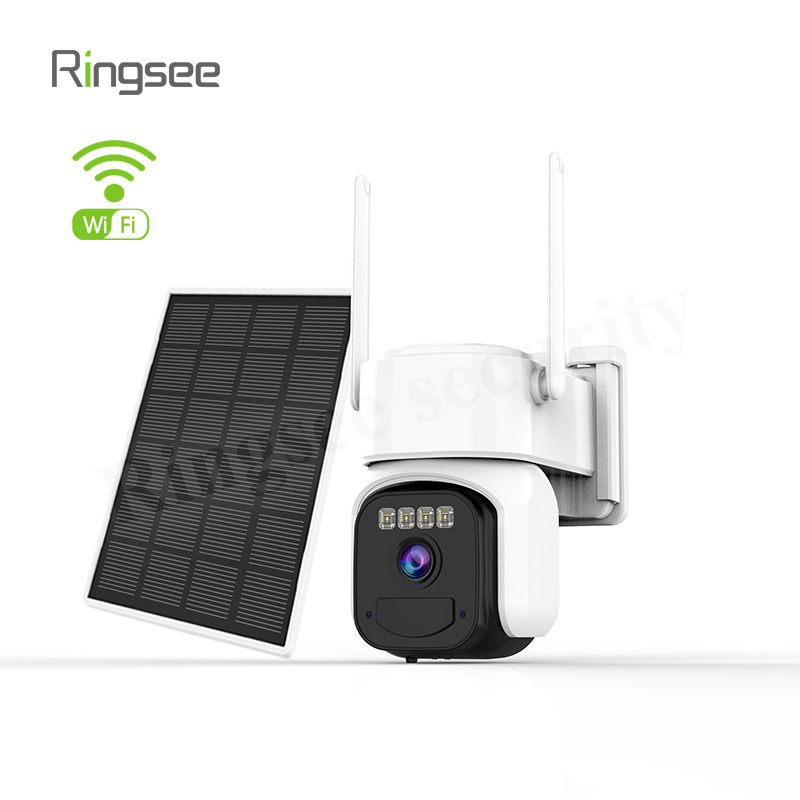
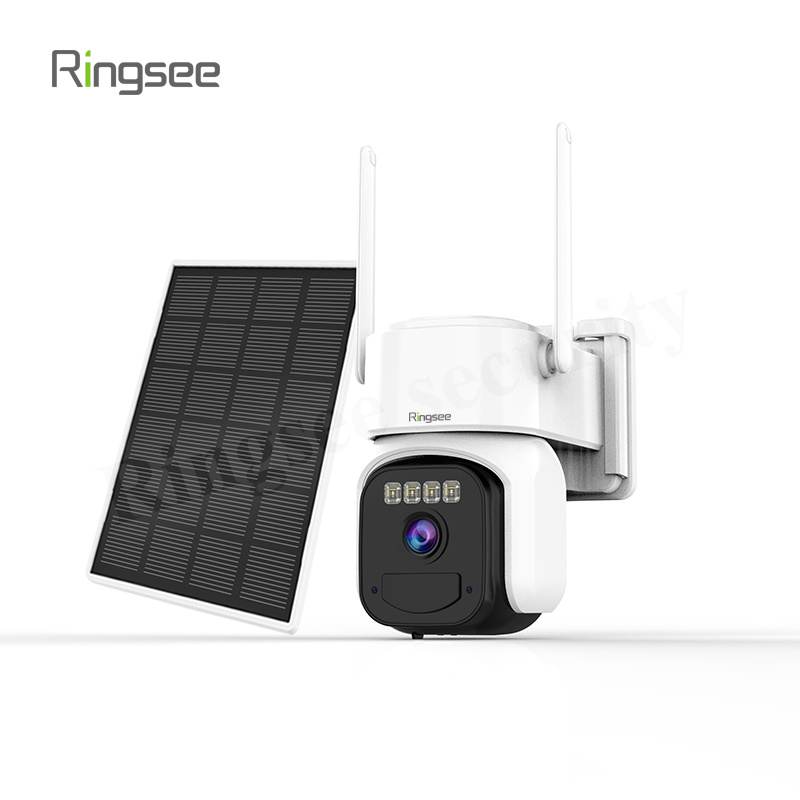
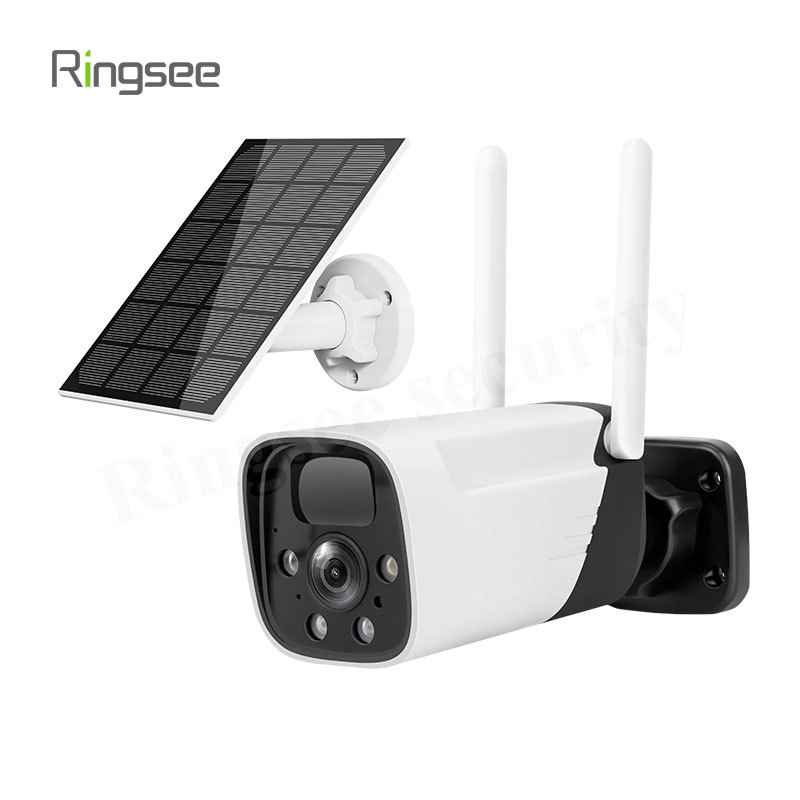
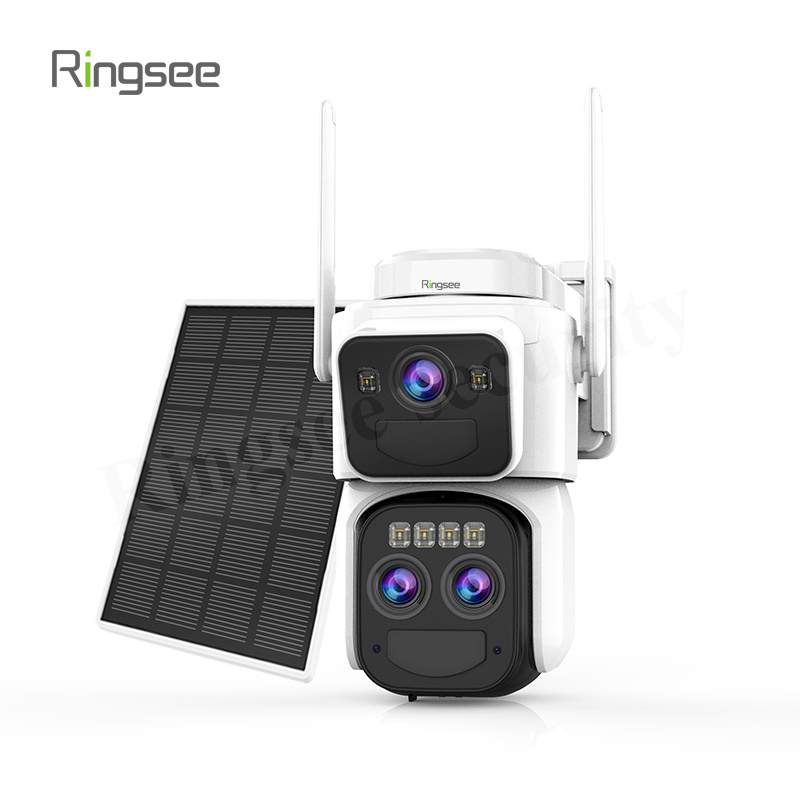
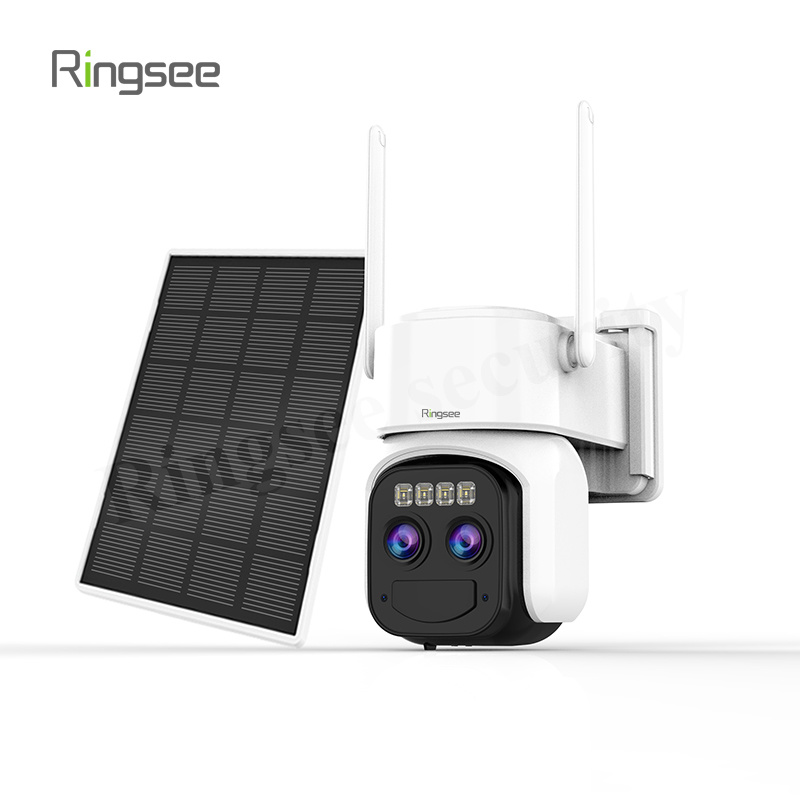
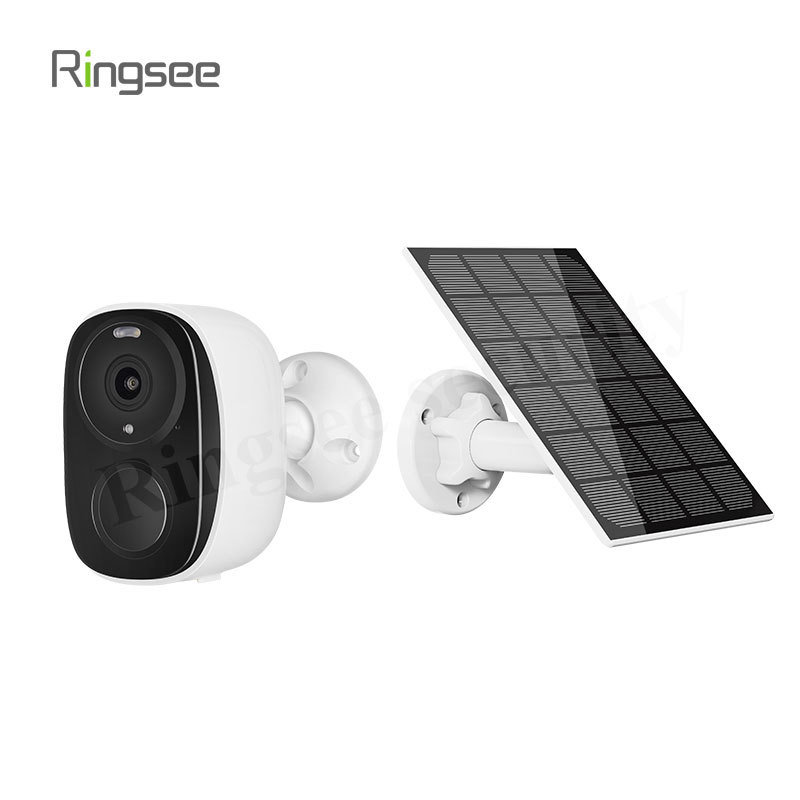
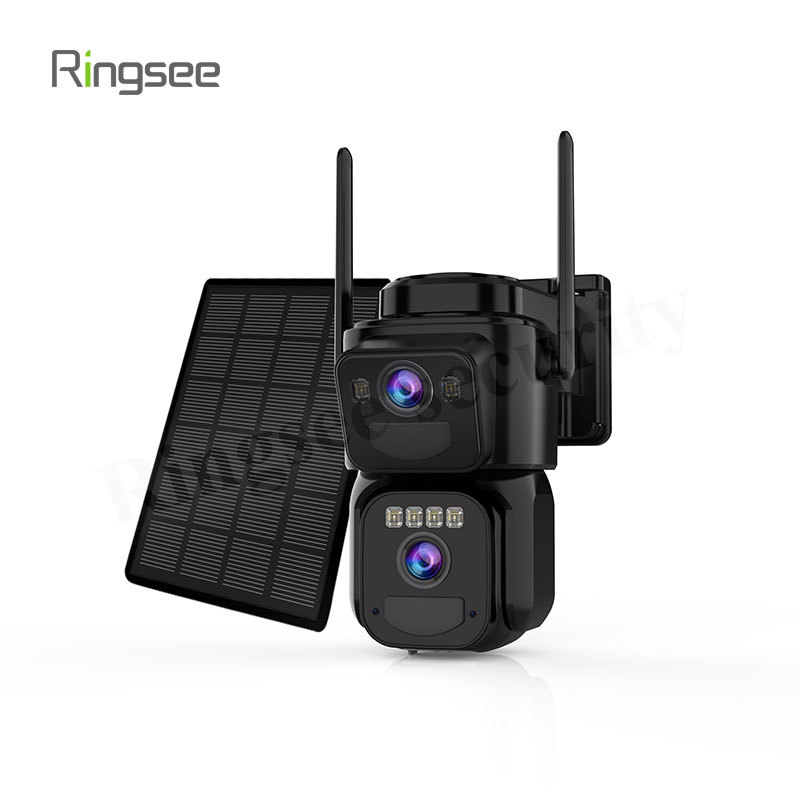
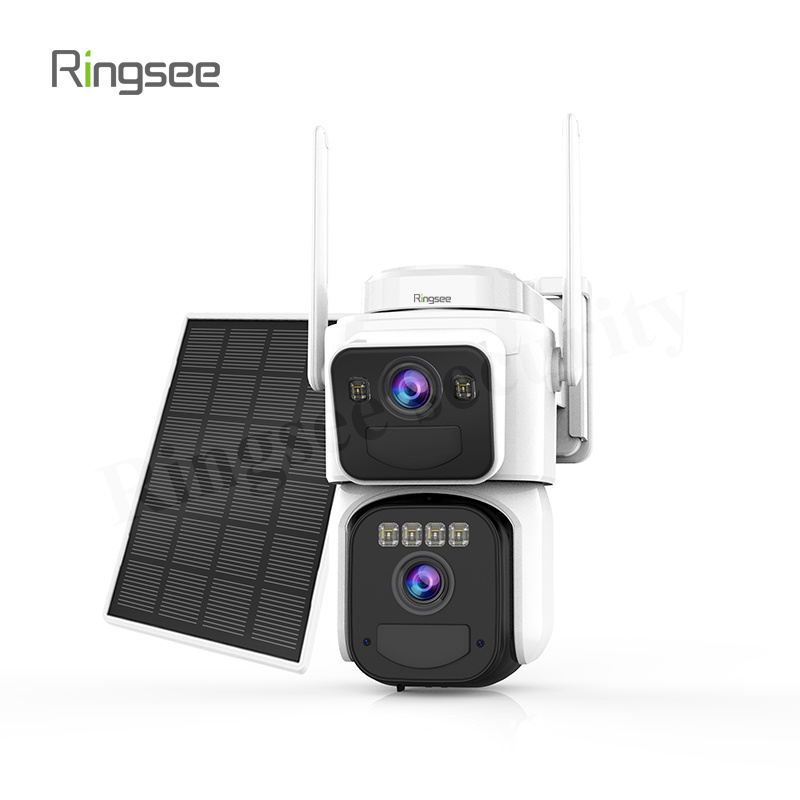
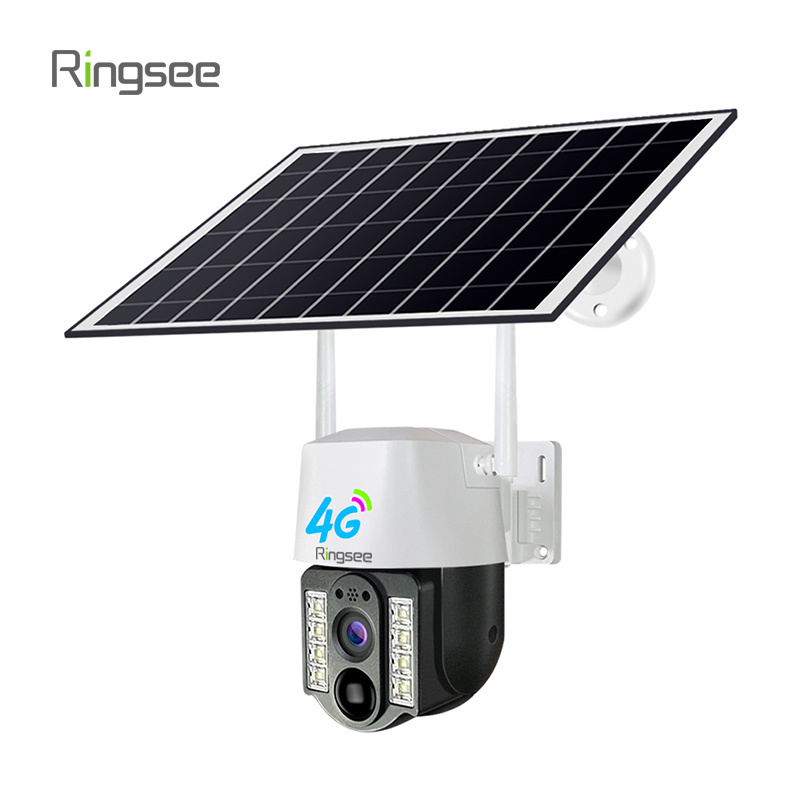
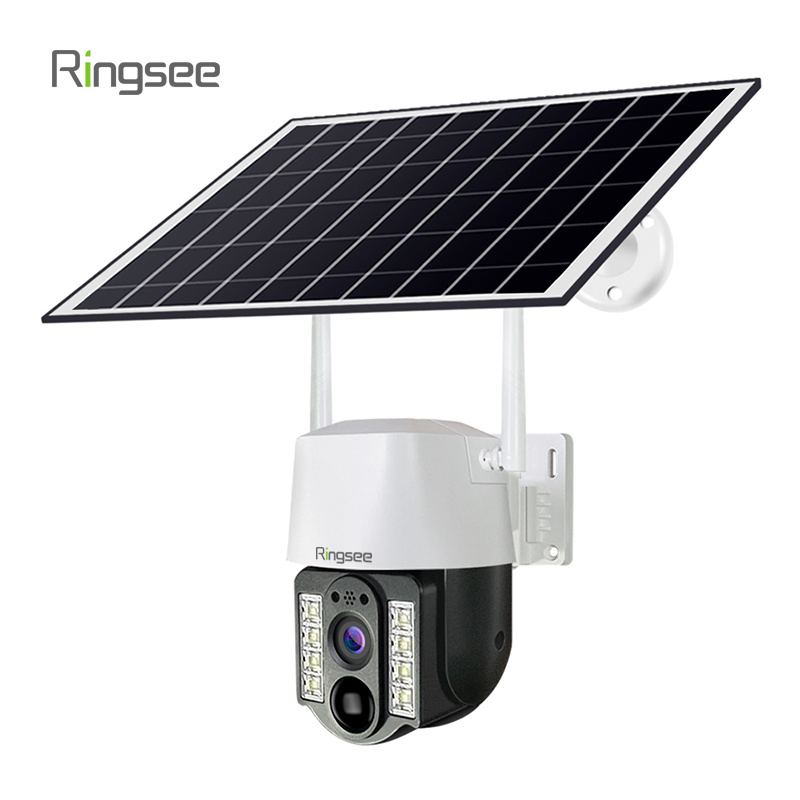
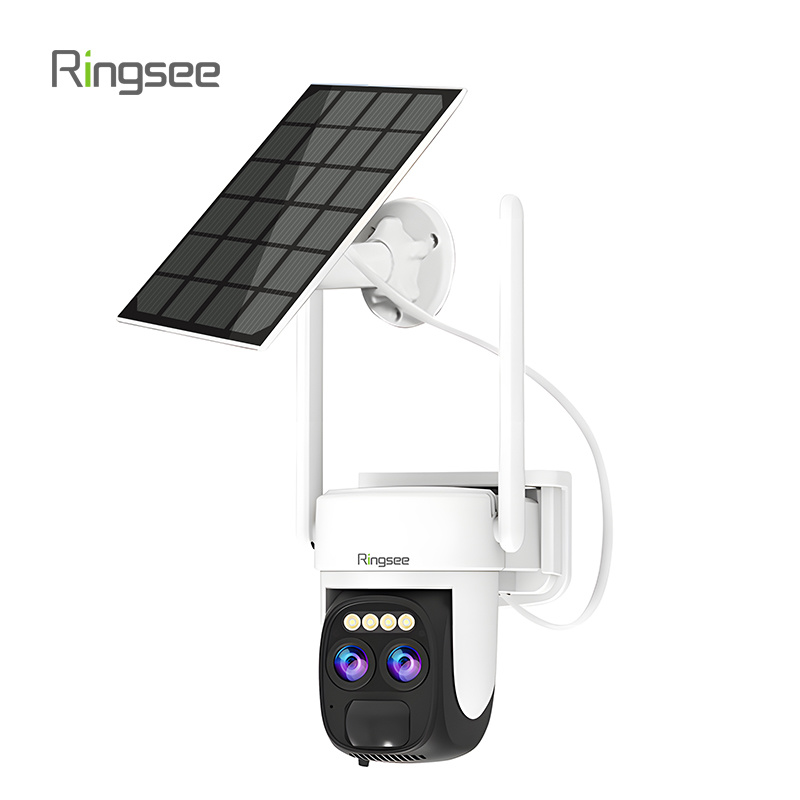
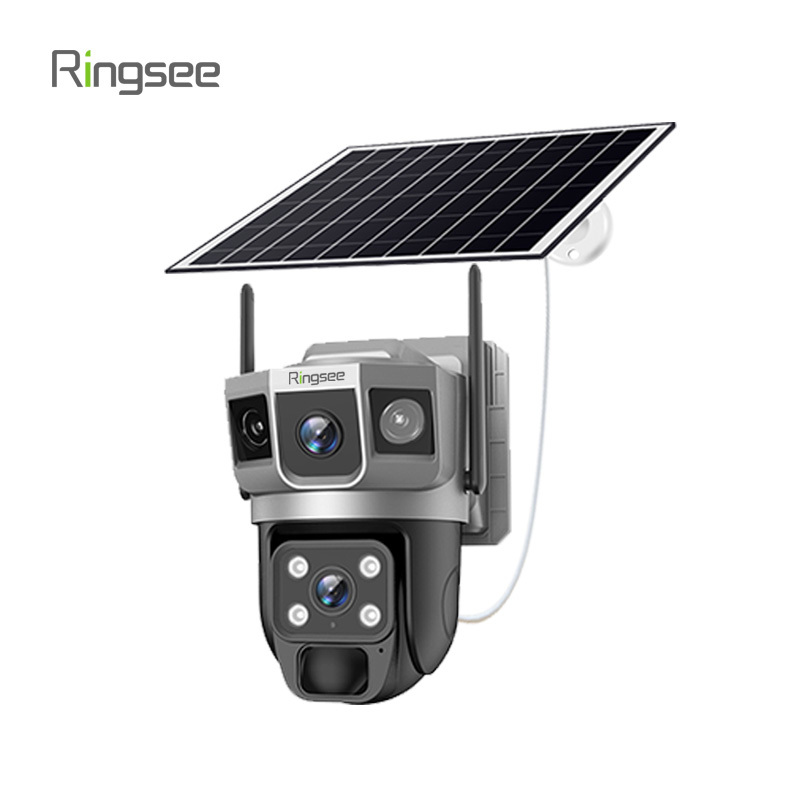
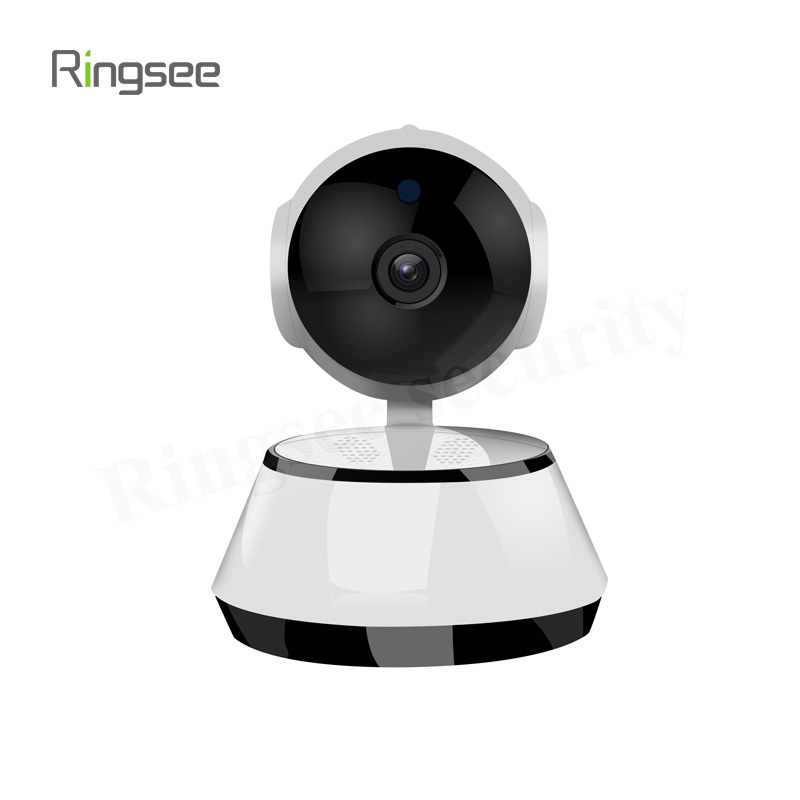
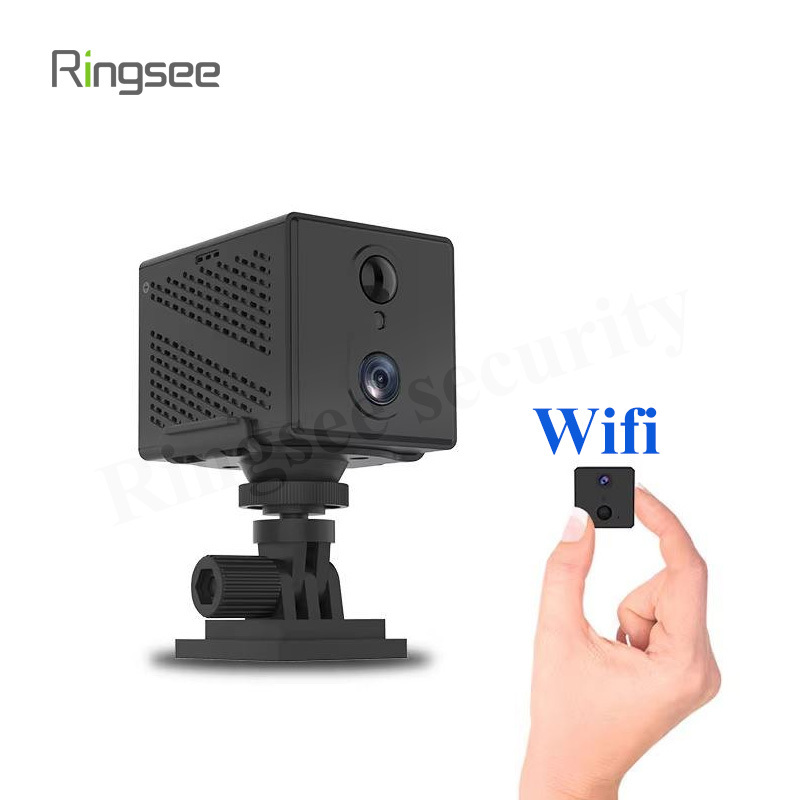
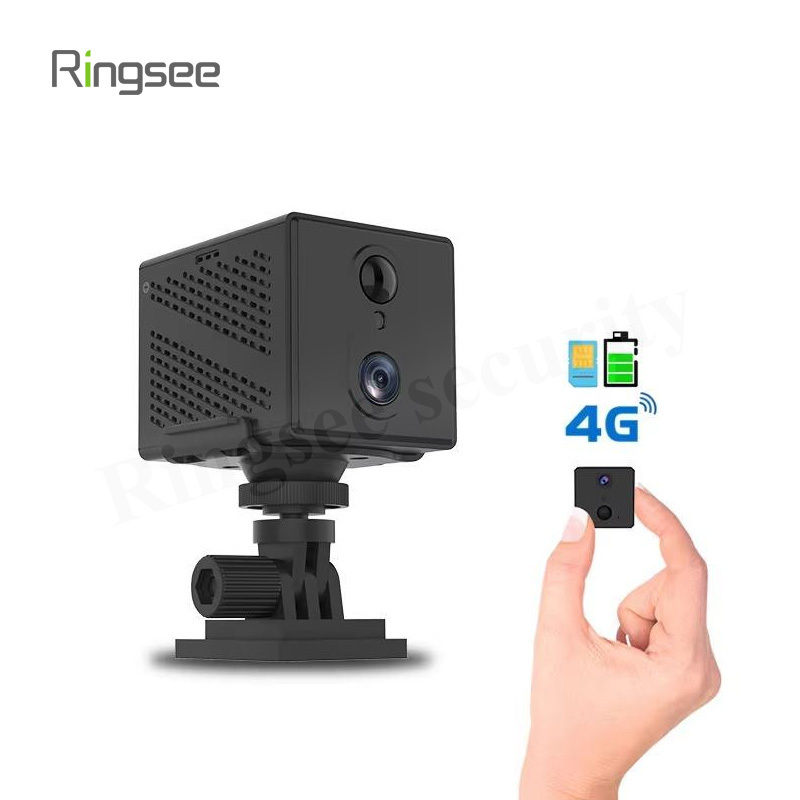
A WiFi or Wireless IP camera transmits its video data using your existing Wi-Fi network. While this eliminates the need for data cabling, most wireless cameras still require an electrical power source, unless they are specifically battery-powered or solar-powered.
Key Features & Advantages:
Installation Flexibility (Ease of Use): Wireless cameras are exceptionally easy to install, often requiring nothing more than mounting and connecting to a power outlet (or relying on a battery). This is ideal for renters, temporary setups, or do-it-yourself (DIY) users.
Aesthetics: The lack of exposed network cables keeps installations clean and minimally invasive.
Portability: These cameras can be easily moved and reconfigured as your security needs change, such as relocating them after moving apartments.
Drawbacks & Best Use Cases:
Drawbacks: Reliability is dependent on your Wi-Fi signal strength. Interference from distance, walls, and other electronics can cause low resolution, buffering, or complete video loss. Battery-powered models also require regular monitoring and recharging.
Best Used For: Indoor home monitoring, small apartments, monitoring specific zones in a backyard where cabling is impossible, and entry-level DIY security systems.
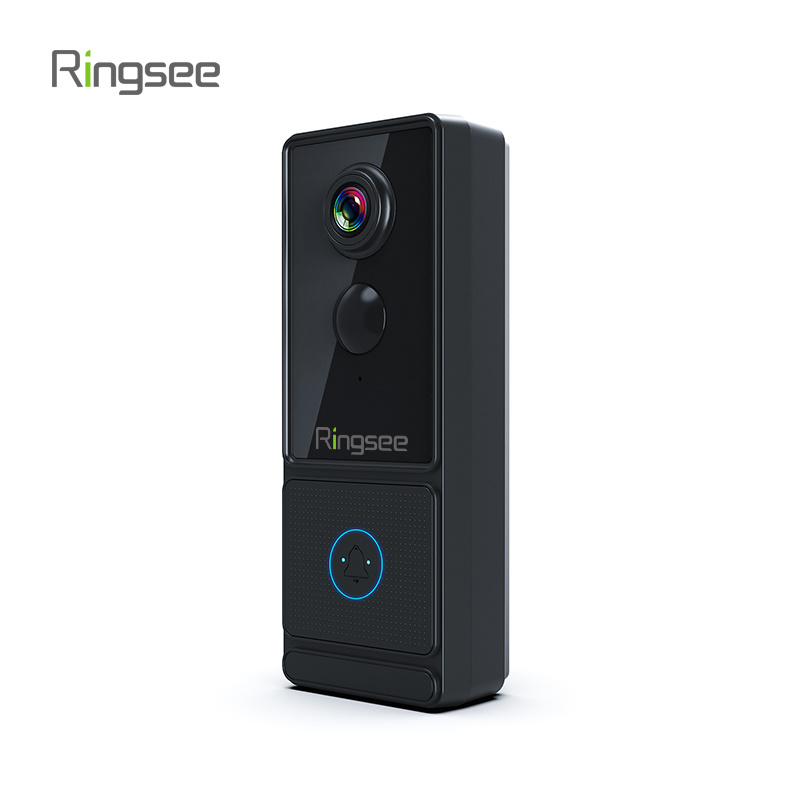
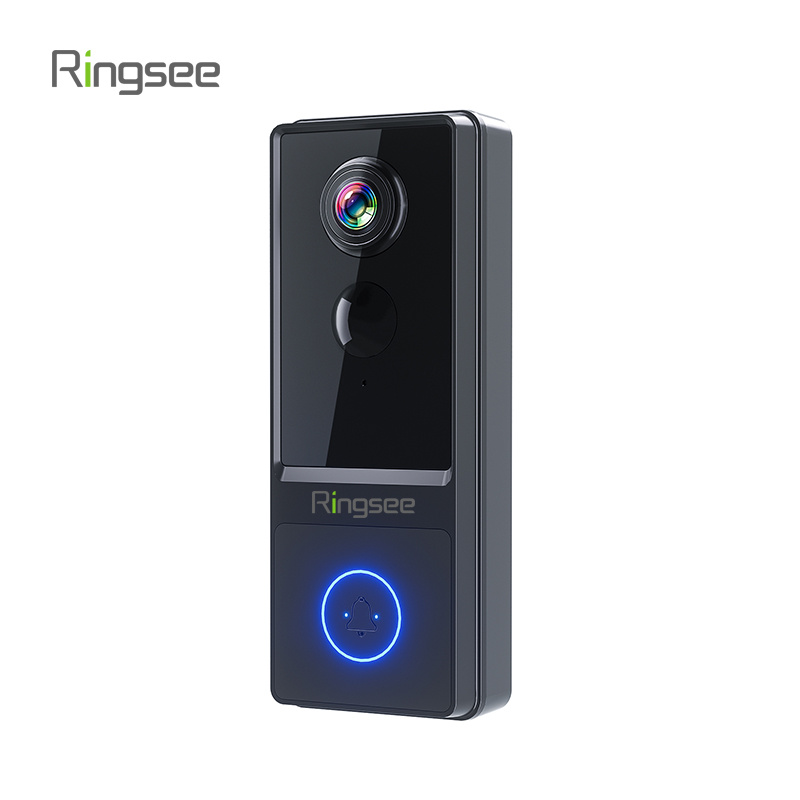
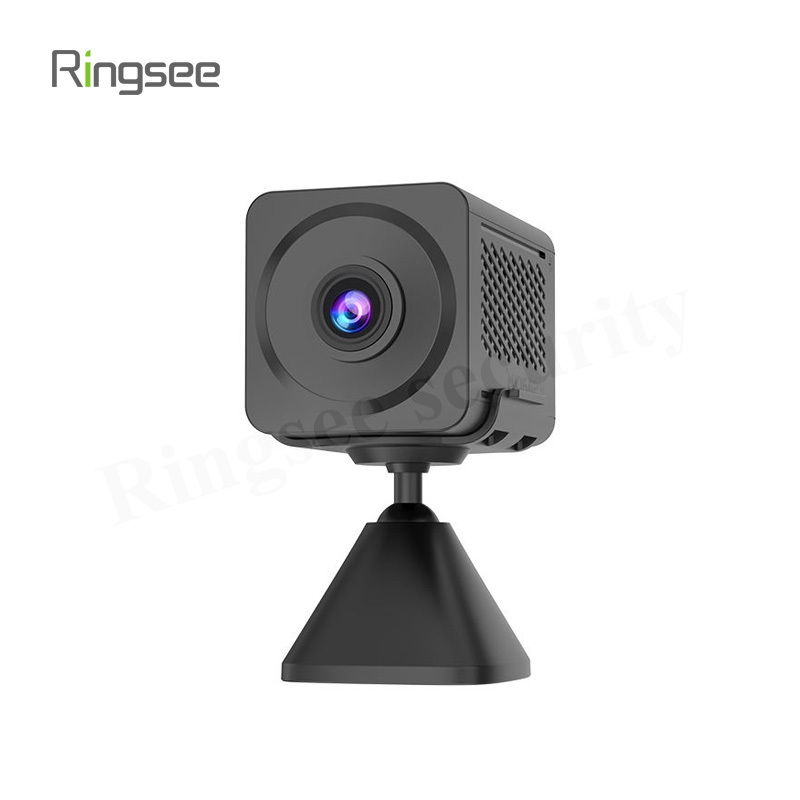
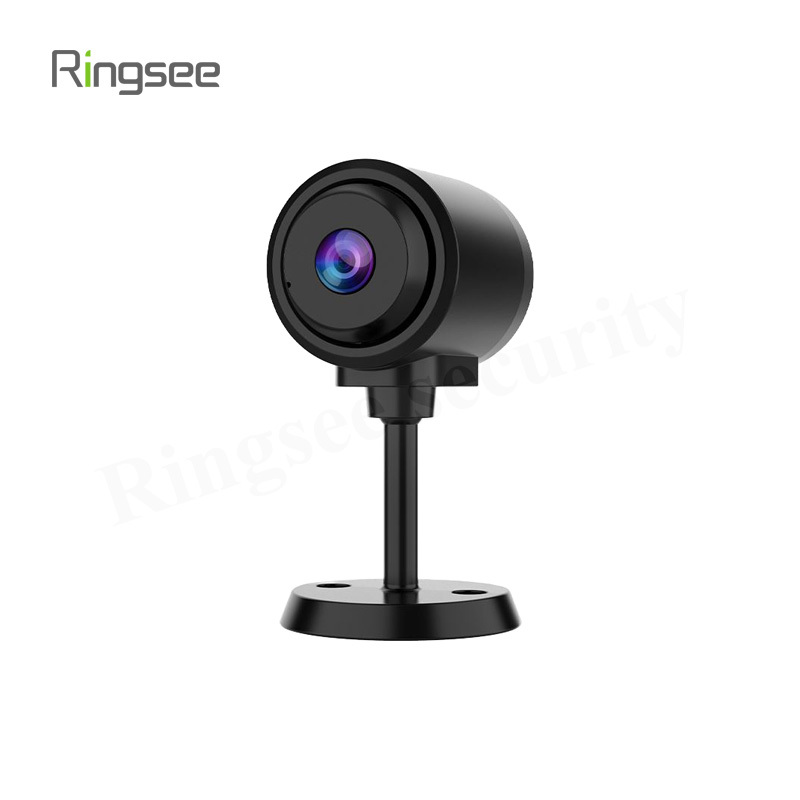
(Explore our selection of highly-rated [Battery and WiFi Security Cameras].)
3. Direct Comparison of Critical Factors
To make an informed choice, compare the two types based on the factors that truly impact your security setup:
| Feature | IP Camera (Wired/PoE) | WiFi/Wireless IP Camera | Impact on Security System |
| Data Connection | Dedicated Ethernet Cable | Shared WiFi Network (2.4 GHz/5 GHz) | Wired guarantees network priority and stability. |
| Power | PoE (Power & Data) or adapter | Power adapter, Battery, or Solar | PoE simplifies outdoor wiring; Battery adds mobility but requires maintenance. |
| Video Stability | Excellent: Minimal latency, high frame rate reliability. | Fair to Good: Susceptible to buffering, signal dropout, and low resolution. | Crucial for capturing high-stakes events without interruption. |
| Distance Limit | Up to 100 meters (328 ft) per cable run. | Limited by router range (often 10–30 meters indoors). | Wired can cover much larger properties reliably. |
| Initial Cost | Higher (Cost of cabling, NVR, switches) | Lower (Can use existing Wi-Fi router) | Wireless is better for budget-conscious entry systems. |
4. The Final Verdict: Choosing Your Security Solution
To choose the right camera, evaluate your unique requirements against the strengths of each technology:
Choose Wired (PoE) If You:
- Need to monitor a large commercial space or outdoor perimeter.
- Require the highest quality, uninterrupted video recording (e.g., for insurance or legal evidence).
- Are installing a system in a new build or during a major renovation where running cables is easy and cost-effective.
- Value maximum network security and resilience over installation simplicity.
Choose Wireless (Wi-Fi) If You:
- Are primarily looking for an easy-to-install, entry-level system for basic home use.
- Are renting and cannot run permanent cabling.
- Need a temporary camera solution that can be easily moved or is only required for specific, short-term monitoring.
Links:One Belt Power Technology
Add: 14th Floor, Baoshan Building, Longhua District, Shenzhen China.
Privacy Policy | SEO | CitySite | Support: 300.cn Dongguan