





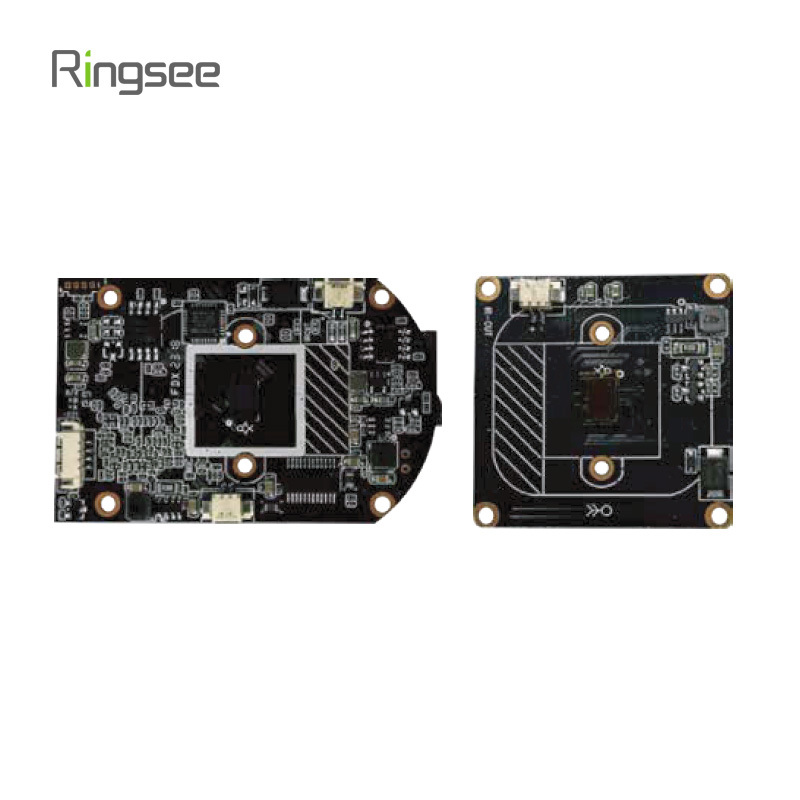
Understanding Data Usage for 4G Low-Power Solar Cameras
Publish:
2024-12-31 12:13
Source:
https://www.ring-see.com
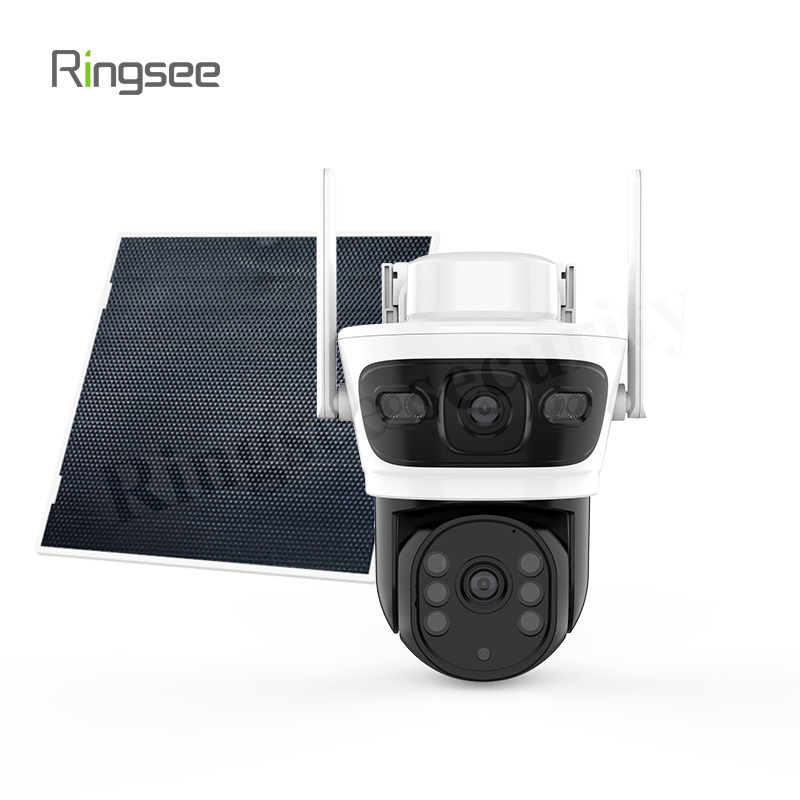
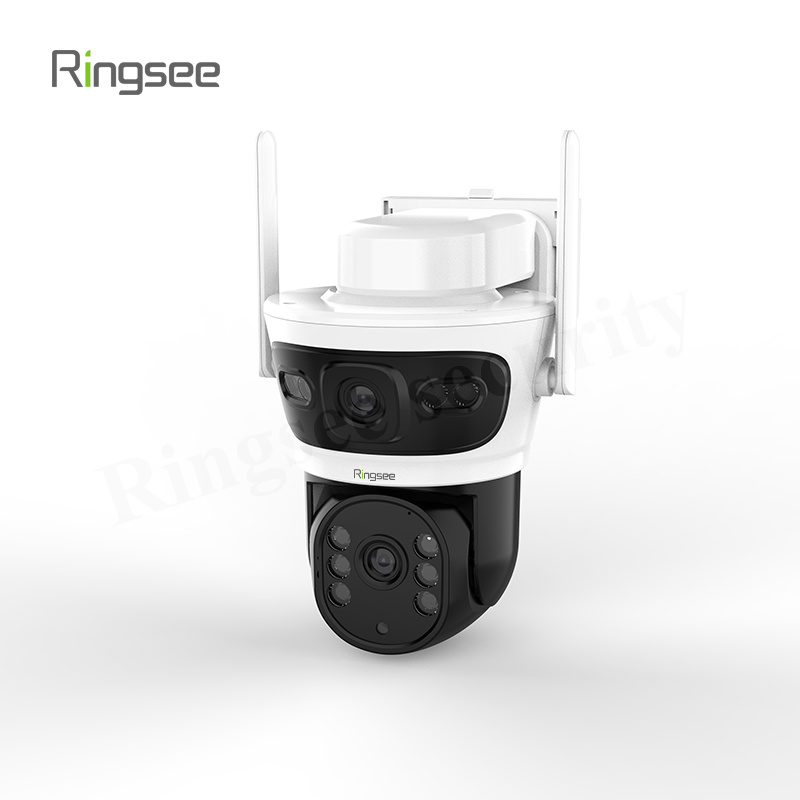
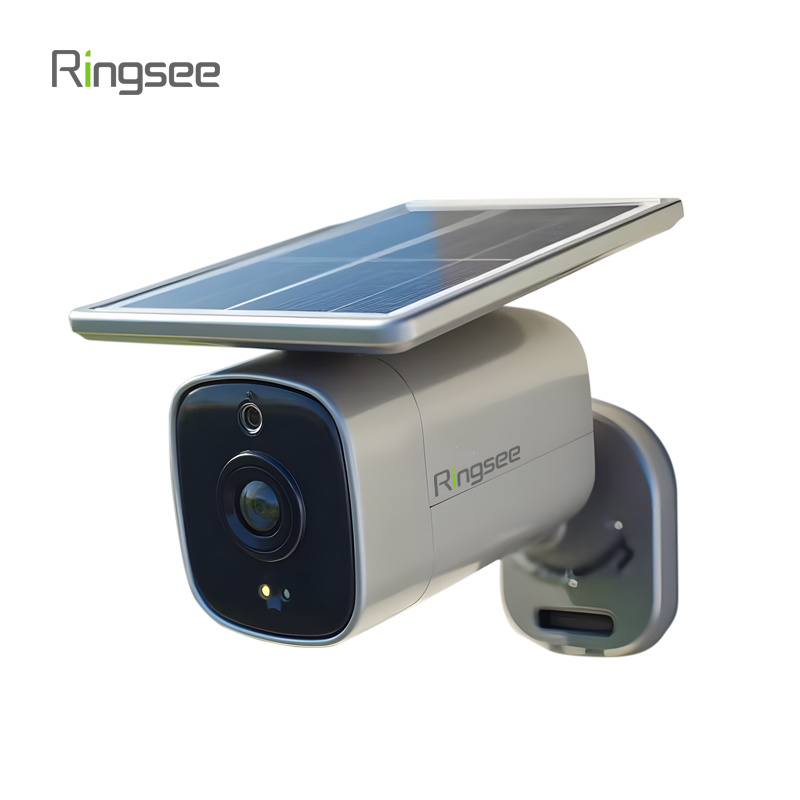
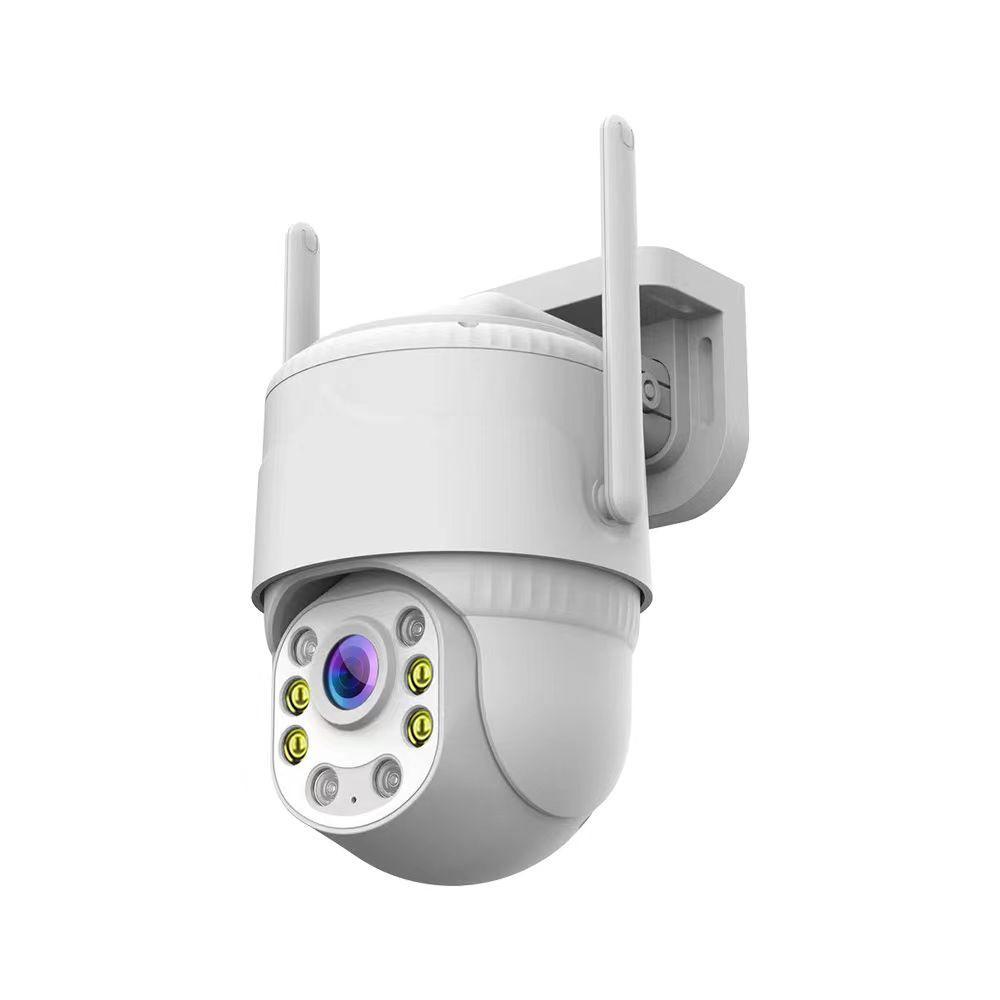
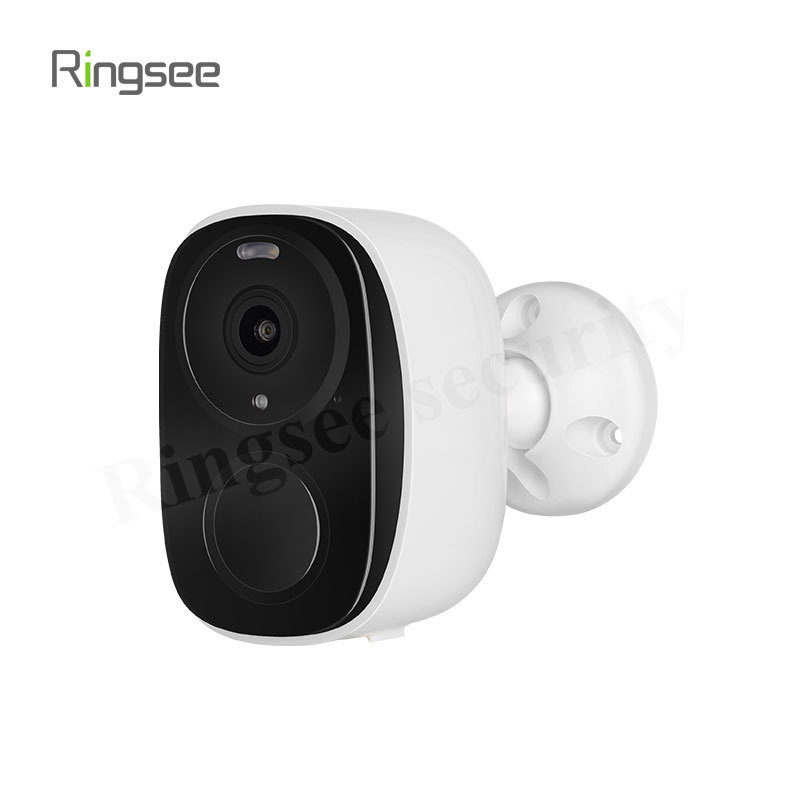
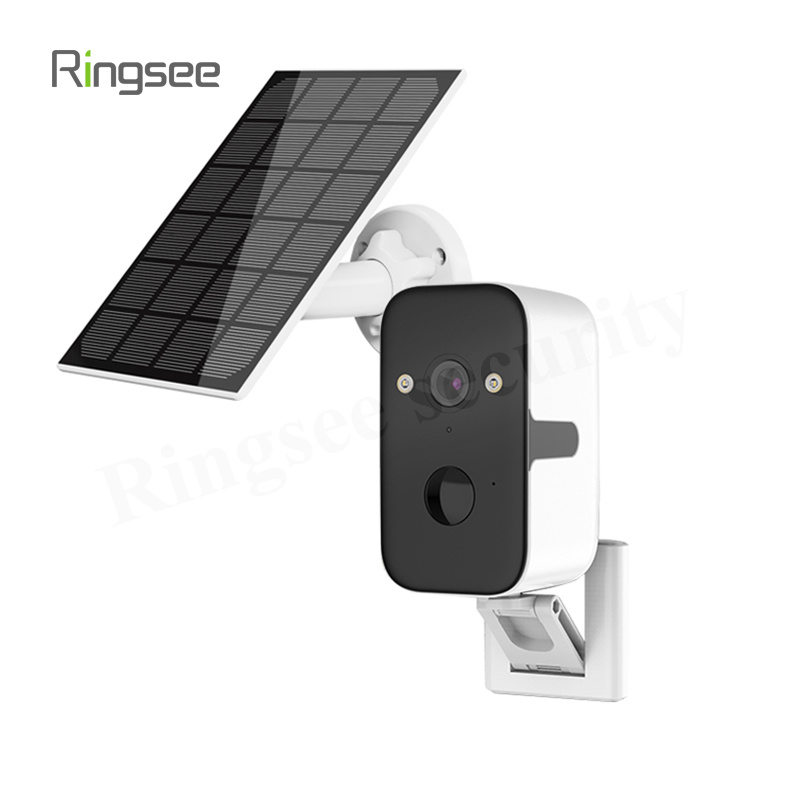
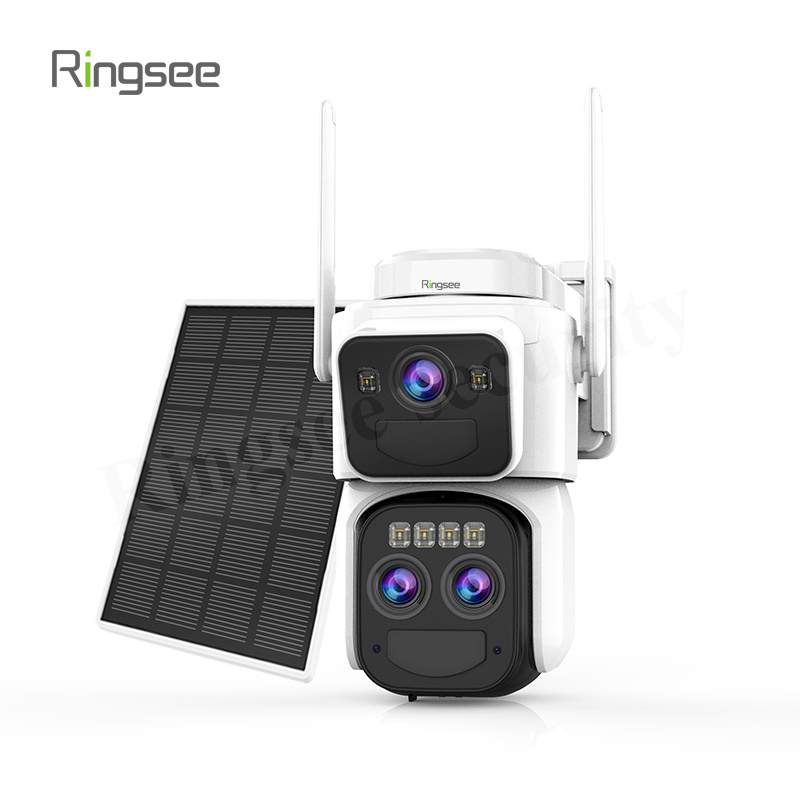
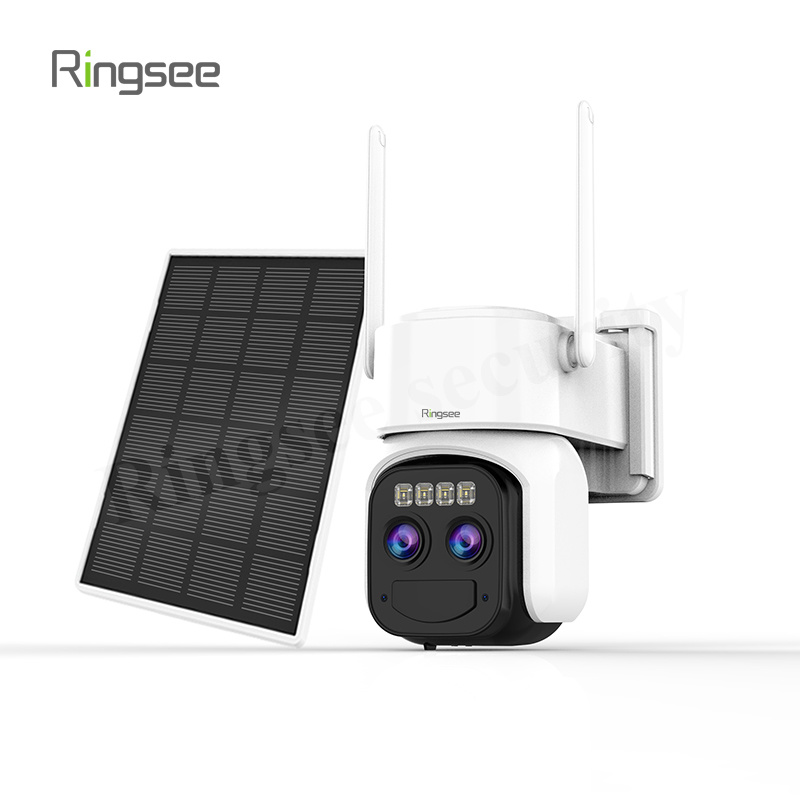
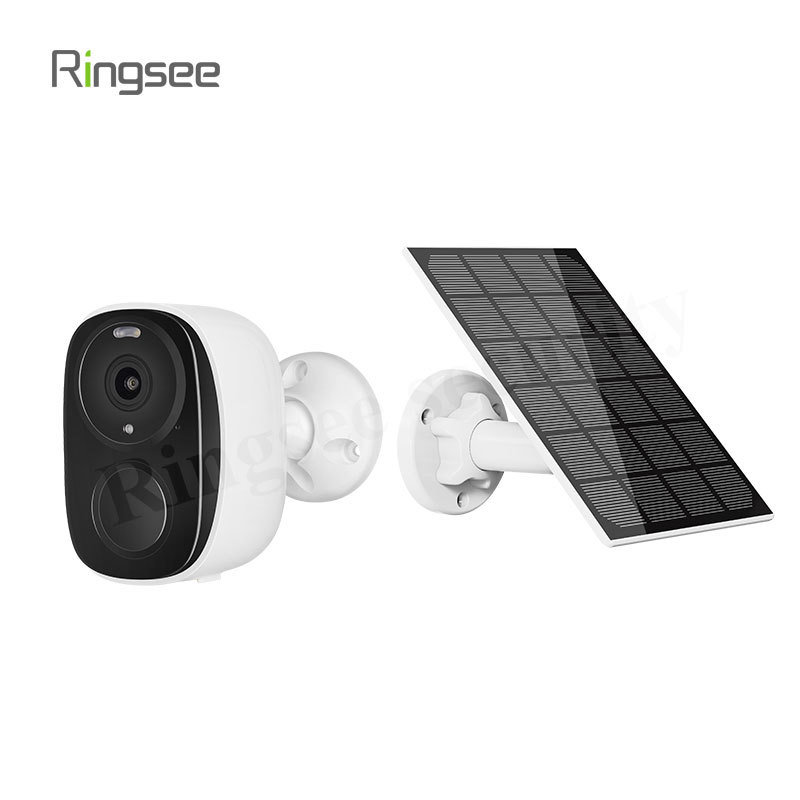
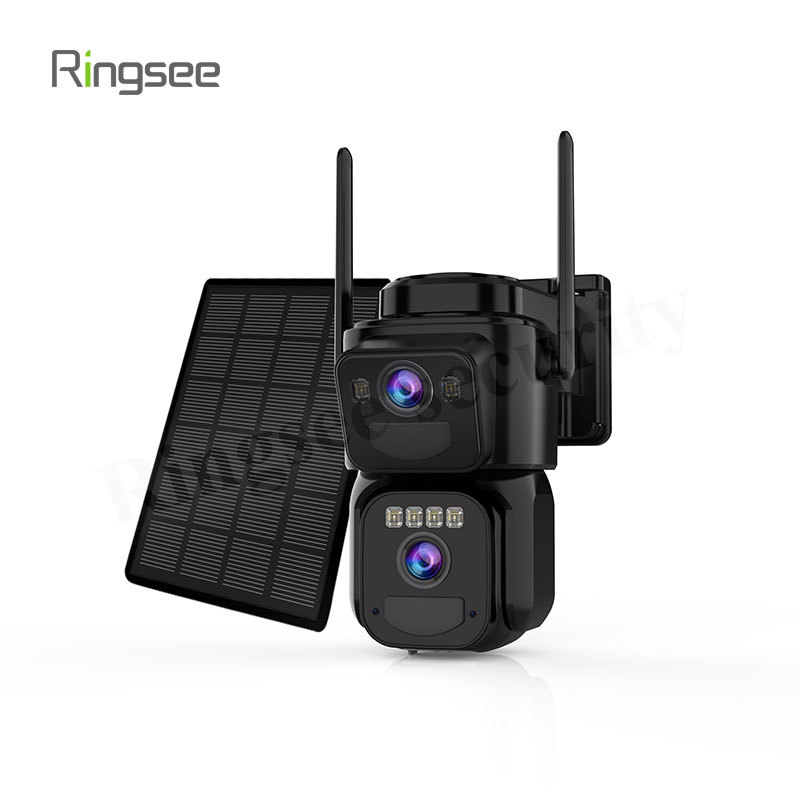
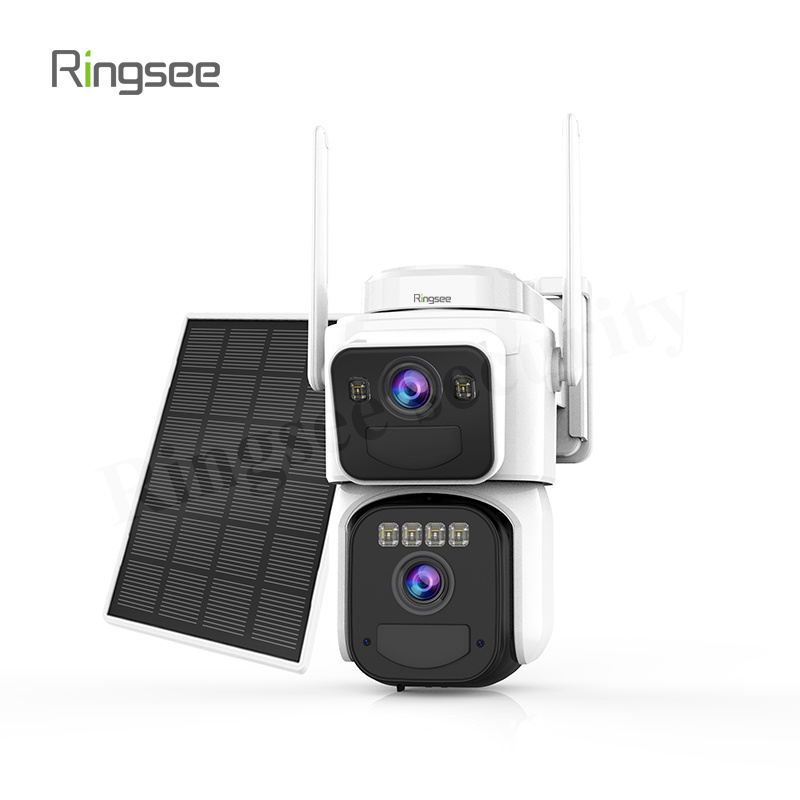
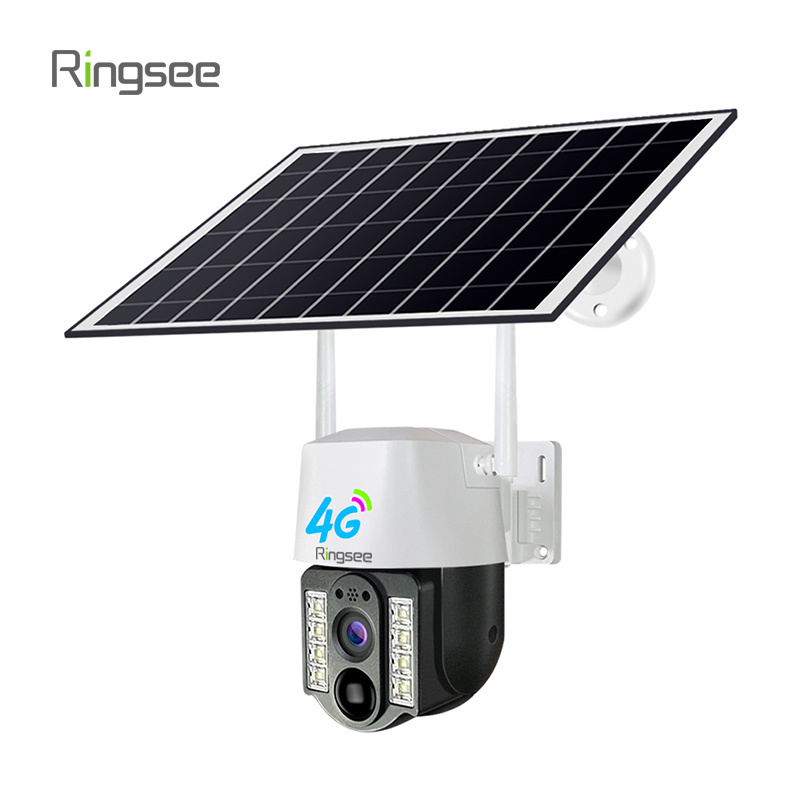
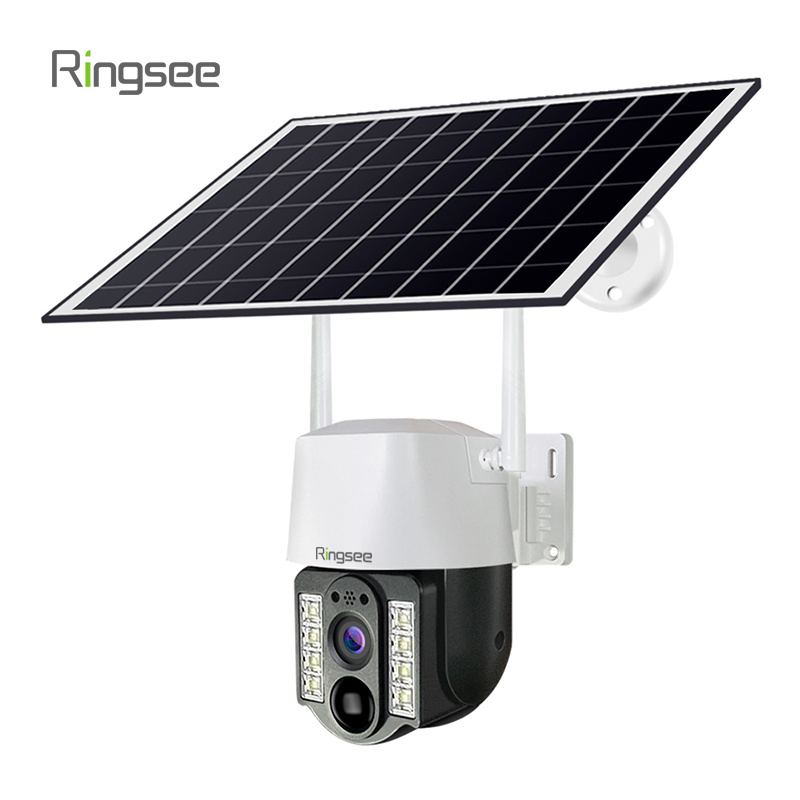
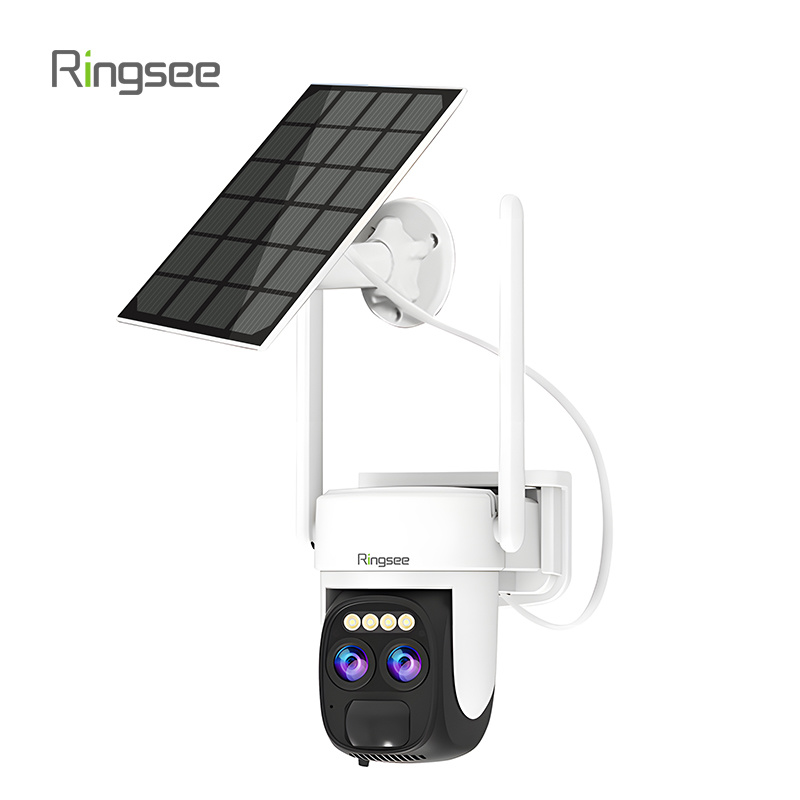
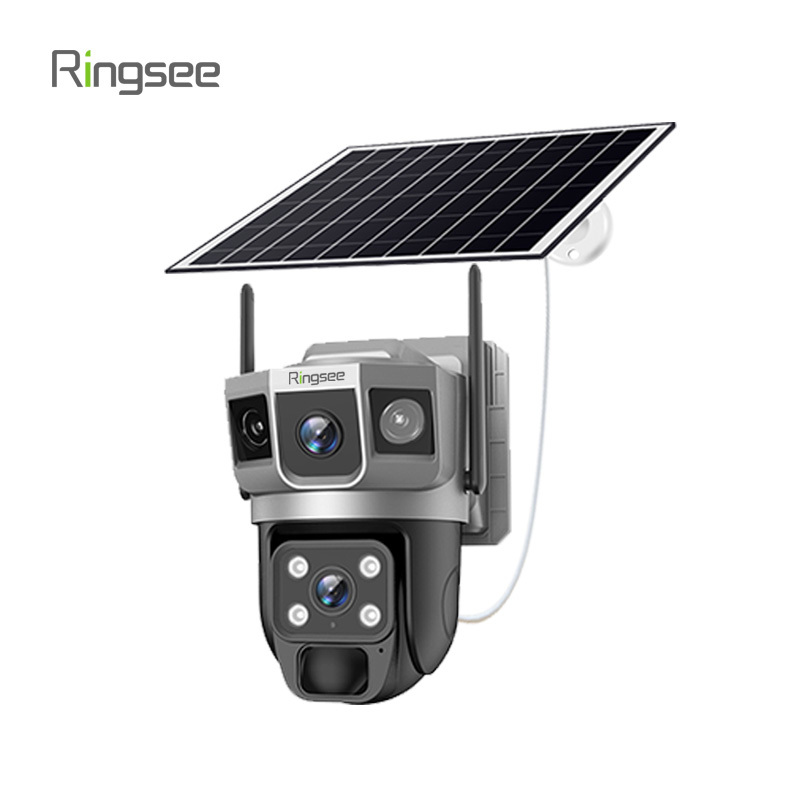
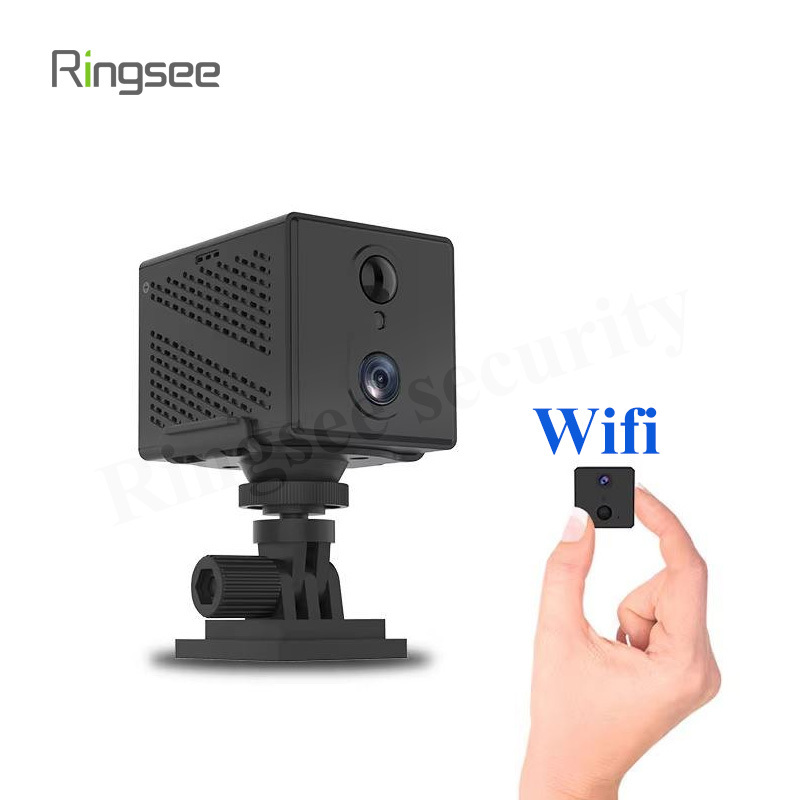
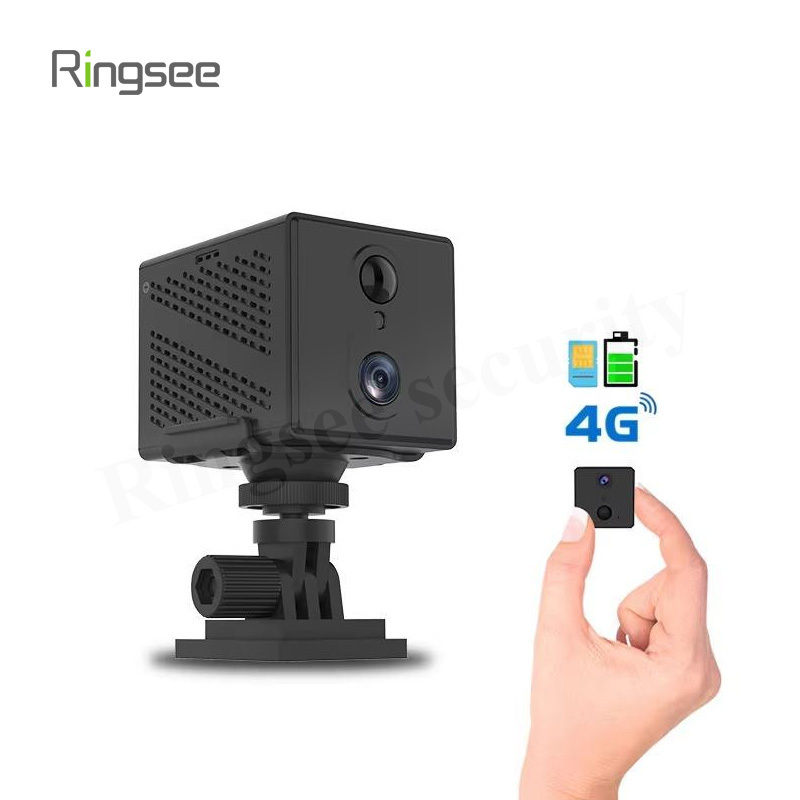
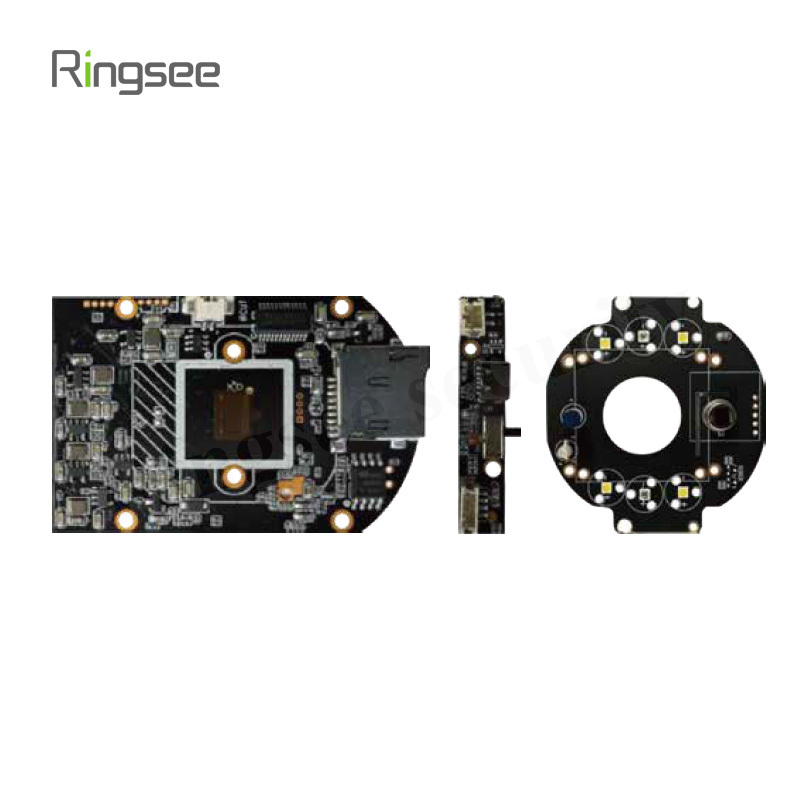
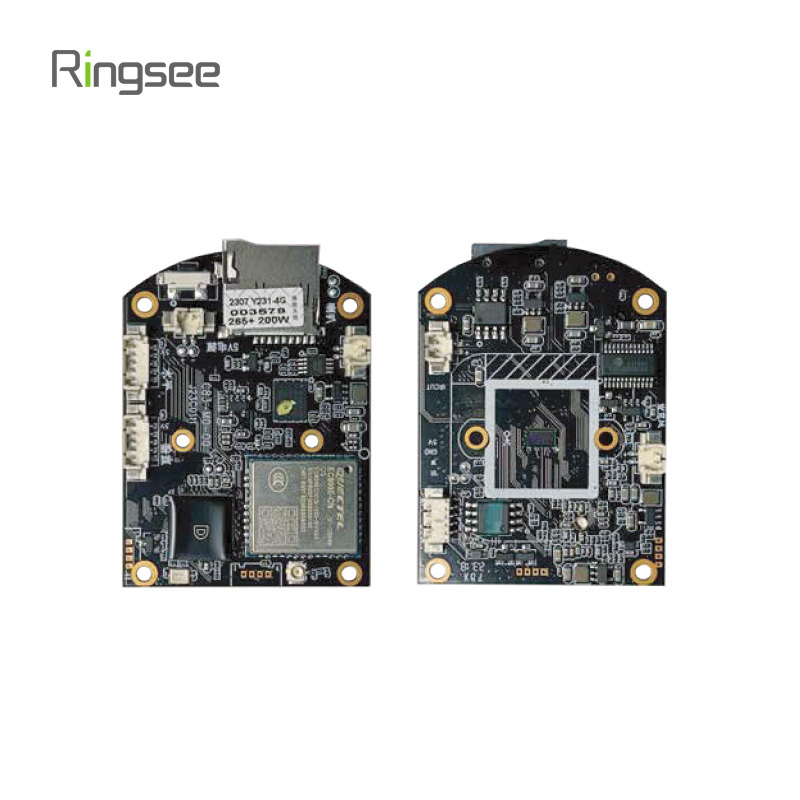
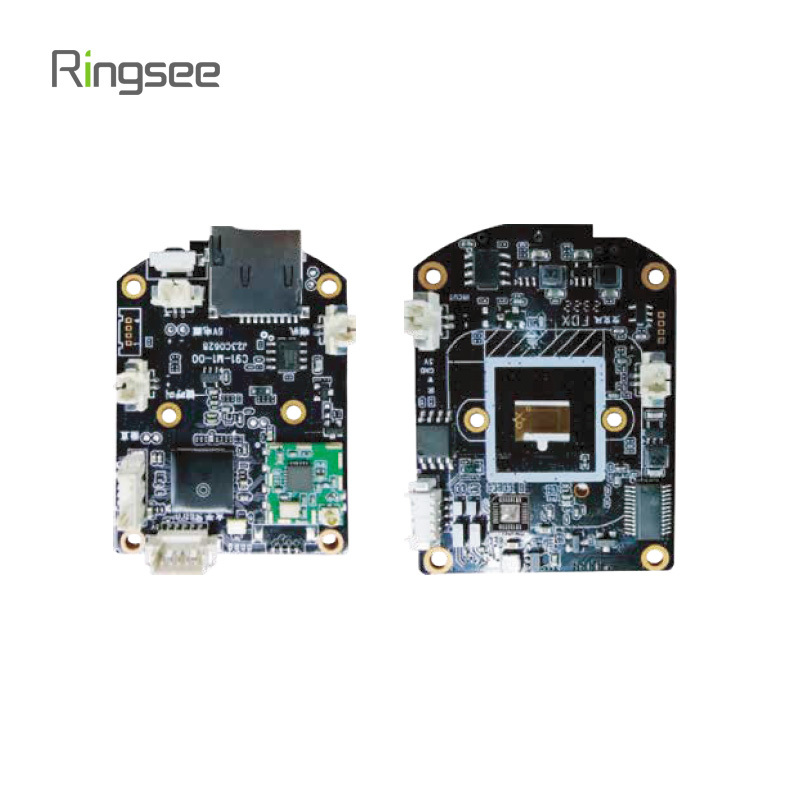
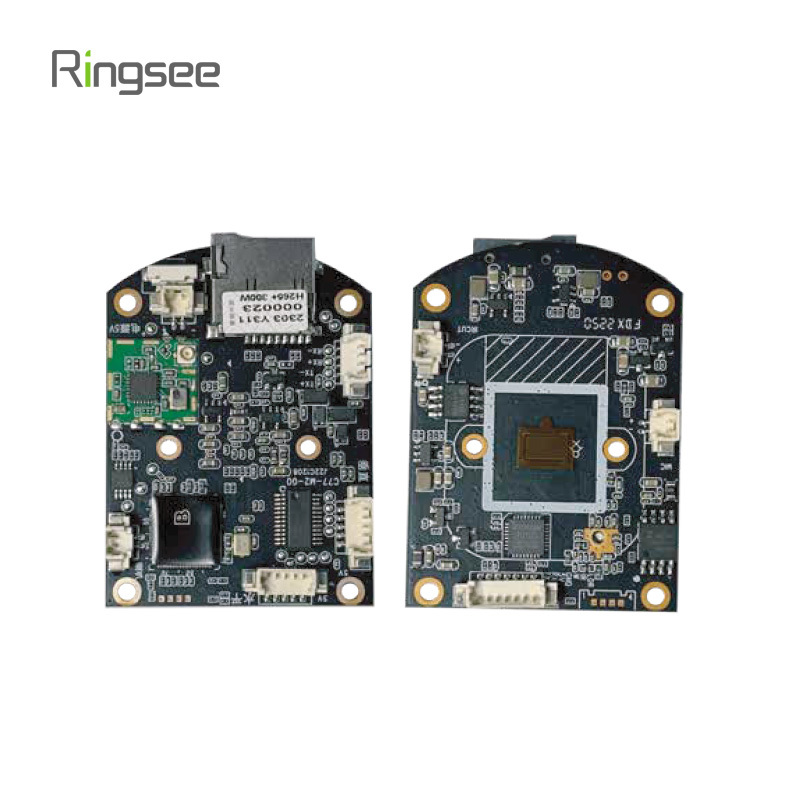
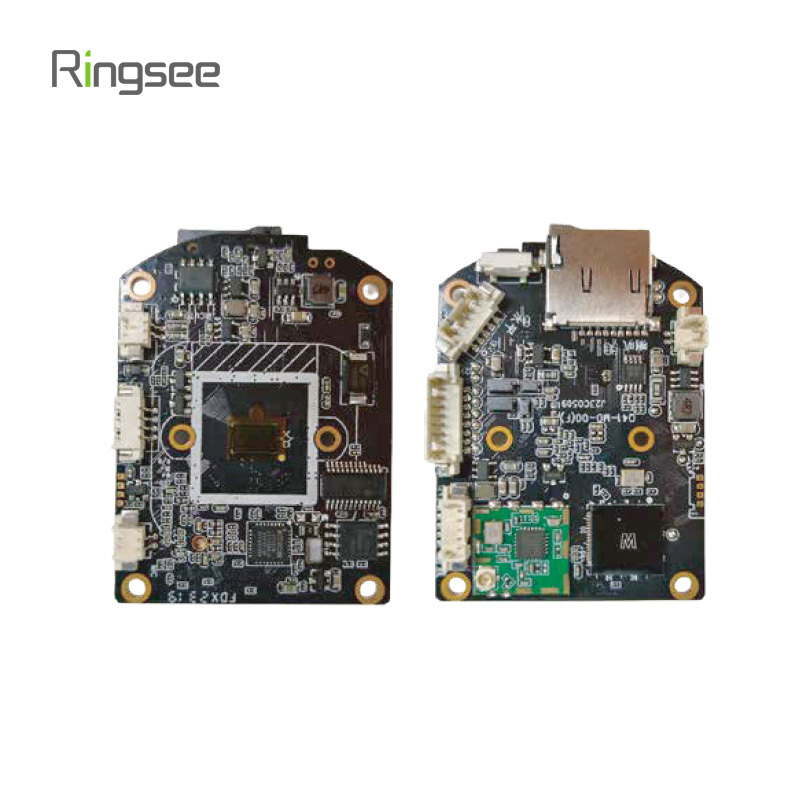
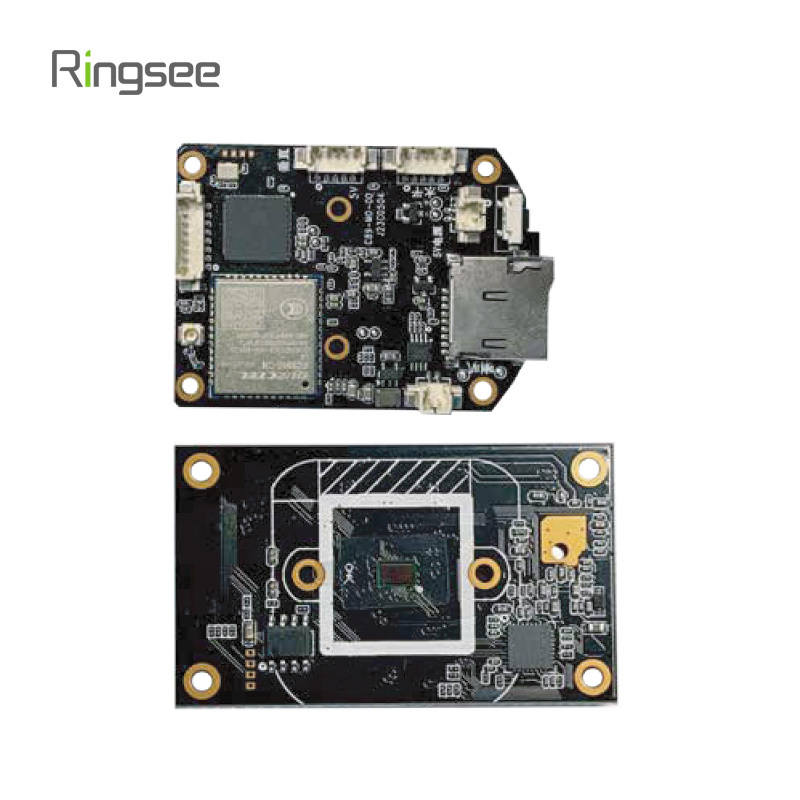
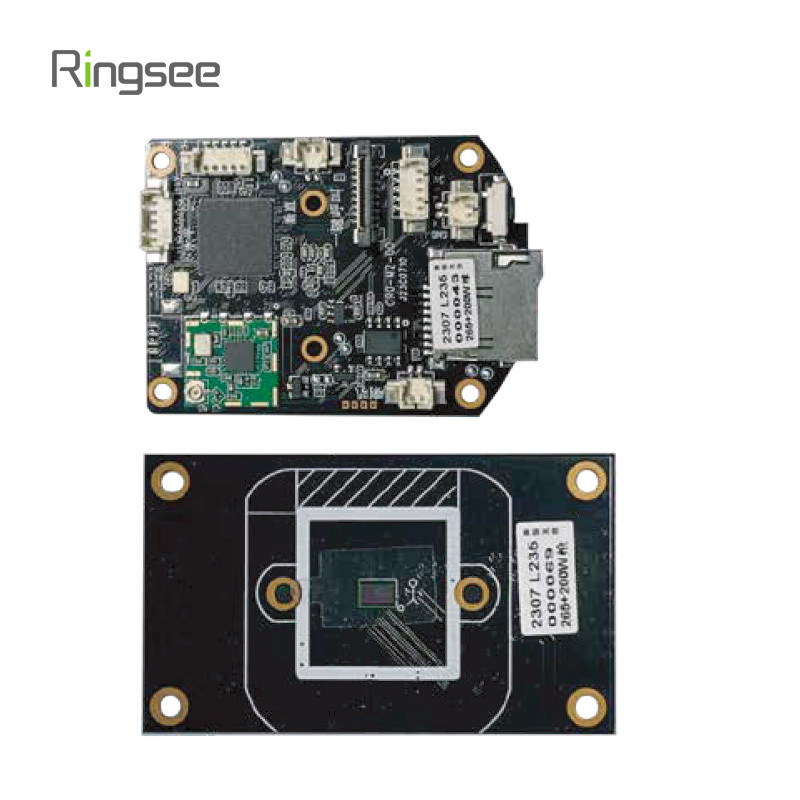
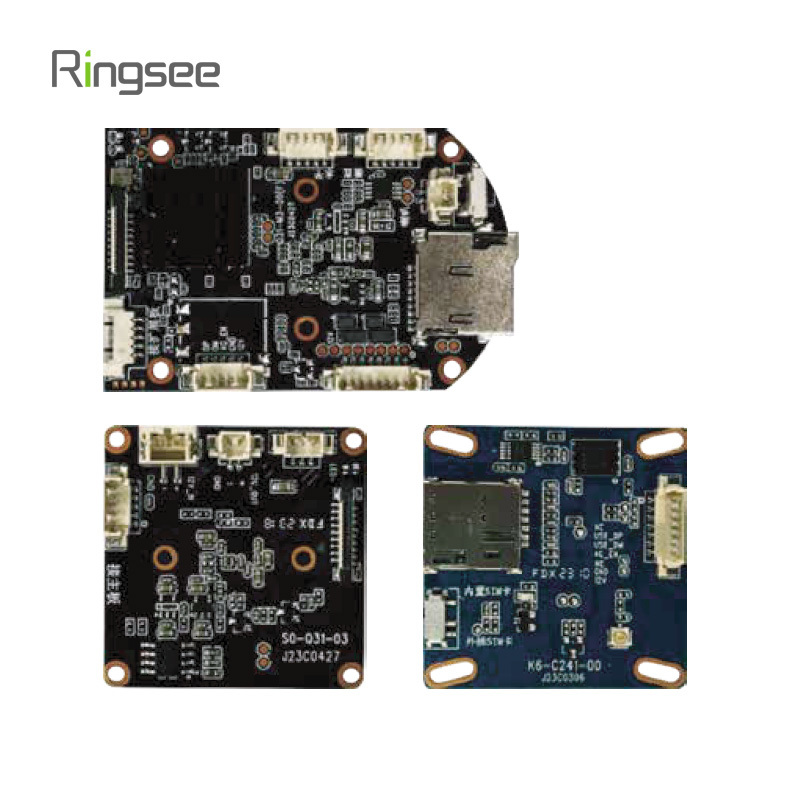
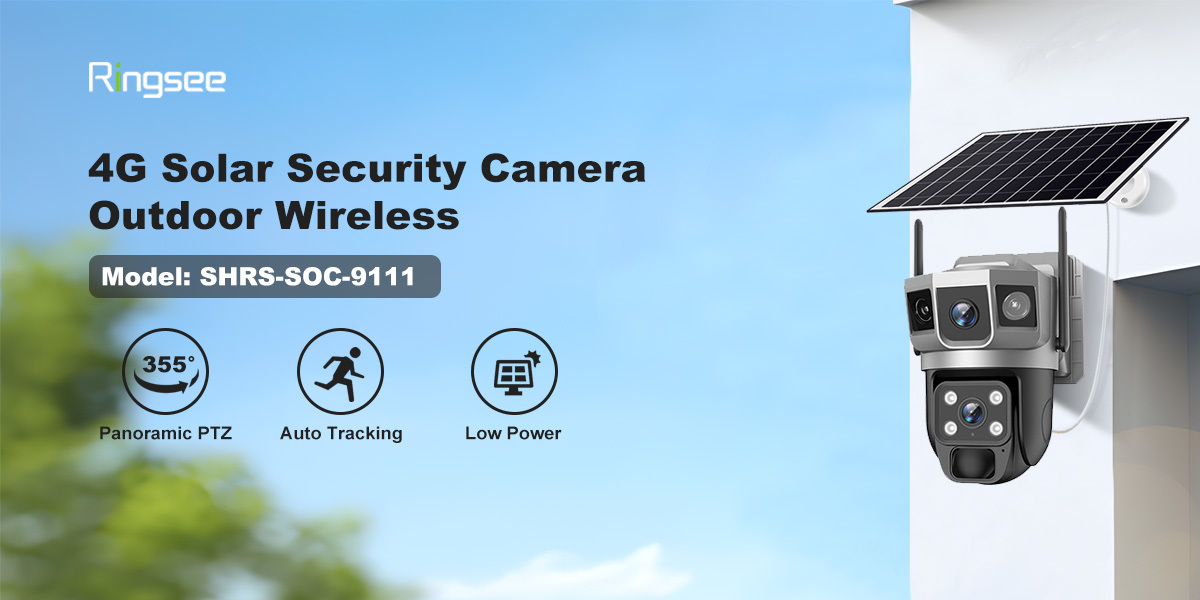
A 4G low-power solar camera is an energy-efficient security solution designed to operate in remote locations with limited access to power.
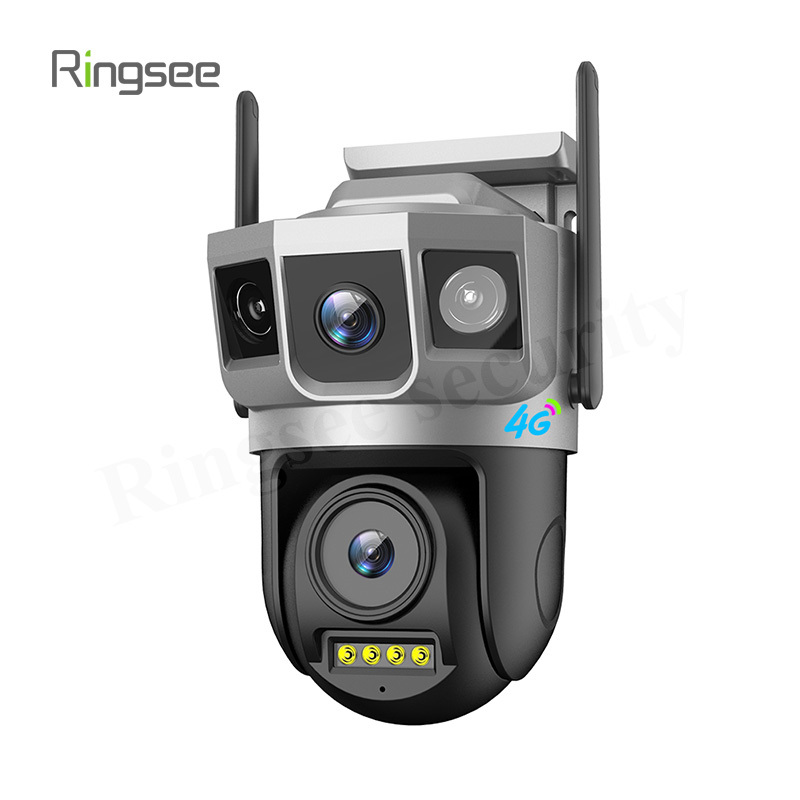
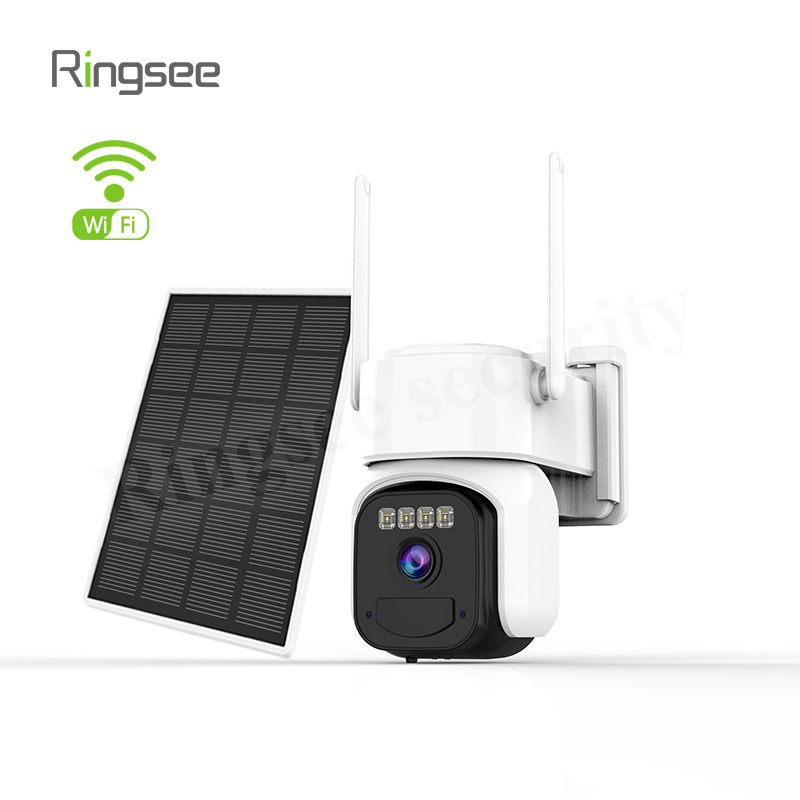
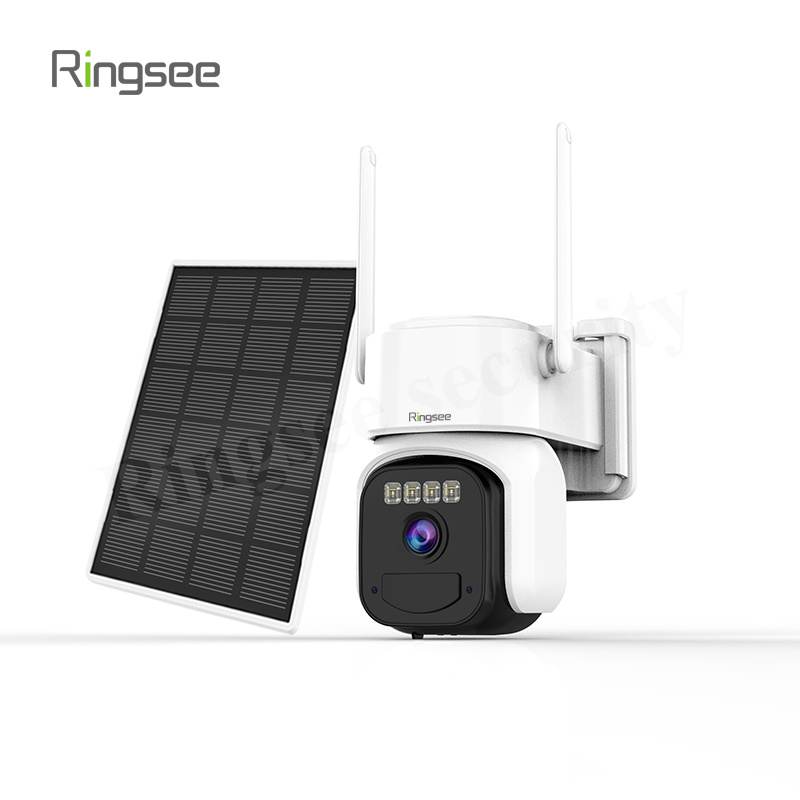
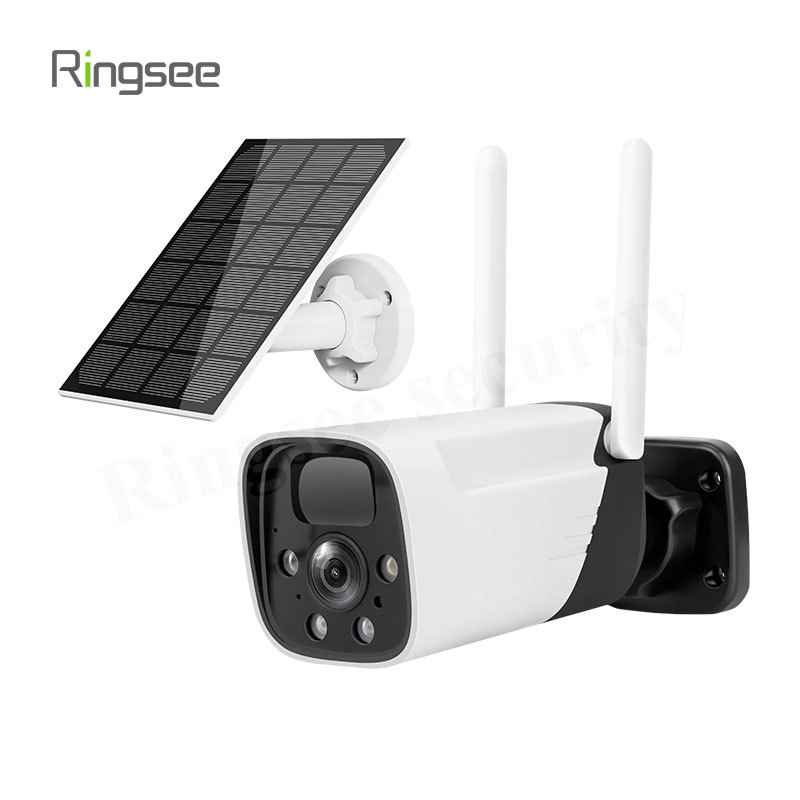
A 4G low-power solar camera is an energy-efficient security solution designed to operate in remote locations with limited access to power. These cameras use solar energy to charge their batteries, ensuring continuous operation without the need for wired power sources. Since these cameras rely on 4G cellular networks to transmit data, they are ideal for outdoor, off-grid applications where Wi-Fi isn’t available. The 4G low-power solar camera only transmits data when triggered by motion or at scheduled intervals, making it a highly data-efficient option for surveillance.
Key Factors Affecting Data Consumption
Several factors influence how much data a 4G low-power solar camera will use each month. Below are the main elements that determine the data usage:
Motion Detection:
Most 4G low-power solar cameras are designed to activate recording only when they detect motion. This feature significantly reduces data usage compared to continuous video streaming. The camera only uploads video clips triggered by motion events, conserving both power and data.
Resolution Settings:
The video resolution plays a major role in data usage. Most 4G low-power solar cameras offer adjustable video quality settings to help save data:
- 480p (standard definition): Typically uses the least amount of data.
- 720p (HD quality): Strikes a balance between video clarity and data usage.
- 1080p (Full HD): Higher resolution results in more data consumption, but with better image quality.
Compression Technology:
Video compression standards such as H.264 or H.265 (HEVC) are commonly used in 4G low-power solar cameras to reduce the amount of data required to transmit videos. These efficient codecs help to maintain a good video quality while minimizing the data footprint.
Camera Activity:
How often the camera records or transmits data will significantly affect monthly usage. Some 4G low-power solar cameras are set to record for just a few minutes when motion is detected, while others may capture longer segments or be set to record on a schedule.
Typical Data Usage for 4G Low-Power Solar Cameras
Here’s an overview of the estimated data usage for a 4G low-power solar camera based on different factors:
Motion-Activated Recording
When a 4G low-power solar camera only records during motion events, its data usage is considerably lower. The daily data usage depends on the resolution, video length, and frequency of motion triggers:
480p (Low Quality):
- Approx. 0.05–0.1 GB per day.
- Estimated 1.5–3 GB per month for minimal motion events.
720p (Standard HD Quality):
- Approx. 0.1 GB per day.
- Estimated 3 GB per month for occasional motion-triggered recordings.
1080p (Full HD Quality):
- Approx. 0.15–0.3 GB per day.
- Estimated 4.5–9 GB per month for moderate motion-triggered events.
Continuous Streaming or Frequent Recording
If the 4G low-power solar camera is set to stream continuously or record more often, data usage will increase accordingly. Here’s a rough estimate:
720p Continuous Streaming:
- Approx. 0.6–1.5 GB per hour of video.
- This could translate to 18–45 GB per month if streaming 24/7.
1080p Continuous Streaming:
- Approx. 1.5–3 GB per hour of video.
- This could result in 45–90 GB per month if the camera streams non-stop.
Data Usage for Additional Features
In addition to video recordings, many 4G low-power solar cameras also offer features like still image captures or alert notifications. These additional activities can slightly increase monthly data consumption:
Image Capture:
Each high-resolution image can use between 1–5 MB. If the camera captures 20–30 images per day, this could add 20–150 MB per month to your total data usage.
Alerts/Notifications:
Alerts for motion detection or other events typically consume very little data, usually just a few kilobytes per notification.
Practical Example Scenarios
To give a better idea of how much data a 4G low-power solar camera might use, here are a few practical examples:
Minimal Use (Low Motion Activity, 720p):
The camera records for about 2 minutes daily when motion is detected.
- Data Usage: Approx. 0.1 GB per day → 3 GB per month.
Moderate Use (Moderate Motion Activity, 1080p):
The camera records for 3 minutes daily, with frequent motion events.
- Data Usage: Approx. 0.2 GB per day → 6 GB per month.
High Use (More Frequent Recordings or 1080p Streaming):
The camera records or streams several minutes of video each day.
- Data Usage: Approx. 0.3 GB per day → 9 GB per month
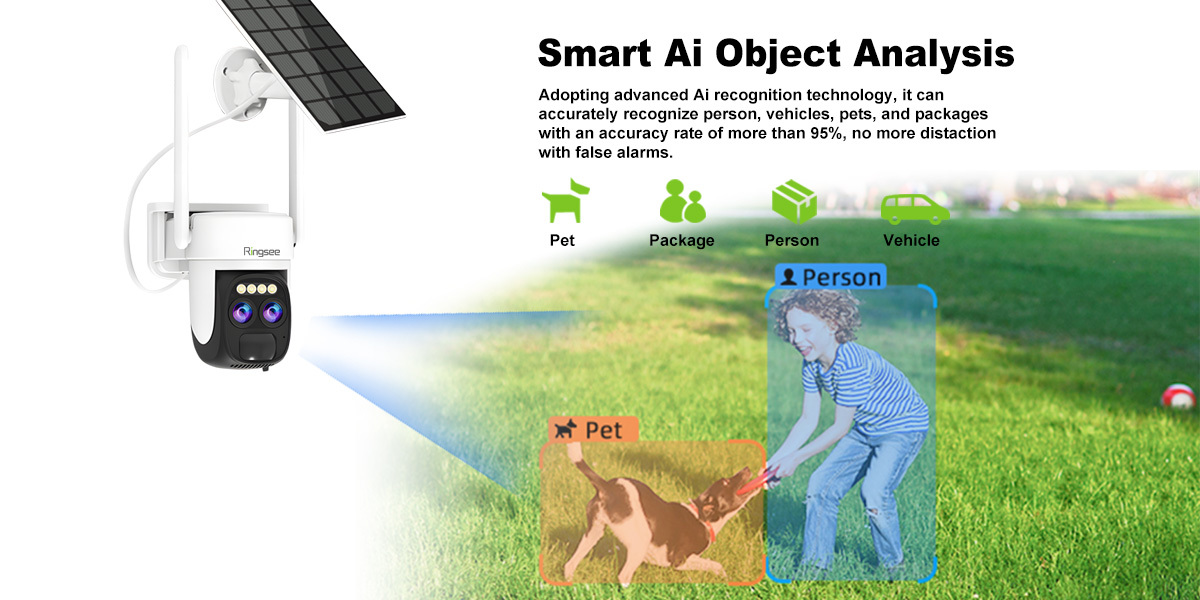
A 4G low-power solar camera offers an excellent balance of data efficiency and performance. By using motion-triggered recording, adjustable resolution settings, and efficient video compression, these cameras minimize data consumption while delivering reliable surveillance. For most users, the monthly data usage for a 4G low-power solar camera ranges from 1.5 GB to 9 GB, with occasional usage potentially reaching higher levels if continuous recording is involved. These cameras are perfect for remote locations, off-grid environments, and areas with limited power sources, all while offering a cost-effective and reliable security solution.
Prev:
Related News
PoE was power. This is control: CCTV Network Security Hardening Guide
Short answer: video systems get breached the boring way, not through clever exploits - (1) factory default credentials never changed, (2) camera or NVR management ports forwarded to the public internet, (3) no separation between the CCTV network and the office LAN. Do three things: replace every default account and disableTelnet/FTP/UPnP/raw RTSP; put cameras in their own VLAN and only allow the NVR to initiate sessions; and reach video over VPN or a zero-trust gateway instead of a port mapping.
Oct 03,2026
PoE Power Design Guide for Security Cameras: Power Budget, Cable Voltage Drop and Distance Limits
Most "cameras keep restarting at night" incidents are not camera defects — they are power design errors. Three root causes cover the overwhelming majority of PoE failures: the power budget was sized on daytime draw instead of night peak, the cable is too thin so voltage drop exceeds the device undervoltage threshold, and the run simply exceeds the 100-metre channel limit. Memorise three numbers and you avoid most of the traps: 802.3af delivers 15.4 W, 802.3at delivers 30 W, and cable reach stops at 100 m.
Oct 03,2026
Bitrate (Mbps) is the single parameter that determines hard drive size, switch selection, and remote-viewing smoothness. Two formulas answer everything: storage per camera per day (GB) ≈ bitrate × 10.8, and total bandwidth = sum of simultaneous bitrates × 1.3 headroom. This guide covers encoding, calculation, and procurement sizing.
Sep 26,2026
CCTV Night Vision Technology Explained: Infrared vs Starlight Full-Color vs Hybrid Light
Three night vision routes and their real limits: 850nm vs 940nm infrared (red glow and range trade-offs), the lux threshold of true starlight cameras (0.001-0.005 lux), light-pollution risks of warm-light supplement, and AI-triggered hybrid switching — plus a six-point datasheet verification method and a 20-minute night PoC test.
Sep 26,2026
CCTV Lens Selection Technical Guide: Focal Length, Pixel Density & the DORI Standard in Practice
Why can't a 4K camera read faces? Because identification depends on pixel density, not total pixels. Using the EN 62676-4 DORI standard, this guide gives the full focal-length / distance / field-of-view formulas, a lens selection lookup table, and the real impact of sensor size and aperture on night vision.
Sep 19,2026
Links:One Belt Power Technology
Add: 14th Floor, Baoshan Building, Longhua District, Shenzhen China.
Privacy Policy | SEO | CitySite | Support: 300.cn Dongguan