






Support
How Much Data Does a 4G Bird Feeder Camera Use? Live Streaming & Upload Bandwidth Explained
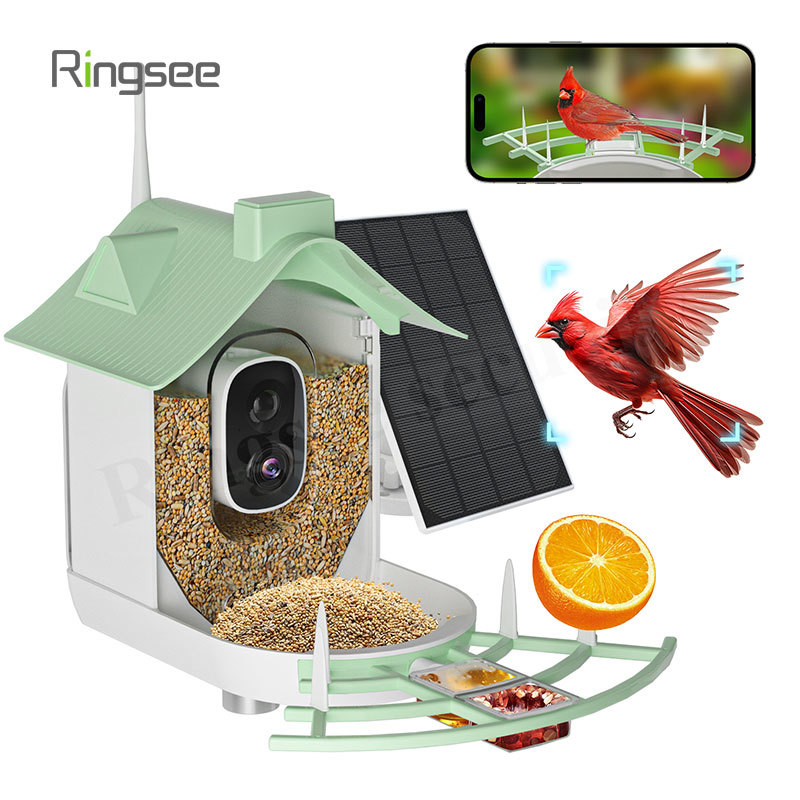
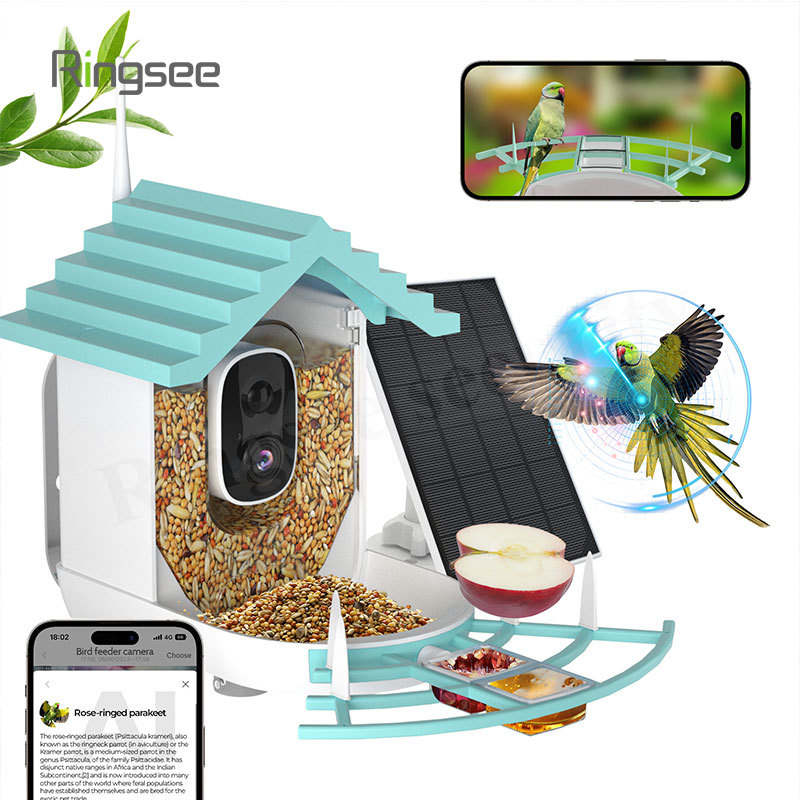
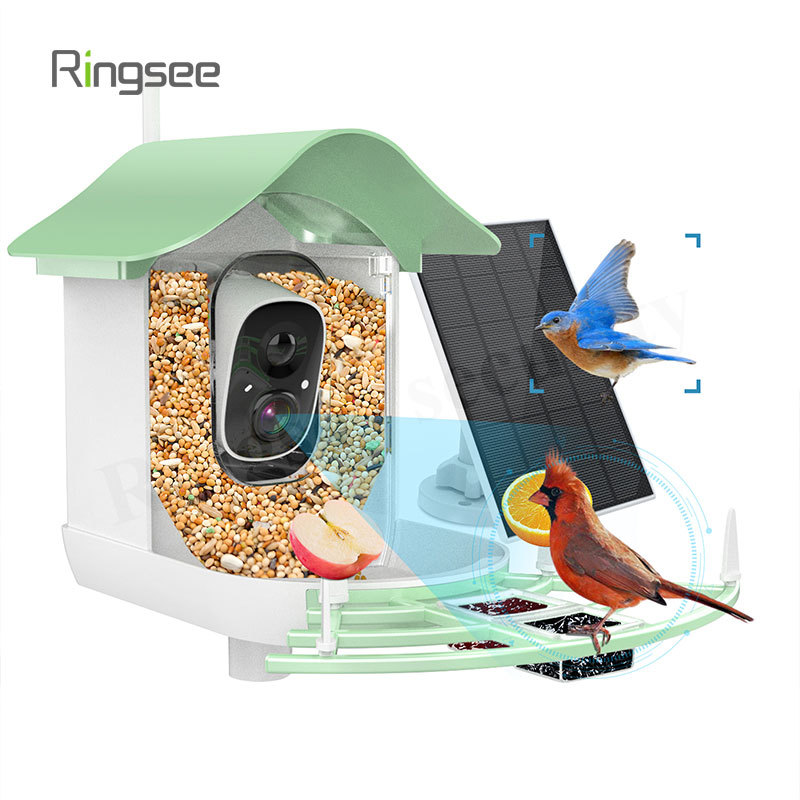
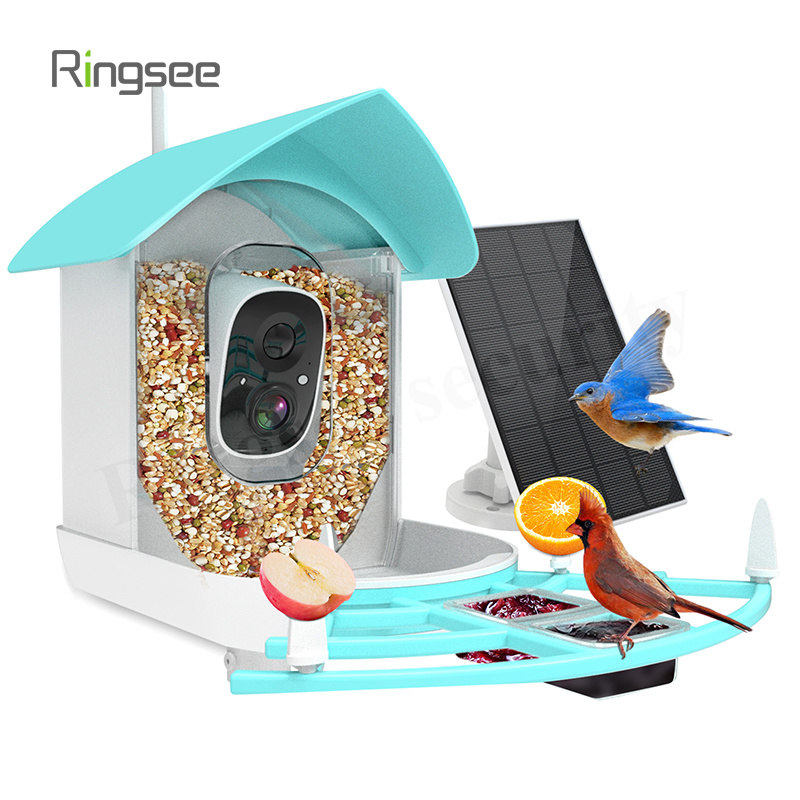
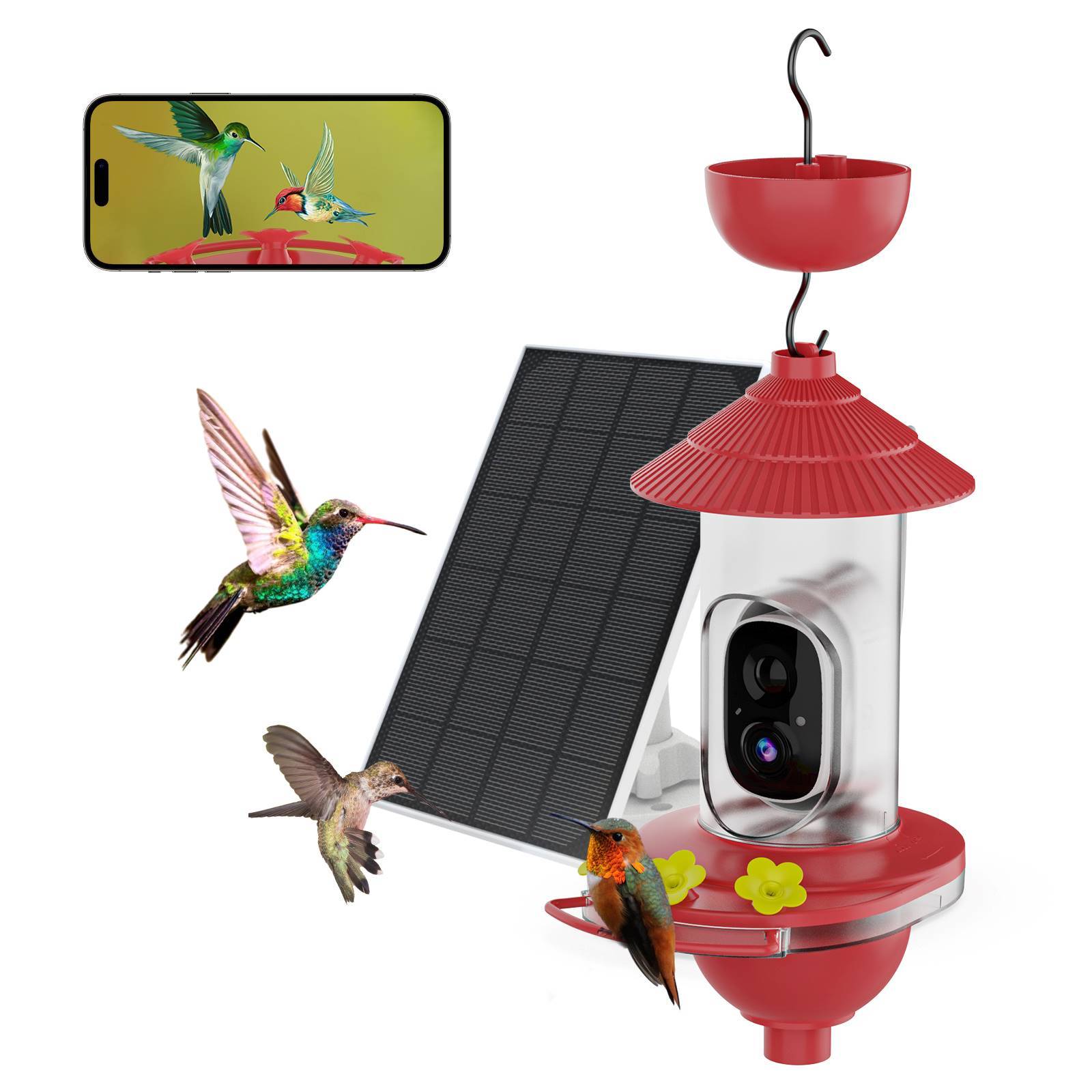
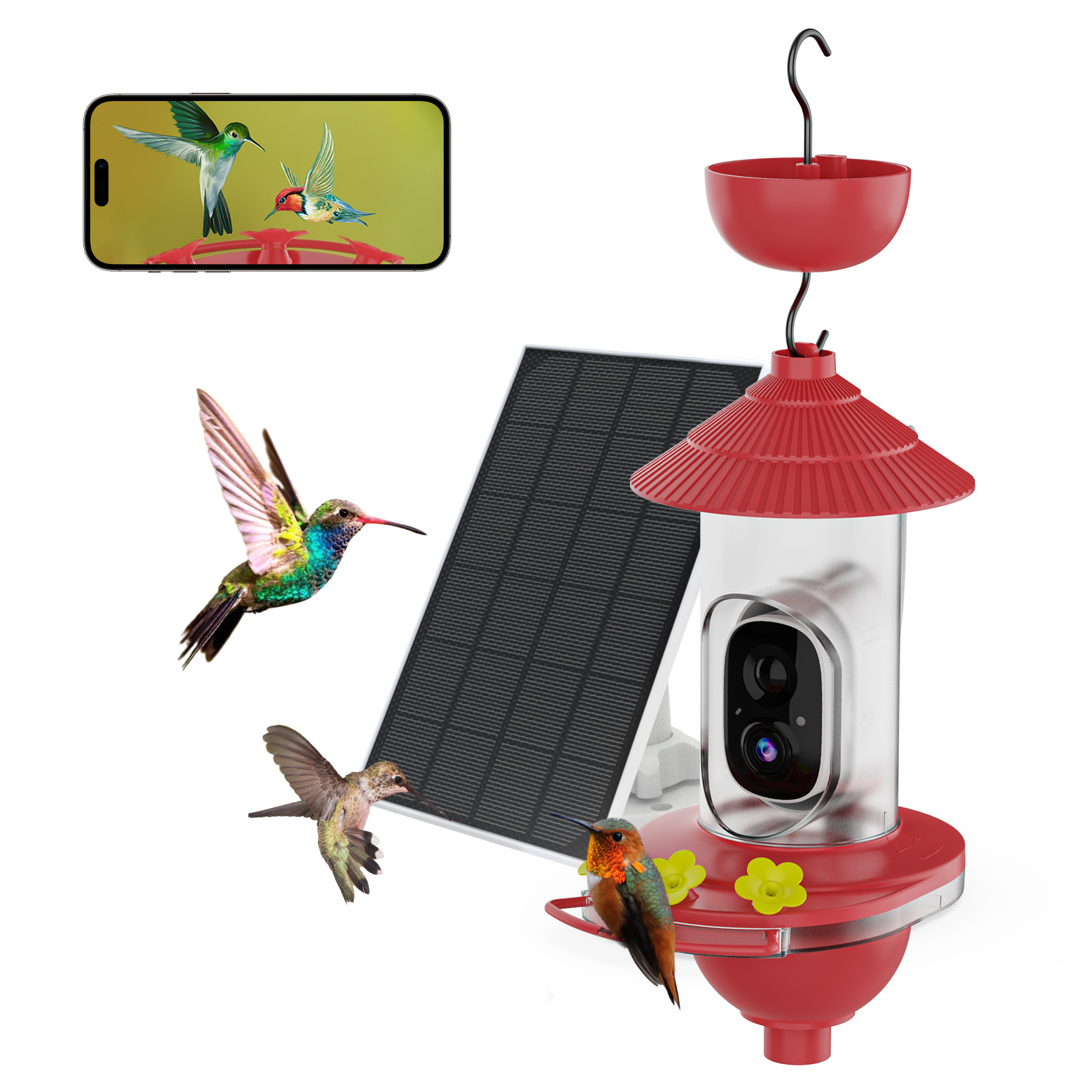
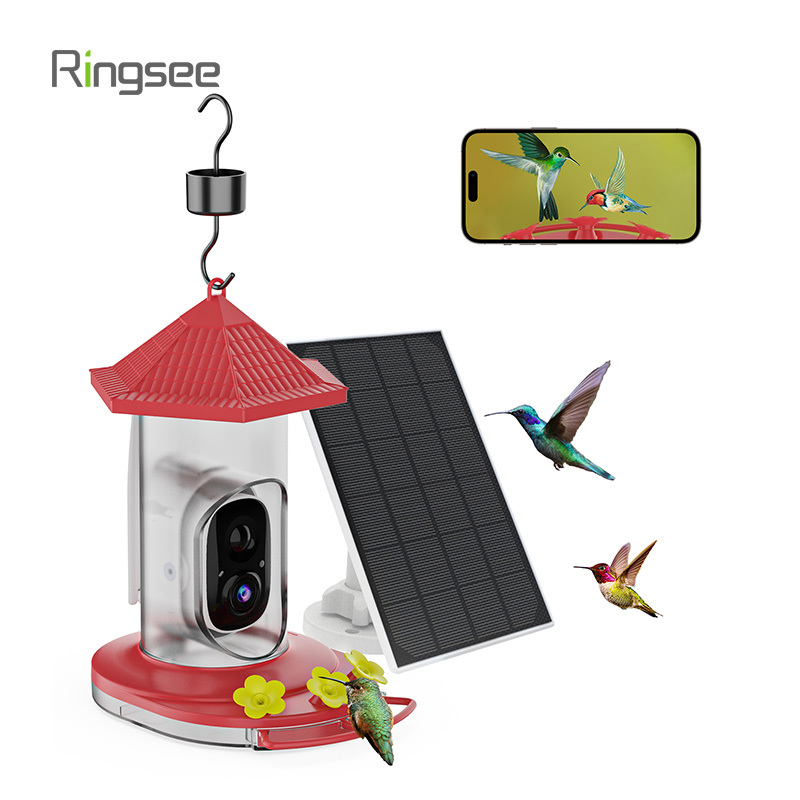
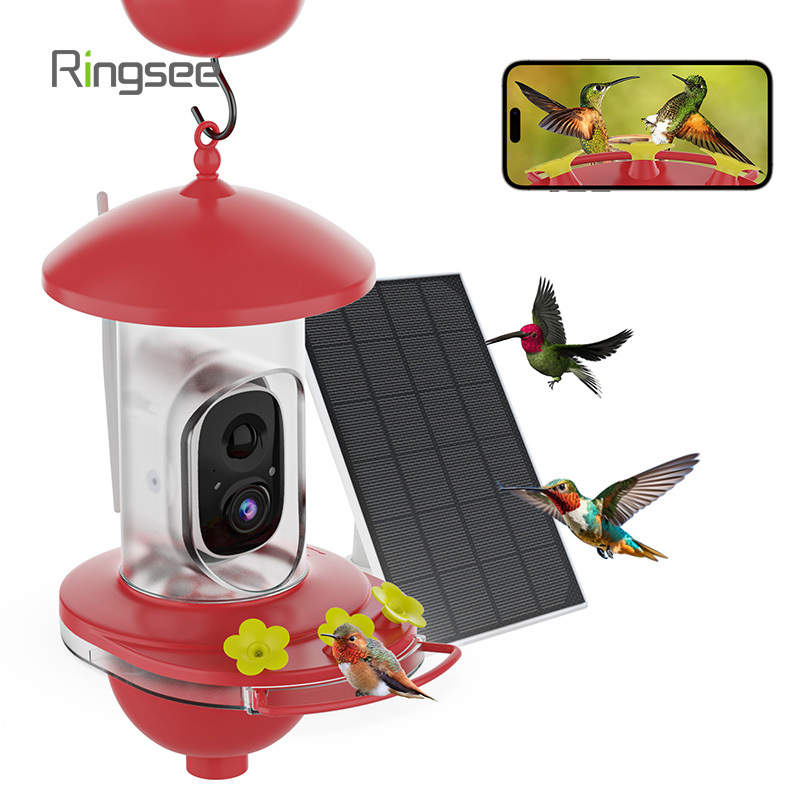
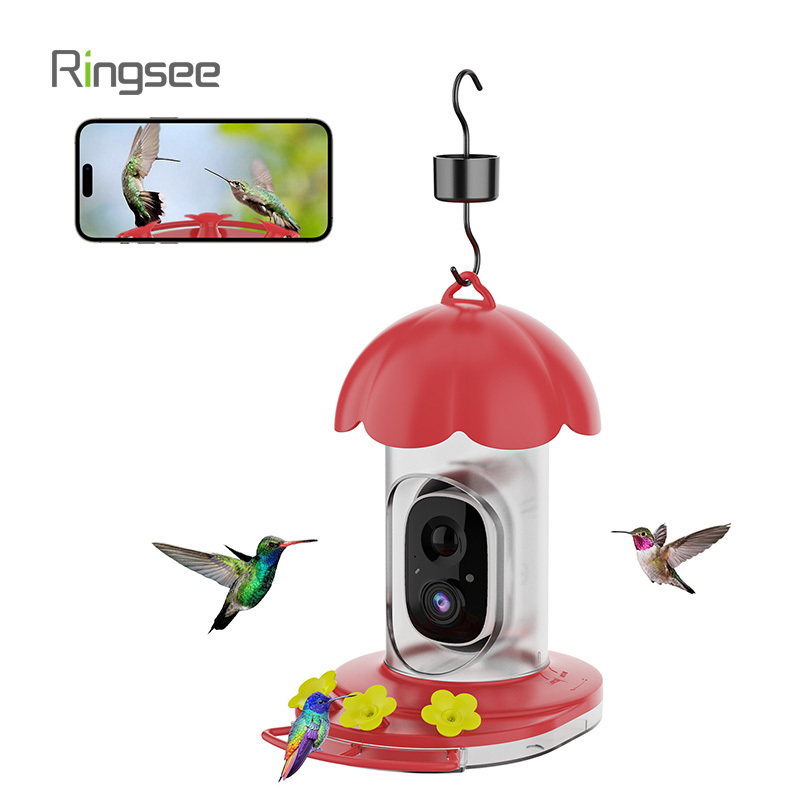
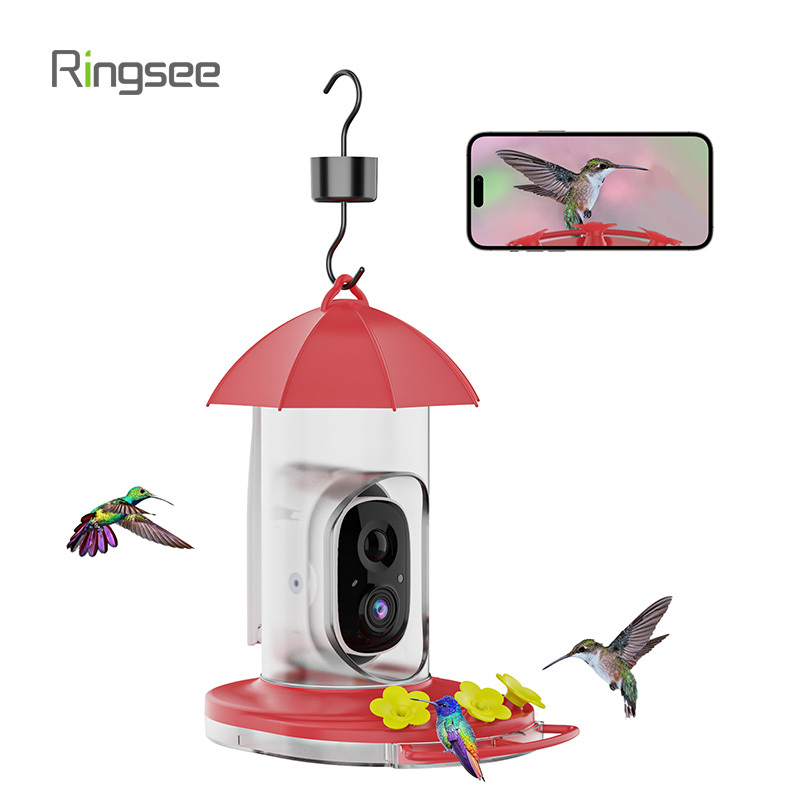
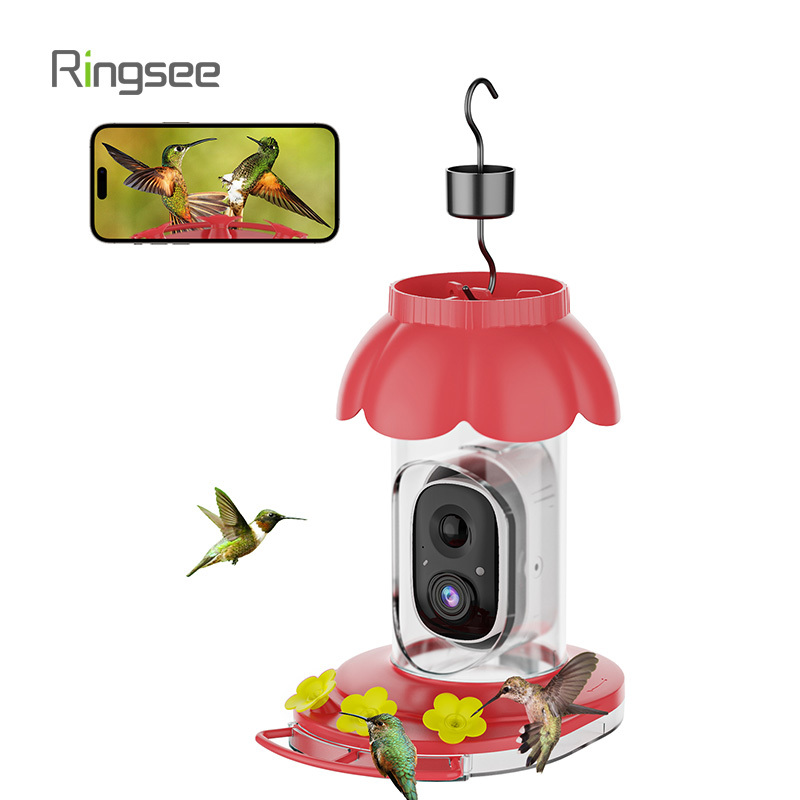
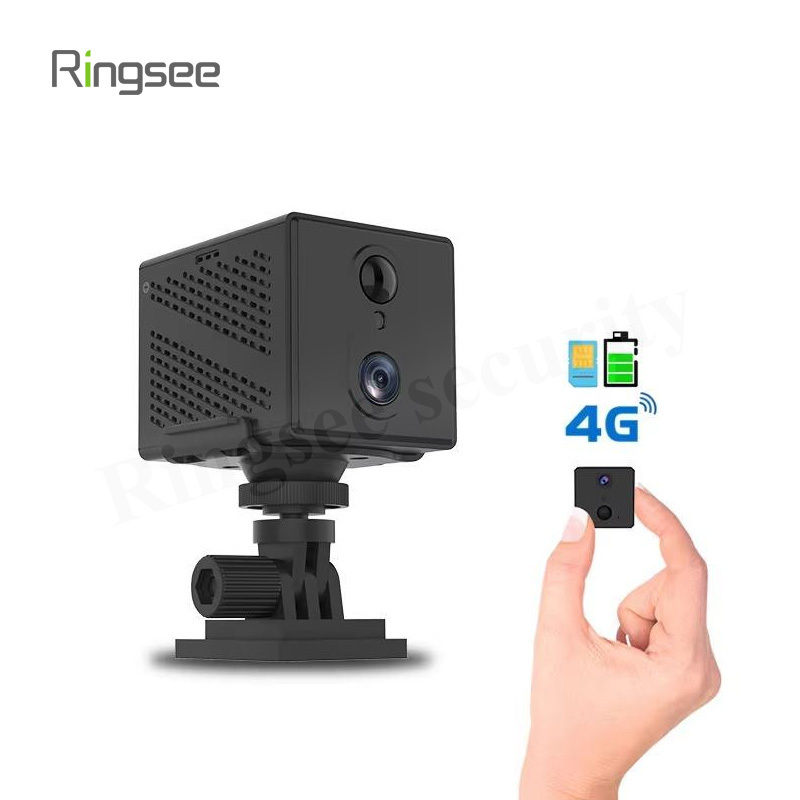
The marriage of smart technology and nature watching has created the 4G bird feeder camera, allowing you to capture stunning 1080p videos of finches, bluebirds, and other visitors from anywhere. This freedom comes from the built-in cellular connection, which bypasses the need for Wi-Fi—perfect for remote gardens, fields, or patios.
However, a fundamental question remains for any device running on a cellular plan: How much data does a 4G bird feeder camera actually use?
The short answer is: It depends almost entirely on your usage habits, but most users fall between 1GB and 5GB per month.
Unlike a smartphone, a security camera’s data consumption is complex, relying heavily on video resolution, compression, and the critical distinction between upload bandwidth (sending video) and live streaming (downloading/viewing video).

1. The Core Driver: Event-Based Uploads
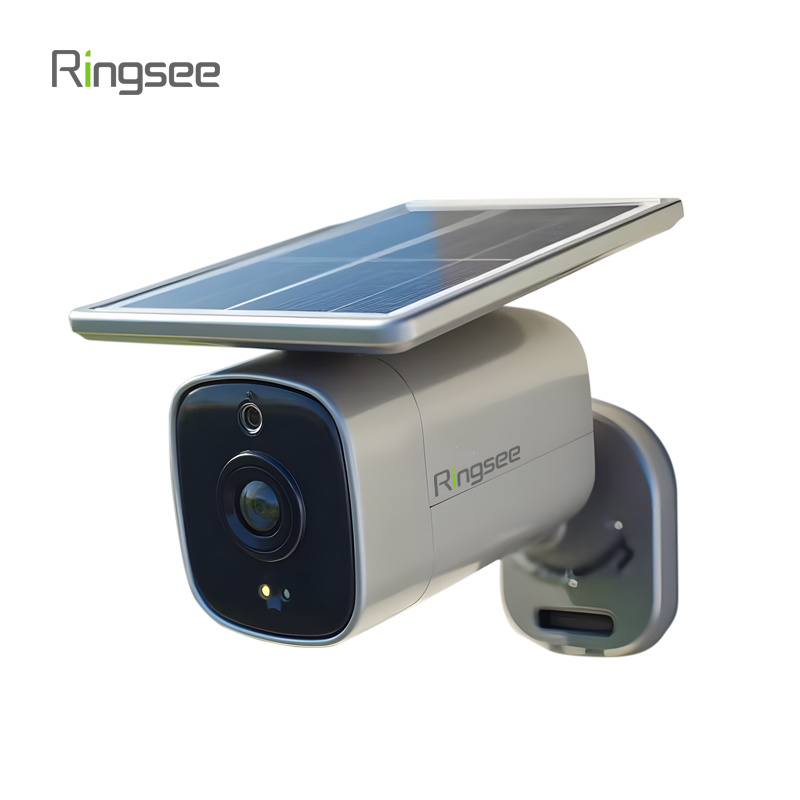
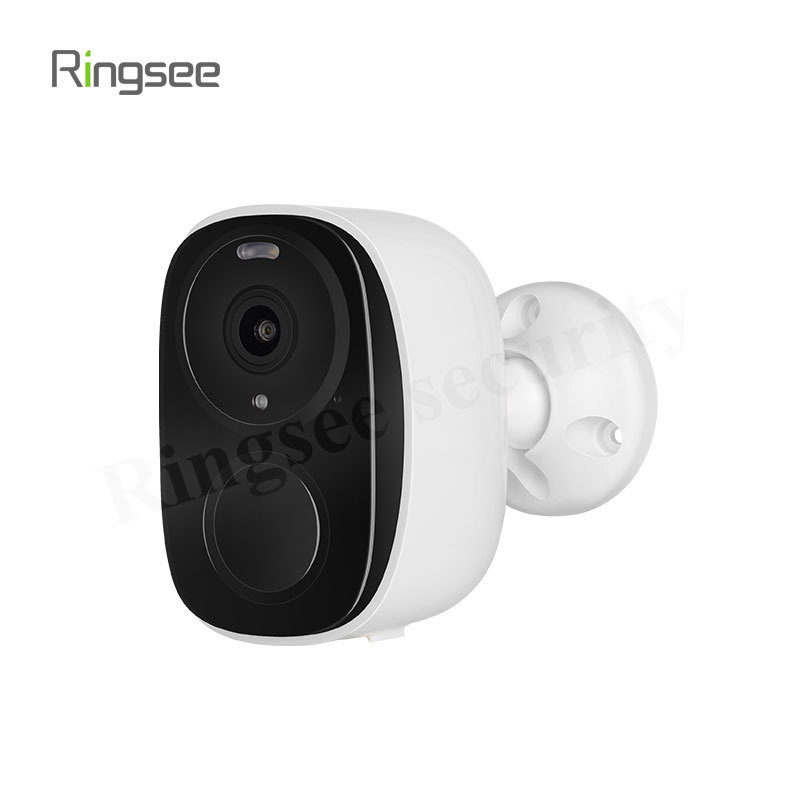
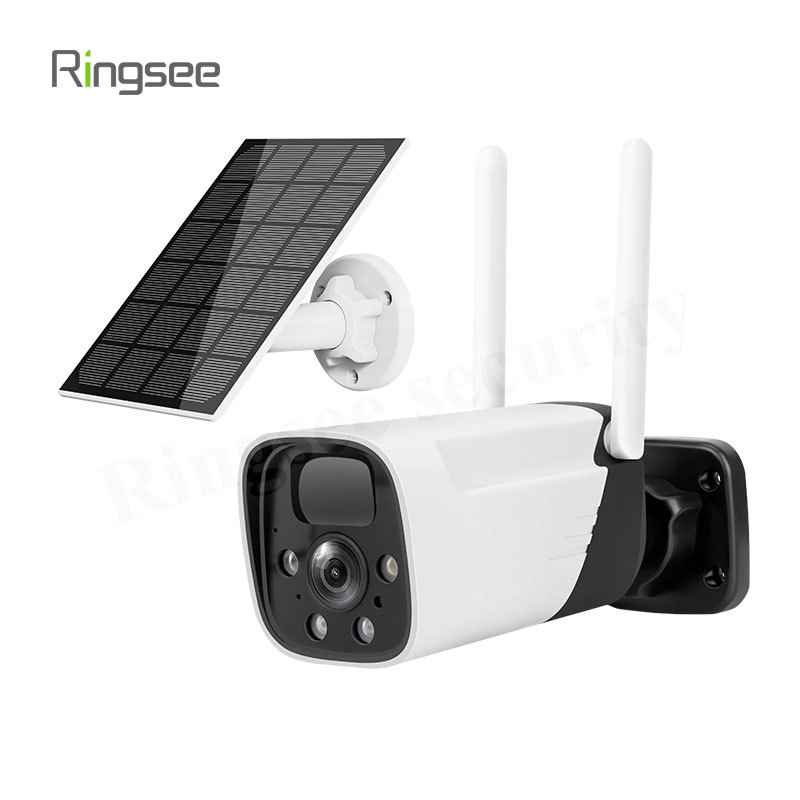
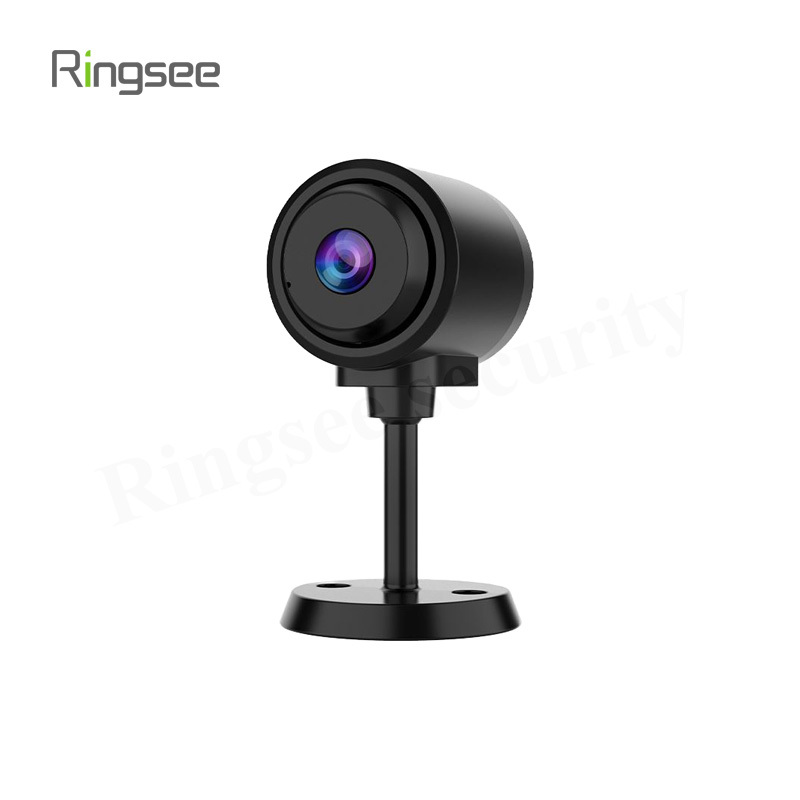
Modern 4G security cameras, especially low-power models like the Ringsee SHRS-BFC-9104, are designed for efficiency. They are not streaming video 24/7. Instead, they operate in a low-power "sleep" mode and only use 4G data when an event occurs.
When the camera’s PIR (Passive Infrared) sensor or AI bird recognition detects motion, it wakes up and performs two crucial steps that consume data:
- Event Notification: Sending a tiny text or thumbnail alert to your phone. (Minimal data: <1MB).
- Clip Upload: Recording a short video clip (e.g., 5, 10, or 30 seconds) and uploading it to the cloud storage via the 4G network. This is your primary data consumption point.
The upload process utilizes your camera’s upload bandwidth. The higher the video quality, the more bandwidth is required, and the more data is consumed per clip.
2. Estimating Data Consumption by Video Quality
Data usage is measured by the bitrate (the amount of data processed per second), usually expressed in Megabits per second (Mbps) or Kilobits per second (Kbps).
Here are general estimates for low-power, H.264/H.265-compressed video clips, which is standard for cellular trail and bird feeder cameras:
Scenario 1: 1080p High-Quality Clips (1920x1080)
This is the crisp, high-definition footage you want for detailed bird identification.
- Estimated Bitrate: 1.0 Mbps to 2.0 Mbps
- Data per Minute of Video: 7.5 MB to 15 MB
| Clip Length | Data Consumed Per Clip |
| 10 Seconds | 1.25 MB to 2.5 MB |
| 30 Seconds | 3.75 MB to 7.5 MB |
Example Monthly Usage (Moderate Activity): If your camera captures an average of 20 x 10-second clips per day (a busy feeder) at a medium quality:
20 clips/day 1.5 MB/clip = 30 MB/day 30 MB/day * 30 days = 900 MB/month ≈ (0.9 GB)
Scenario 2: Sub-Stream (Low-Resolution) Clips (640x360)
Many cameras offer a lower-resolution stream for faster loading or to reduce data usage if you switch to a "Full-time" recording mode or if the device uploads a thumbnail first. This low resolution dramatically reduces data consumption.
- Estimated Bitrate: 200 Kbps to 500 Kbps
- Data per Minute of Video: 1.5 MB to 3.75 MB

3. The Data Killer: Live Streaming
While clip uploads are the baseline usage, the single fastest way to deplete your data cap is through live streaming.
When you open the companion app (like Ubox) and tap to view the live feed, you are actively downloading the video stream from the cloud server to your phone. This consumes data on both ends:
- Camera Uploads: The bird camera is continuously uploading a high-definition stream (e.g., 1.5 Mbps) to the cloud.
- Your Phone Downloads: Your phone is continuously downloading that same stream (or a slightly optimized version).
| Duration | Estimated Data Consumed (Camera Upload) | Estimated Data Consumed (Your Phone Download) | Total Data Used |
| 1 Minute | ≈ 10 MB | ≈ 10 MB | ≈ 20 MB |
| 30 Minutes | ≈ 30 MB | ≈ 300 MB | ≈ 600 MB |
Watching a live feed for just 30 minutes can consume more data than a full month of event-triggered clips! Use the live view sparingly.
4. Key Factors for Controlling Data Use
If you are concerned about hitting your data limit, control these factors through your camera's app settings:
| Factor | Data Impact | Control Measure |
| Video Resolution | High. Higher resolution (1080p/2K) uses more data than standard (360p/720p). | Choose the lowest resolution that still provides clear identification. |
| Clip Length | High. Shorter clips upload less data. | Limit event clips to 5 or 10 seconds instead of 30 seconds. |
| PIR/AI Sensitivity | High. Too sensitive means more false alarms (wind, shadow changes) being recorded and uploaded. | Adjust the sensitivity down or use AI filtering to only record birds, not squirrels or passing cars. |
| Video Compression | Medium. H.265 is more efficient than H.264 (up to 50% data savings). | Check the specifications; most modern 4G cameras use H.265 compression. |
5. Choosing the Right 4G Data Plan
Based on the usage scenarios:
- Light Usage (Recommended Baseline): Primarily relies on short, event-triggered clips (10-15 events/day). A 1 GB per month plan is often sufficient.
- Moderate Usage: Includes daily events plus a few short live views per week. A 2 GB to 3 GB per month plan offers a safe buffer.
- Heavy Usage (Not Recommended): Frequent, long live views, high sensitivity settings, or full-time recording enabled. A 5 GB or higher plan is required, but you should try to optimize settings before resorting to this.
By understanding that a 4G bird feeder camera’s data usage is primarily an upload cost driven by motion events and live-stream viewing, you can easily control consumption and enjoy your bird-watching hobby without unexpected cellular charges.
Links:One Belt Power Technology
Add: 14th Floor, Baoshan Building, Longhua District, Shenzhen China.
Privacy Policy | SEO | CitySite | Support: 300.cn Dongguan