






Ringsee: CCTV vs. IP Camera: Which Is Better for Home Surveillance?
Publish:
2025-07-29 17:02
Source:
https://www.ring-see.com
what’s the real difference between a CCTV camera and an IP camera? More importantly, which one is better for home use? In this guide, we’ll break it down in simple terms, weigh the pros and cons, and help you choose the right fit for your security needs.
In today's world, keeping your family and property safe has become more important than ever. If you're thinking about setting up a home surveillance system, chances are you've come across two popular options: CCTV cameras and IP cameras. At first glance, they might seem similar, but the way they work—and the level of protection they offer—can be very different.
So, what’s the real difference between a CCTV camera and an IP camera? More importantly, which one is better for home use? In this guide, we’ll break it down in simple terms, weigh the pros and cons, and help you choose the right fit for your security needs.
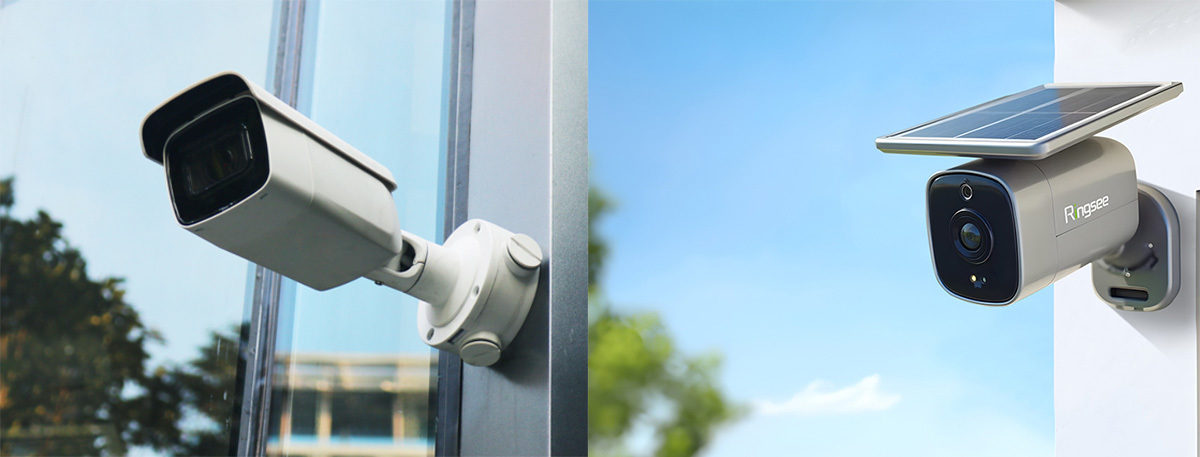
What Is a CCTV Camera?
Let’s start with the classic option: CCTV (Closed-Circuit Television) cameras. These analog security systems have been around for decades and are still used in businesses, warehouses, and homes with wired security camera systems.
A CCTV camera captures video footage and sends it through coaxial cables to a DVR (Digital Video Recorder). It’s a closed-loop setup, meaning it doesn’t require an internet connection to function.
Pros of CCTV Cameras
Stable and reliable: Once installed, they typically run without hiccups.
Lower upfront cost: A more budget-friendly option, especially for large multi-camera setups.
No internet needed: Great if you're concerned about data privacy or have poor connectivity.
Cons of CCTV Cameras
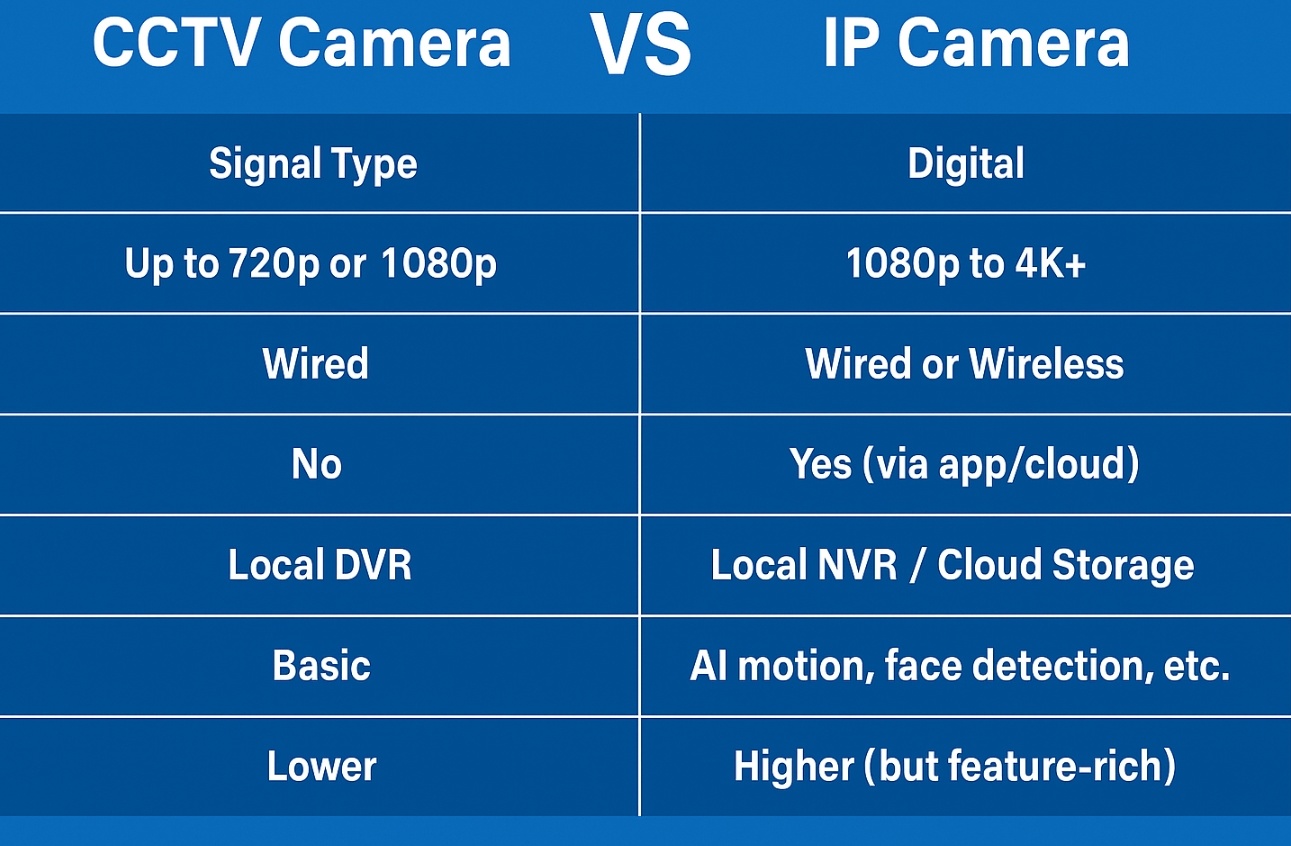
Lower resolution: Most analog CCTV systems max out around 720p or 1080p—fine for general monitoring but not great for identifying faces or license plates.
Wiring required: Installation can be complicated, especially if you want multiple cameras around your home.
Limited functionality: No remote access or smart notifications unless integrated with a third-party system.
If you’re looking for a basic home CCTV system without internet, this could work—but it's not exactly future-proof.
What Is an IP Camera?
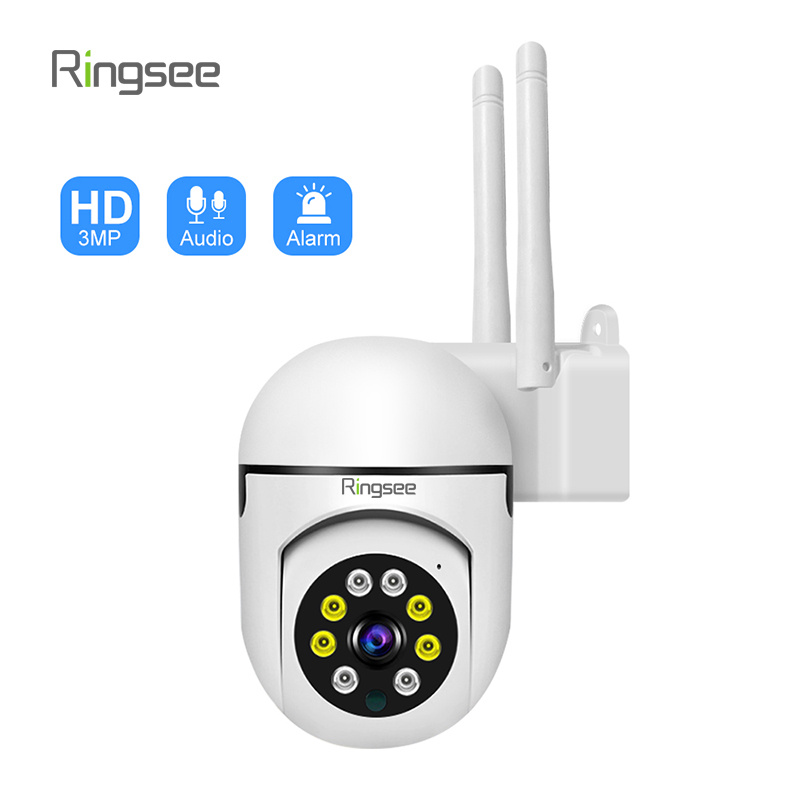
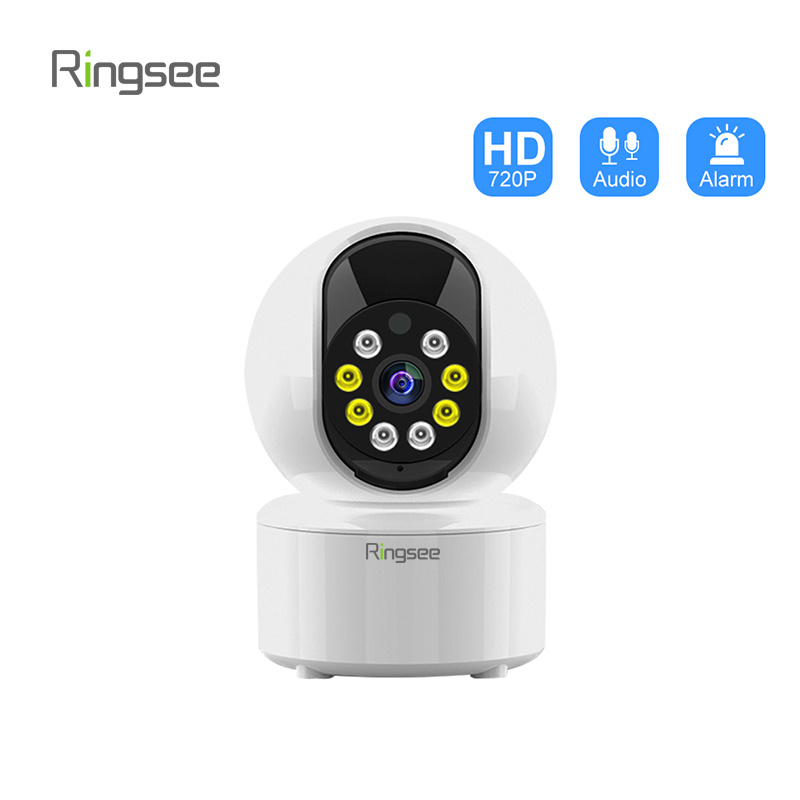
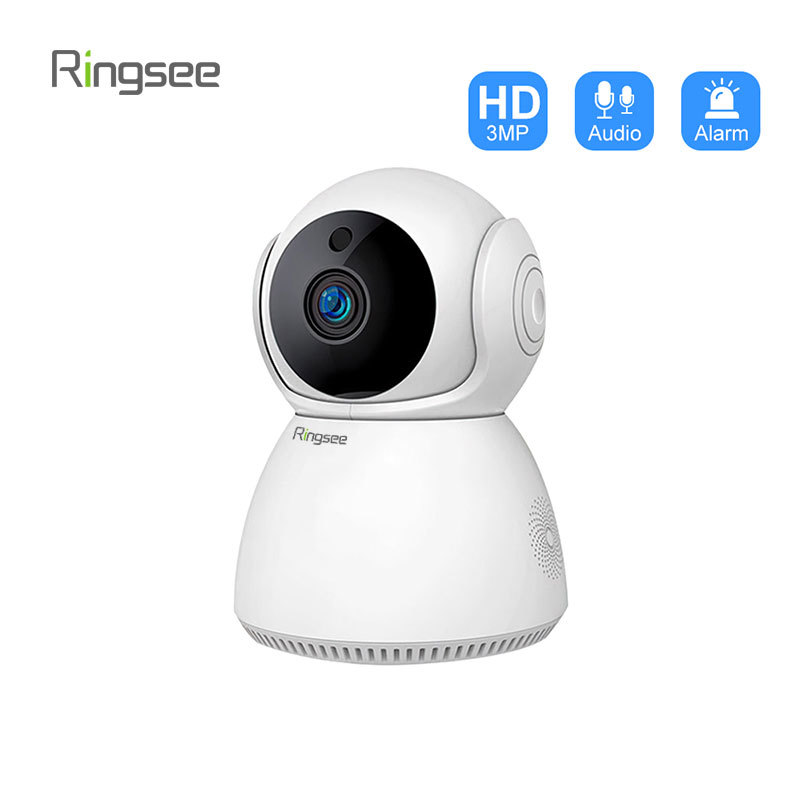
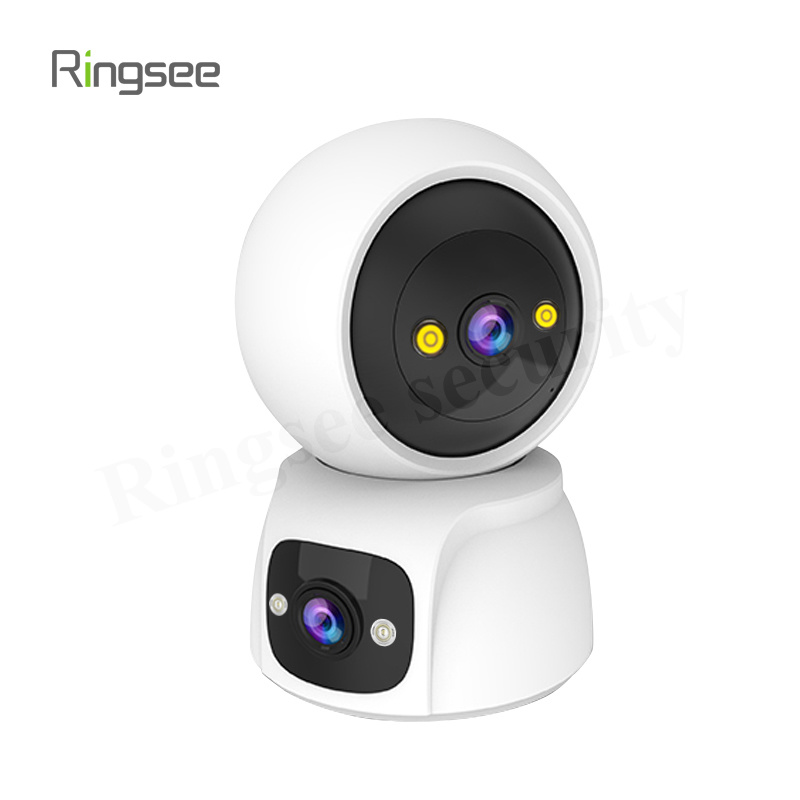
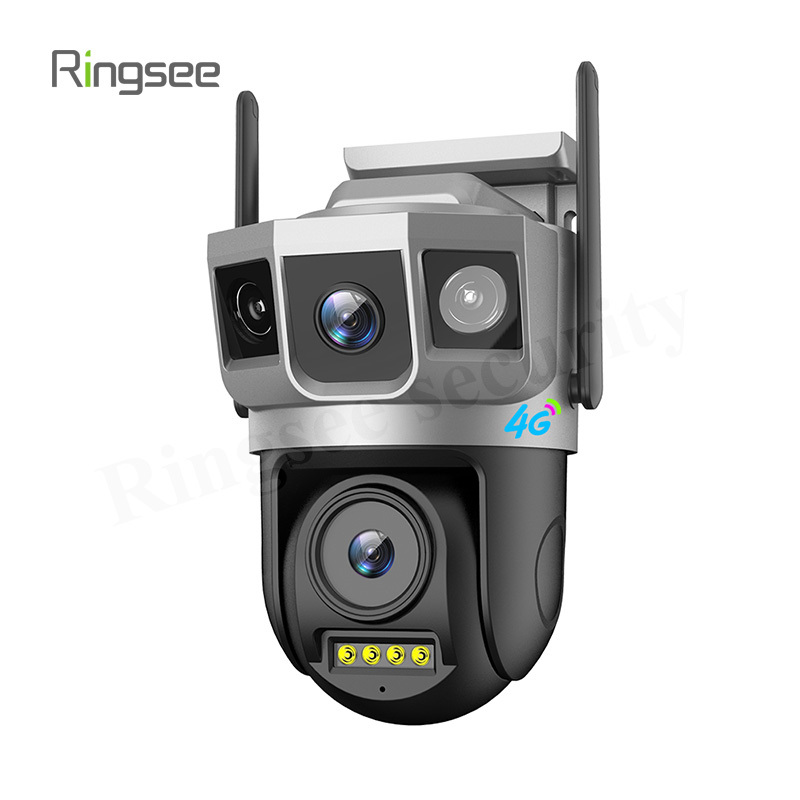
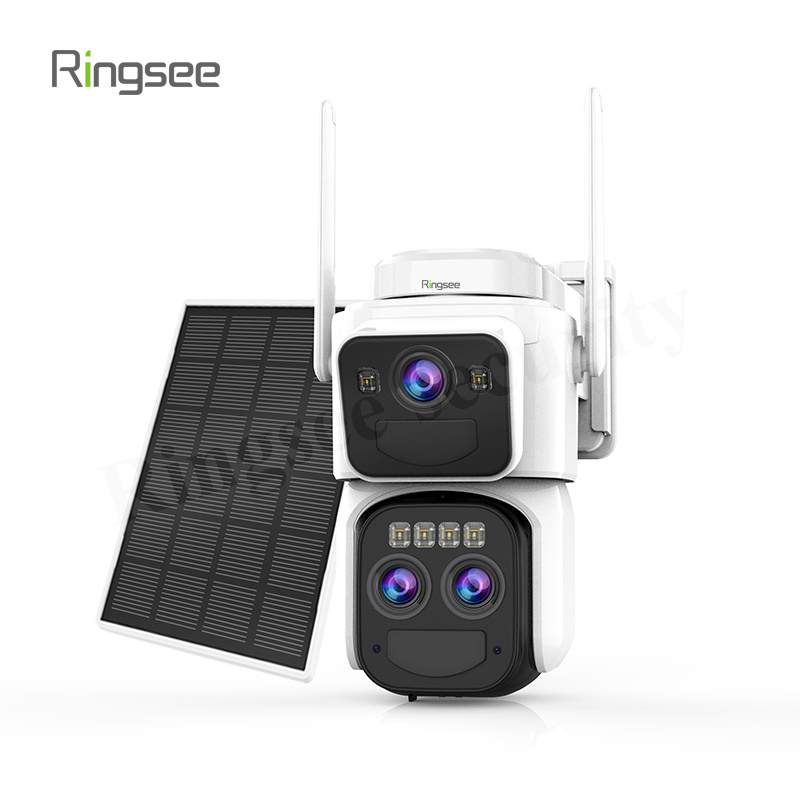
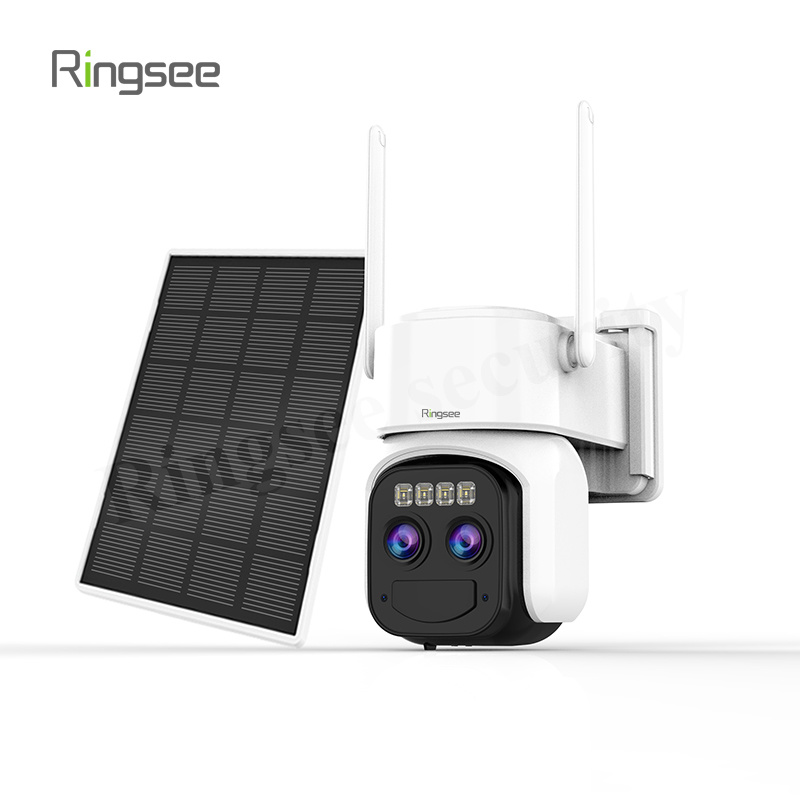
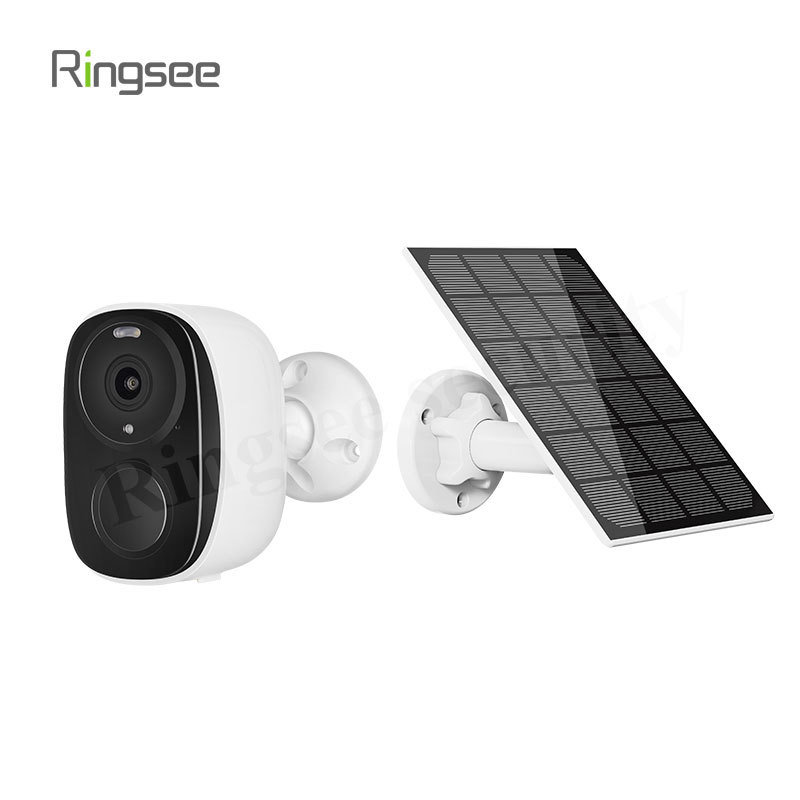
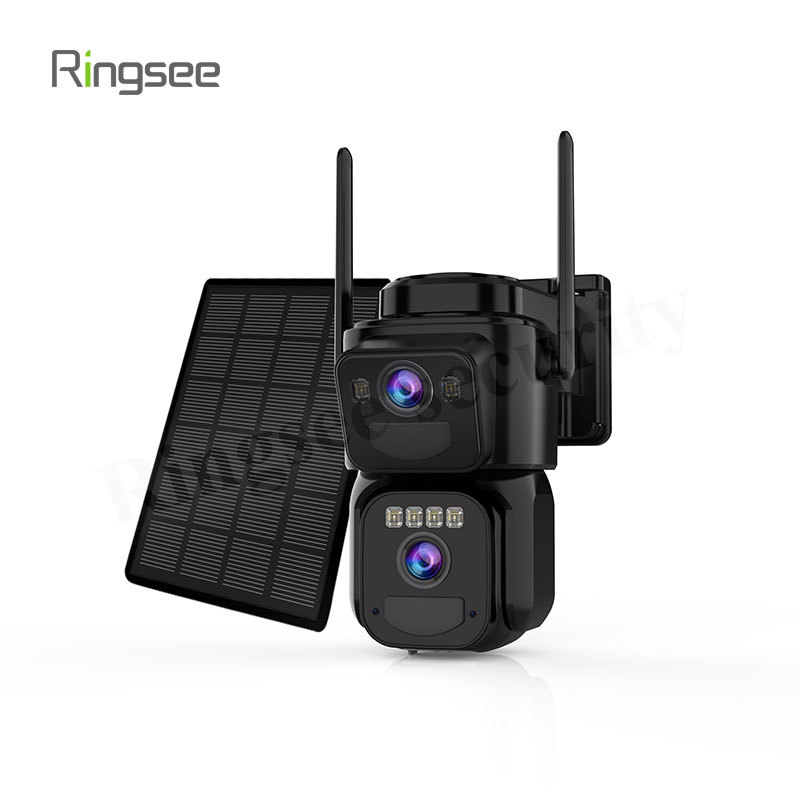
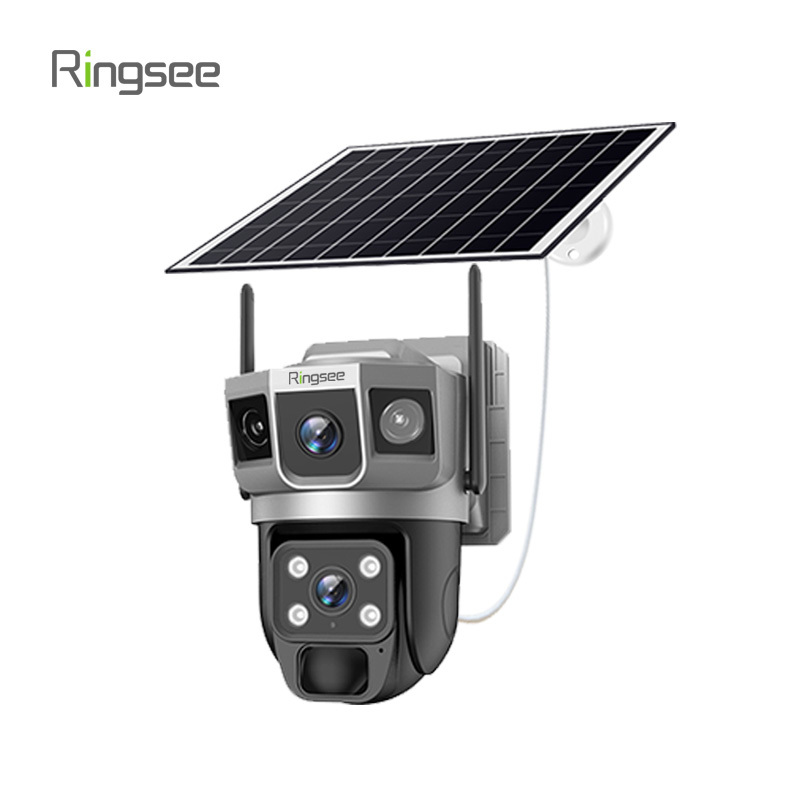
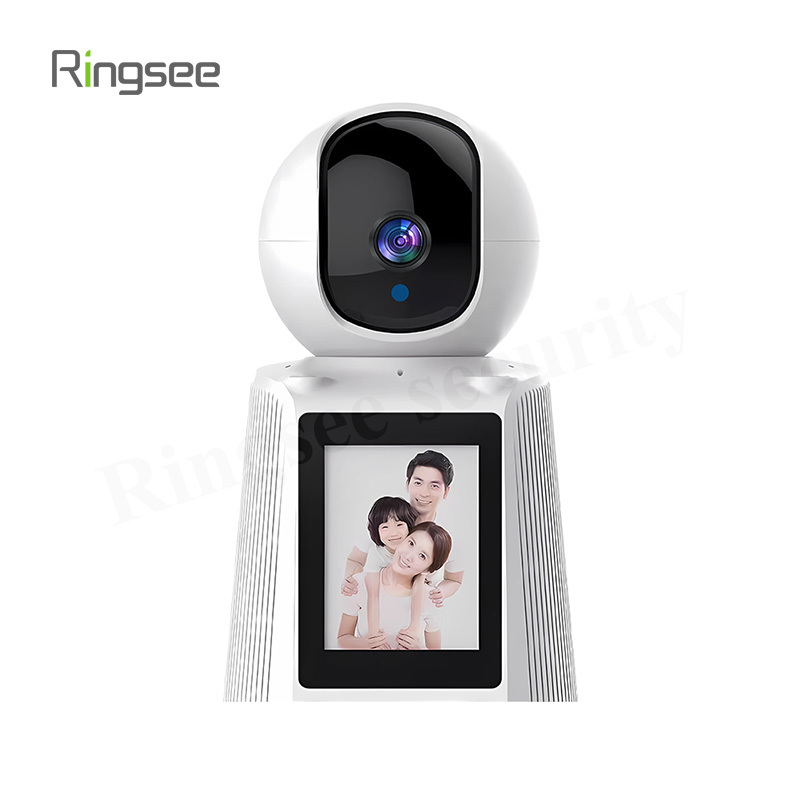
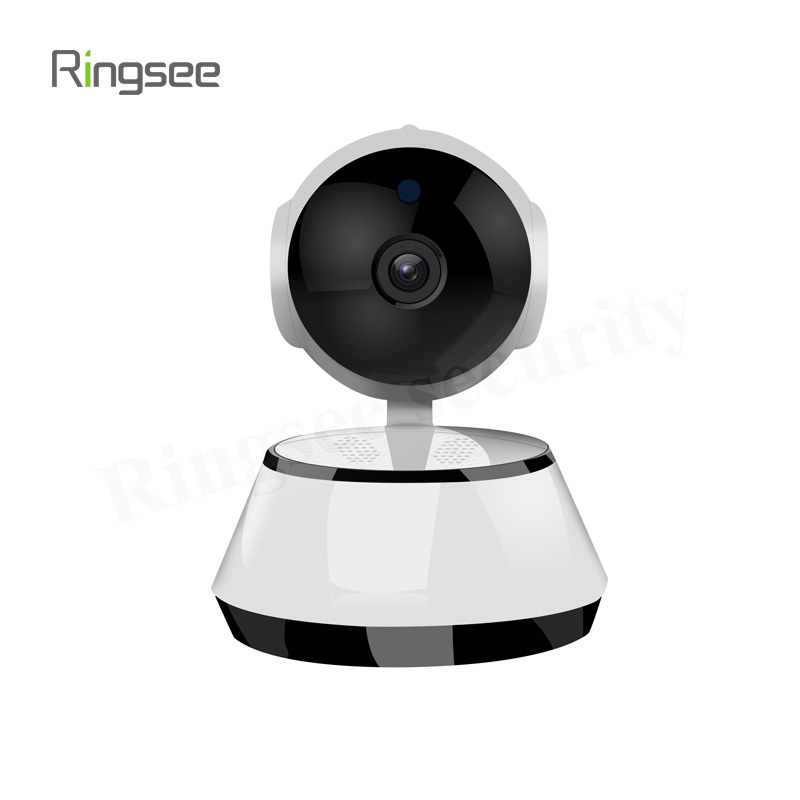
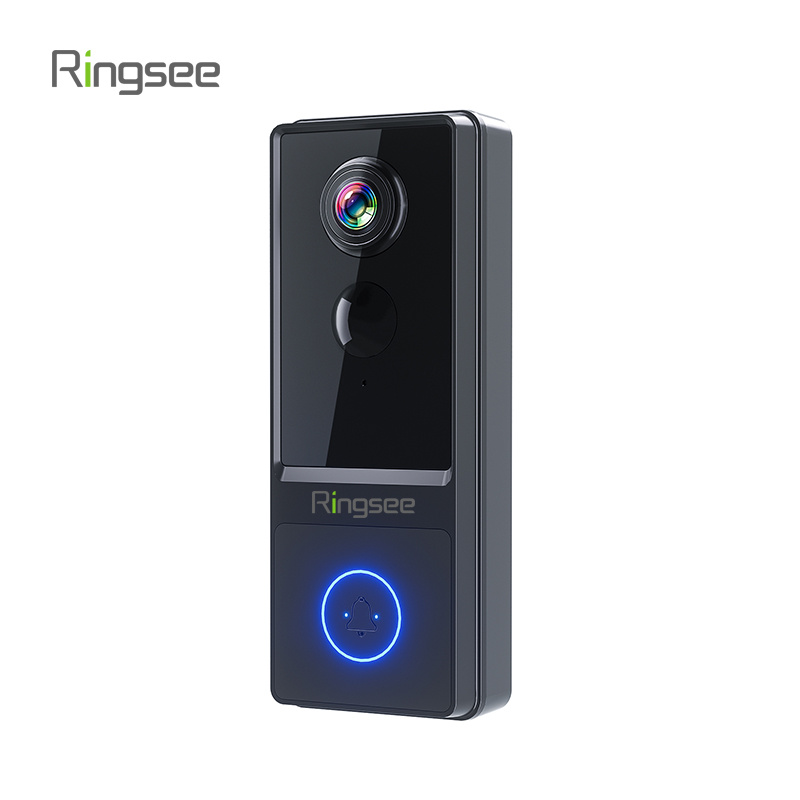
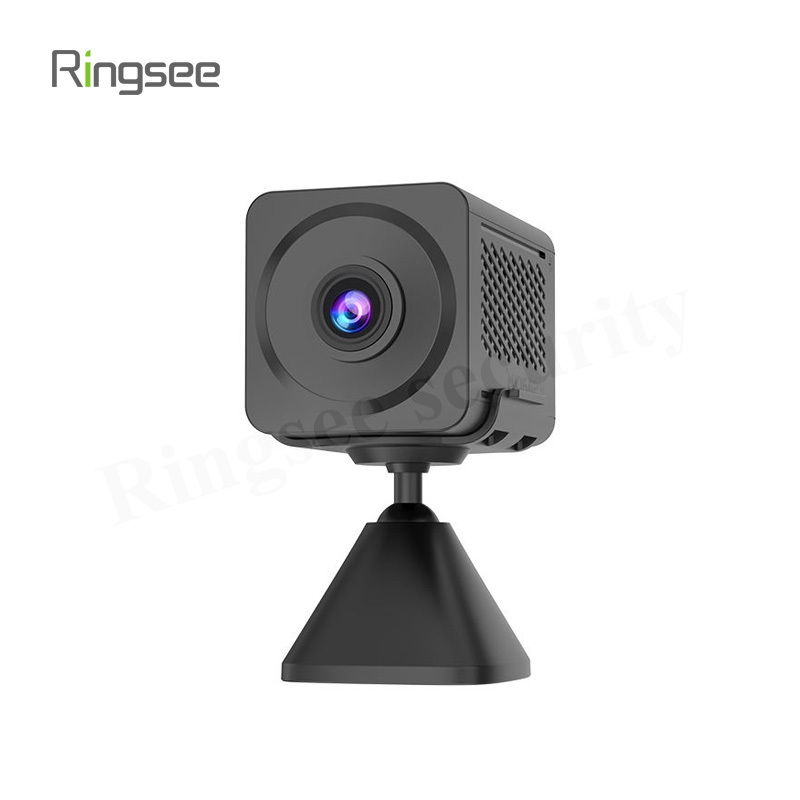
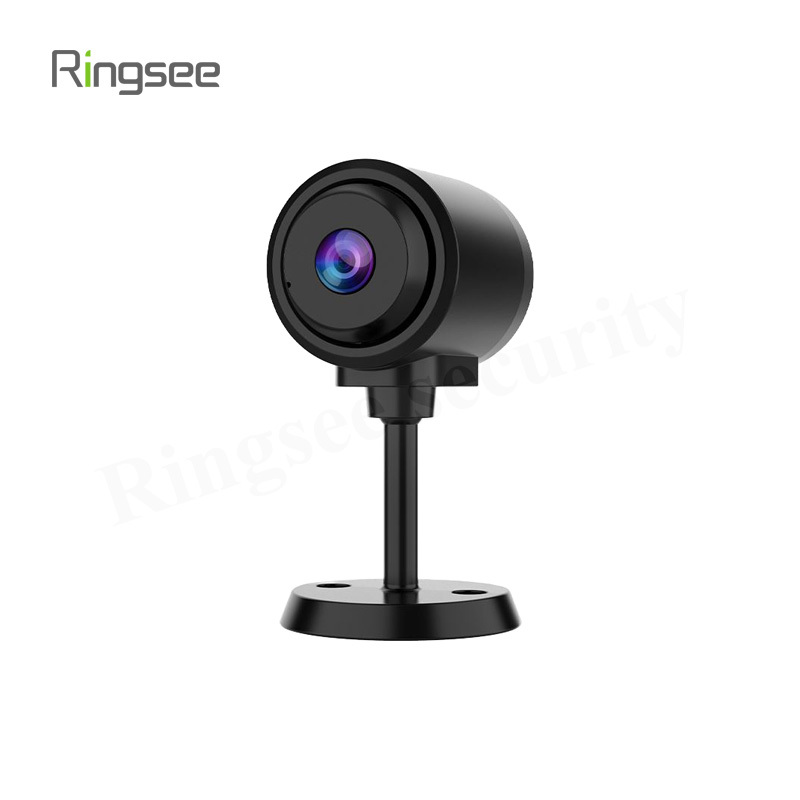
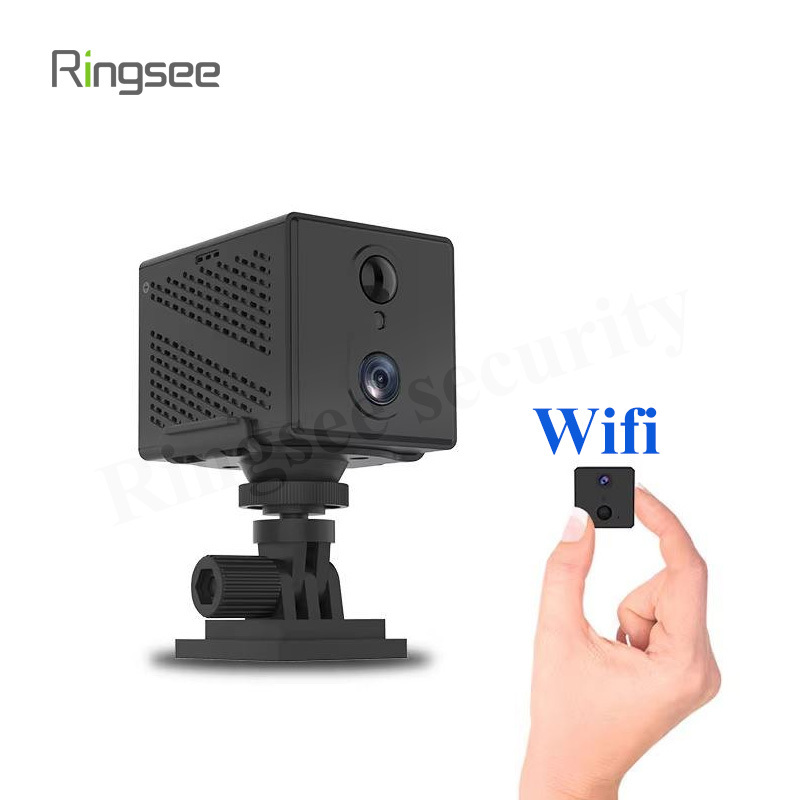
Now, let’s talk about IP (Internet Protocol) cameras, which are the newer, more advanced players in the security world. Instead of analog signals, these cameras send high-resolution digital video over your Wi-Fi or Ethernet network—kind of like a tiny computer with a lens.
Pros of IP Cameras
Crisp image quality: Many IP cameras for home use record in full HD, 2K, or even 4K, giving you clear footage day and night.
Remote viewing: Using an app on your phone, you can check in on your home from anywhere.
Smart features: From motion detection to AI facial recognition, IP cameras are loaded with intelligent tools that help keep you in the loop.
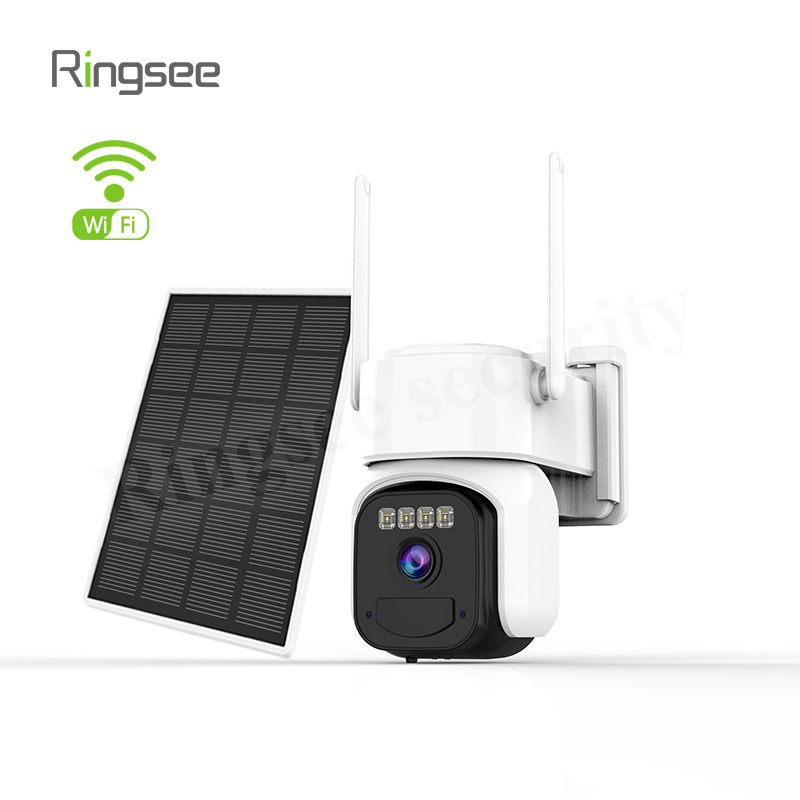
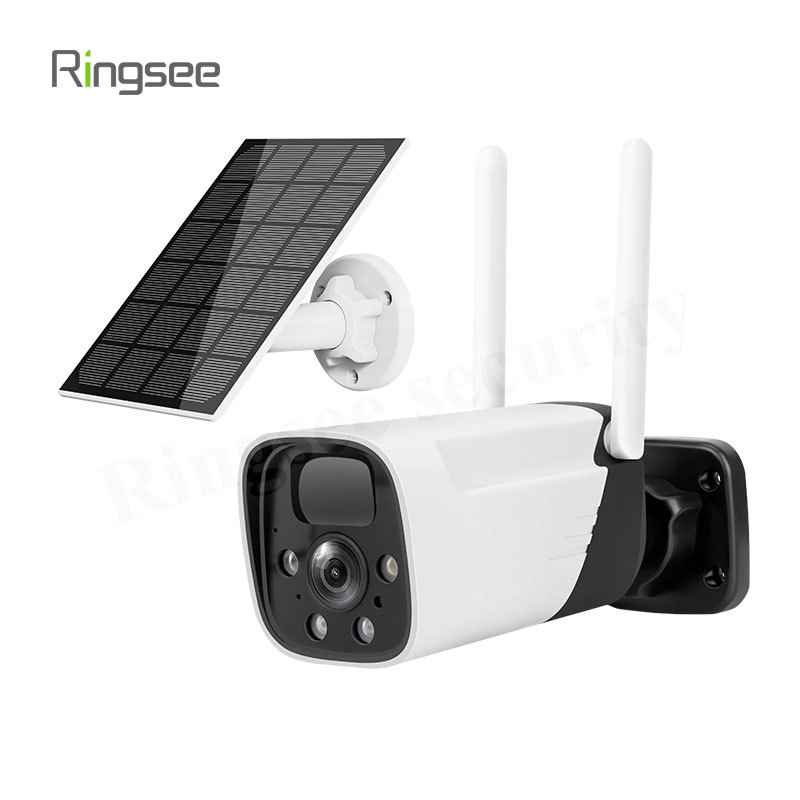
Wireless flexibility: Some models require no cables at all—perfect for renters or DIY installations.
Cons of IP Cameras
Higher initial cost: A top-rated IP surveillance system for home will cost more than a basic CCTV setup.
Internet dependency: You’ll need a stable network to get the best performance.
Privacy risks: If not properly secured, IP cameras can be vulnerable to hacking. (Always change the default password!)
If you want a smart home security camera with Wi-Fi and high-definition footage, IP cameras are the clear winner.
Key Differences at a Glance
| Feature | CCTV Camera (Analog) | IP Camera (Digital) |
|---|---|---|
| Signal Type | Analog | Digital (via internet) |
| Resolution | Up to 1080p | 1080p to 4K+ |
| Installation | Wired | Wired or Wireless |
| Remote Viewing | No | Yes, via app or browser |
| Storage | DVR (local only) | NVR or Cloud |
| Smart Features | Very limited | AI alerts, remote control, more |
| Best For | Budget-conscious setups | Modern home monitoring |
Which Is Better for Home Use?
Here’s the short answer: If you're building a modern home surveillance system, IP cameras are usually the better choice.
Because they’re packed with smart features that make life easier. Imagine getting a mobile alert the moment someone steps onto your porch, or being able to zoom in on a suspicious face in crystal-clear detail. IP cameras with motion detection and remote access make this possible.
If you're trying to choose a home surveillance camera and want something that’s easy to use, scalable, and integrates well with your smart home devices, go for an IP camera. However, if you live in an area with poor Wi-Fi or want to avoid any internet connectivity at all, a CCTV system without internet might still be a solid alternative.
Security is personal, and there’s no one-size-fits-all answer. But for most homeowners, IP cameras offer the best mix of convenience, quality, and peace of mind. Whether you’re installing a single camera at your front door or building a full home monitoring system, the ability to check footage remotely, receive smart alerts, and record in high resolution is hard to beat.
Related News
PoE was power. This is control: CCTV Network Security Hardening Guide
Short answer: video systems get breached the boring way, not through clever exploits - (1) factory default credentials never changed, (2) camera or NVR management ports forwarded to the public internet, (3) no separation between the CCTV network and the office LAN. Do three things: replace every default account and disableTelnet/FTP/UPnP/raw RTSP; put cameras in their own VLAN and only allow the NVR to initiate sessions; and reach video over VPN or a zero-trust gateway instead of a port mapping.
Oct 03,2026
PoE Power Design Guide for Security Cameras: Power Budget, Cable Voltage Drop and Distance Limits
Most "cameras keep restarting at night" incidents are not camera defects — they are power design errors. Three root causes cover the overwhelming majority of PoE failures: the power budget was sized on daytime draw instead of night peak, the cable is too thin so voltage drop exceeds the device undervoltage threshold, and the run simply exceeds the 100-metre channel limit. Memorise three numbers and you avoid most of the traps: 802.3af delivers 15.4 W, 802.3at delivers 30 W, and cable reach stops at 100 m.
Oct 03,2026
Bitrate (Mbps) is the single parameter that determines hard drive size, switch selection, and remote-viewing smoothness. Two formulas answer everything: storage per camera per day (GB) ≈ bitrate × 10.8, and total bandwidth = sum of simultaneous bitrates × 1.3 headroom. This guide covers encoding, calculation, and procurement sizing.
Sep 26,2026
CCTV Night Vision Technology Explained: Infrared vs Starlight Full-Color vs Hybrid Light
Three night vision routes and their real limits: 850nm vs 940nm infrared (red glow and range trade-offs), the lux threshold of true starlight cameras (0.001-0.005 lux), light-pollution risks of warm-light supplement, and AI-triggered hybrid switching — plus a six-point datasheet verification method and a 20-minute night PoC test.
Sep 26,2026
CCTV Lens Selection Technical Guide: Focal Length, Pixel Density & the DORI Standard in Practice
Why can't a 4K camera read faces? Because identification depends on pixel density, not total pixels. Using the EN 62676-4 DORI standard, this guide gives the full focal-length / distance / field-of-view formulas, a lens selection lookup table, and the real impact of sensor size and aperture on night vision.
Sep 19,2026
Links:One Belt Power Technology
Add: 14th Floor, Baoshan Building, Longhua District, Shenzhen China.
Privacy Policy | SEO | CitySite | Support: 300.cn Dongguan