





Lithium Battery Solar Cameras: How They Work, Where They Fit, and What to Consider Before Buying
Publish:
2026-04-02 17:51
Source:
https://www.ring-see.com
Discover how lithium battery solar cameras work, their key benefits, real installation considerations, and practical buying tips for reliable off-grid security.
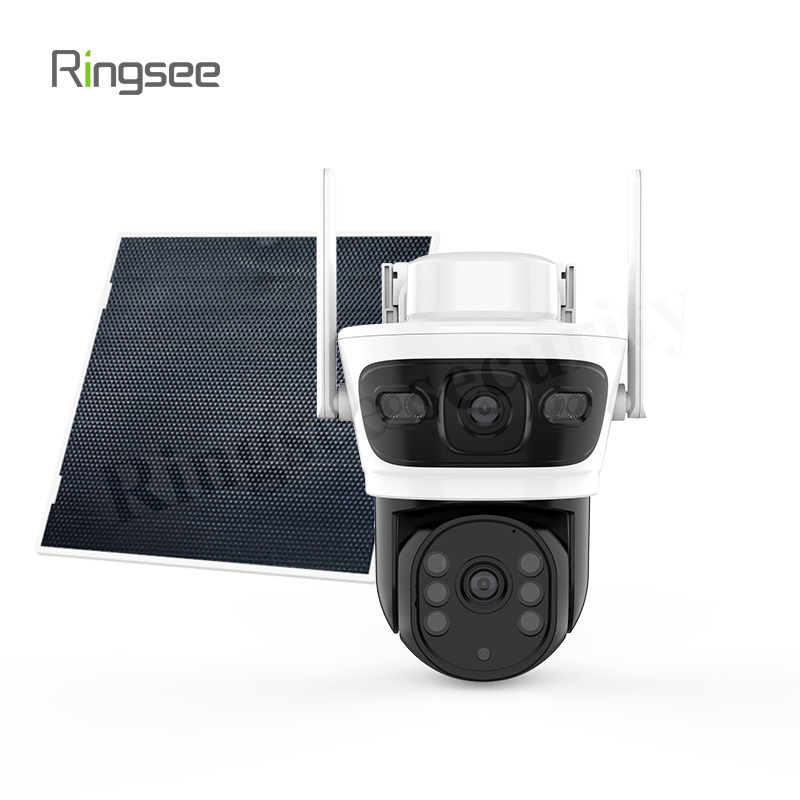
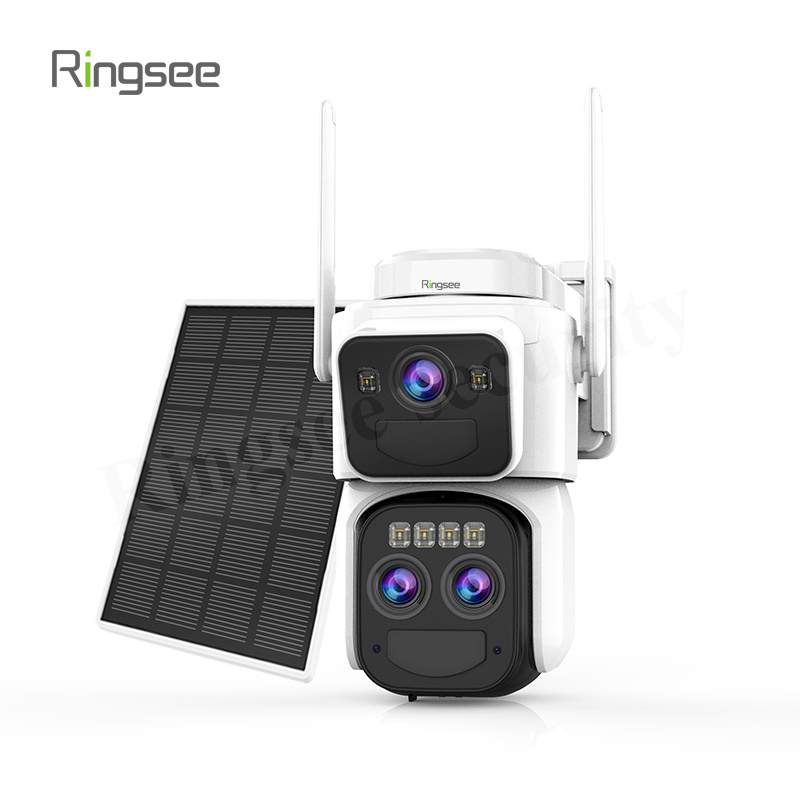
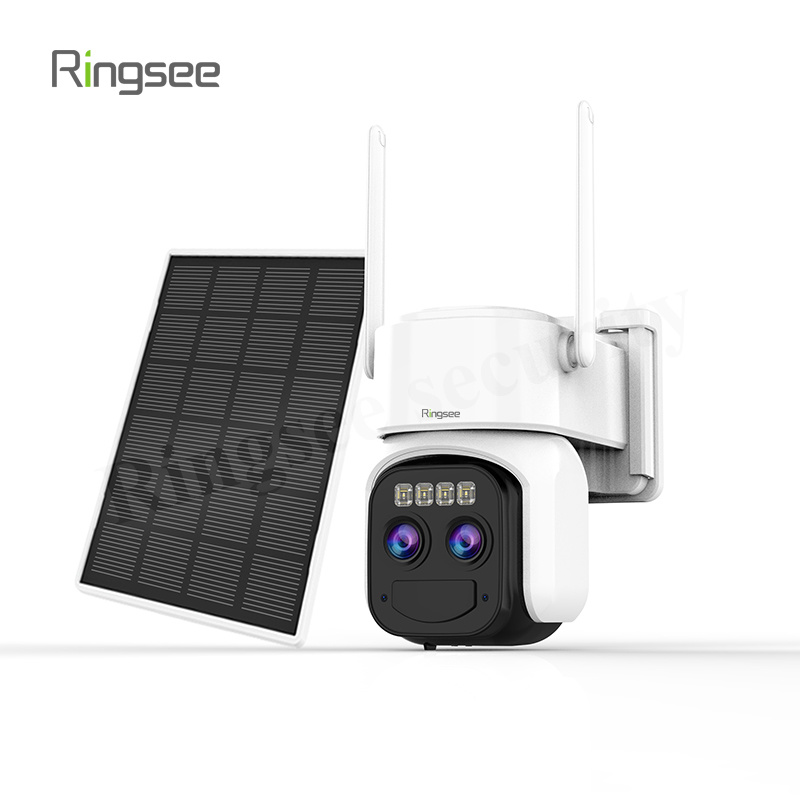
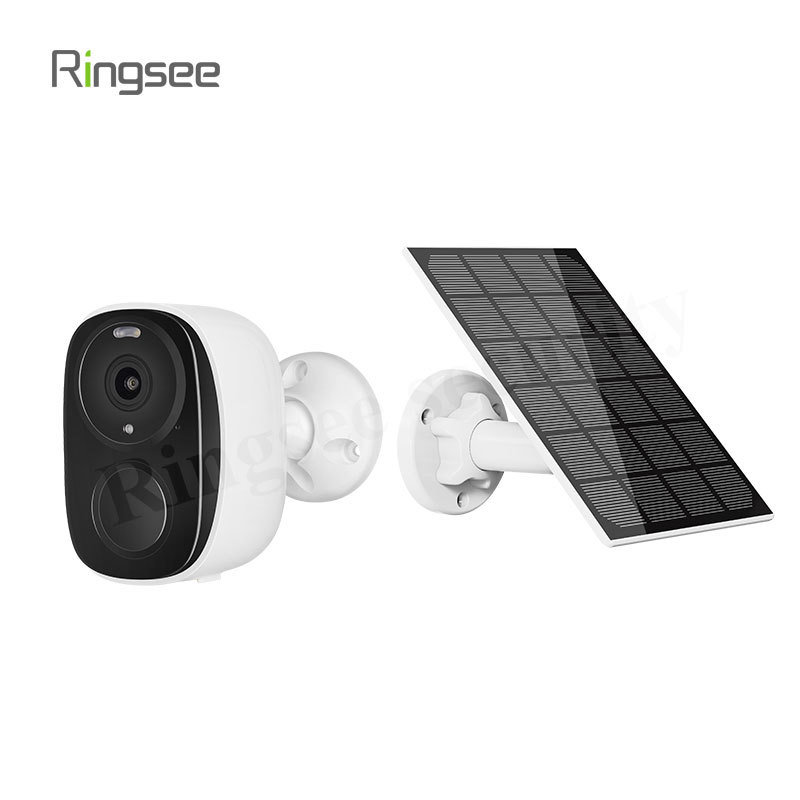
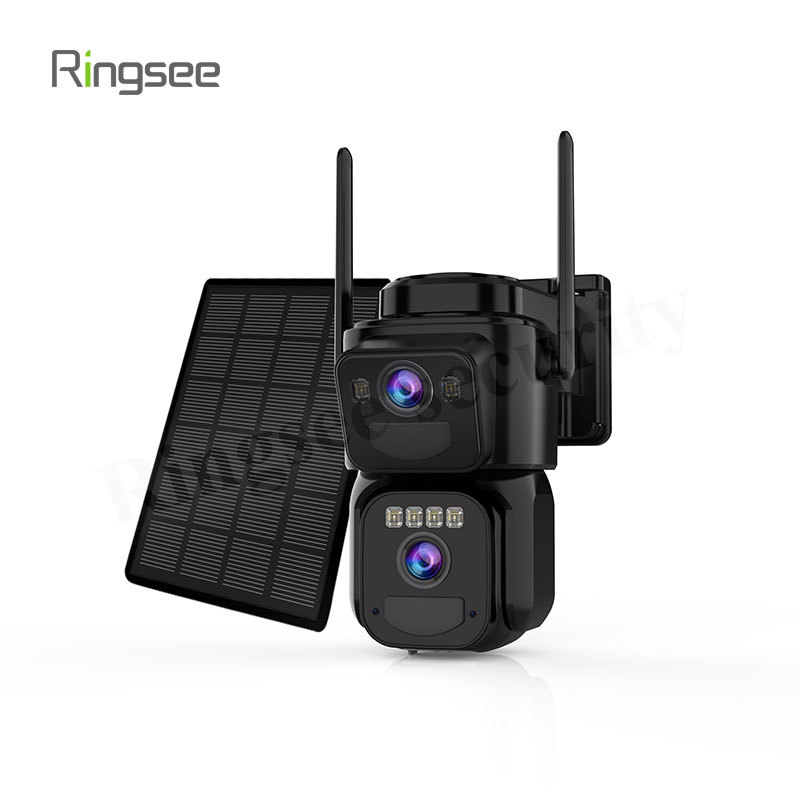
Lithium battery solar cameras are becoming a practical option for property owners who need security in places where wiring is difficult, expensive, or simply not available. By combining a solar panel with a rechargeable lithium battery, these cameras can store energy during the day and use it at night or during cloudy weather. For many users, that means easier installation, lower operating costs, and more flexible placement.
At the same time, a solar camera is not a “set it and forget it” product. Performance depends on sunlight, battery capacity, camera settings, network stability, and the local environment. The best results usually come from choosing the right location, understanding the camera’s power demands, and matching the product to the actual use case.

What is a Lithium Battery Solar Camera?
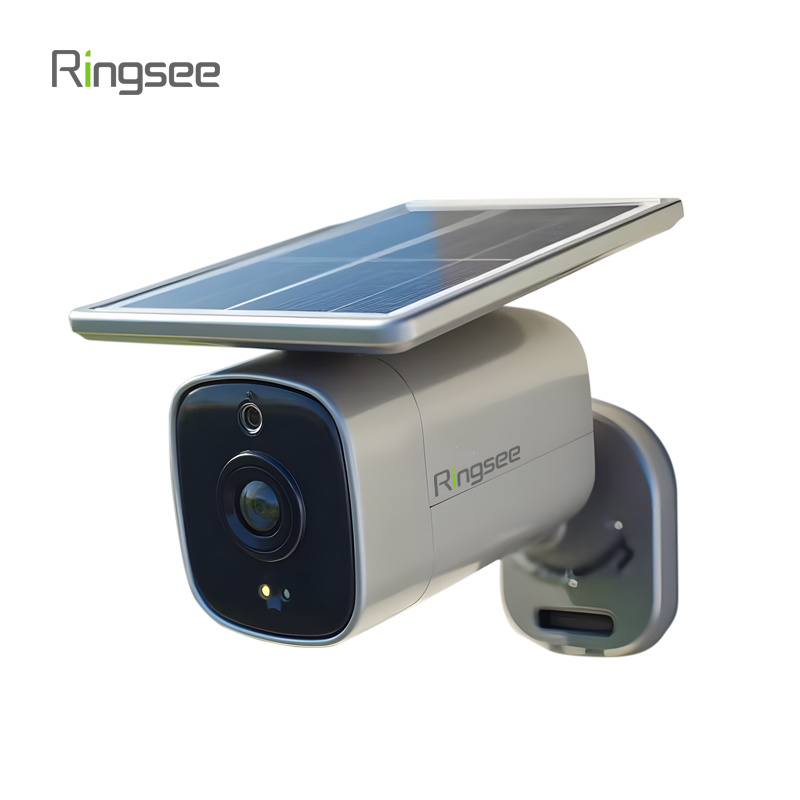
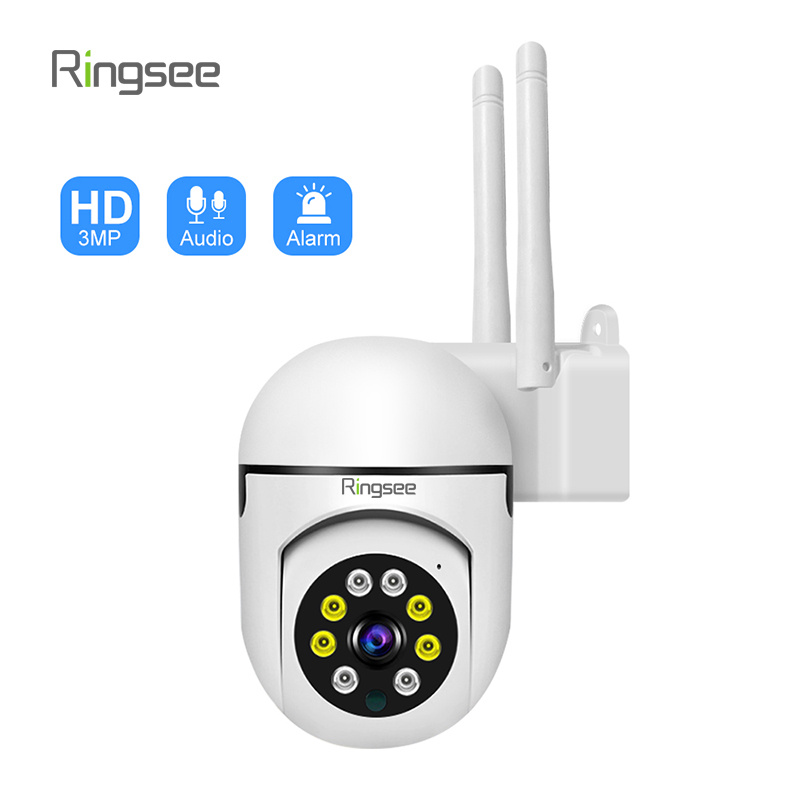
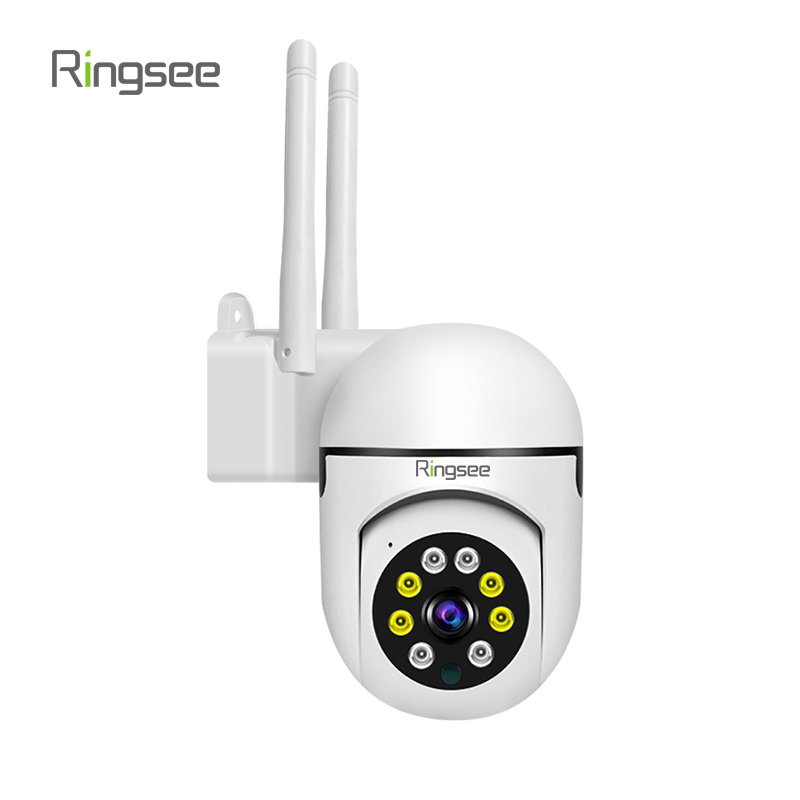
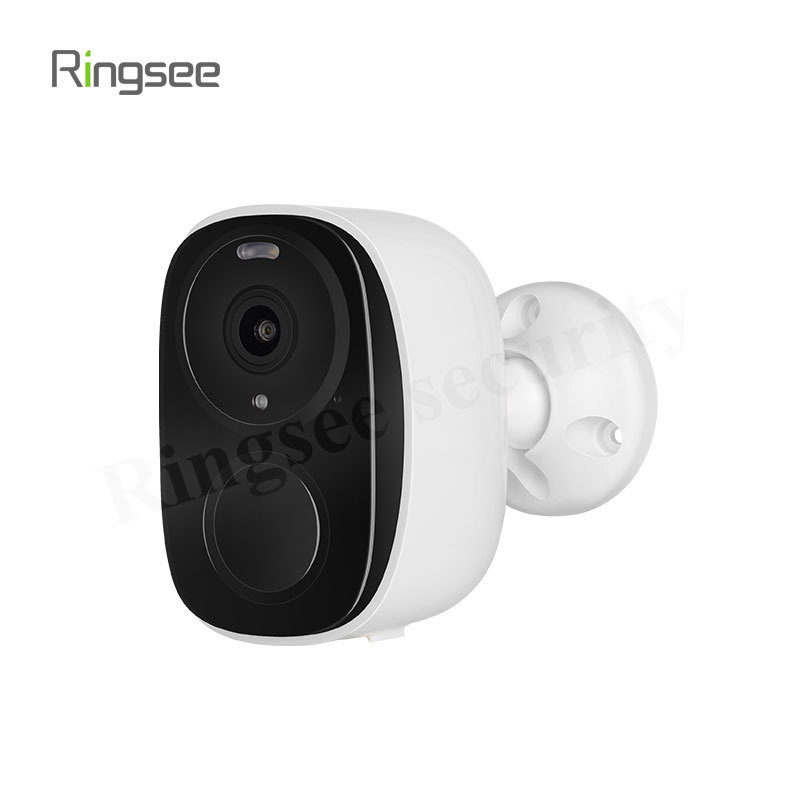
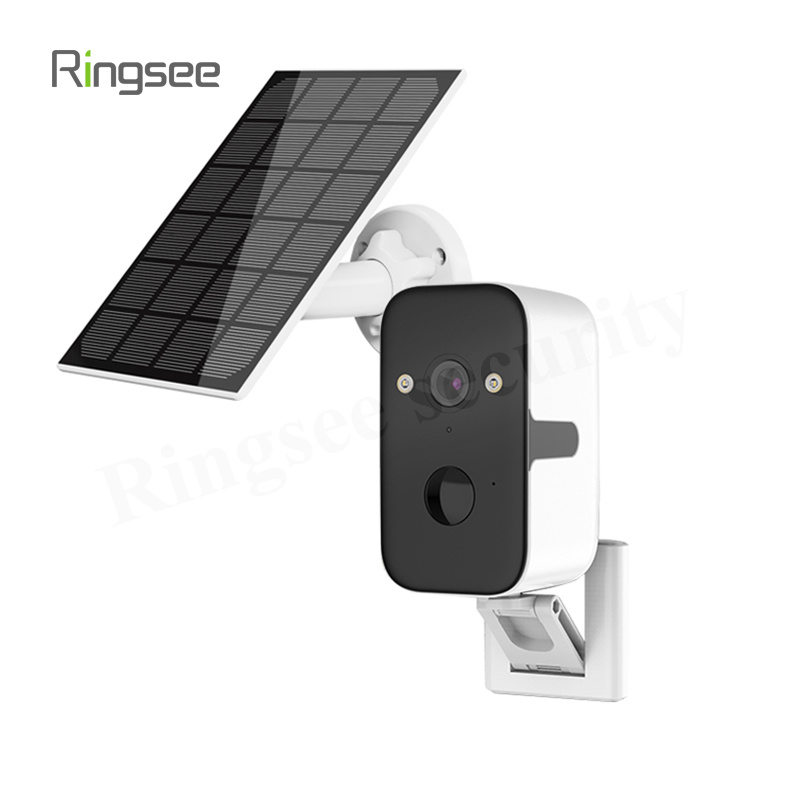
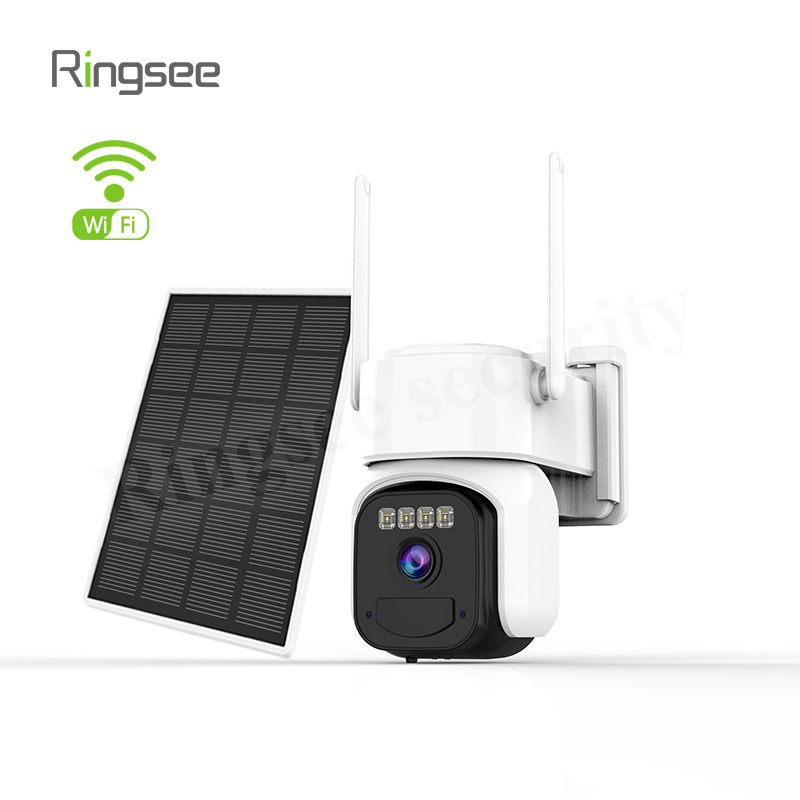
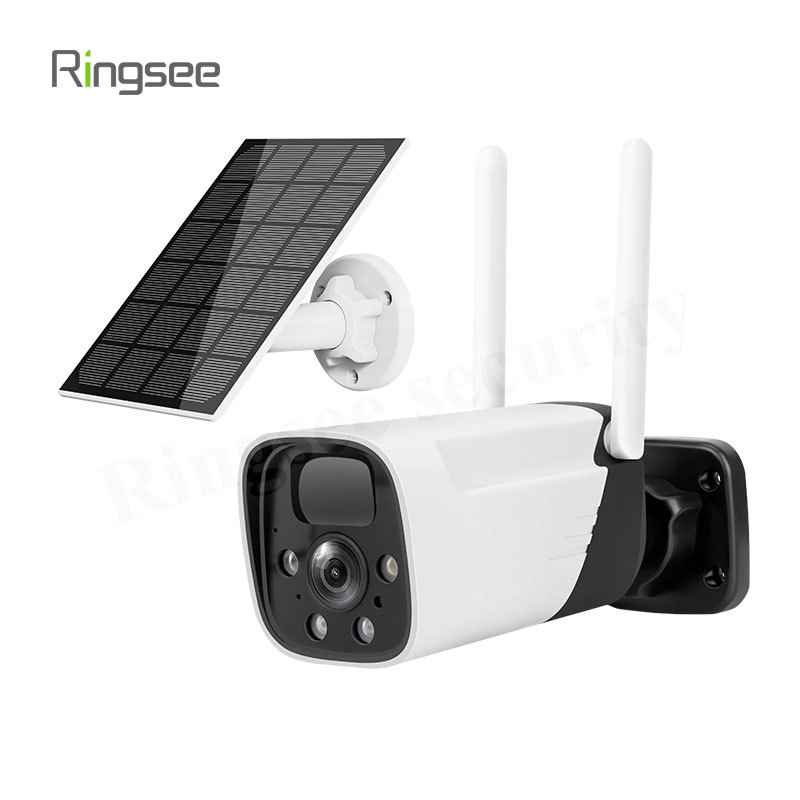
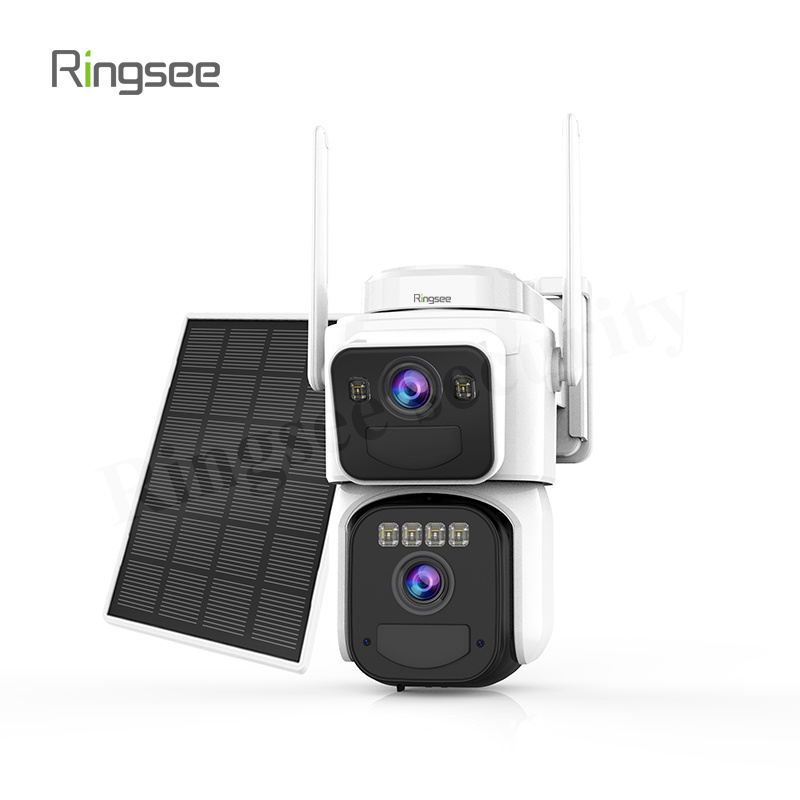
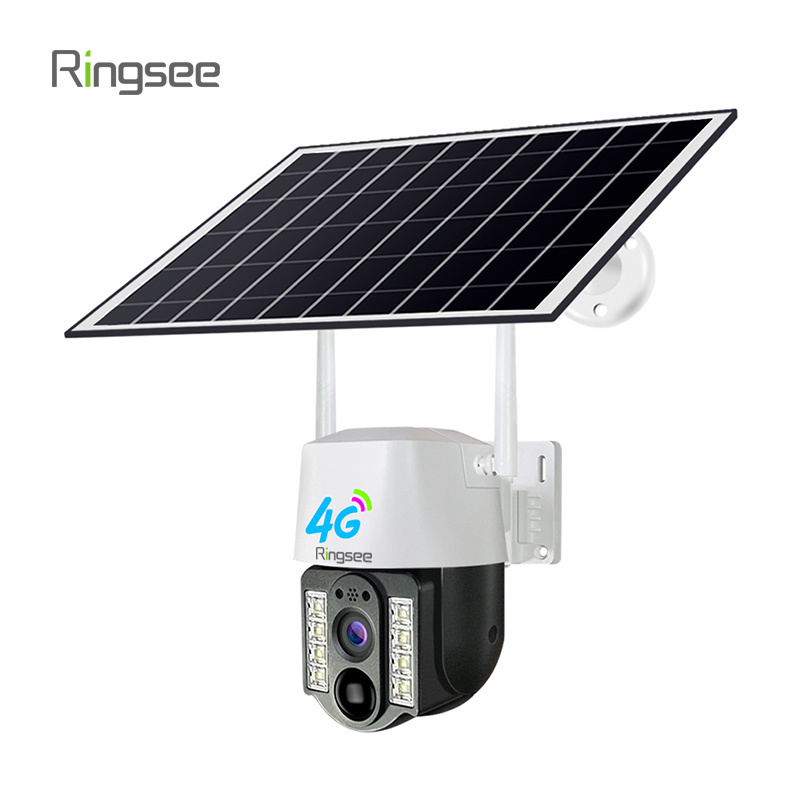
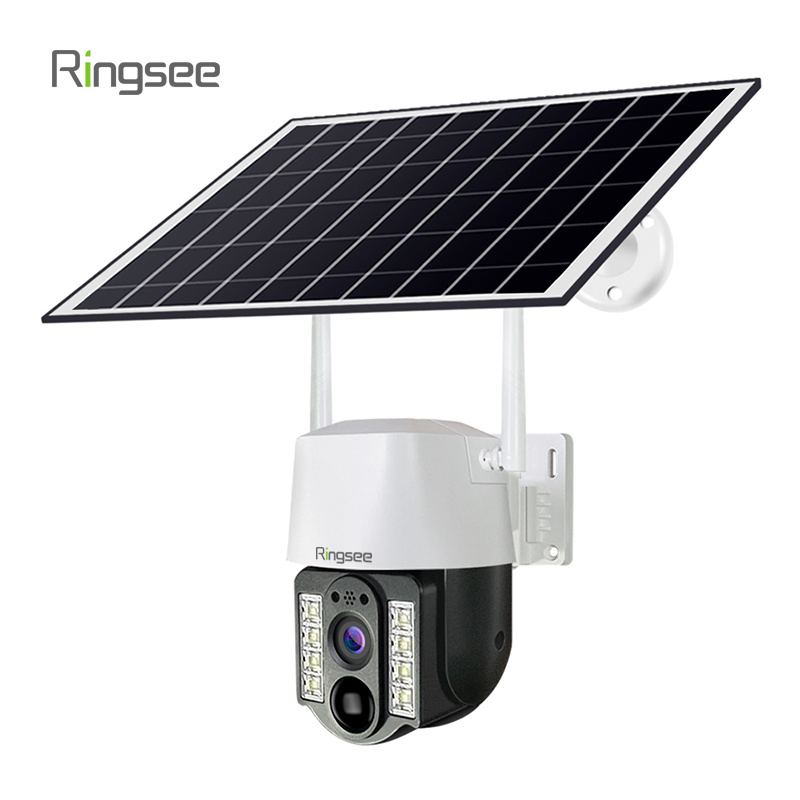
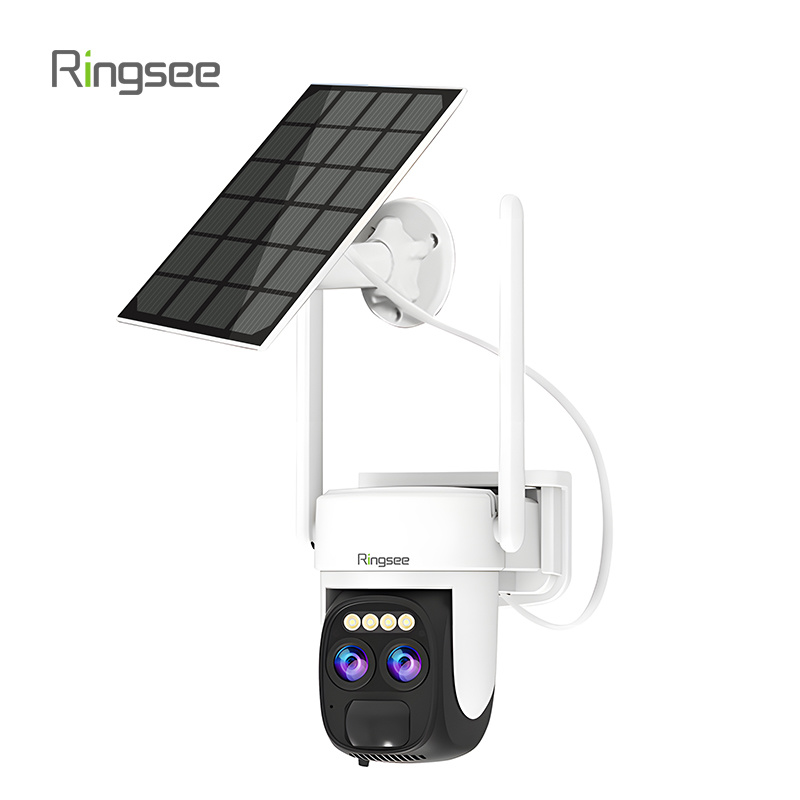
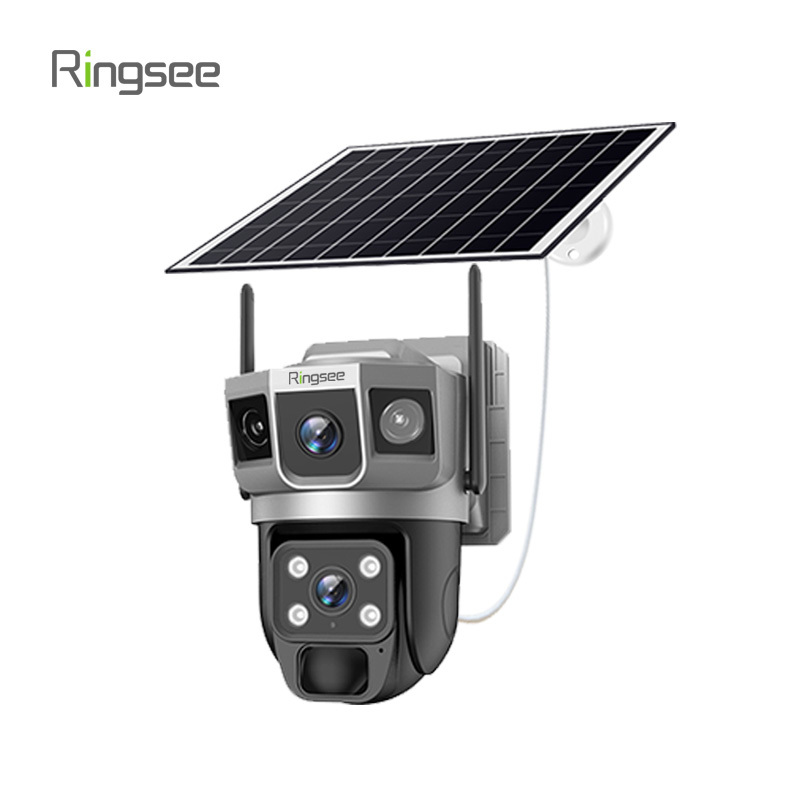
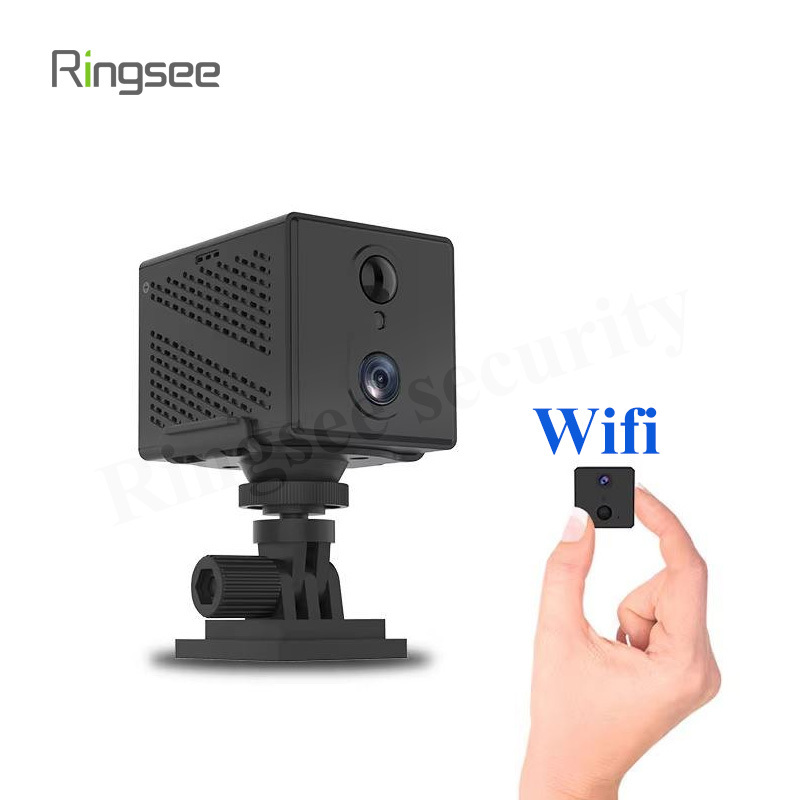
A lithium battery solar camera is a wireless security camera powered primarily by solar energy and supported by a rechargeable lithium battery. The solar panel charges the battery during the day, and the battery supplies power when the sun is not available.
This design is especially useful for:
- remote farms and ranches
- construction sites
- parking lots
- warehouses and storage yards
- vacation homes
- gates, fences, and entry points
- outdoor areas without easy access to power lines
Compared with traditional wired cameras, the main advantage is freedom from electrical outlets and long cable runs. That makes installation faster and more flexible in many outdoor scenarios.
Why People Choose Lithium Battery Solar Cameras
1. Easier installation
One of the biggest benefits is simple deployment. Since the camera does not depend on a nearby outlet, installation can be completed in places that would otherwise require trenching, electrician work, or complicated cable routing.
2. Lower ongoing power cost
Because the system relies on solar energy, it reduces or eliminates electricity costs for camera operation. Over time, that can be valuable for businesses or property owners managing multiple outdoor locations.
3. Better placement flexibility
Without power cables limiting the setup, users can position the camera where the view is best instead of where the outlet happens to be. That can improve both coverage and deterrence.
4. Suitable for off-grid security
For sites without stable electricity, solar battery cameras can be one of the most realistic surveillance options. They are often chosen for rural properties, temporary work zones, and emergency monitoring setups.
5. Lower maintenance than replaceable-battery systems

A well-designed solar camera can reduce the need for frequent manual charging or battery replacement. That said, “low maintenance” does not mean “no maintenance.” The panel still needs sunlight, and the battery still benefits from proper use and periodic checks.
Where the Technology Works Best
Lithium battery solar cameras perform best when the environment supports regular charging and stable operation.
Good use cases
They are usually a strong fit for outdoor locations with:
- direct sunlight for most of the day
- moderate motion activity
- intermittent recording rather than continuous recording
- reliable wireless signal
- easy mounting access for cleaning and inspection
Less ideal use cases
They may be less suitable when:
- the camera is installed under heavy shade
- the area has long winter darkness or frequent storms
- the user needs 24/7 continuous recording
- the network signal is weak or unstable
- the environment is extremely cold or extremely hot for long periods
In those cases, the camera may still work, but only if the hardware specification and installation plan are carefully matched to the conditions.
Key Performance Factors to Evaluate
Sunlight exposure
Solar charging depends on available light. A camera mounted under trees, eaves, or deep shadows may not receive enough energy to keep the battery at a healthy level.
Before installation, it is worth checking how much direct sunlight the site gets throughout the day, not just at noon.
Battery capacity
A larger battery can usually store more energy and support longer runtime during cloudy weather or high activity periods. But battery size alone does not guarantee performance. How the camera manages power matters just as much.
Recording mode
Motion-triggered recording typically consumes less power than continuous recording. If the camera supports adjustable sensitivity, event scheduling, or power-saving modes, those features can make a big difference.
Night vision behavior
Night vision is essential for security, but it also affects battery life. A camera that activates infrared lighting too often may drain power faster than expected, especially during long nights.
Wireless connection
If the camera relies on Wi-Fi or 4G, stable connectivity is important for live viewing, alerts, and remote playback. A weak signal can cause delays, dropped notifications, or failed uploads.
Weather resistance
Outdoor solar cameras should be designed for real weather conditions, including rain, dust, wind, heat, and cold. An outdoor rating and durable housing are not optional; they are part of long-term reliability.
Practical Buying Tips
Choose the right camera for the site
Start with the location, not the product brochure. Ask:
- Is this a high-traffic or low-traffic area?
- Is there direct sunlight?
- Is Wi-Fi available, or do I need cellular?
- Do I need live viewing, event alerts, or full recording?
- Is the goal deterrence, evidence capture, or general monitoring?
The answers will determine the best camera type.
Match power design to the workload

A camera installed in a quiet rural area will have different energy needs than one facing a busy driveway. More motion, more alerts, more night activity, and more live viewing all increase power consumption.
Look beyond headline specs
Megapixels, battery size, and solar panel wattage matter, but they do not tell the whole story. Also check:
- app stability
- alarm accuracy
- firmware update support
- storage options
- installation accessories
- after-sales support
Make sure the network plan is realistic
A camera that looks great on paper can still fail in the field if the signal is weak. Before buying, confirm whether the site supports Wi-Fi coverage or whether a 4G model is more appropriate.
Think about maintenance access
Even a solar camera needs occasional cleaning. Dust on the panel, spider webs on the lens, or leaves blocking sunlight can reduce performance. The best mounting position is secure, visible, and easy to reach safely.
Common Mistakes to Avoid
A lot of solar camera problems come from installation, not from the product itself. Common mistakes include:
- placing the panel in shade
- expecting continuous recording from a small battery system
- ignoring poor network coverage
- mounting the camera too low or in an exposed tampering point
- not checking local weather patterns
- using overly sensitive motion detection settings
Avoiding these issues can improve both battery life and overall reliability.
How Lithium Battery Solar Cameras Support Modern Security
For the right application, these cameras provide a balanced mix of convenience and resilience. They can reduce installation friction, extend security coverage to difficult locations, and support more flexible deployment than traditional wired systems.
That is why they are increasingly used in residential, agricultural, and commercial settings. In many cases, the value is not just that the camera works without a power line. The real value is that it can be installed where security is needed most.
FAQ
How long does a lithium battery solar camera last on one charge?
It depends on sunlight, battery size, recording frequency, motion activity, and night vision usage. A well-sited camera can run much longer than one installed in shade or in a high-activity zone.
Do lithium battery solar cameras work in winter?
Yes, but winter conditions can reduce charging efficiency. Shorter daylight hours, cloudy weather, and low temperatures can affect performance, so placement and battery sizing become more important.
Are solar cameras reliable for remote properties?
They can be very reliable when the site has enough sunlight and the camera is matched to the environment. For very remote areas, a model with strong battery management and stable connectivity is especially important.
Do these cameras need Wi-Fi?
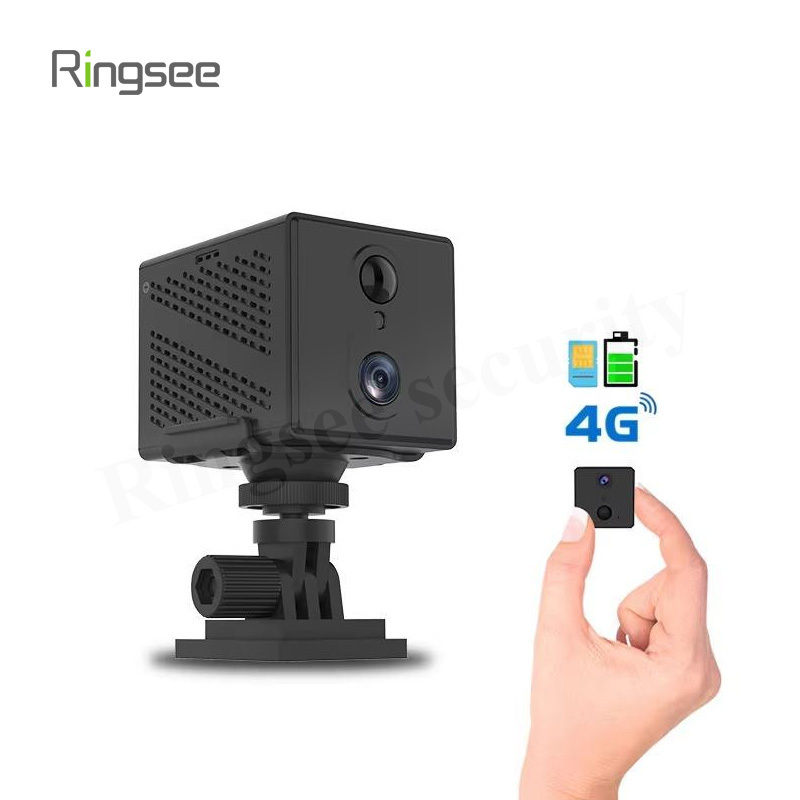
Some do, and some use 4G instead. The right choice depends on whether the site has Wi-Fi coverage and whether you need a completely off-grid network setup.
Conclusion
Lithium battery solar cameras are a strong security option for locations where wiring is difficult or impossible. They work best when the site has enough sunlight, the battery capacity matches the workload, and the network connection is stable. When those conditions are in place, they can deliver a flexible, efficient, and practical surveillance solution for both homes and businesses.
For Ringsee, this topic fits naturally within a broader low-power security camera strategy: use the right power design for the site, keep the installation practical, and focus on real-world reliability instead of just marketing claims.
Prev:
Related News
PoE was power. This is control: CCTV Network Security Hardening Guide
Short answer: video systems get breached the boring way, not through clever exploits - (1) factory default credentials never changed, (2) camera or NVR management ports forwarded to the public internet, (3) no separation between the CCTV network and the office LAN. Do three things: replace every default account and disableTelnet/FTP/UPnP/raw RTSP; put cameras in their own VLAN and only allow the NVR to initiate sessions; and reach video over VPN or a zero-trust gateway instead of a port mapping.
Oct 03,2026
PoE Power Design Guide for Security Cameras: Power Budget, Cable Voltage Drop and Distance Limits
Most "cameras keep restarting at night" incidents are not camera defects — they are power design errors. Three root causes cover the overwhelming majority of PoE failures: the power budget was sized on daytime draw instead of night peak, the cable is too thin so voltage drop exceeds the device undervoltage threshold, and the run simply exceeds the 100-metre channel limit. Memorise three numbers and you avoid most of the traps: 802.3af delivers 15.4 W, 802.3at delivers 30 W, and cable reach stops at 100 m.
Oct 03,2026
Bitrate (Mbps) is the single parameter that determines hard drive size, switch selection, and remote-viewing smoothness. Two formulas answer everything: storage per camera per day (GB) ≈ bitrate × 10.8, and total bandwidth = sum of simultaneous bitrates × 1.3 headroom. This guide covers encoding, calculation, and procurement sizing.
Sep 26,2026
CCTV Night Vision Technology Explained: Infrared vs Starlight Full-Color vs Hybrid Light
Three night vision routes and their real limits: 850nm vs 940nm infrared (red glow and range trade-offs), the lux threshold of true starlight cameras (0.001-0.005 lux), light-pollution risks of warm-light supplement, and AI-triggered hybrid switching — plus a six-point datasheet verification method and a 20-minute night PoC test.
Sep 26,2026
CCTV Lens Selection Technical Guide: Focal Length, Pixel Density & the DORI Standard in Practice
Why can't a 4K camera read faces? Because identification depends on pixel density, not total pixels. Using the EN 62676-4 DORI standard, this guide gives the full focal-length / distance / field-of-view formulas, a lens selection lookup table, and the real impact of sensor size and aperture on night vision.
Sep 19,2026
Links:One Belt Power Technology
Add: 14th Floor, Baoshan Building, Longhua District, Shenzhen China.
Privacy Policy | SEO | CitySite | Support: 300.cn Dongguan