
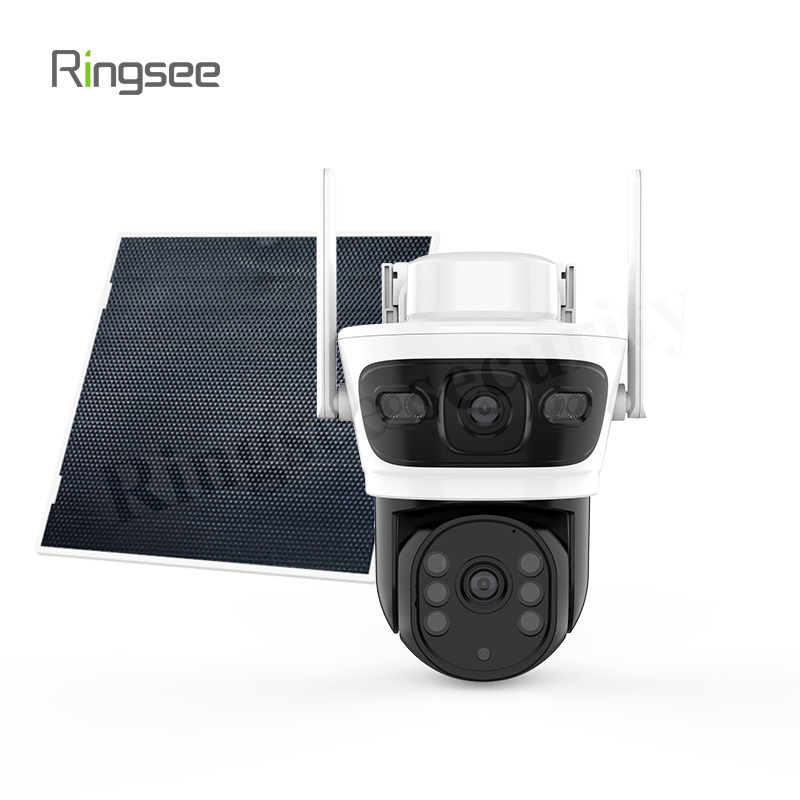
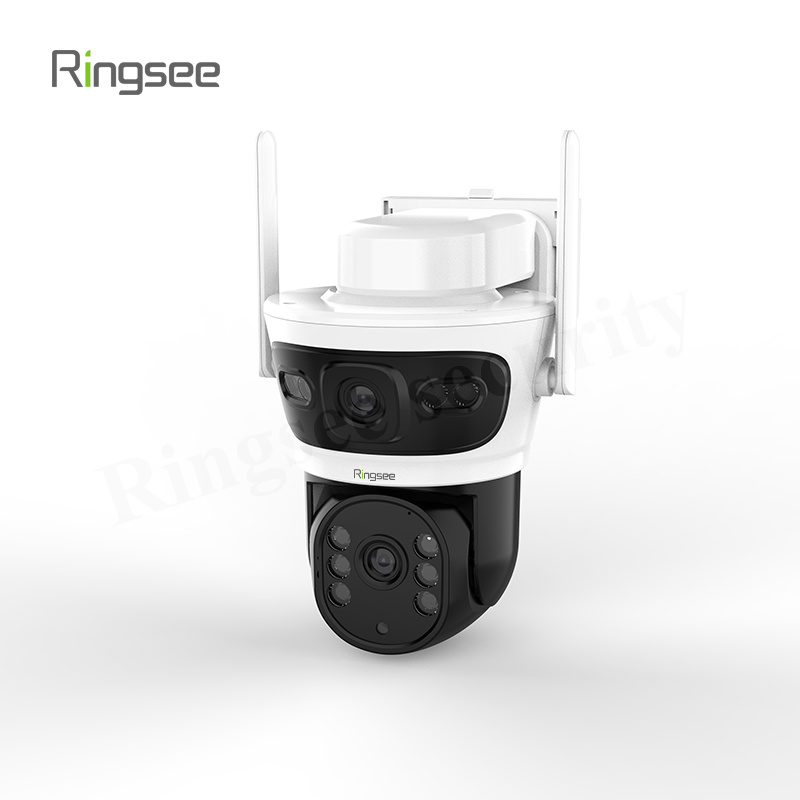
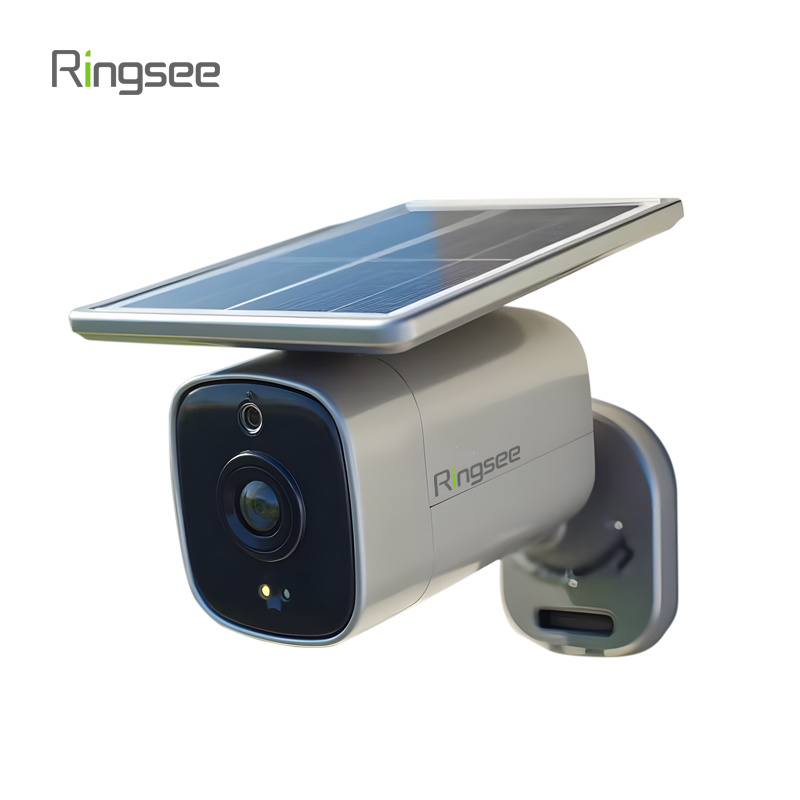
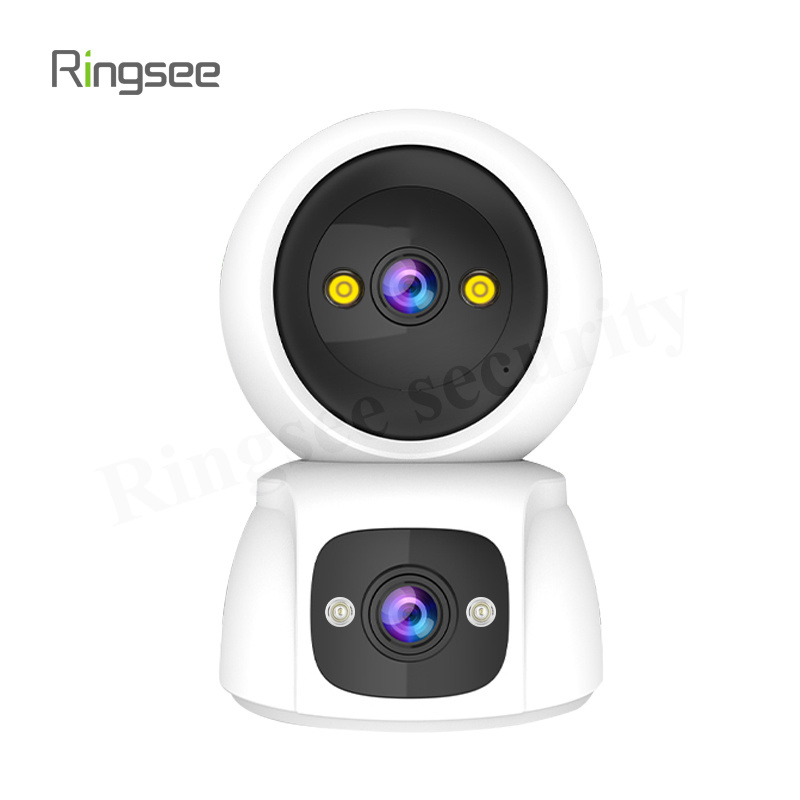
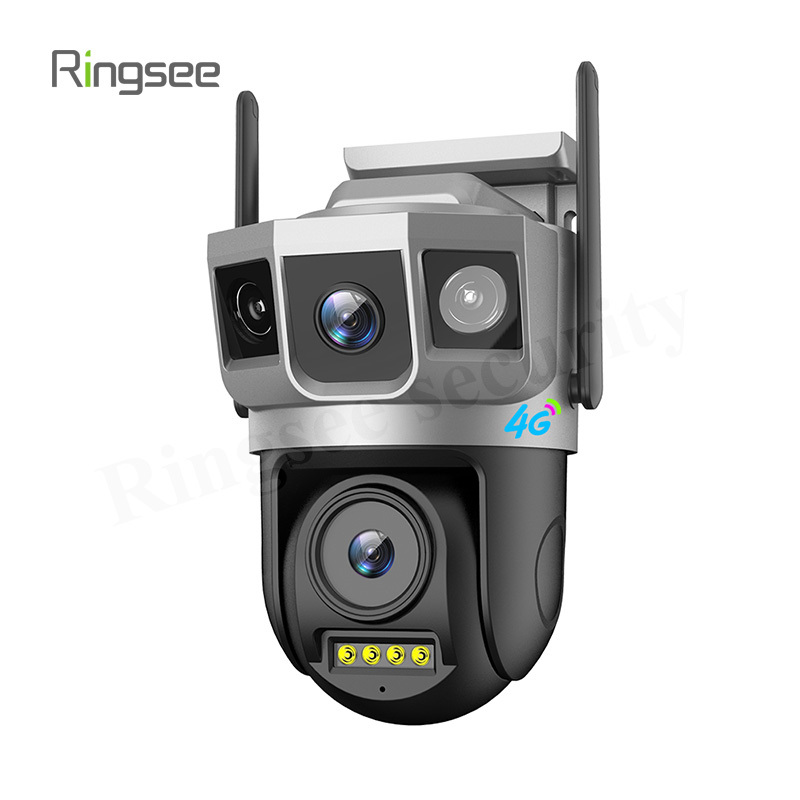
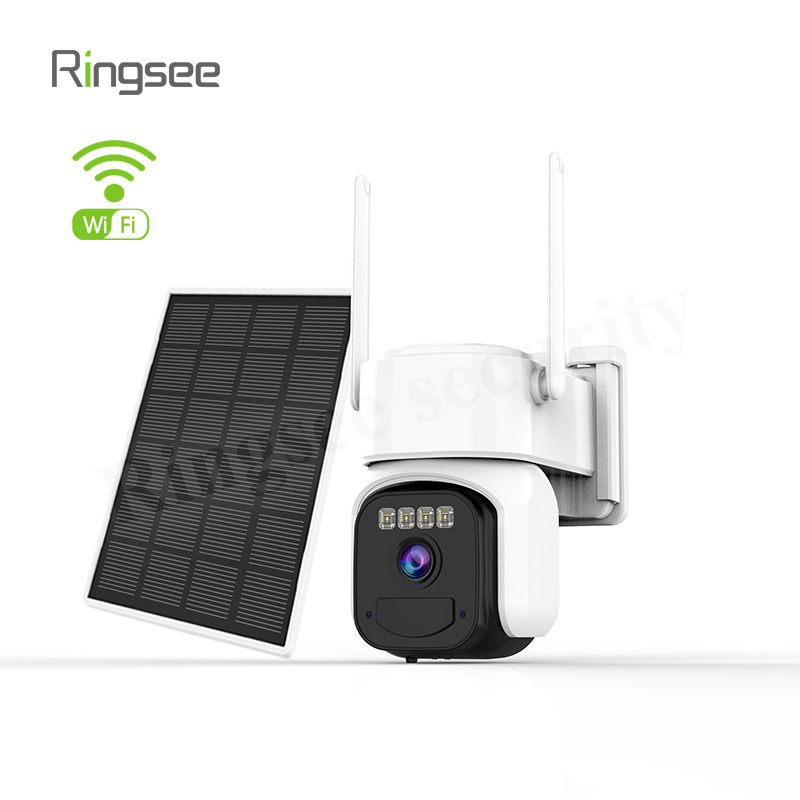
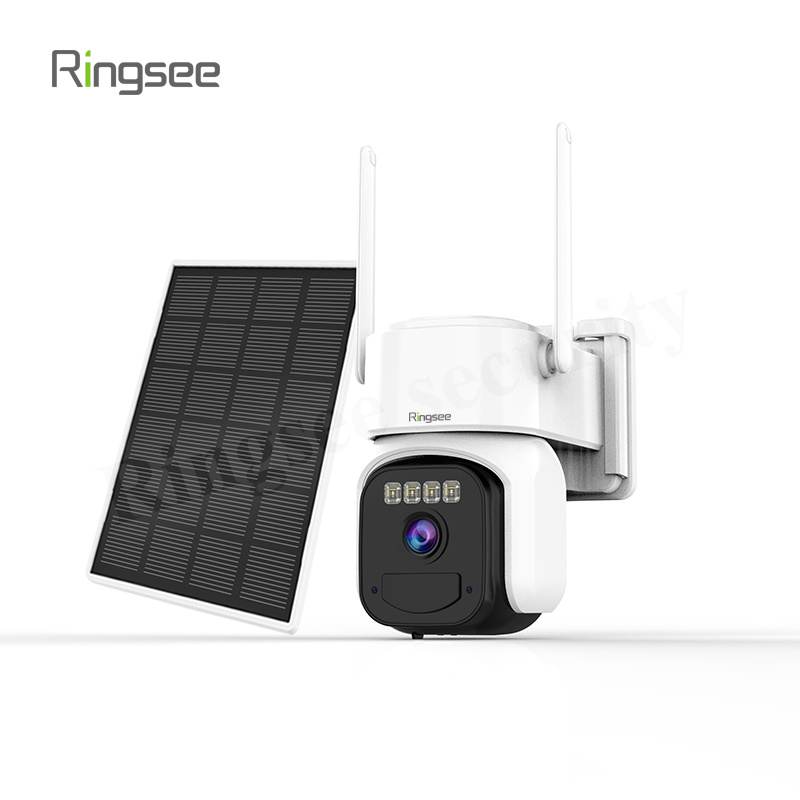
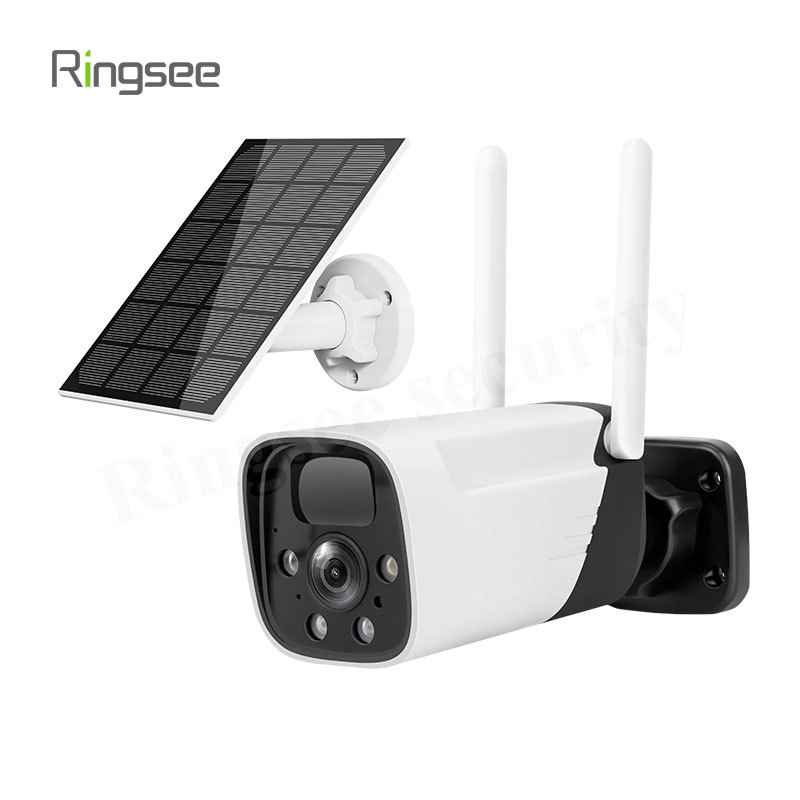
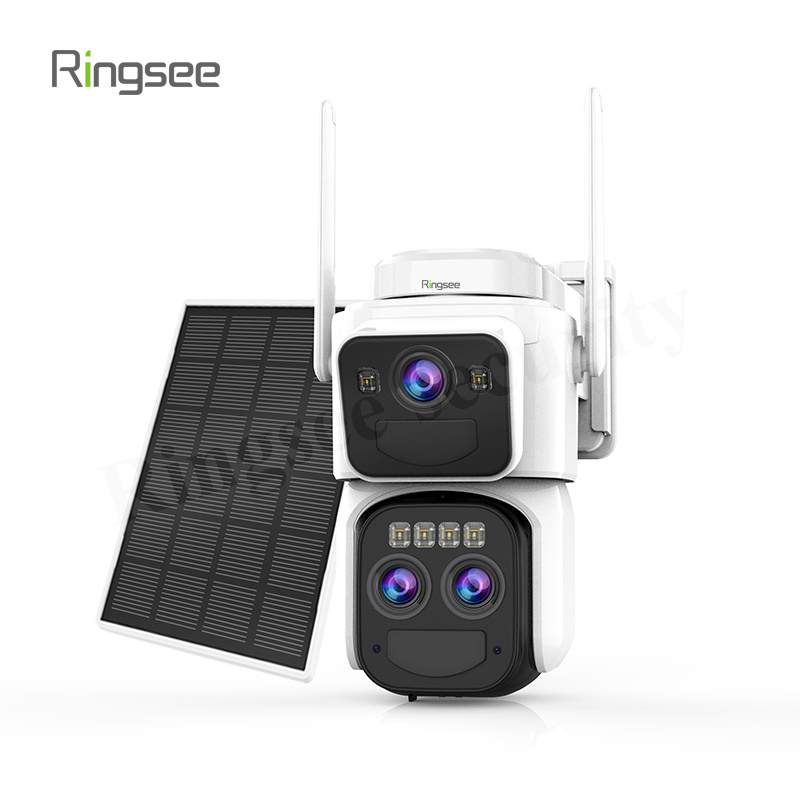
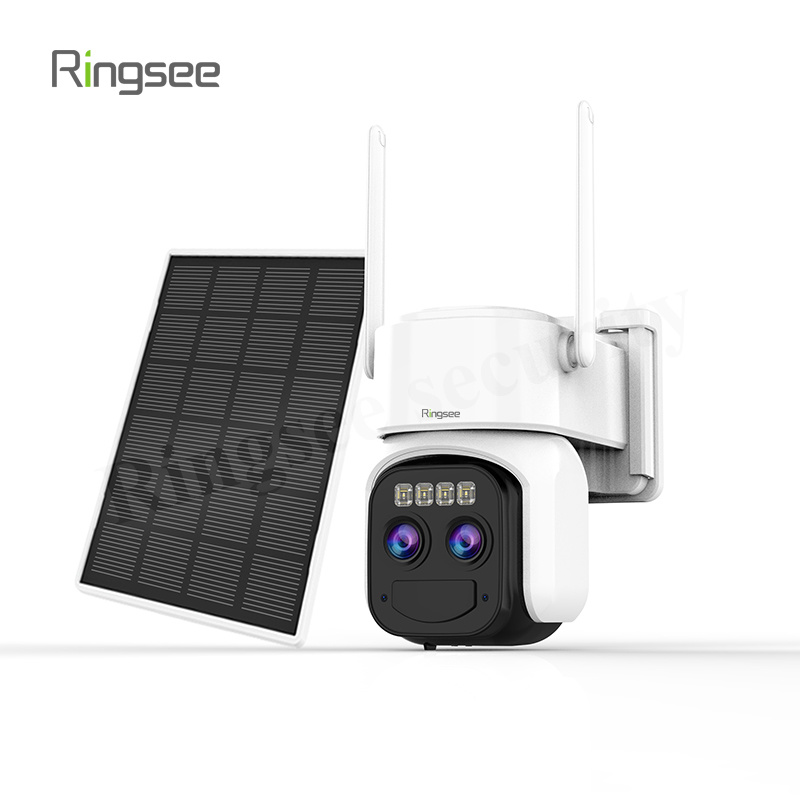
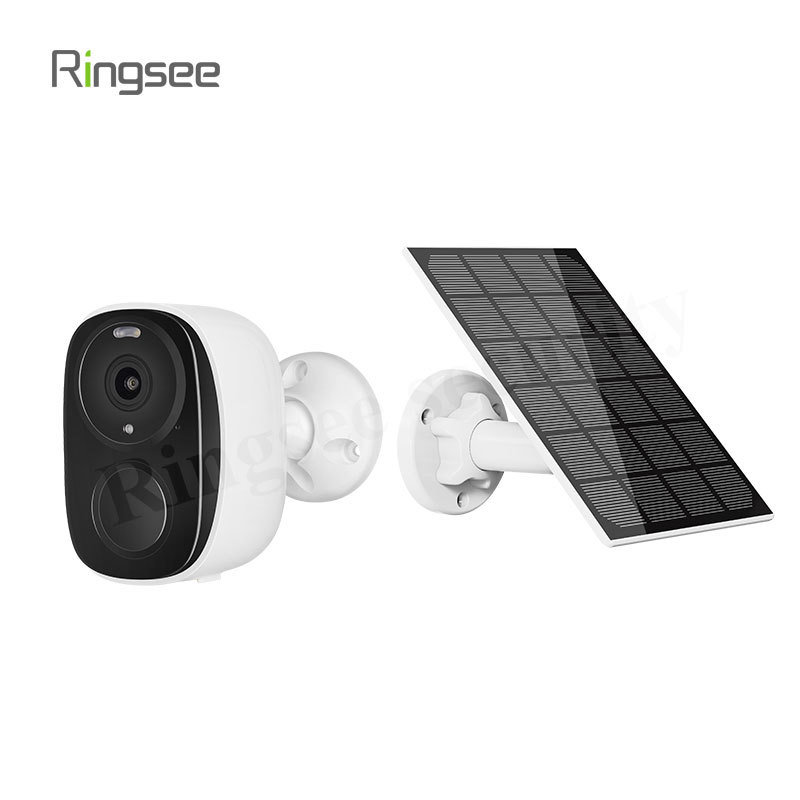
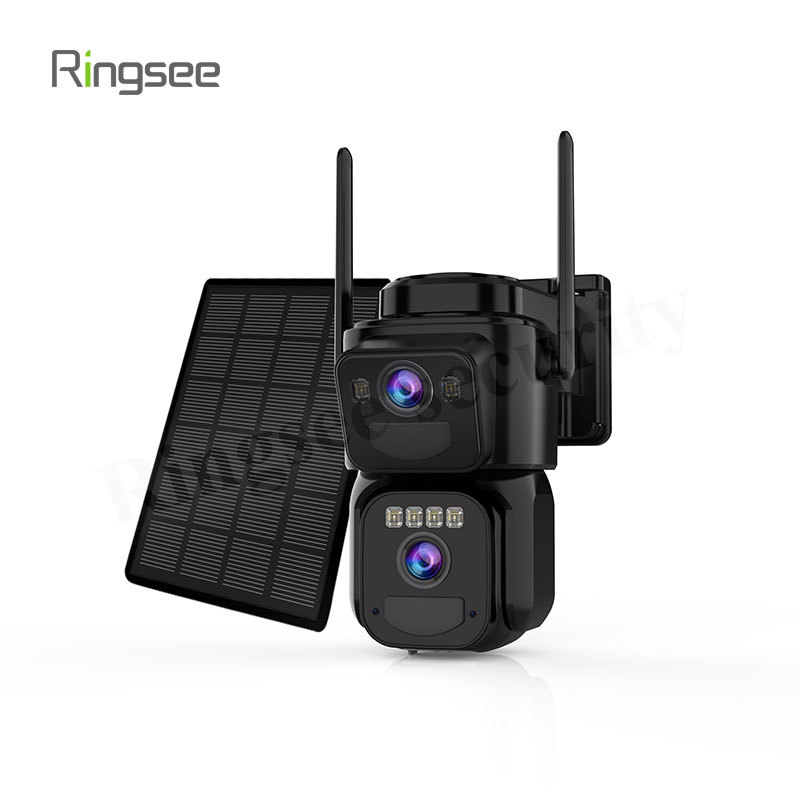





How to Choose a 4G Solar Security Camera — Rural Properties, Orchards, Ponds & Sites
Publish:
2026-06-06 12:47
Source:
https://www.ring-see.com
Guide for off-grid locations. Covers solar panel sizing, battery capacity, 4G data plans, PIR vs AI detection, storage, and installation.
TL;DR
- ✅ Solar panel: min 6W monocrystalline. Below that = fails after 2 cloudy days.
- ✅ Battery: min 10,000mAh (3.7V, ~37Wh). Below 6,000mAh fails quickly.
- ✅ PIR ≠ AI detection. PIR triggers on any heat change. AI filters by shape — false alarms 10× lower. Ask what you're buying.
- ✅ Test 4G first: upload ≥2 Mbps at install site. Weak signal? Get external antenna port.
- ✅ Storage: always SD card local. Cloud-only = no footage when 4G drops.
1. Is It Worth Installing?
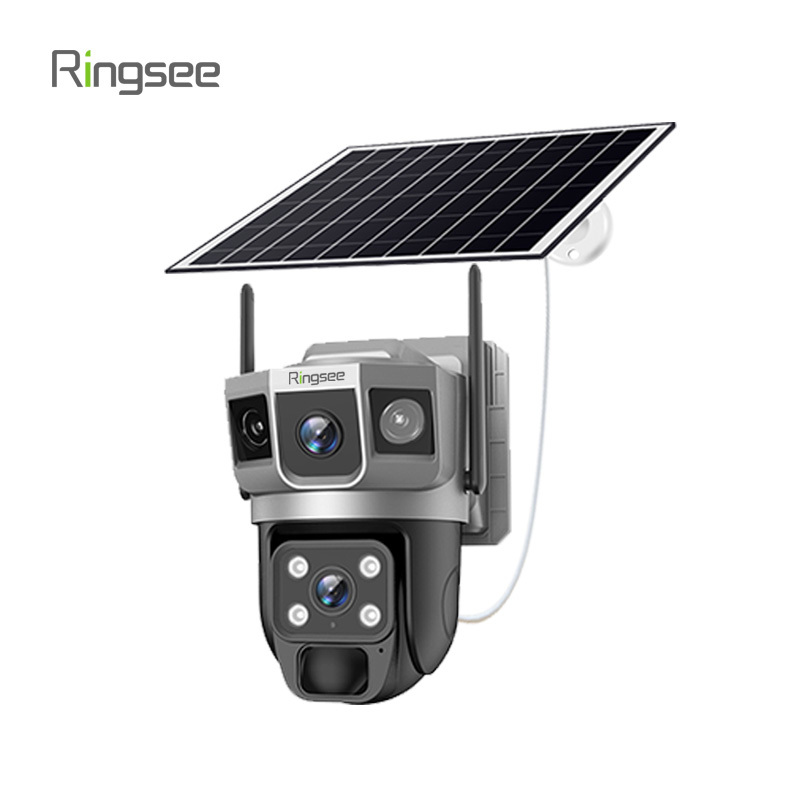
For off-grid locations, 4G solar camera is the only viable remote monitoring — no alternative. Benefits: protect orchards/ponds/equipment; no power/internet needed; deterrent (floodlight+siren stops most intruders).
Install if any ONE applies: no grid power (or cabling >$230); no broadband; valuable assets; property mostly empty; history of theft.
2. Key Selection Factors
### Solar Panel & Battery
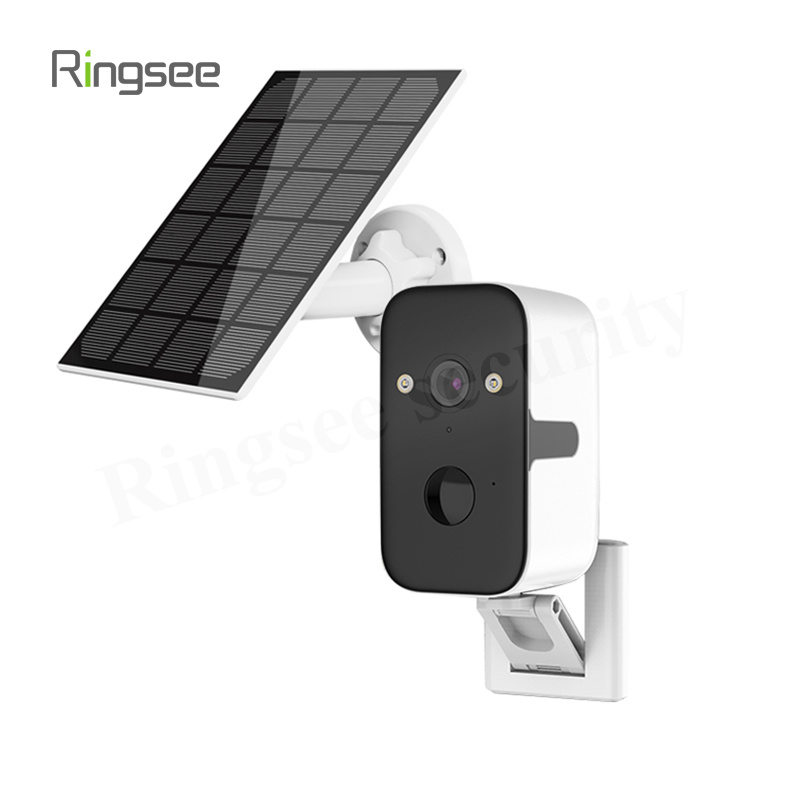
**Min: 6W monocrystalline + 10,000mAh.**
Tier | Panel | Battery | Overcast Endurance |
--- | --- | --- | --- |
Entry | 3–5W poly | 4–6k mAh | 1–2 days (PIR) |
Standard | 6–10W mono | 10–15k mAh | 3–5 days (PIR) |
High | 15W+ mono + bracket | 20k+ mAh | 7–10 days (PIR) |
> Poly loses 30–40% more efficiency in low light. Compare in Wh (mAh × V / 1000).
### Panel Angle
**South-facing tilt = latitude generates 15–30% more power than flat.** In Northern Hemisphere: face true south; tilt = latitude +15° in winter, -15° in summer. One leaf on 1/10 of panel can cut output >50%.
### 4G Data & Signal
**PIR mode: ~100–300 MB/day (3–9 GB/month). Continuous: 8–15 GB/day — not recommended.**
Mode | Daily | Monthly | Plan |
--- | --- | --- | --- |
PIR trigger | 100–300 MB | 3–9 GB | IoT SIM (~$2–5/mo) |
Scheduled (6h/d) | 2–4 GB | 60–120 GB | Large plan (~$6–12/mo) |
> Acceptable signal: RSRP ≥ -105 dBm. Below -115 dBm → external antenna. Test all carriers (rural coverage varies).
### Image Quality
**1080p (2MP) is the sweet spot.** 4MP may lag on 4G remote view and doubles storage. 4K absent from solar product lines. Lens: 2.8mm (~100°) covers yards up to ~80m².
### PIR vs AI Detection
Method | Principle | False Alarms/Day | Power |
--- | --- | --- | --- |
PIR | Infrared heat change | 10–30 | ~0.1mA |
AI human | Image analysis | 2–5 | ~10–20mA |
PIR + AI (recommended) | PIR wakes → AI confirms | 1–3 | Balanced |
> Pay $7–15 extra for PIR+AI. Worth it in saved data and fewer false alerts.
### Storage
Method | Reliability | Monthly Cost | When 4G drops |
--- | --- | --- | --- |
SD local | Medium | One-time (~$5/64GB) | Keeps recording |
Cloud only | Low | $2–5/mo | Footage lost |
SD + Cloud | High | Both | Local always safe |
> Use "high endurance/industrial" microSD. Consumer cards fail in outdoor -20°C~60°C.
3. Scene Table
Scenario | Setup | Budget |
--- | --- | --- |
Rural yard (50–200m²) | 1–2× 1080P + 6W + 10,000mAh + PIR+AI | $60–$180/unit |
Orchard (500m²+) | 2–4× + 10W+ + ext antenna | $120–$450/set |
Fish pond | 1–2× 1080P + IP67 + 15W + 20k mAh | $90–$270/unit |
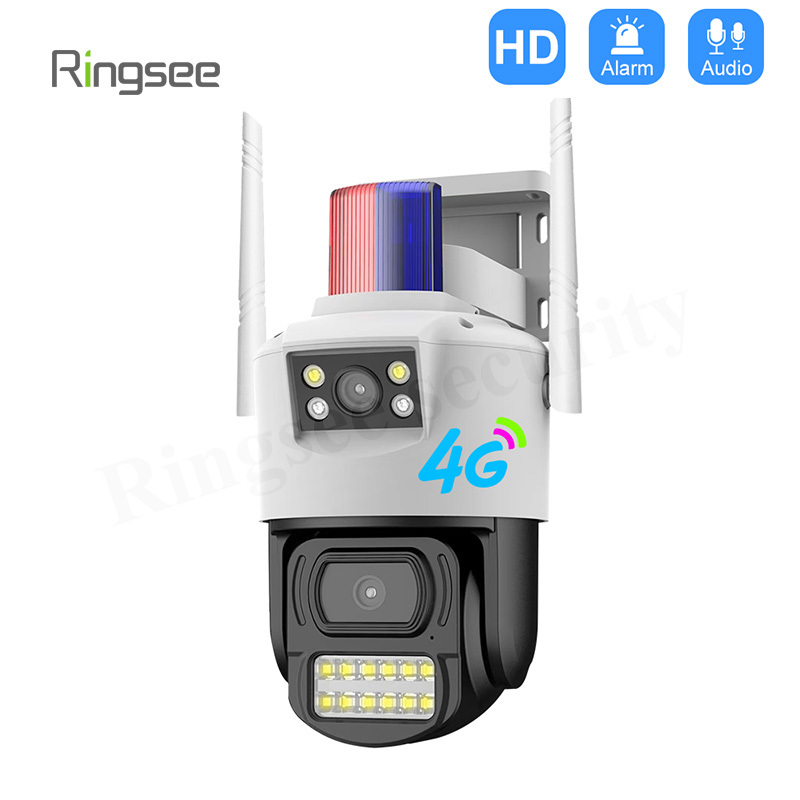
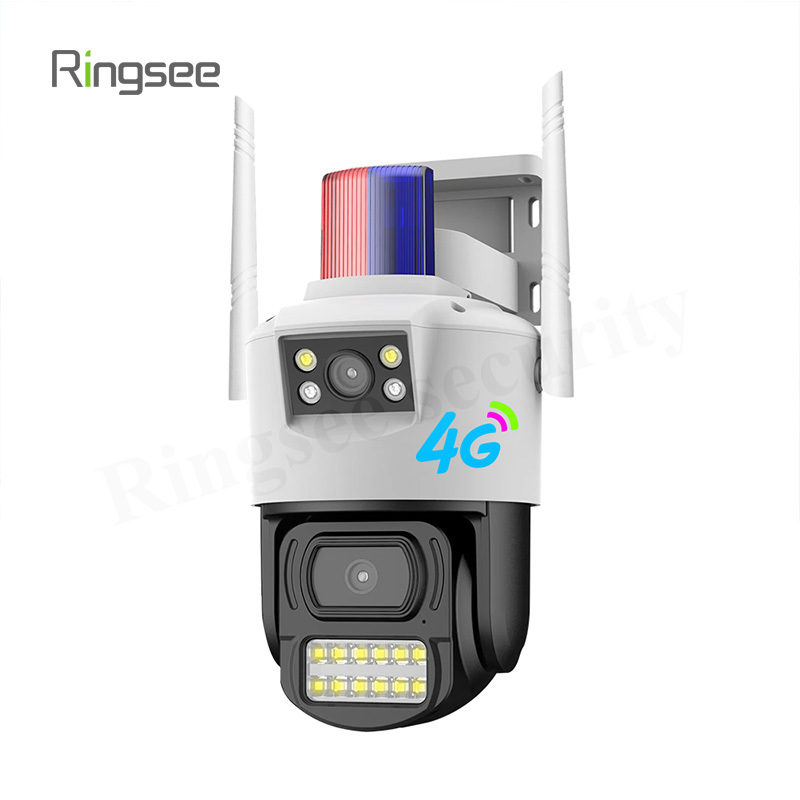
Construction site | 2–4× + 4G PTZ + siren | $180–$600/set |
4. FAQ
**Q: Dies after a week of rain?**
Standard (10W+10k) lasts 3–5 days PIR mode. Upgrade to 15W+20k for longer rainy periods.
**Q: 4G data usage?**
PIR mode: 3–9 GB/month. Frequent traffic doubles it. Test one week first.
**Q: No signal in mountains?**
Test all carriers. RSRP < -110 dBm → external antenna, raise 20–30cm (gains 5–10 dBm).
**Q: Works at -20°C?**
Only if rated -20°C. Li batteries stop charging below -10°C. Extreme cold → low-temp battery pack. Panels work slightly better in cold.
**Q: Is 12m PIR range real?**
Lab (23°C ambient): 12m. Summer (35°C): only 5–7m. Winter: often exceeds rating.
**Q: Camera itself stolen?**
Mount ≥3.5m (reduces risk ~60%). Tamper-proof screws + metal bracket. No 100% solution, only risk reduction.
5. Decision Tree
1. Sunshine ≥4h/day? → 6–10W+10k. No → 15W++20k+.
2. Upload ≥2Mbps? → Standard 4G. No → external antenna + try other carriers.
3. Main threat = humans? → PIR+AI. Only animals? → basic PIR.
4. Unstable 4G? → SD+cloud. Stable? → SD primary, cloud optional.
6. Compliance
Panel: true south, tilt ≈ latitude. Height: 3–3.5m. Open areas: add surge protection. Don't point at neighbors' private areas. SIM must be real-name registered.
Related News
Bottom line: AI surveillance is not turn it on and it works. In engineering you must first decide where compute runs - in the camera (edge), in the recorder or server (center), or both - choose the right algorithm and know its accuracy preconditions, then use three moves: rule tightening, environment adaptation, and multi-stage verification, to push false alarms from dozens per day to usable. A camera that alarms all day is as good as no camera. This guide upgrades the earlier consumer view of how to choose an AI camera into a B2B engineering deployment view: how to choose the compute architecture, how to control false alarms, and how AI connects to image quality, bandwidth, and security covered in earlier articles.
Oct 17,2026
Off-Grid CCTV Deployment Guide: Solar Power and 4G/5G Backhaul Design
Bottom line: off-grid surveillance (solar + 4G) fails nine times out of ten not because the camera is poor, but because the power budget and the data traffic were miscalculated - sizing panels and batteries from peak watts dies on the first cloudy spell, and choosing 4G by "it connects" blows the data plan or stalls on weak signal. This guide covers how to decide whether off-grid is even the right call, a 24-hour watt-hour power budget, panel and battery sizing (Peak Sun Hours, depth of discharge, rainy-day autonomy), low-power PIR design, 4G/5G traffic budgeting and multi-carrier options, surge/grounding and winter heating, plus procurement contract fields and acceptance tests.
Oct 17,2026
Off-Grid CCTV Deployment Guide: Solar Power and 4G/5G Backhaul Design
Bottom line: off-grid surveillance (solar + 4G) fails nine times out of ten not because the camera is poor, but because the power budget and the data traffic were miscalculated - sizing panels and batteries from peak watts dies on the first cloudy spell, and choosing 4G by "it connects" blows the data plan or stalls on weak signal. This guide covers how to decide whether off-grid is even the right call, a 24-hour watt-hour power budget, panel and battery sizing (Peak Sun Hours, depth of discharge, rainy-day autonomy), low-power PIR design, 4G/5G traffic budgeting and multi-carrier options, surge/grounding and winter heating, plus procurement contract fields and acceptance tests.
Oct 10,2026
CCTV Image Quality Tuning Guide: WDR, Backlight, Denoise and Low-Light ISP Settings
Bottom line: two cameras with the same 4MP sensor can look completely different on the same scene - the difference is not the sensor, it is how the ISP and encoder are tuned for that scene. Four dials decide whether the image is usable: WDR, backlight/highlight handling, temporal denoise (3D DNR) and low-light gain. This guide walks the four-stage imaging chain (lens -> sensor -> ISP -> encoder), the WDR / backlight / denoise / low-light settings that matter, how each one spends bandwidth, and a field tuning SOP plus acceptance tests you can hand to an installer.
Oct 10,2026
PoE was power. This is control: CCTV Network Security Hardening Guide
Short answer: video systems get breached the boring way, not through clever exploits - (1) factory default credentials never changed, (2) camera or NVR management ports forwarded to the public internet, (3) no separation between the CCTV network and the office LAN. Do three things: replace every default account and disableTelnet/FTP/UPnP/raw RTSP; put cameras in their own VLAN and only allow the NVR to initiate sessions; and reach video over VPN or a zero-trust gateway instead of a port mapping.
Oct 03,2026
Links:One Belt Power Technology
Add: 14th Floor, Baoshan Building, Longhua District, Shenzhen China.
Privacy Policy | SEO | CitySite | Support: 300.cn Dongguan