





How to Choose a CCTV Camera for Your Shop – A Practical Guide for Restaurants, Convenience Stores & Small Retail
Publish:
2026-06-06 12:12
Source:
https://www.ring-see.com
This guide helps small business owners select the right surveillance camera system. It covers resolution, night vision, power and networking, storage, IP rating, and lens selection, providing clear, data-backed recommendations for shops between 30㎡ and 300㎡.
TL;DR – Quick Takeaways
- ✅ If you can run Ethernet cables, choose PoE (Power over Ethernet) – stable, low latency, no wireless interference. Starter kits from $80.
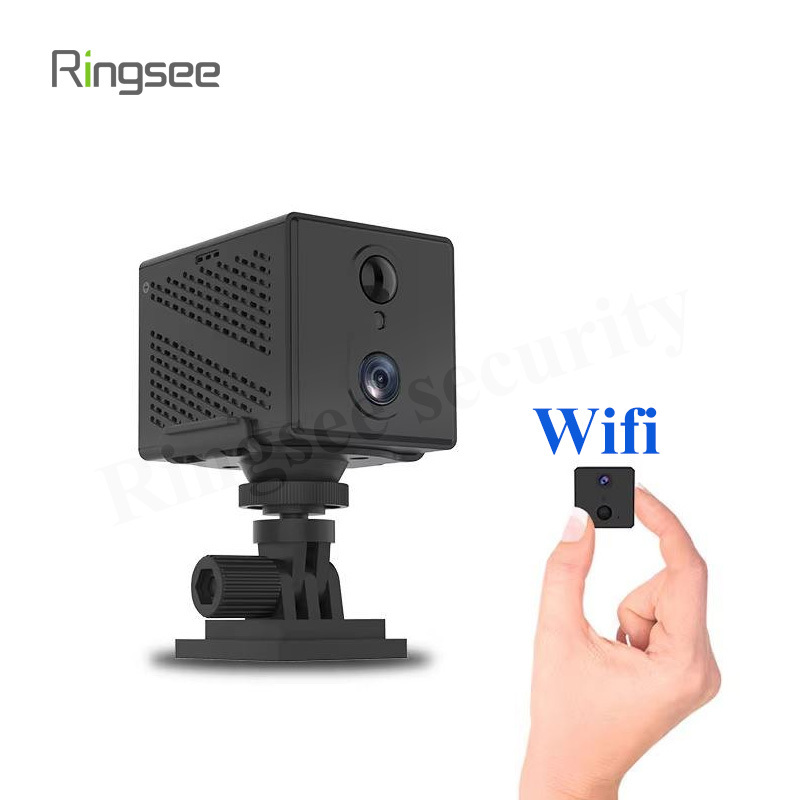
- ✅ If you must use wireless, pick a dual-band 2.4G/5GHz Wi-Fi camera. Use 5GHz in high-interference areas like shopping malls.
- ✅ For most indoor shops, 1080P (2MP) or 4MP is sufficient. 4K is overkill unless you need to read license plates.
- ✅ Indoor areas need IP54; kitchens and entrances need IP66 (water-jet resistant per IEC 60529).
- ✅ Storage: NVR local recording is the best balance of stability, cost, and privacy. SD cards are fine for a single camera.
1. Is It Worth Installing Cameras?
The ROI is positive for most shops. Three main benefits: evidence for disputes/theft, remote store management, and staff efficiency monitoring. If you check two or more of the following, install cameras:
- Store handles cash or high-value items
- Owner is not always on site
- History of shrinkage, disputes, or theft
- Need to monitor staff workflows (kitchen, checkout)
- Shop area exceeds 50㎡ with blind spots
2. Key Selection Factors
### Resolution – 1080P or 4K?
**Indoor shops: 1080P (2MP) is the sweet spot.** Use 2MP for counters and checkout (face recognition); 4MP for large halls and aisles (digital zoom capability). 4K uses 4× the storage of 1080P.
### Night Vision – Full Color or Infrared?
**Full color wins when any ambient light exists (≥0.001 lux).** Infrared produces black-and-white images but works in total darkness. A dual-mode camera (auto-switching) is recommended for most shops.
### Power & Networking – PoE, Wi-Fi, or 4G?
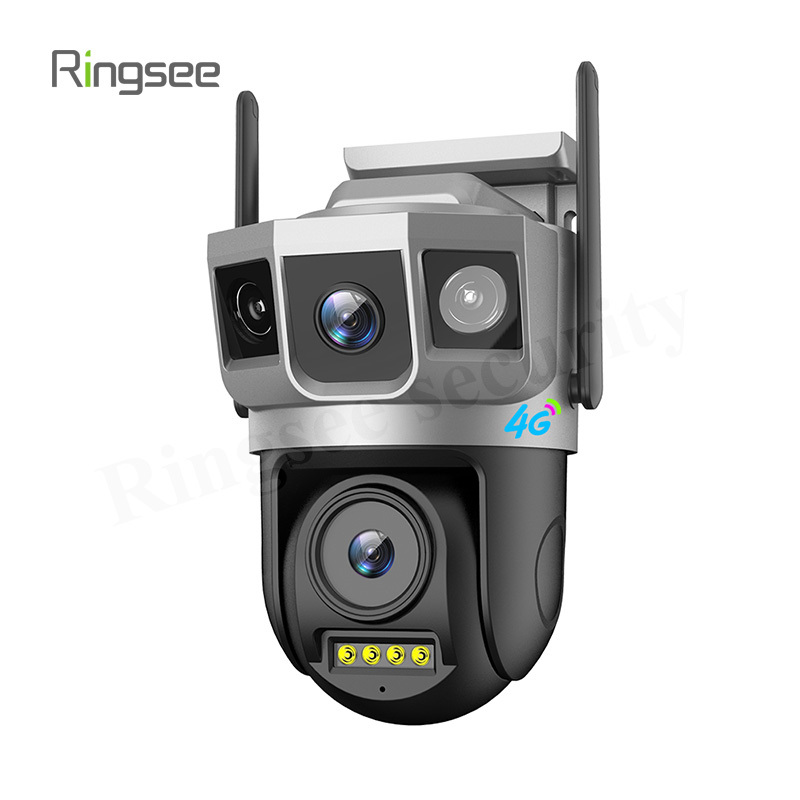
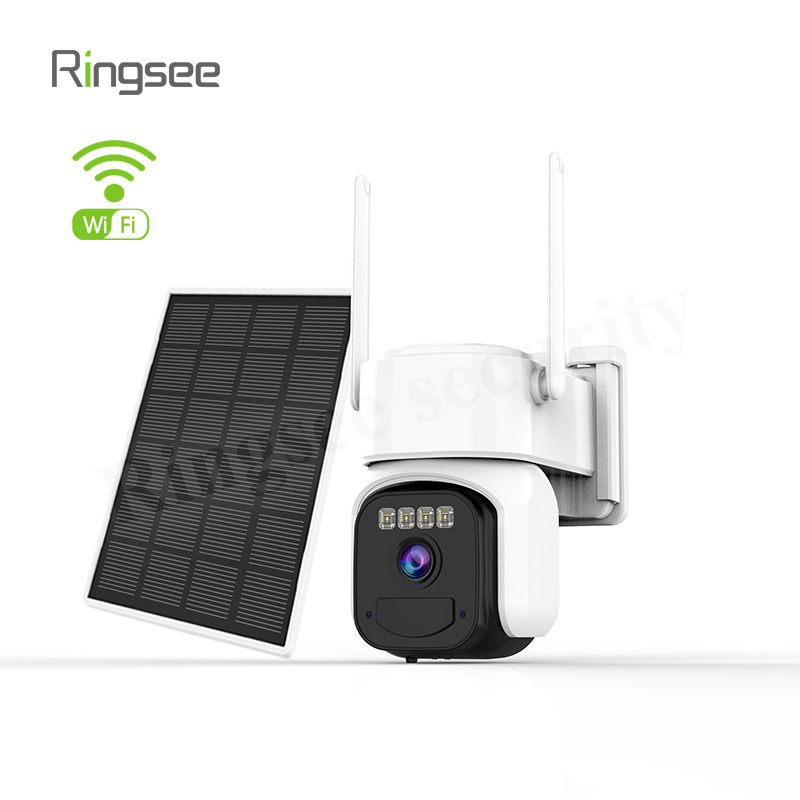
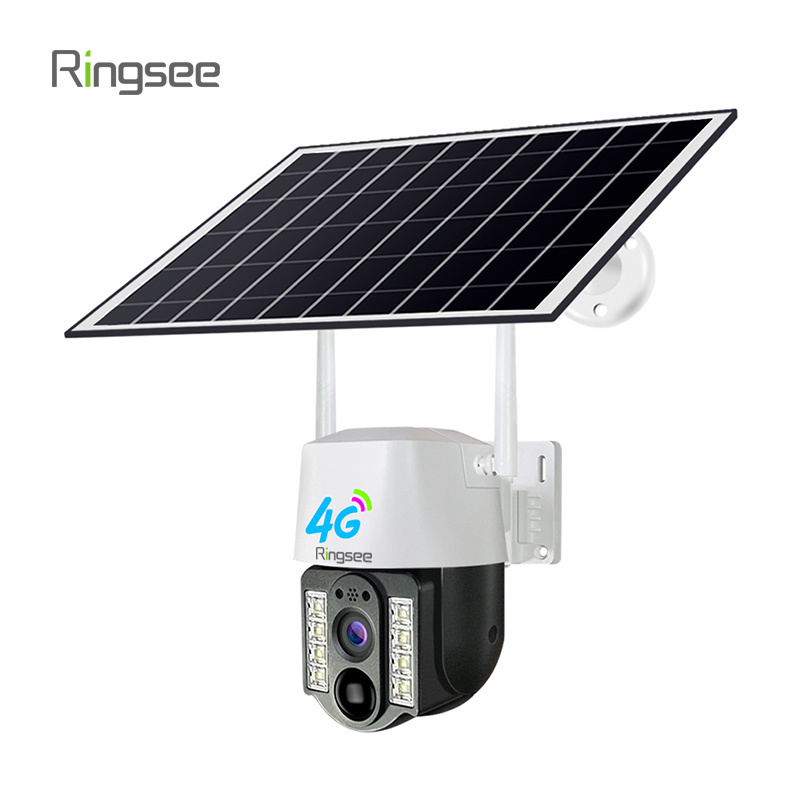
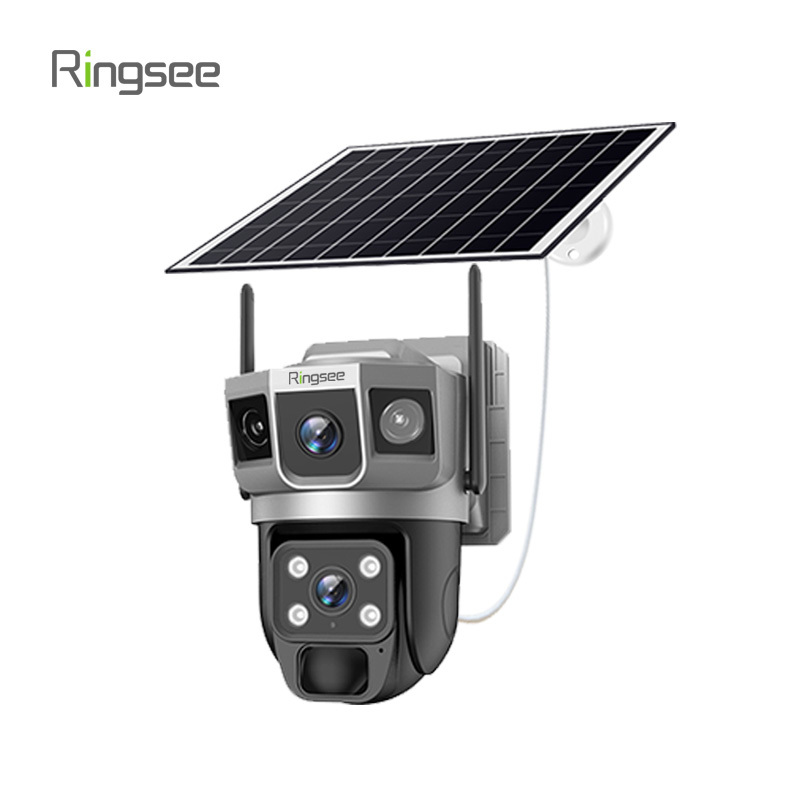
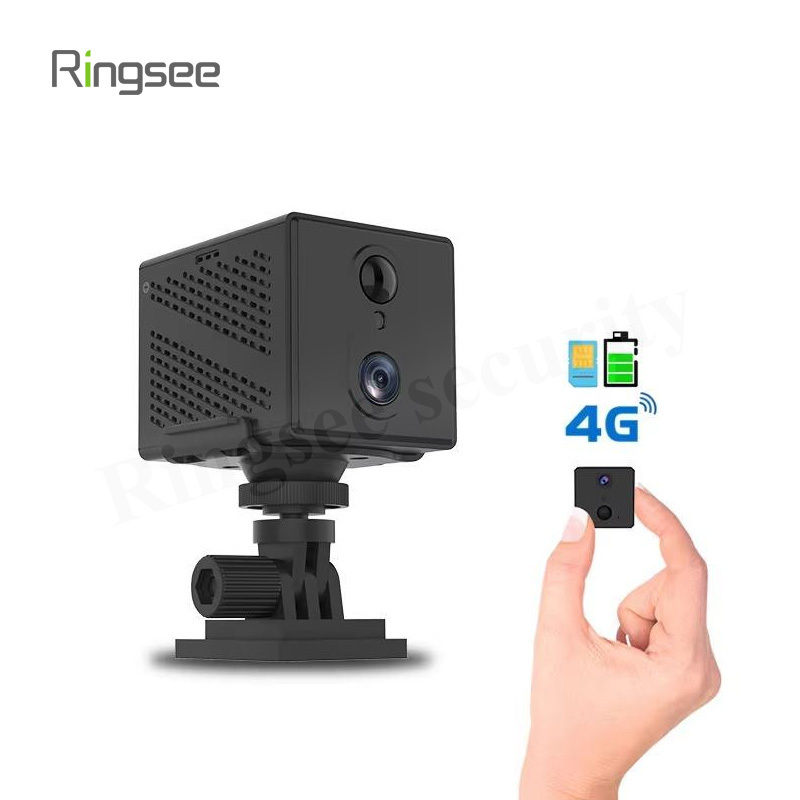
**PoE is best if you can run cables (max 100m per IEEE 802.3af/at).** Wi-Fi works for rental spaces but suffers from channel congestion. 4G/Solar suits outdoor stalls without power or broadband.
### Storage – SD Card, NVR, or Cloud?
**NVR local recording is the optimal choice** for 2+ cameras. It offers high stability, low ongoing cost, and strong privacy. SD cards are cheap single-camera solutions. Cloud storage adds monthly fees but enables remote access.
### IP Rating & Lens Selection
**Indoor: IP54. Kitchen/entrance: IP66. Outdoor: IP67.** Lens guide: 2.8mm (~100°) for wide coverage; 4mm (~80°) for standard areas; 6mm (~50°) for focused zones like checkout counters.
3. Scene Reference Table
Scenario | Recommended Setup | Key Reason | Budget |
Convenience Store (30–60㎡) | 2–4× 1080P PoE/Wi-Fi + NVR | Cover checkout, entrance, blind spots | $130–$320 |
Restaurant Dining (50–150㎡) | 2–3× 4MP wide + 1× counter focus + NVR | Full-color hall, clear checkout detail | $240–$640 |
Restaurant Kitchen | 1–2× IP66 full-color + 30-day retention | Waterproof; food safety compliance | $100–$240 |
Clothing / Beauty Store | 2–3× 1080P wide + SD cards | Even shelf coverage, low cost | $65–$160 |
Market Stall / Food Truck | 1× 4G camera + 7-day cloud | No fixed broadband, plug-and-play | $50–$100 + data |
Mall Shop-in-Shop | 1–2× PoE + mall backbone or standalone NVR | Wired stability in congested areas | $80–$240 |
4. Frequently Asked Questions
**Q: Will Wi-Fi cameras drop out or lag?**
Yes, but the risk can be minimized. Main causes: 2.4GHz channel congestion, wall attenuation (~10–15 dB per concrete wall), and insufficient upstream bandwidth. Use 5GHz or switch to PoE for reliable operation.
**Q: Is cloud storage safe?**
Mainstream providers use TLS/SSL encryption. For privacy-sensitive areas (kitchen, staff zones), prefer local NVR storage. Check if the provider offers end-to-end encryption.
**Q: Are budget cameras under $30 good enough?**
They handle basic daytime monitoring but typically lack dual-band Wi-Fi, ONVIF support, and IP66 waterproofing. A proper 2–3 camera + NVR kit starts around $130–$240.
**Q: Do I need ONVIF protocol support?**
Only if you plan to integrate with third-party NVRs or management software. For single-brand setups using the manufacturer's app, ONVIF is not necessary.
5. Quick Decision Tree
1. Can you run cables? → Yes: PoE. No → Is Wi-Fi stable? → Yes: Dual-band Wi-Fi. No: 4G.
2. Need face detail? → 2MP with 4–6mm lens. Need wide coverage? → 4MP with 2.8mm.
3. 2+ cameras? → NVR local recording. Single camera? → SD card.
6. Compliance Note
Do NOT install cameras in restrooms, fitting rooms, or changing areas. Post visible signage indicating surveillance coverage and purpose. Do not share footage with unauthorized third parties.
Related News
Bottom line: AI surveillance is not turn it on and it works. In engineering you must first decide where compute runs - in the camera (edge), in the recorder or server (center), or both - choose the right algorithm and know its accuracy preconditions, then use three moves: rule tightening, environment adaptation, and multi-stage verification, to push false alarms from dozens per day to usable. A camera that alarms all day is as good as no camera. This guide upgrades the earlier consumer view of how to choose an AI camera into a B2B engineering deployment view: how to choose the compute architecture, how to control false alarms, and how AI connects to image quality, bandwidth, and security covered in earlier articles.
Oct 17,2026
Off-Grid CCTV Deployment Guide: Solar Power and 4G/5G Backhaul Design
Bottom line: off-grid surveillance (solar + 4G) fails nine times out of ten not because the camera is poor, but because the power budget and the data traffic were miscalculated - sizing panels and batteries from peak watts dies on the first cloudy spell, and choosing 4G by "it connects" blows the data plan or stalls on weak signal. This guide covers how to decide whether off-grid is even the right call, a 24-hour watt-hour power budget, panel and battery sizing (Peak Sun Hours, depth of discharge, rainy-day autonomy), low-power PIR design, 4G/5G traffic budgeting and multi-carrier options, surge/grounding and winter heating, plus procurement contract fields and acceptance tests.
Oct 17,2026
Off-Grid CCTV Deployment Guide: Solar Power and 4G/5G Backhaul Design
Bottom line: off-grid surveillance (solar + 4G) fails nine times out of ten not because the camera is poor, but because the power budget and the data traffic were miscalculated - sizing panels and batteries from peak watts dies on the first cloudy spell, and choosing 4G by "it connects" blows the data plan or stalls on weak signal. This guide covers how to decide whether off-grid is even the right call, a 24-hour watt-hour power budget, panel and battery sizing (Peak Sun Hours, depth of discharge, rainy-day autonomy), low-power PIR design, 4G/5G traffic budgeting and multi-carrier options, surge/grounding and winter heating, plus procurement contract fields and acceptance tests.
Oct 10,2026
CCTV Image Quality Tuning Guide: WDR, Backlight, Denoise and Low-Light ISP Settings
Bottom line: two cameras with the same 4MP sensor can look completely different on the same scene - the difference is not the sensor, it is how the ISP and encoder are tuned for that scene. Four dials decide whether the image is usable: WDR, backlight/highlight handling, temporal denoise (3D DNR) and low-light gain. This guide walks the four-stage imaging chain (lens -> sensor -> ISP -> encoder), the WDR / backlight / denoise / low-light settings that matter, how each one spends bandwidth, and a field tuning SOP plus acceptance tests you can hand to an installer.
Oct 10,2026
PoE was power. This is control: CCTV Network Security Hardening Guide
Short answer: video systems get breached the boring way, not through clever exploits - (1) factory default credentials never changed, (2) camera or NVR management ports forwarded to the public internet, (3) no separation between the CCTV network and the office LAN. Do three things: replace every default account and disableTelnet/FTP/UPnP/raw RTSP; put cameras in their own VLAN and only allow the NVR to initiate sessions; and reach video over VPN or a zero-trust gateway instead of a port mapping.
Oct 03,2026
Links:One Belt Power Technology
Add: 14th Floor, Baoshan Building, Longhua District, Shenzhen China.
Privacy Policy | SEO | CitySite | Support: 300.cn Dongguan