





Home Security Camera Buying Guide
Publish:
2026-06-13 16:09
Source:
https://www.ring-see.com
Practical guide to home security cameras for families with infants, elderly, or pets. Covers resolution (1080P vs 4K), night vision (color vs IR), Wi-Fi dual-band, storage (SD/NVR/Cloud), and privacy (E2E, lens shutters). Includes scenario comparison, 8 FAQs, and 3-step decision tree.
TL;DR — Key Takeaways
- Indoor monitoring (baby/elderly): Wi-Fi camera with local storage + E2E encryption; 1080P is sufficient.
- Doorway: PIR human detection camera to reduce pet false alarms; dual-band 2.4/5GHz recommended.
- Privacy priority: physical lens shutter or hardware disconnect button; avoid cloud-only products.
- Elderly/infant care: prioritize two-way audio quality over resolution.
- Renters: magnetic base cameras with offline SD recording, no wall drilling needed.
Is It Worth It?
Yes, but assess by scenario. A home camera addresses the anxiety of not knowing what is happening at home. Real-time viewing + playback are useful for families with elderly, infants, or pets. Recommended: children 0–3, solo elderly, frequent travelers, rental housing with complex access, prior burglary incidents. Not recommended: family strongly objects on privacy, cloud provider unverifiable, or cloud fees unaffordable.
How to Choose — 5 Key Dimensions
Resolution — 1080P or 4K?
For indoor use, 1080P (2MP) is best value; 4K unnecessary. 1080P @ H.265 clearly resolves faces, text, and numbers. 4MP for large rooms or digital zoom. 4K (8MP) consumes 4x storage with barely noticeable improvement. Rule: ≤5m → 1080P; 5–10m → 4MP.
Night Vision — Color vs IR?
Type | Best For | Pros | Cons |
Color (White LED) | Living room, dim light | Color details, high recognition | Constant light may disturb sleep |
Infrared (IR) | Bedroom, low disturbance | No sleep interference, silent | B&W only, clothing color unrecognizable |
Dual-mode auto | General recommendation | Best of both worlds | Slightly higher price (+50-100 CNY) |
Wi-Fi — Dual-Band or Single-Band?
Choose dual-band (2.4+5 GHz); prefer 5GHz for lower interference. 2.4GHz penetrates walls better but suffers congestion (phones, microwaves, routers). 5GHz is faster/less crowded but attenuates through walls. Dual-band auto-switch is ideal. If >10m from router or behind concrete, add a Wi-Fi repeater. Wired PoE (IEEE 802.3af) is the most stable option.
Storage — SD Card, NVR, or Cloud?
Method | Upfront Cost | Ongoing Cost | Privacy Risk | Offline Rec | Best For |
SD Card | Low (~40 CNY/64GB) | None | Low | Yes | Budget, cloud distrust |
NVR | Medium (500–1500 CNY) | None | Low | Yes | Multi-camera homes |
Cloud | Low | Medium (20–80 CNY/mo) | Medium | No | Frequent travelers |
Local+Cloud | Medium | Low (key clips) | Medium-Low | Yes | Recommended |
Privacy & Security
Core: strong password + firmware updates + disable unused remote access. 99% of hacks from default/weak passwords. Must-do: (1) Change password to 12+ mixed chars; (2) Enable 2FA; (3) Update firmware quarterly; (4) Close unused ports (RTSP). Buy: E2E encryption, physical lens shutter, on-device AI processing.
Scenario Comparison Table
Scenario | Recommended Solution | Key Features | Budget |
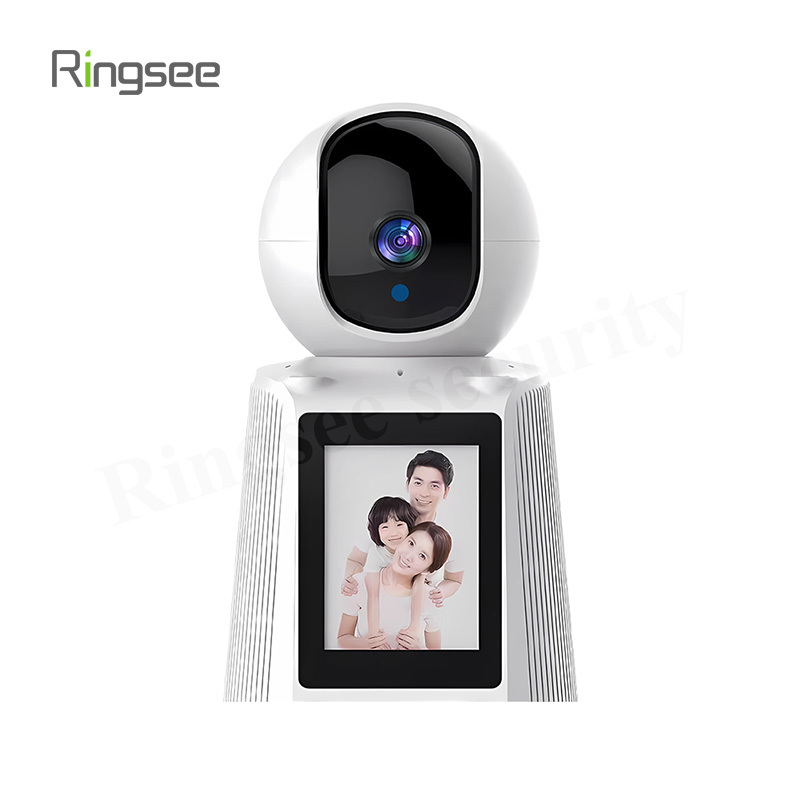
Nursery | Indoor PTZ + two-way audio + cry detect | IR night (sleep-safe) | 200–400 CNY |
Living room | Wide-angle indoor, color night | 120°+ FOV, human det, SD | 150–350 CNY |
Elderly alone | AI camera + fall detection | Behavior recog, emergency | 300–600 CNY |
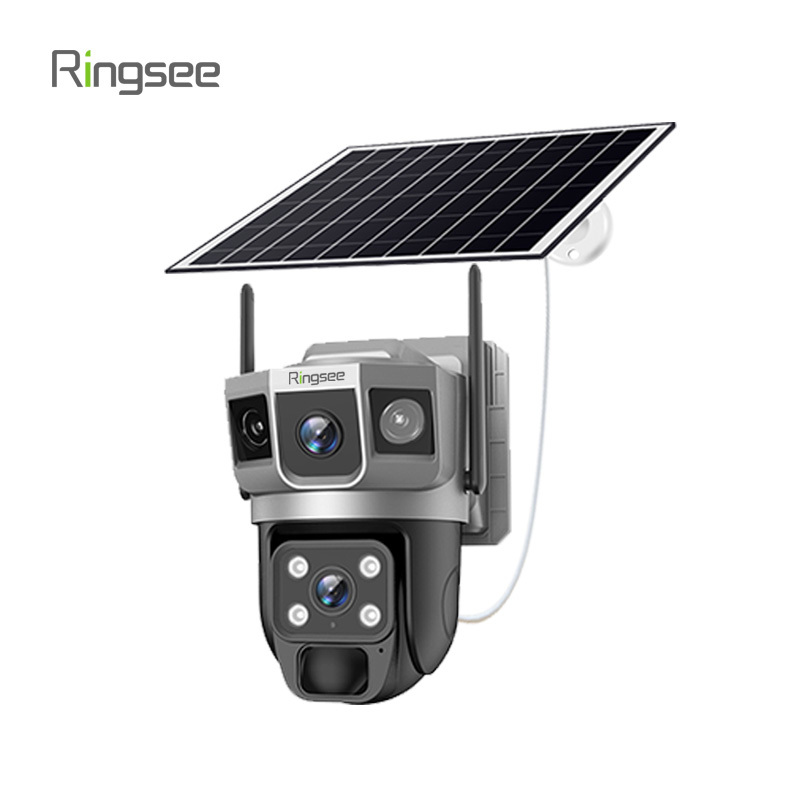
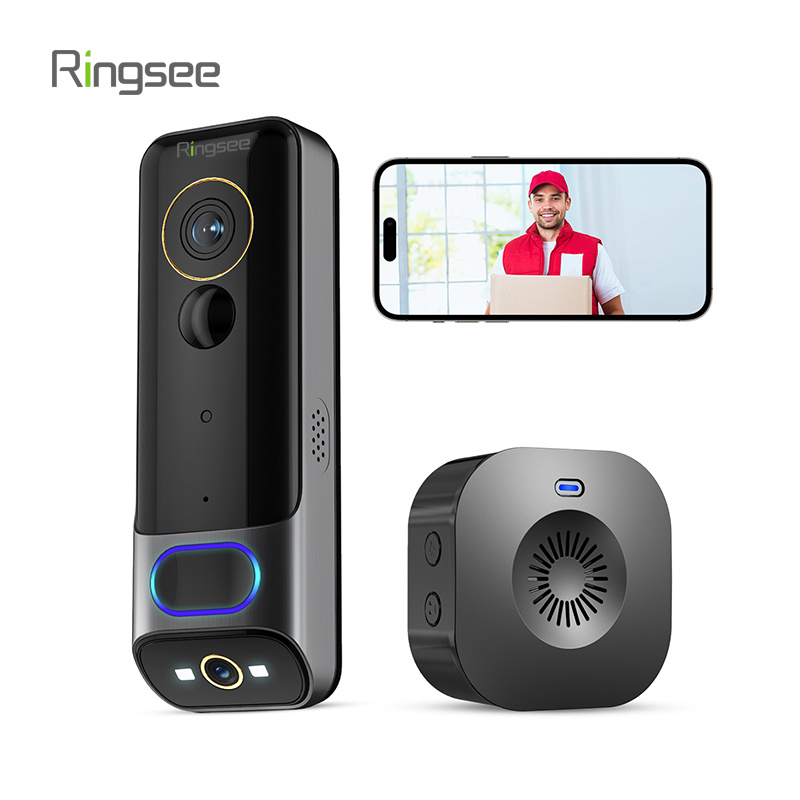
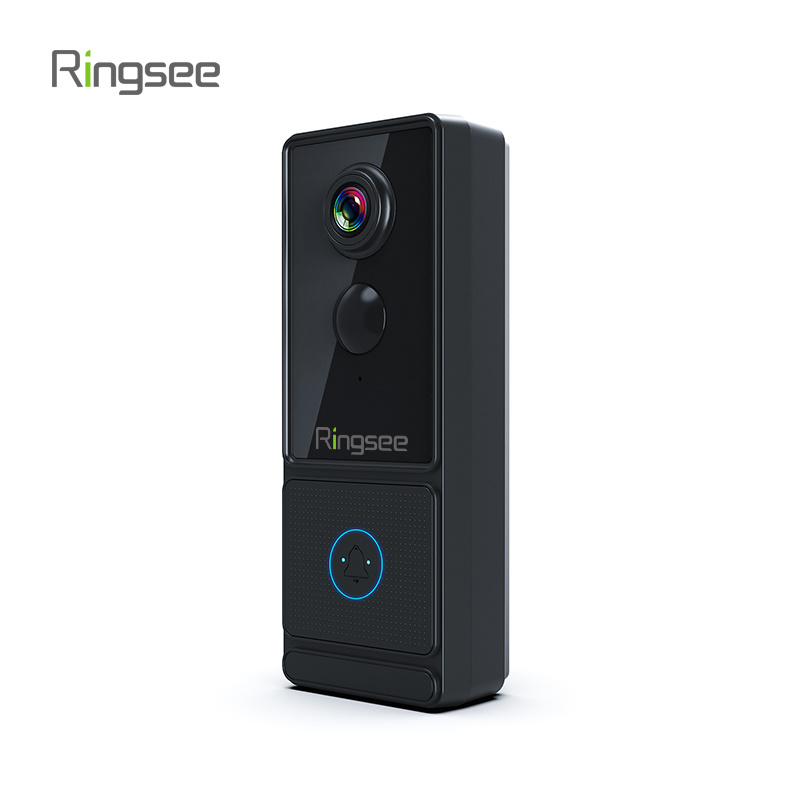
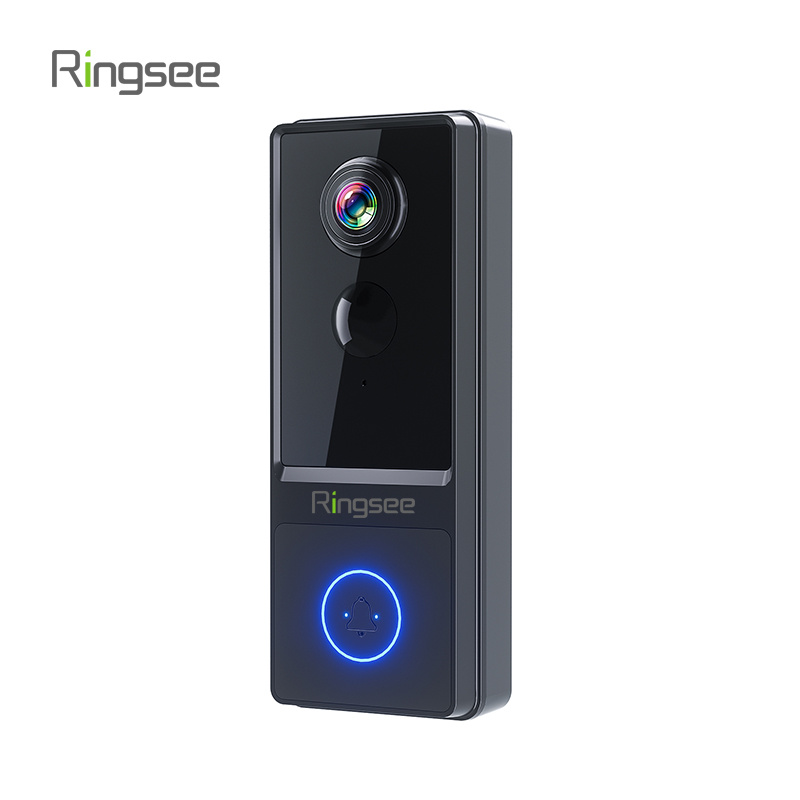
Front door | IP66 PTZ or video doorbell | PIR, night vis, 2way audio | 200–500 CNY |
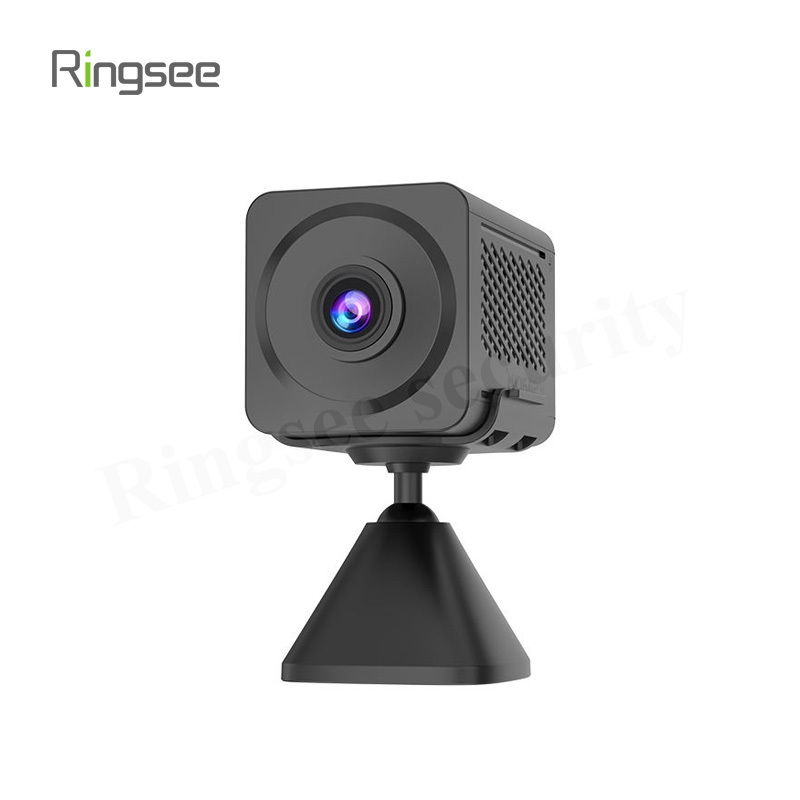
Rental | Magnetic/desk mount | No-drill, offline SD | 150–300 CNY |
Multi-room | NVR + wired/Wi-Fi hybrid | Unified app, central storage | 1500–4000 CNY (kit) |
FAQ — Common Questions
Privacy when not in use?
Choose a model with physical lens shutter or activate privacy mode in the app. Some brands (Ezviz C6) support scheduled auto on/off. Simplest: unplug the camera.
Wi-Fi keeps disconnecting?
Causes by probability: weak router signal → add repeater; router device limit exceeded (≤32) → upgrade; camera firmware bug → update; unstable power → original adapter.
Can manufacturer view cloud footage?
Reputable makers (Ezviz/Xiaomi/Imou) use AES encryption and claim no active access, though theoretical possibility exists. For high privacy: local SD/NVR storage. Check ISO 27001 certification.
Camera lifespan?
Average 3–5 years. Limited by: firmware support ending, IR/LED aging (2-3 yr), SD write cycles (~3 yr). Prioritize brands with frequent updates; avoid models discontinued >2 years.
Smart home integration?
Xiaomi natively with Mi Home; Ezviz with its ecosystem (some support Huawei); HomeKit cameras are pricier (from ~500 CNY). Aqara is common for HomeKit. Verify before purchase.
Footage as legal evidence?
Yes, with conditions: trusted timestamps (NTP), no privacy intrusion on others, complete/unedited recording. Enable cloud backup to prevent local device loss.
Reduce pet false alarms?
Use AI camera with human detection — recognizes human silhouettes; pets/shadows/vehicles trigger ~70-80% fewer false alarms. Or configure zone detection excluding pet areas.
Recording during power/internet loss?
Power loss: no. Internet loss: SD local continues recording; cloud stops uploading. Choose SD-capable models if offline recording matters. UPS enables brief post-outage operation.
3-Step Decision Tree
Step 1: Indoor or outdoor? → Step 2: Storage priority (privacy: local SD / convenience: cloud / recommended: dual) → Step 3: Budget (≤200 CNY: basic 1080P / 200–400 CNY: mainstream 4MP+AI / 400+ CNY: premium full-color+2way audio).
Compliance & Installation Boundaries
Indoor: no declaration needed but inform cohabitants; covert recording violates Personal Information Protection Law. Aiming at public areas: must not exceed property scope; do not point at neighbors' doors/windows (privacy infringement). Rental: notify landlord, keep written consent; remove cameras when moving out.
General reference, not brand recommendation. Standards: IP66 = IEC 60529; Wi-Fi = IEEE 802.11; storage based on H.265, 1080P@25fps.
Related News
Property Security System Guide: Barriers, Intercoms, Perimeter, Surveillance
Comprehensive buying guide for property management: license plate barriers, intercoms (2-wire vs IP), perimeter protection (IR/electric/AI video), access control, NVR centers, and networking (fiber ring vs wireless). Includes community-type comparison, 6 FAQ, decision tree, and GB standards compliance checklist.
Jun 13,2026
Home Security Camera Buying Guide
Practical guide to home security cameras for families with infants, elderly, or pets. Covers resolution (1080P vs 4K), night vision (color vs IR), Wi-Fi dual-band, storage (SD/NVR/Cloud), and privacy (E2E, lens shutters). Includes scenario comparison, 8 FAQs, and 3-step decision tree.
Jun 13,2026
How to Choose a 4G Solar Security Camera — Rural Properties, Orchards, Ponds & Sites
Guide for off-grid locations. Covers solar panel sizing, battery capacity, 4G data plans, PIR vs AI detection, storage, and installation.
Jun 06,2026
This guide helps small business owners select the right surveillance camera system. It covers resolution, night vision, power and networking, storage, IP rating, and lens selection, providing clear, data-backed recommendations for shops between 30㎡ and 300㎡.
Jun 06,2026
How to Choose a Security Camera: 2025 Complete Buying Guide
A practical, engineer-level guide to choosing the right security camera in 2025. Covers resolution, night vision, power & connectivity (PoE / Wi-Fi / 4G / solar), storage options, IP ratings, and scene-specific recommendations
May 30,2026
Links:One Belt Power Technology
Add: 14th Floor, Baoshan Building, Longhua District, Shenzhen China.
Privacy Policy | SEO | CitySite | Support: 300.cn Dongguan