





Top 10 Things to Consider Before Buying a 4G Solar Camera
Publish:
2025-08-14 10:25
Source:
https://www.ring-see.com
Discover the top 10 things to consider before buying a 4G solar camera — from network compatibility to night vision and after-sales support.
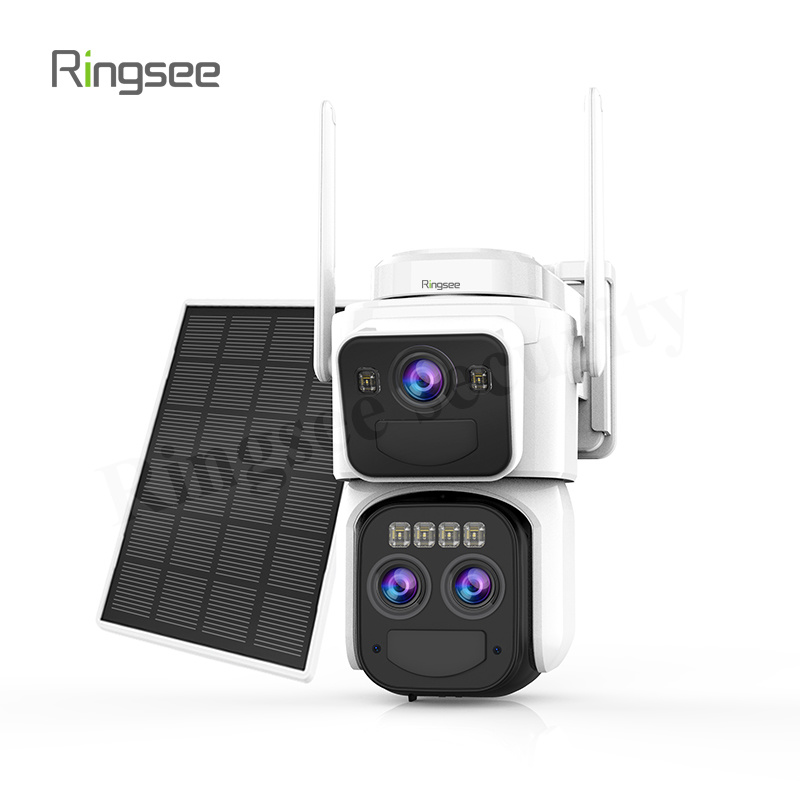
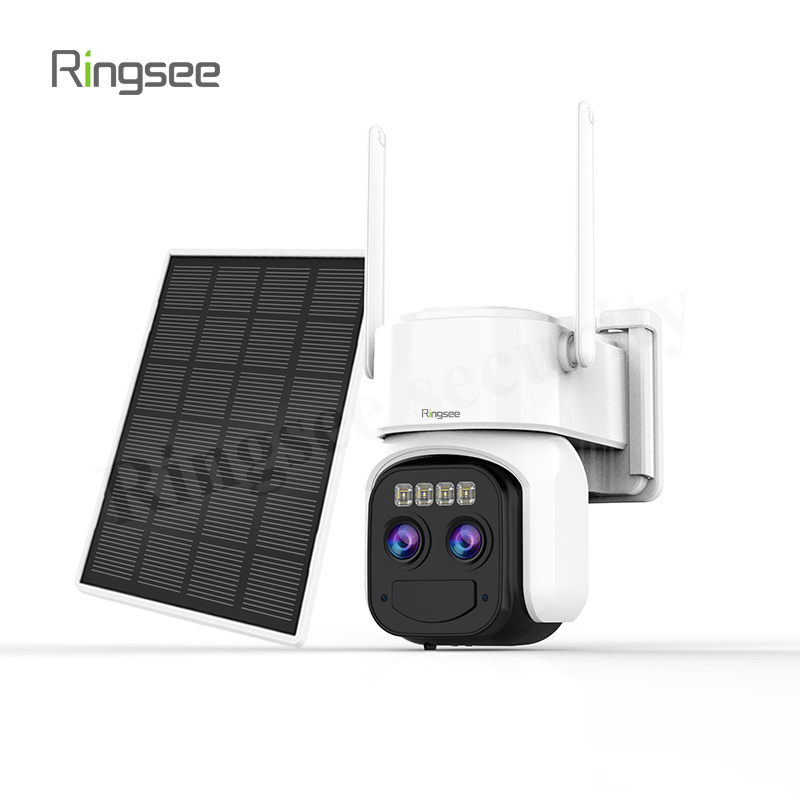
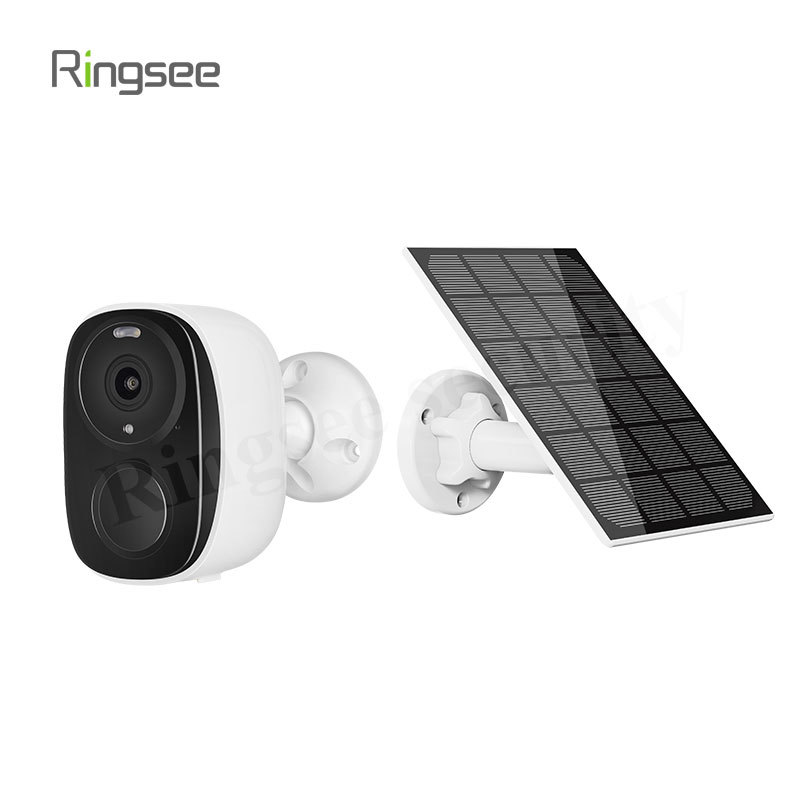
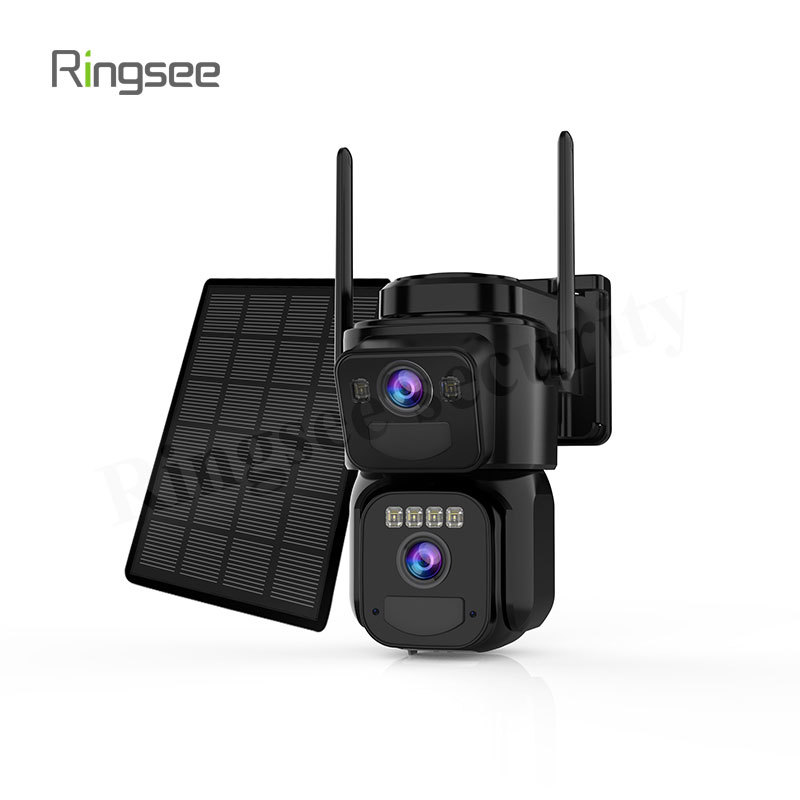
With the rise of off-grid surveillance solutions, 4G solar cameras have become a go-to choice for farms, construction sites, remote cabins, and outdoor security where power and Wi-Fi access are limited. But with so many models on the market, it’s important to choose wisely. If you want to buy a high-quality and suitable 4G Solar Camera, you can refer to the following reference factors compiled by Ringsee Technology:
4G Network Compatibility
Not all 4G solar cameras support the same frequency bands. Check if the camera is compatible with your local telecom providers. Some models are locked to specific carriers, while others offer global band support for more flexibility.
Network Compatibility & Carrier Compatibility
| Factor | Description |
|---|---|
| Network Compatibility | Ensure the camera supports the 4G bands used in your country. |
| Common 4G Bands | - Band 1 (2100 MHz): Europe, Asia, parts of Africa. |
| - Band 2 (1900 MHz): North America. | |
| - Band 3 (1800 MHz): Europe, Asia, Africa. | |
| - Band 4 (1700/2100 MHz): North America. | |
| - Band 7 (2600 MHz): Europe, parts of Asia. | |
| - Band 20 (800 MHz): Europe (especially rural areas). | |
| Carrier Compatibility | Ensure camera supports the network bands used by your carrier. |
| US Carriers | - Verizon: Bands 2, 4, 5, 13. |
| - AT&T: Bands 2, 4, 5, 12. | |
| - T-Mobile: Bands 2, 4, 12, 66. | |
| - Sprint (T-Mobile): Bands 25, 26, 41. | |
| European Carriers | - Vodafone: Bands 1, 3, 7, 8, 20. |
| - Orange: Bands 3, 7, 8, 20. | |
| - Telefónica (Movistar): Bands 3, 7, 8, 20. | |
| Asian Carriers | - China Mobile: Bands 3, 8, 34. |
| - China Unicom: Bands 1, 3, 8. | |
| - Airtel (India): Bands 3, 5, 40. | |
| - Jio (India): Bands 3, 5, 40. | |
| Australian Carriers | - Telstra: Bands 3, 5, 7, 28. |
| - Optus: Bands 3, 7, 28, 40. | |
| - Vodafone: Bands 1, 3, 7, 8. |
Battery Capacity & Solar Charging Efficiency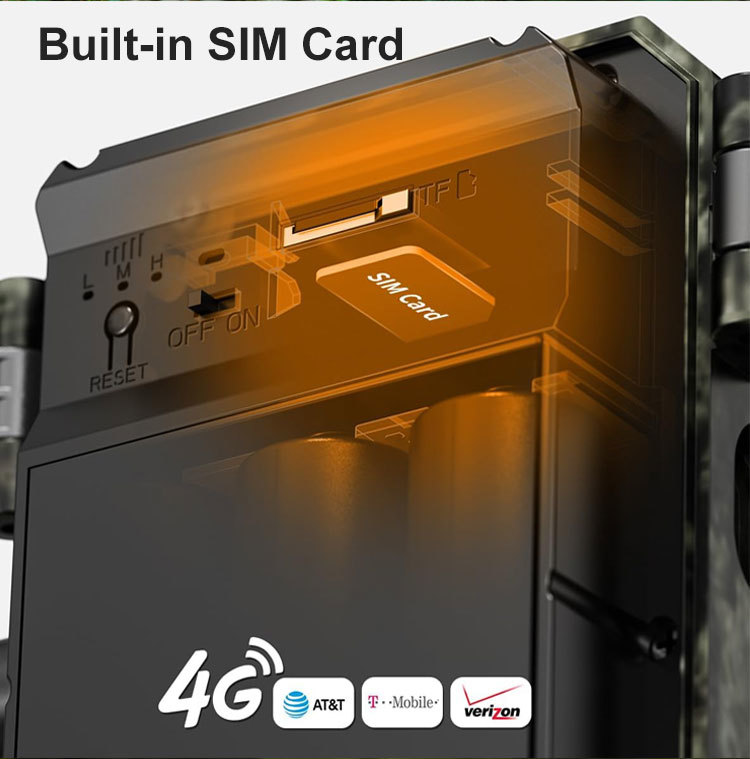
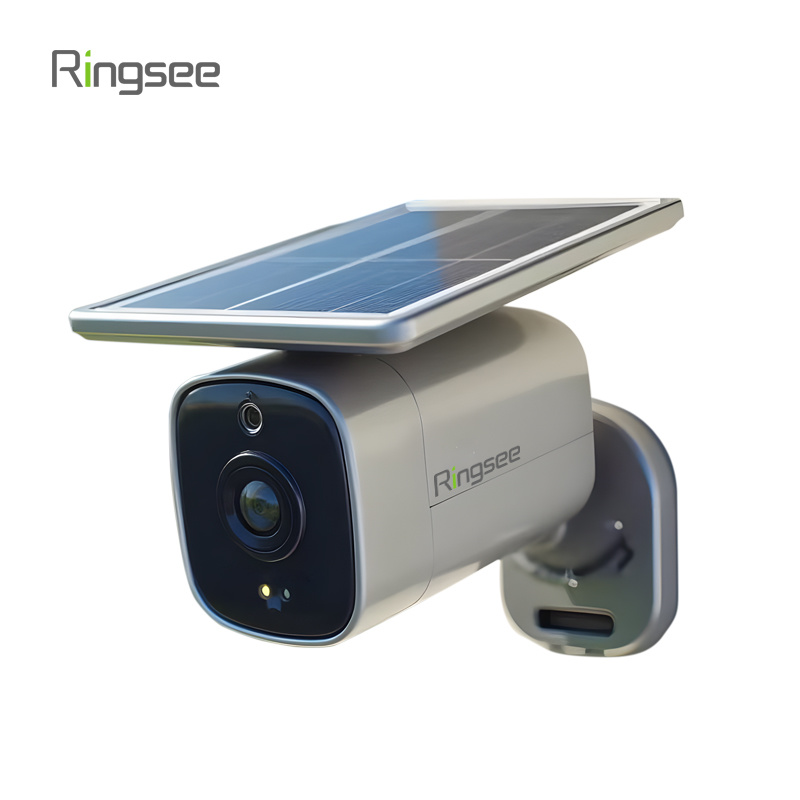
A high-capacity battery ensures the camera keeps running during cloudy days or at night. Look for models with efficient solar panels and low power consumption so you won’t need frequent manual recharging.
Image Quality & Night Vision Technology(Black Light Technology)
Choose at least 1080p HD resolution for clear images, and consider 4MP or 5MP for higher detail. For low-light environments, check if the camera offers infrared night vision or full-color night vision using starlight or black light technology.Here, we recommend using a black light technology camera because it can better record the night scene to protect your family's safety.
Weatherproof Rating (IP65/IP66/IP67)
Outdoor cameras face rain, dust, and extreme temperatures. A camera with at least IP65 weather resistance is recommended for most climates. If you live in harsher environments, IP66 or IP67 provides even better protection.
Field of View & Lens Options
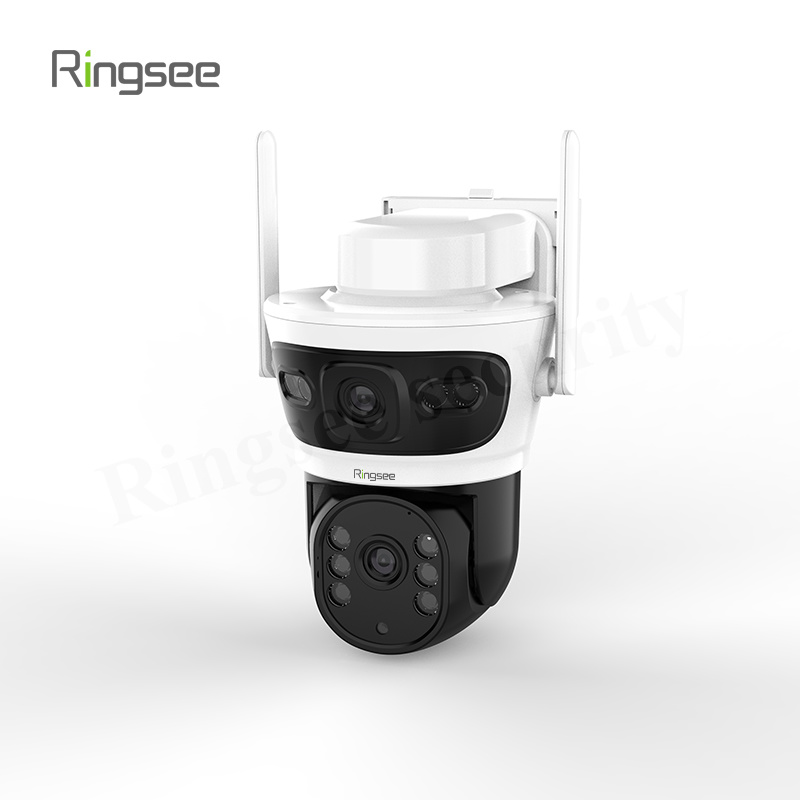
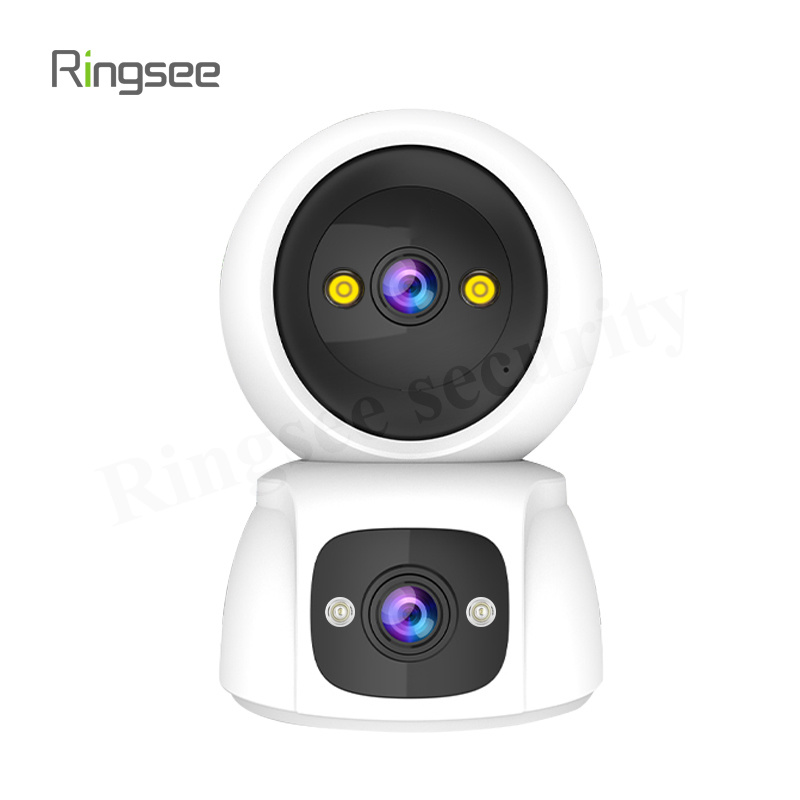
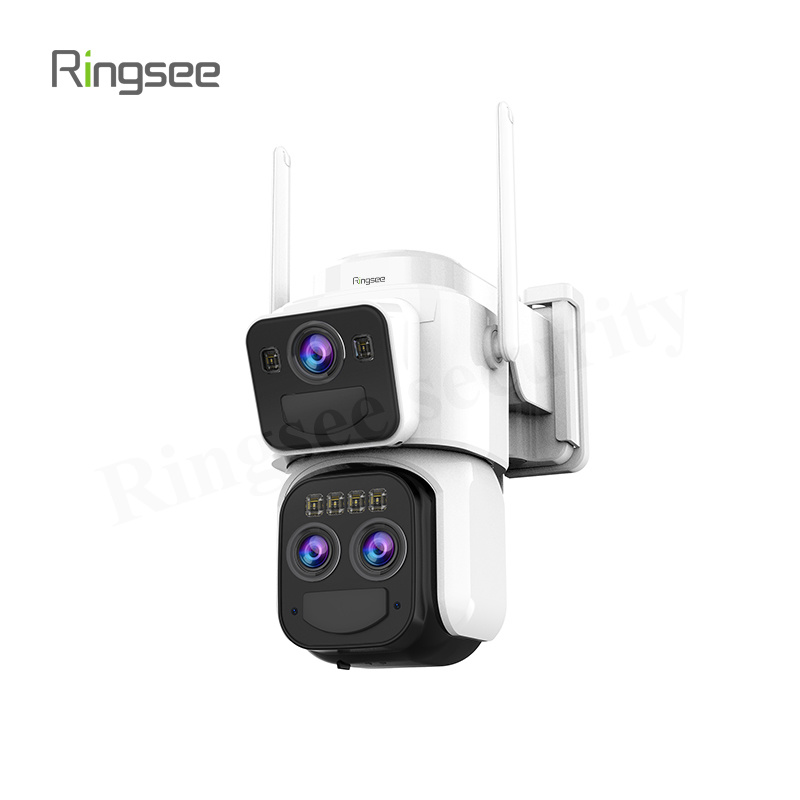
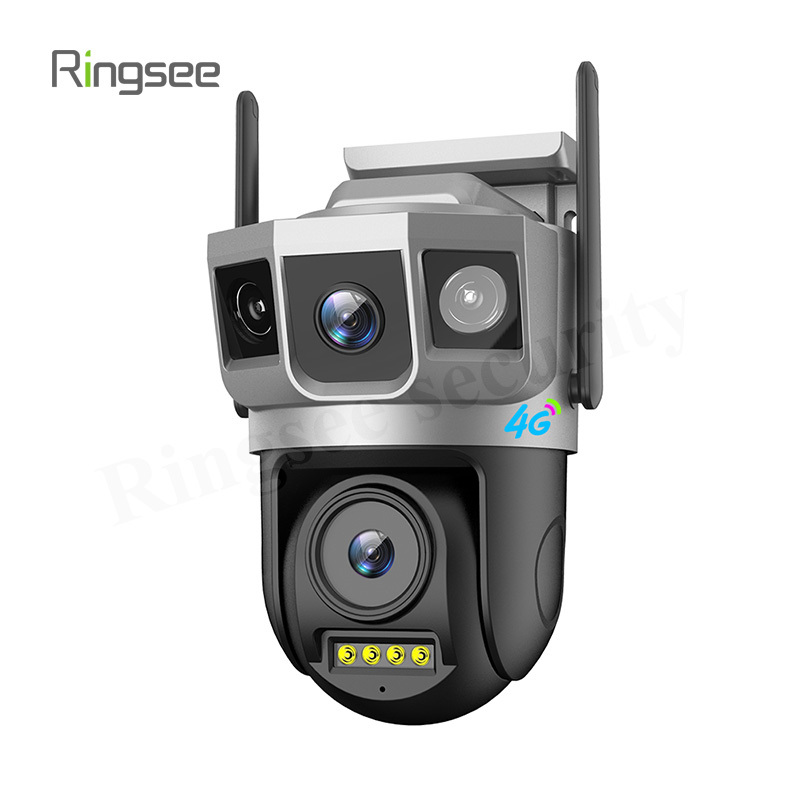
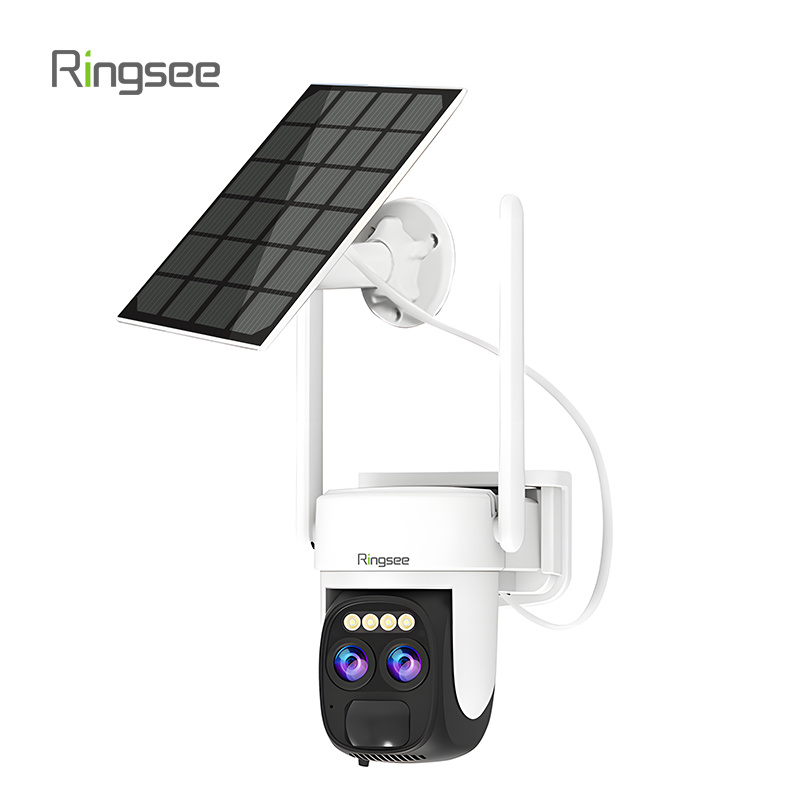
A wide-angle lens (100°–130°) covers more area, while zoom lenses allow close-up details without losing clarity. Some advanced models offer dual-lens or pan-tilt-zoom (PTZ) functionality for maximum coverage.
AI Detection & Motion Alerts
AI-powered cameras can distinguish between people, vehicles, and animals, reducing false alarms. Look for customizable motion zones and real-time push notifications so you only get alerts that matter.
Storage Options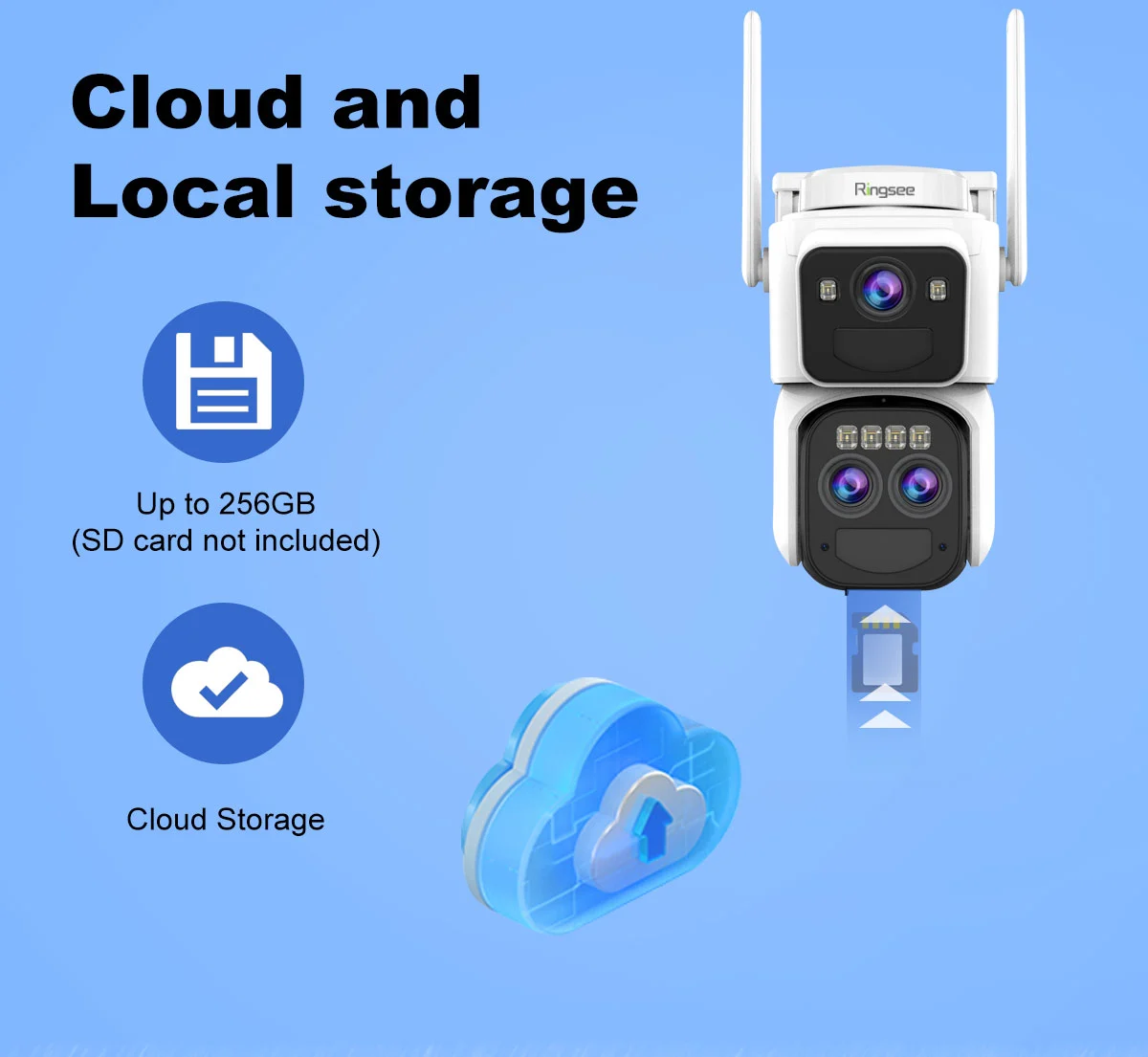
Consider whether you prefer local storage via microSD card, cloud storage, or both. Cloud storage offers secure off-site backup, but it often comes with a subscription fee.It’s worth noting that there are now many new models that can use cloud storage normally even without a subscription, such as Ringsee, which supports coverage within 3 days. Of course, if you need to view more, you may need to activate a subscription service, which depends on the functions you use.
Two-Way Audio & Remote Access
Two-way audio allows you to communicate with visitors or warn intruders in real time. Ensure the camera offers mobile app control so you can monitor live feeds and recordings from anywhere.
Installation & Mounting Flexibility
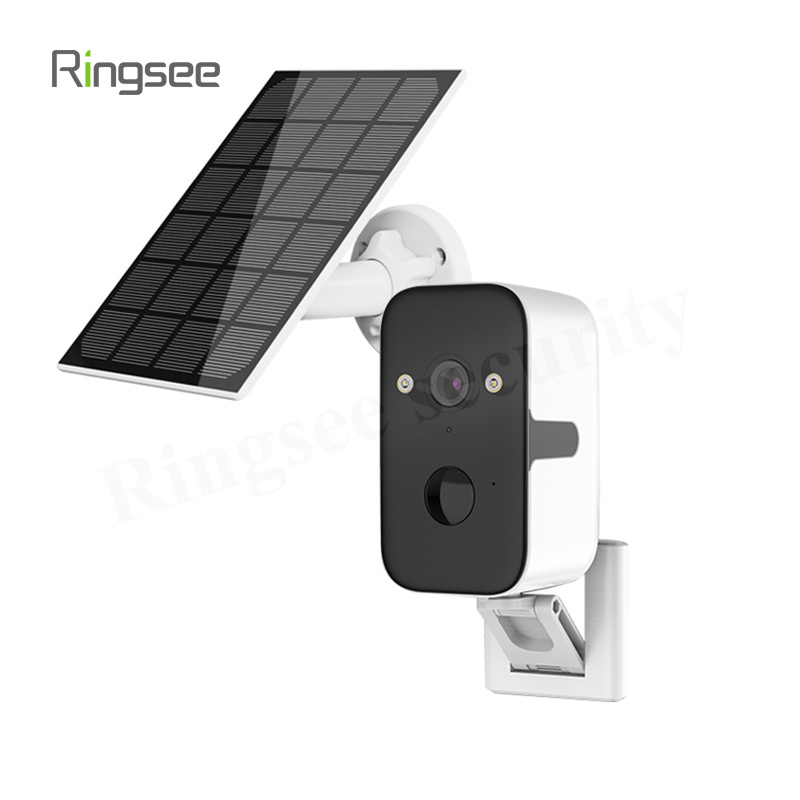
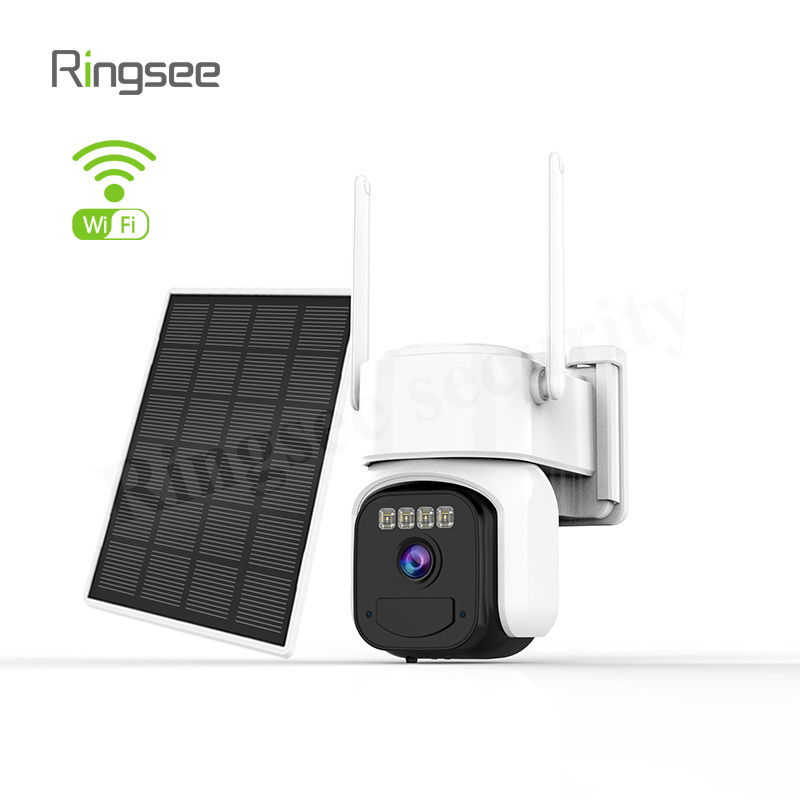
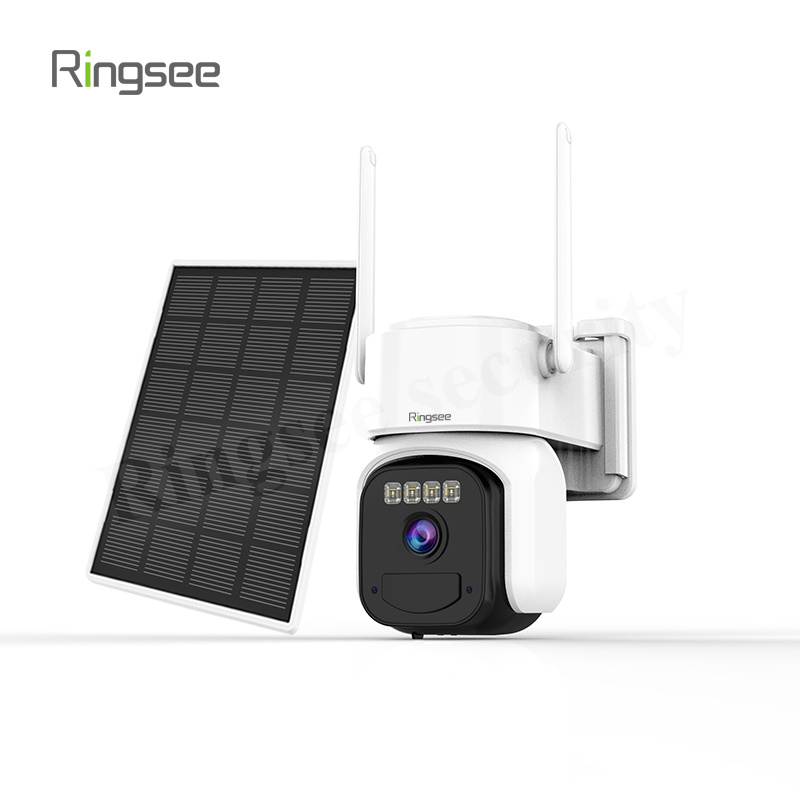
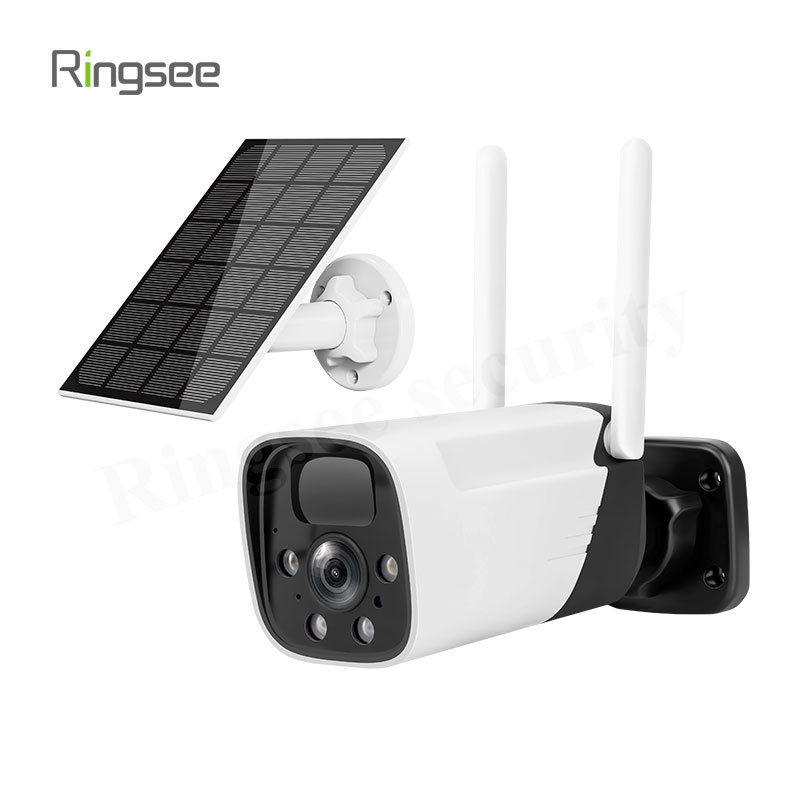
Some 4G solar cameras are designed for DIY installation with magnetic mounts, while others require more permanent setups. Adjustable solar panels and mounting brackets can help you position for optimal sunlight exposure.
Manufacturer Reliability & After-Sales Support
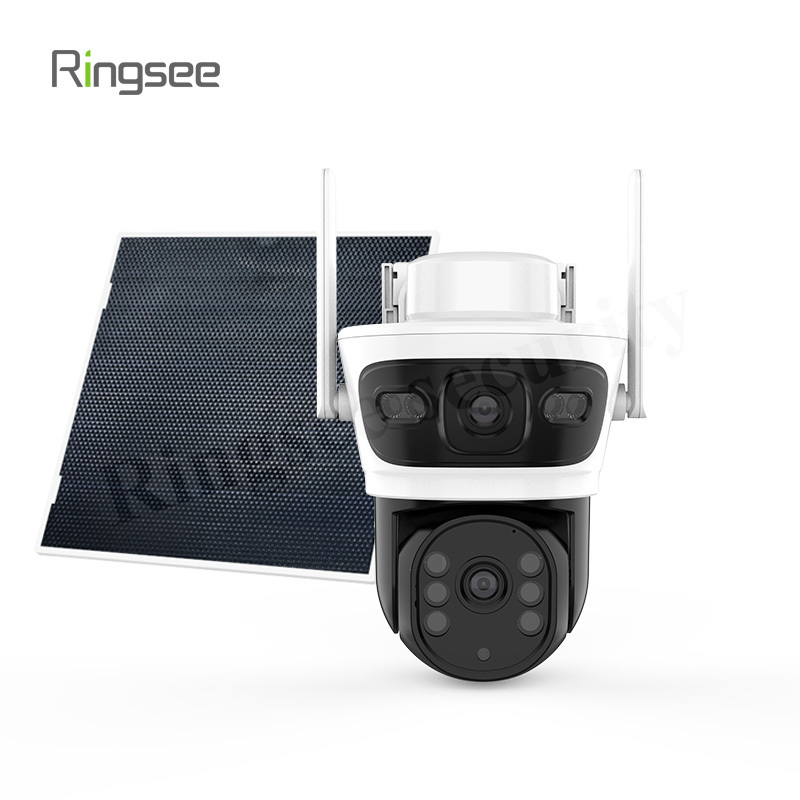
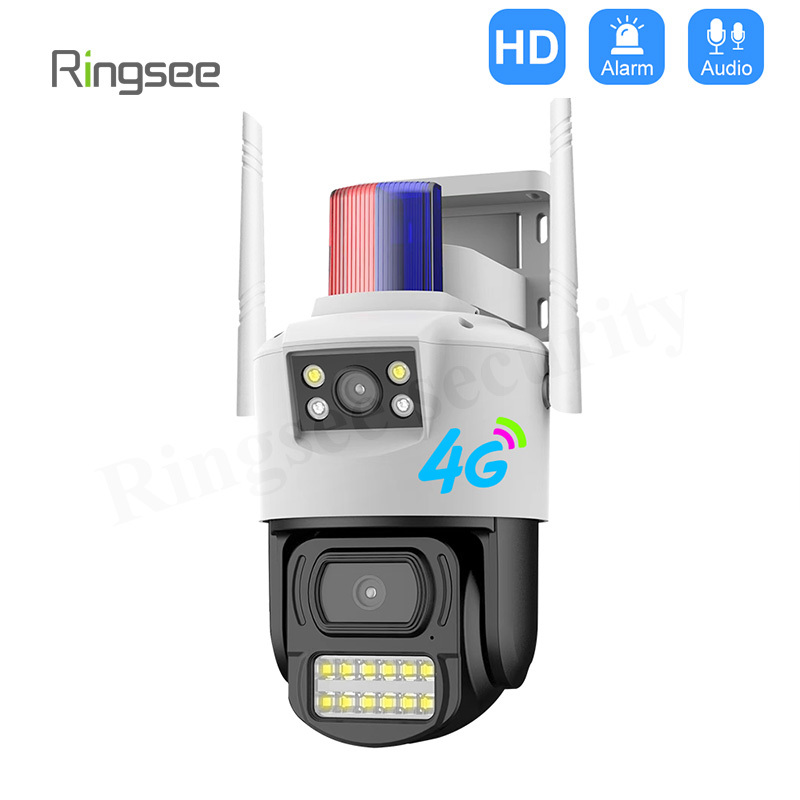
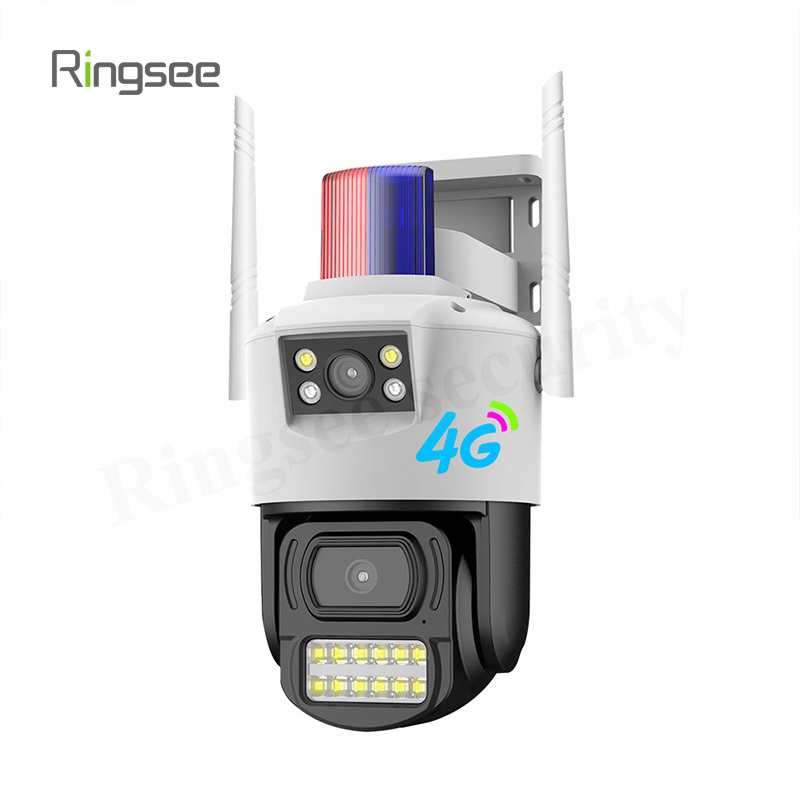
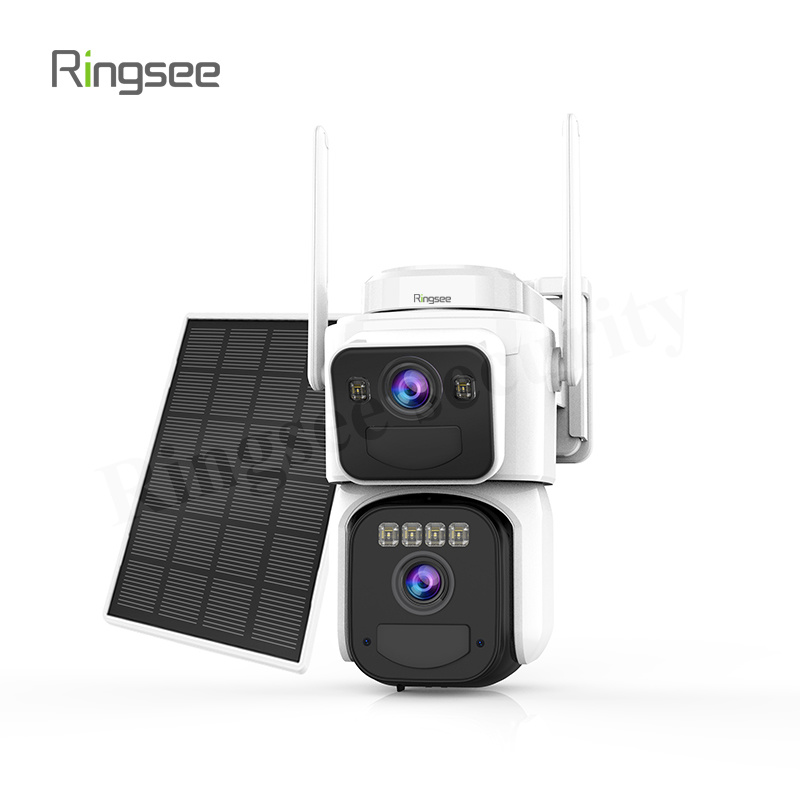
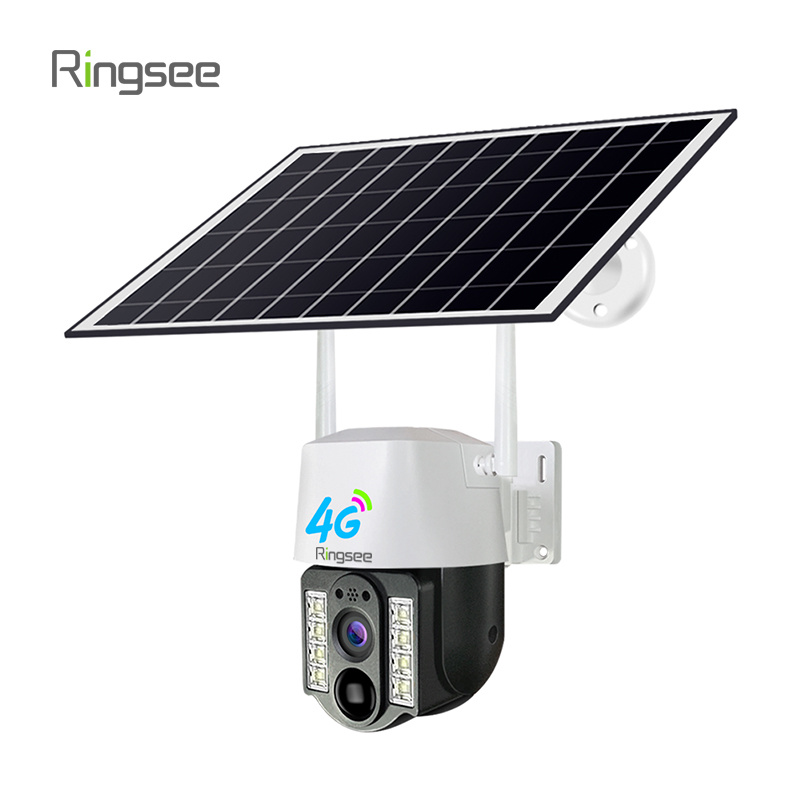
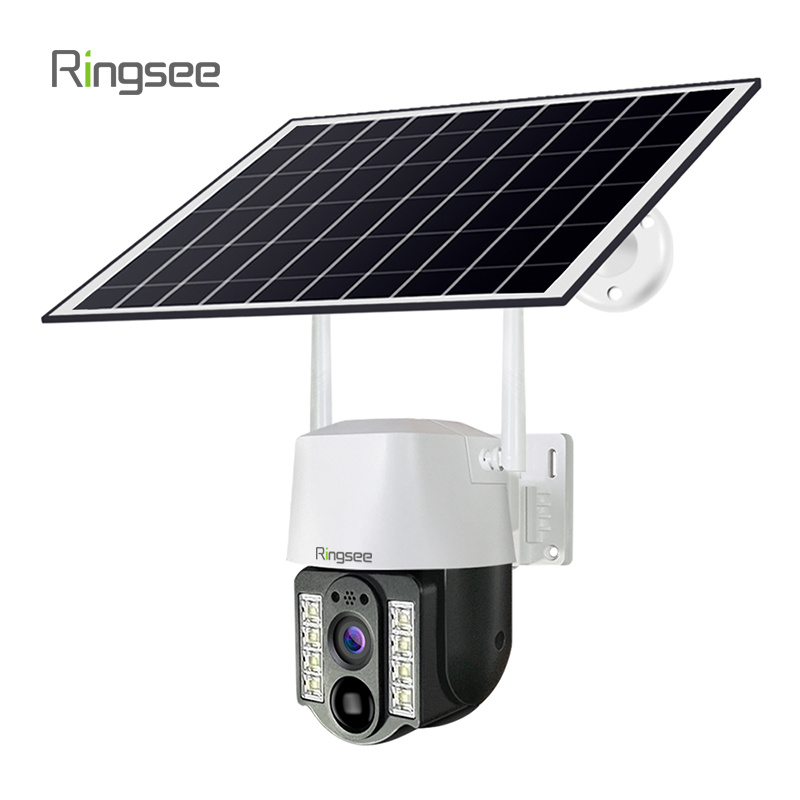
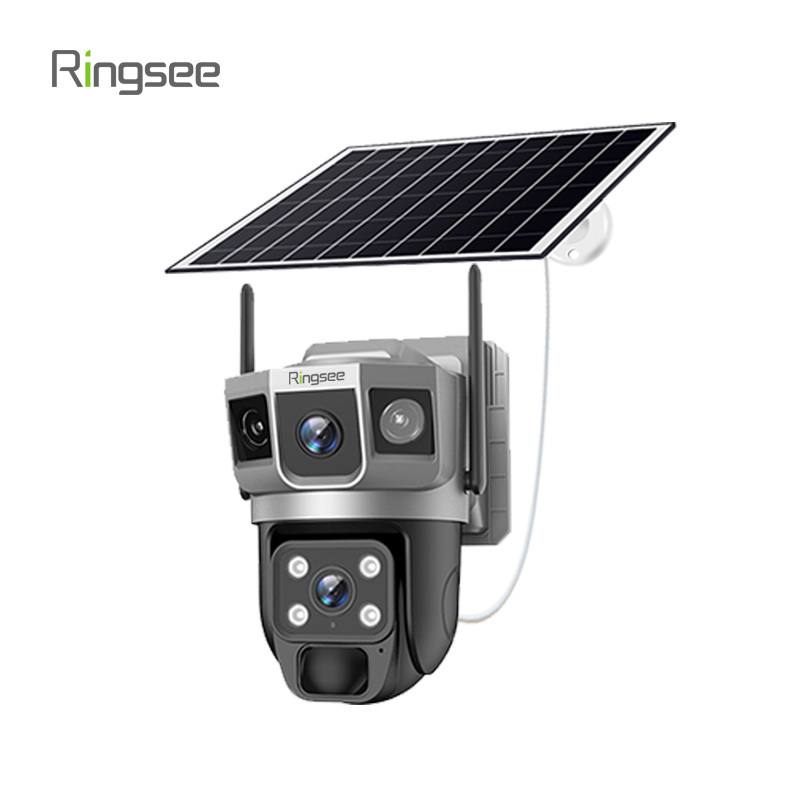
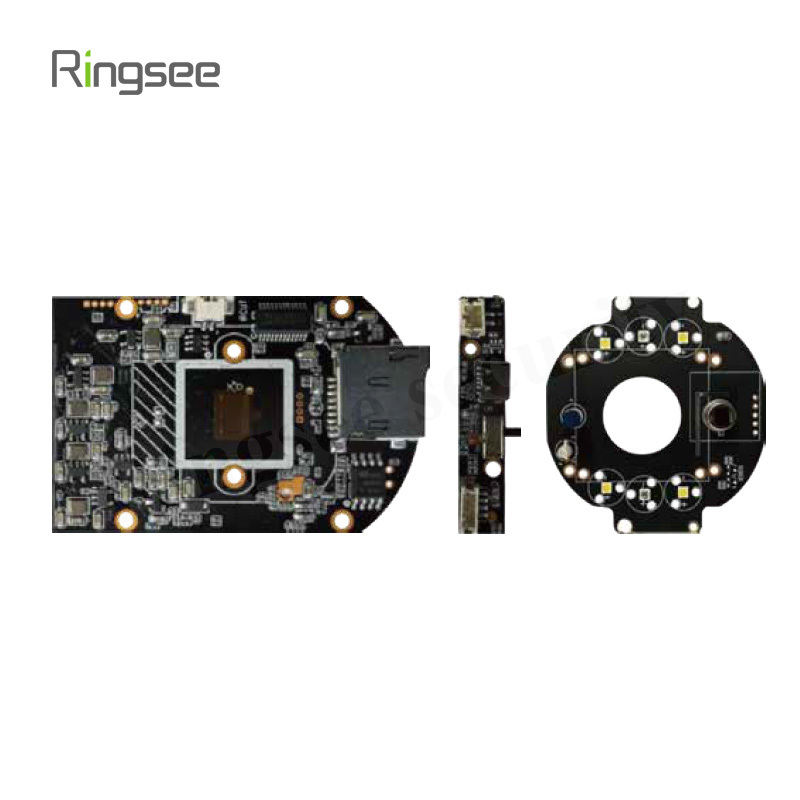
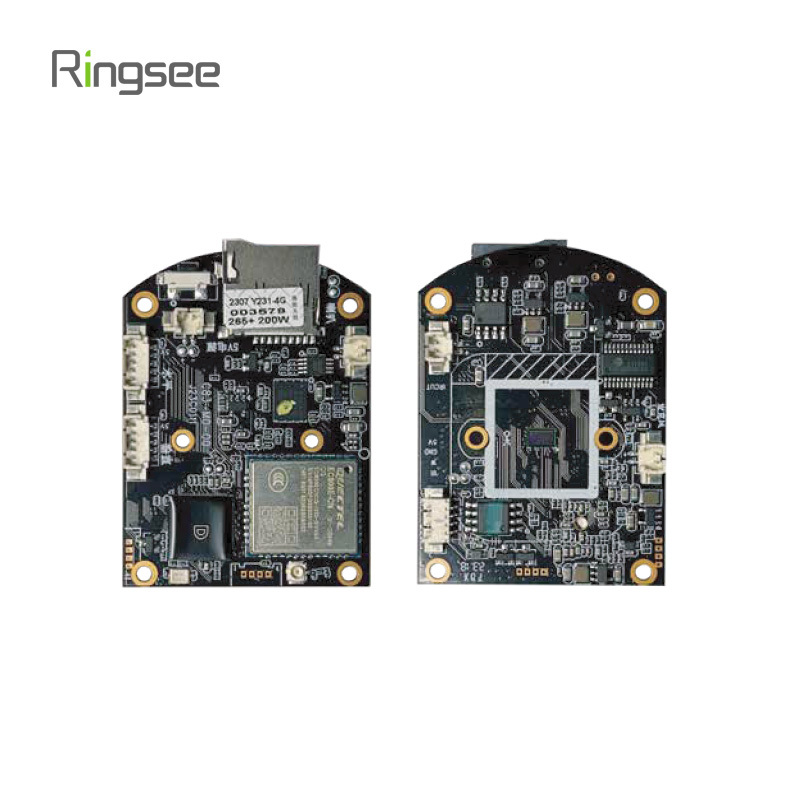
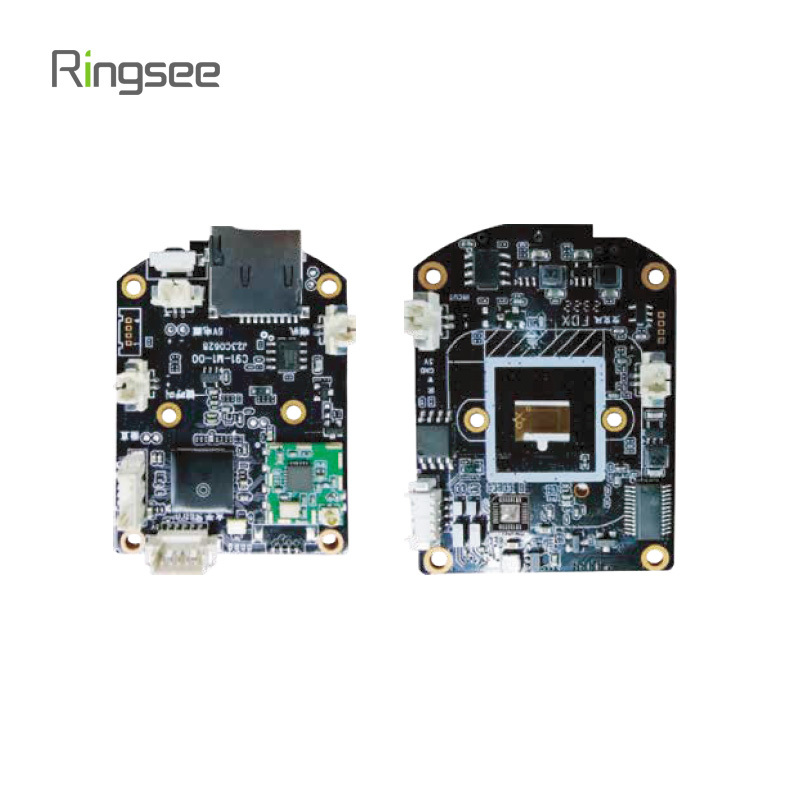
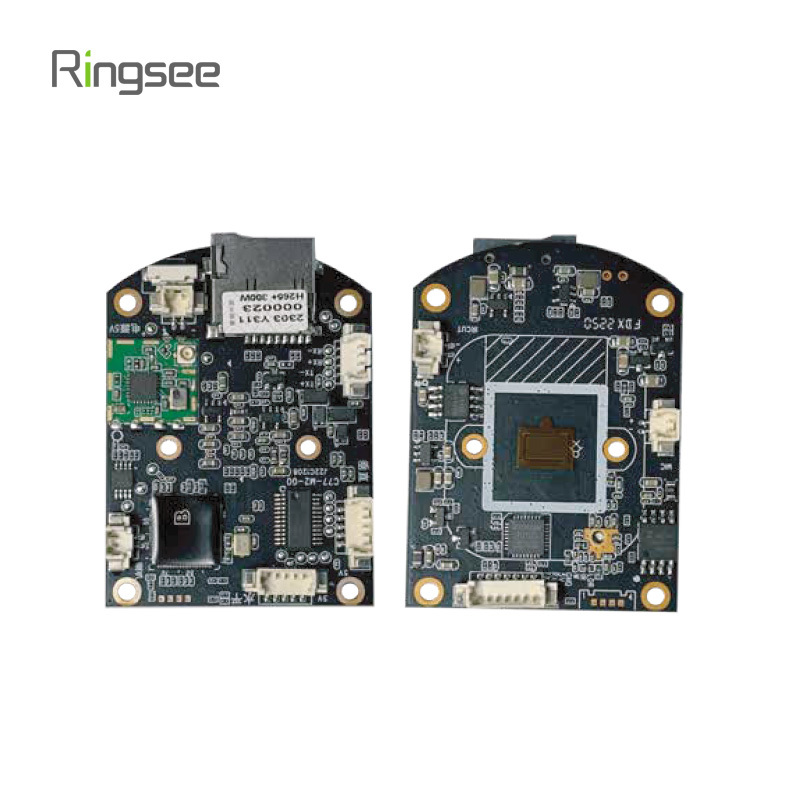
The brand you choose matters. A reputable manufacturer offers durable build quality, firmware updates, and responsive technical support. For example, Ringsee’s AOV 4G Solar Cameras are built for off-grid security, working without electricity or Wi-Fi, and feature Black Light Technology for high-definition full-color imaging day and night.
A 4G solar camera is more than just a security device — it’s peace of mind for remote and off-grid locations. By carefully evaluating these 10 factors, you’ll ensure your investment delivers long-term reliability, clear footage, and minimal maintenance.
Related News
Target readers: security owners, system integrators, and EHS engineers for petrochemical, oil and gas, pharmaceutical, powder processing, and coal mining sites where explosive gas or combustible dust exists. Core takeaway: a normal camera is itself an ignition source in flammable environments. You must use explosion proof cameras certified to ATEX, IECEx, or China Ex, selected by hazard zone, installed with proper grounding, and documented for compliance. This guide gives a reusable selection, install, and acceptance workflow.
Nov 08,2026
4G 5G Cellular Surveillance Camera Guide: Remote Video without Broadband
Target readers: security owners and integrators for farms, orchards, fisheries, construction, oil and mining sites, vehicle fleets, and remote African villages where broadband is scarce. Core takeaway: when there is no fiber, no broadband, and frequent power loss, a SIM card cellular camera is the easiest and most scalable remote video option. This guide gives a reusable architecture covering power, data, backhaul, AI, and compliant deployment.
Nov 08,2026
Analog CCTV Upgrade Guide: Coax HD Reuse vs Full IP Rebuild, Cost and Timeline Compared
Factory, campus and retail chains running analog surveillance for five or six years face the same wall: blurry images, unretrievable footage, and no path to AI analytics on legacy hardware. This guide breaks down pre-upgrade system inventory, compares the coax-HD reuse route against a full IP rebuild, gives bandwidth and storage recalculation formulas, and lays out a zoned, non-disruptive cutover plan with a selection checklist.
Oct 31,2026
CCTV Maintenance Outsourcing: SLA Tiers, Market Rates, KPI and Contract Playbook
Conclusion first: the real cost of a surveillance system is in its operation. Three years of maintenance typically equals 30% to 50% of the build cost, yet most buyers spend the budget at install and leave operation to whoever happens to notice. Lock the maintenance boundary while signing the build contract. This guide breaks down the in-house versus outsourced decision model, a three-tier SLA (P1 / P2 / P3), per-point market rates and how to read a quote, the two KPIs that decide payment (camera online rate and footage integrity), the five clauses every contract must hold, the 90-day handover that most often loses control, plus a selection checklist and acceptance tests.
Oct 25,2026
Links:One Belt Power Technology
Add: 14th Floor, Baoshan Building, Longhua District, Shenzhen China.
Privacy Policy | SEO | CitySite | Support: 300.cn Dongguan